
This page is not an official page of the app or its developer, but an independent editorial publication created for informational and commentary purposes. Unless expressly stated otherwise, neither the app nor its developer is affiliated with, endorsed by, sponsored by, authorized by, or otherwise officially connected with MWM, Apple, Google Play, the app publisher, or the app's developer, and nothing on this page implies that the app was developed using MWM's services. Any trademarks, logos, screenshots, and other content remain the property of their respective owners.


Spider Solitaire Classic Z
Rediscover the pure joy of the classic experience you know and love. Simple, relaxing, and designed to keep your focus sharp during your favorite moments of peace.
Downloads
44K+User Rating
Total Ratings
0Publisher
Category
GamesLocales
1Latest Version
6.0Size
64.2 MBFirst Released
Dec 19, 2018Experience the Timeless Classic
Rediscover the joy of Spider Solitaire with a version crafted for comfort, mental clarity, and total relaxation.
Keep Your Mind Sharp
Challenge your logic and focus with a classic card game designed to give your brain a gentle, daily workout.
Pure Zen Relaxation
Escape into a stress-free environment where you can play at your own pace—no timers and no pressure.
Frequently Asked Questions
Everything you need to know about Spider Solitaire Classic Z
What is the main objective of Spider Solitaire Classic Z?
The main objective of Spider Solitaire Classic Z is to organize all cards in descending order from king to ace. These organized cards must be within the same suit to form complete runs.
How do you move cards in Spider Solitaire Classic Z?
Cards can be moved between columns in Spider Solitaire Classic Z as long as they stack in the proper descending sequence. Any card can also be placed on an empty column.
How do you deal new cards in Spider Solitaire Classic Z?
To deal a new row of cards in Spider Solitaire Classic Z, tap on the stockpiles located in the lower-right corner. Dealing new cards is not possible if any columns are empty.
Does Spider Solitaire Classic Z support multiple suit game modes?
Yes, Spider Solitaire Classic Z supports multiple suit game modes. In these modes, players must organize descending cards that share the same suit to complete runs.
Can I play Spider Solitaire Classic Z with only one suit?
Yes, players can enjoy Spider Solitaire Classic Z with only one suit. This specific game mode is available within the application.
Does Spider Solitaire Classic Z have a leaderboard?
Yes, Spider Solitaire Classic Z includes a leaderboard feature. It displays "All Time" scores for friends and all players, categorized by different suit variations.
Does Spider Solitaire Classic Z track player scores?
Yes, Spider Solitaire Classic Z tracks player scores. The current score for a game is prominently displayed at the top of the game interface during gameplay.
The following screenshots and description are sourced directly from the app's official store listing and are the property of the app developer.
App Store
Screenshots
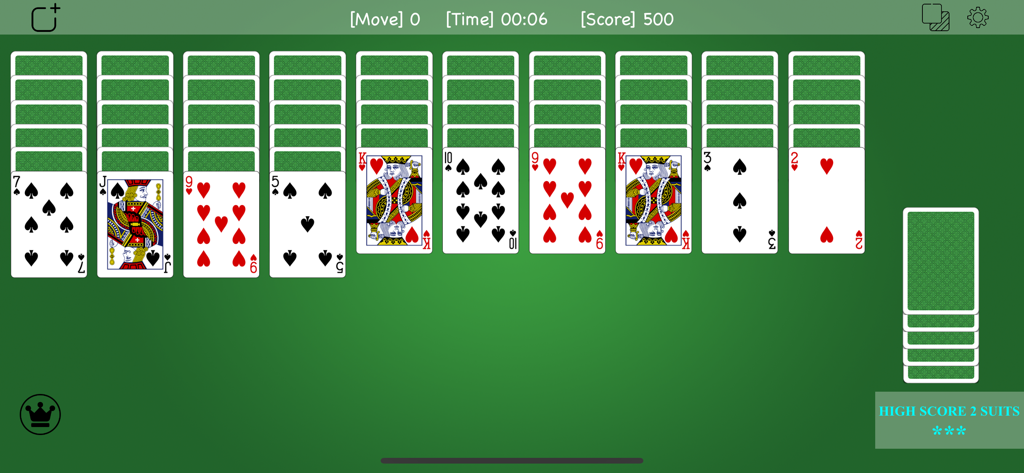
Spider Solitaire game screen showing cards on a green background
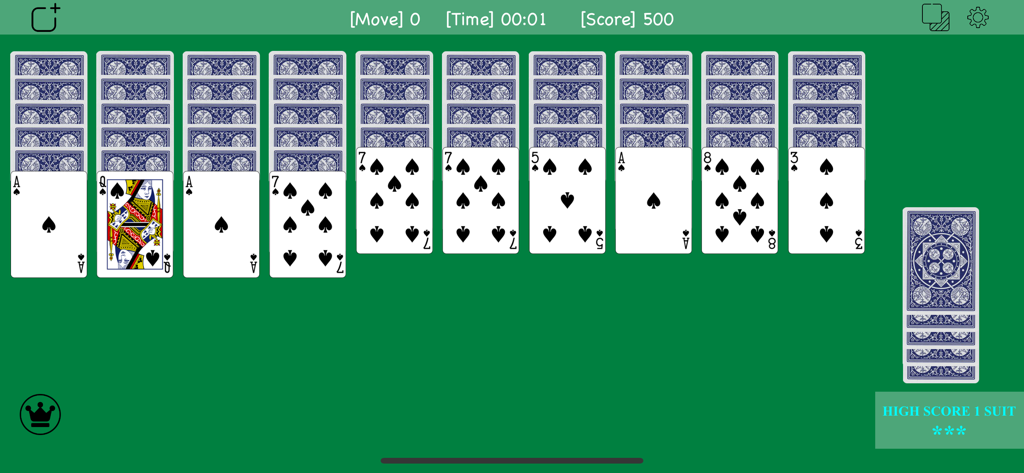
Classic Spider Solitaire game board with playing cards on a green background
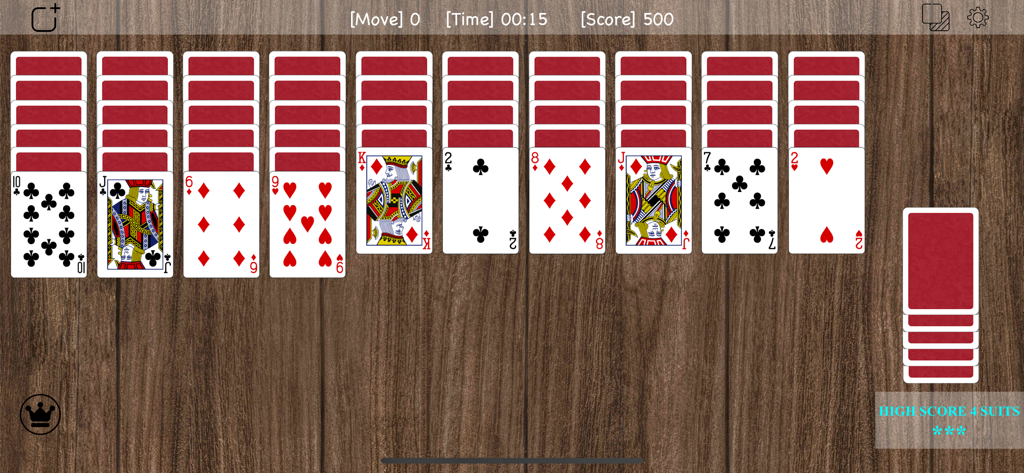
Classic Spider Solitaire game interface with cards arranged on a wooden background
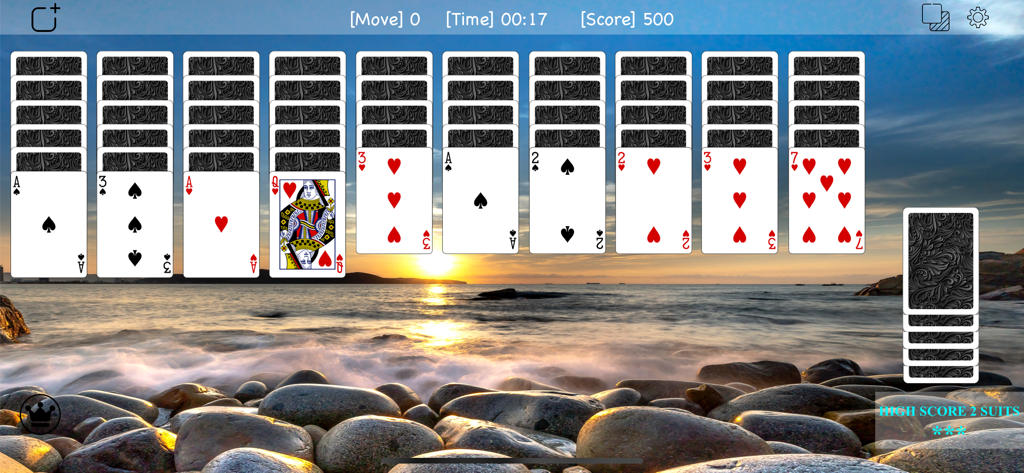
Spider Solitaire Classic Z card game on a sunset beach theme
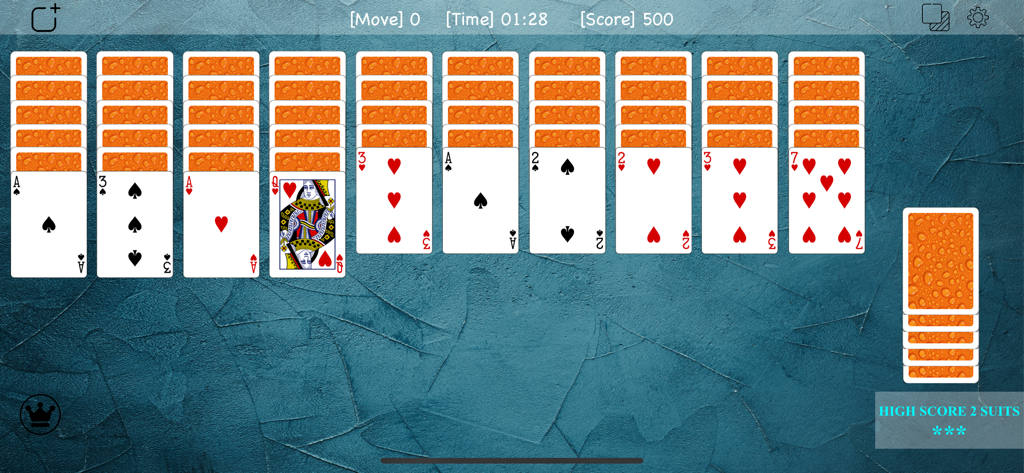
Classic Spider Solitaire gameplay showing orange card stacks on a blue textured background
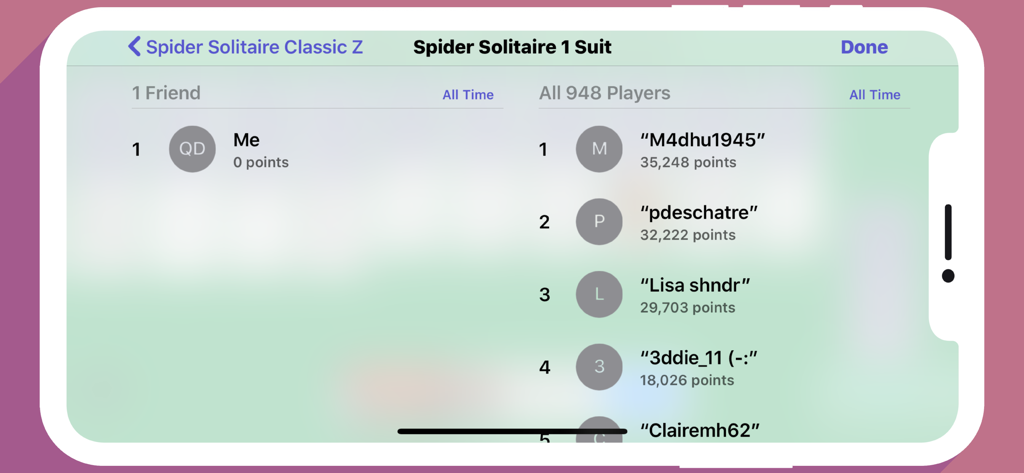
Leaderboard screen of Spider Solitaire Classic Z showing player rankings and scores for the one suit game mode
Description
Download
More Like This
Top-ranked apps in the same category

Block Blast!
ARETIS LIMITED

Heartopia
XD Entertainment Co., Ltd.

Solitaire Associations Journey
Hitapps Games LTD

Roblox
Roblox Corporation

Gossip Harbor®: Merge & Story
Microfun Limited

Arrows – Puzzle Escape
Lessmore UG haftungsbeschraenkt

Township
PLR Worldwide Sales Limited

Last War:Survival
FUNFLY PTE. LTD.

Vita Mahjong
VITA STUDIO PTE. LTD.
This page is not an official page of the app or its developer, but an independent editorial publication created for informational and commentary purposes. Unless expressly stated otherwise, neither the app nor its developer is affiliated with, endorsed by, sponsored by, authorized by, or otherwise officially connected with MWM, Apple, Google Play, the app publisher, or the app's developer, and nothing on this page implies that the app was developed using MWM's services. Any trademarks, logos, screenshots, and other content remain the property of their respective owners.