
This page is not an official page of the app or its developer, but an independent editorial publication created for informational and commentary purposes. Unless expressly stated otherwise, neither the app nor its developer is affiliated with, endorsed by, sponsored by, authorized by, or otherwise officially connected with MWM, Apple, Google Play, the app publisher, or the app's developer, and nothing on this page implies that the app was developed using MWM's services. Any trademarks, logos, screenshots, and other content remain the property of their respective owners.


Split Bills With Friends
Stop the math and skip the awkward money talks. Track shared expenses for trips, roommates, and nights out—all in one place with a simple link.
Downloads
3K+User Rating
Total Ratings
0Publisher
Category
FinanceLocales
1Latest Version
1.9.8Size
75.0 MBFirst Released
Apr 3, 2021Spend More Time Together, Less Time Doing Math
Whether it's a weekend getaway, a group dinner, or monthly rent with roommates, manage your group finances with total transparency and zero friction.
Instant Invite via Link
Drop a link into your group chat. Friends can join and start adding expenses immediately without a tedious sign-up process.
Flexible Splitting Logic
Not everyone ordered the appetizers? Split costs equally, by percentages, or by specific items to ensure everyone pays their fair share.
The following screenshots and description are sourced directly from the app's official store listing and are the property of the app developer.
App Store
Screenshots
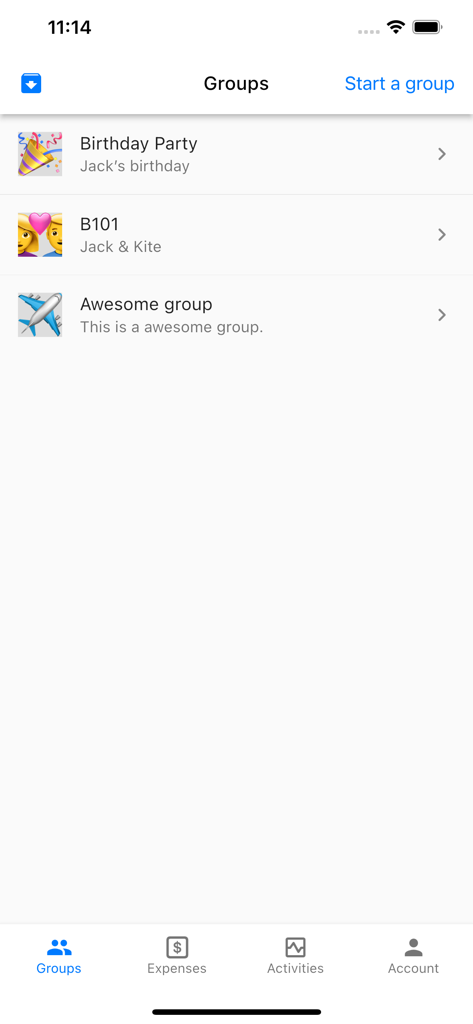
Interface of the Split Bills With Friends app showing a list of shared expense groups like Birthday Party and Awesome group
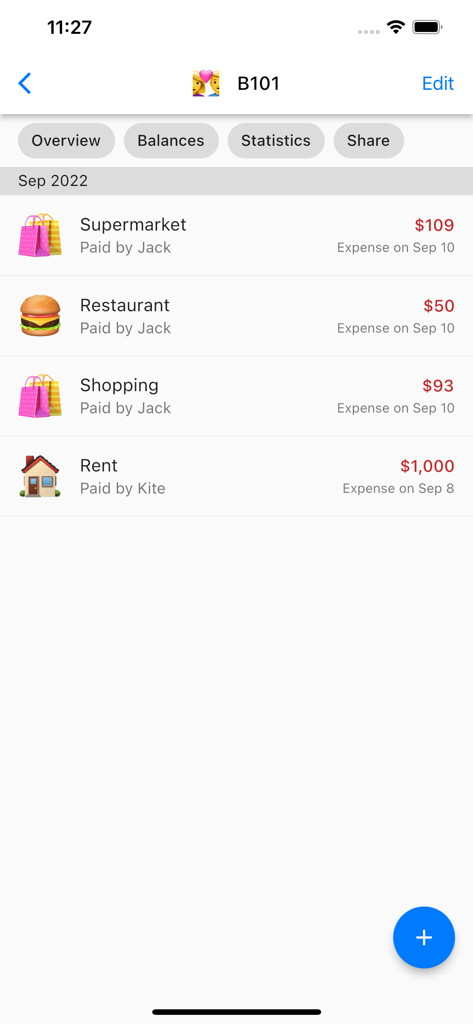
A list of shared group expenses for rent, supermarket, and dining in the Split Bills app.
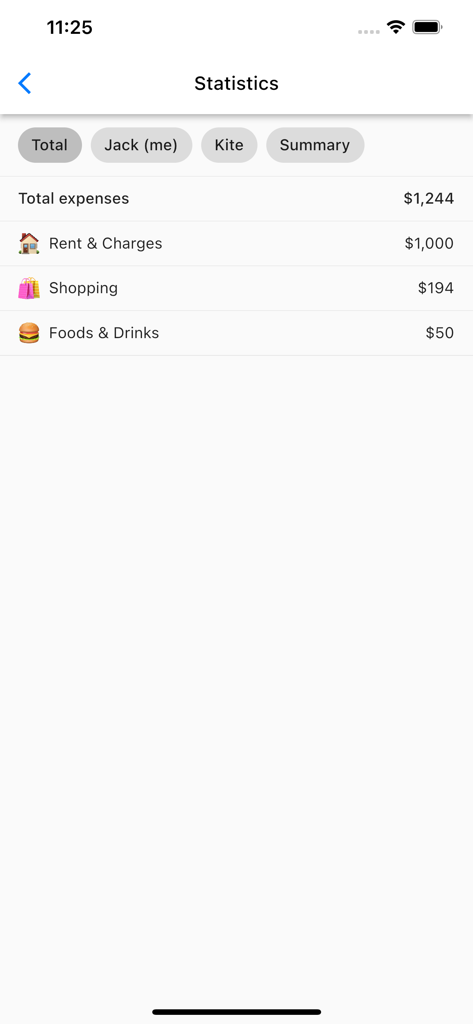
Statistics screen showing a summary of shared expenses for rent, shopping, and food
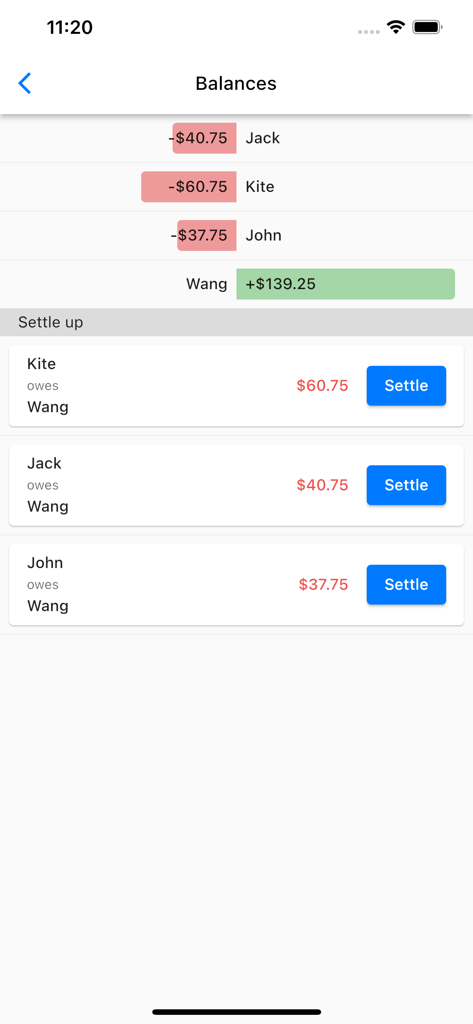
Interface showing group balances and settle up options to pay back friends
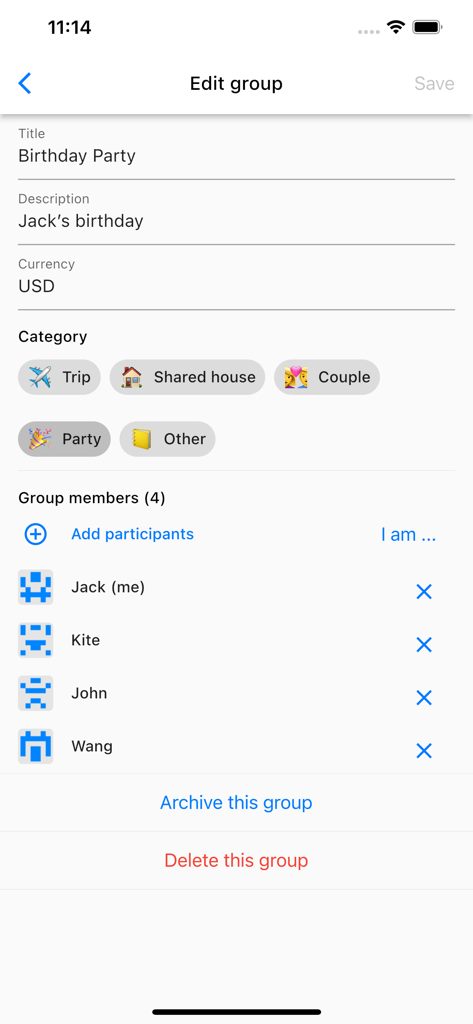
iPhone screen showing the edit group interface for a birthday party with a list of members including Jack, Kite, John, and Wang.
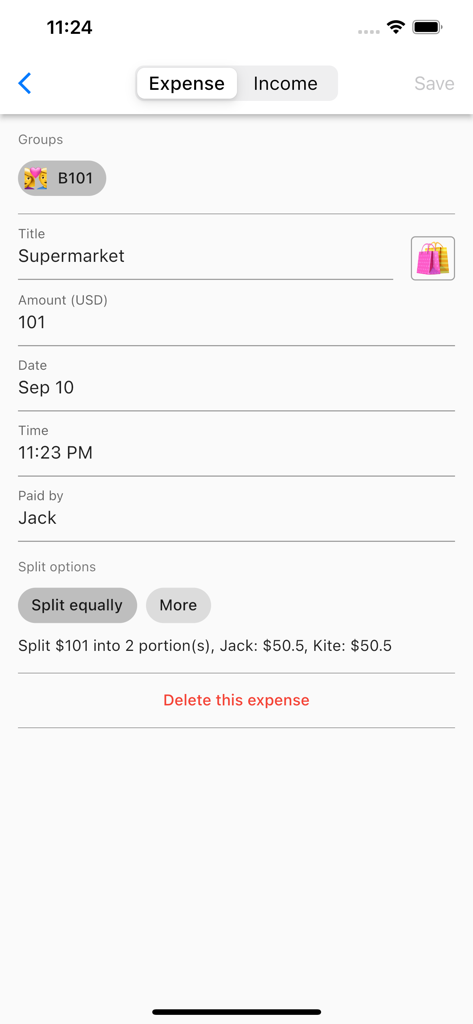
An expense entry screen in the app showing a supermarket bill split equally between two people.
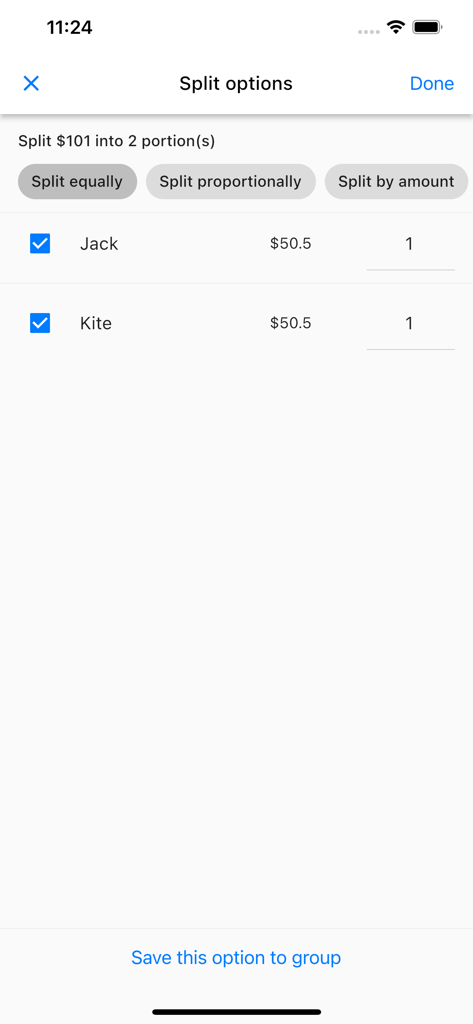
Interface of the Split Bills With Friends app showing options for splitting a bill equally between two people
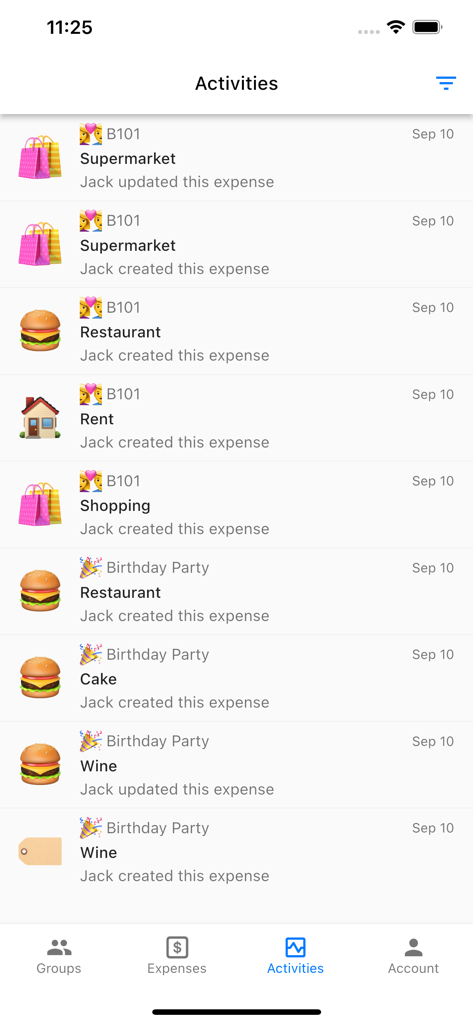
Activity log screen showing recent shared expenses for supermarket dining and rent in the Split Bills app
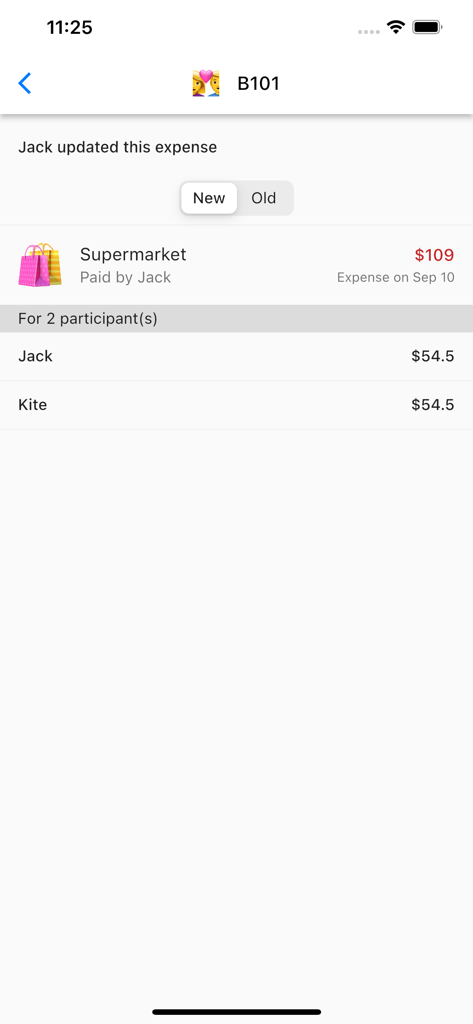
A screenshot showing a grocery expense split equally between two participants
Description
Download
More Like This
Top-ranked apps in the same category

电子税务局
State Administration of Taxation

UnionPay APP
China Unionpay Co.,Ltd.

养基宝 - 年轻人的养基神器
Shenzhen Xiaoduotou Information Technology Co.,Ltd.

PayPal - Pay, Send, Save
PayPal, Inc.

中国农业银行
AGRICULTURAL BANK OF CHINA LIMITED

Mercado Pago: cuenta digital
MercadoLibre S.A.

Kalshi: Trade on the Big Game
KALSHI INC.

中国工商银行
Industrial and Commercial Bank of China

个人所得税
State Administration of Taxation
This page is not an official page of the app or its developer, but an independent editorial publication created for informational and commentary purposes. Unless expressly stated otherwise, neither the app nor its developer is affiliated with, endorsed by, sponsored by, authorized by, or otherwise officially connected with MWM, Apple, Google Play, the app publisher, or the app's developer, and nothing on this page implies that the app was developed using MWM's services. Any trademarks, logos, screenshots, and other content remain the property of their respective owners.