
This page is not an official page of the app or its developer, but an independent editorial publication created for informational and commentary purposes. Unless expressly stated otherwise, neither the app nor its developer is affiliated with, endorsed by, sponsored by, authorized by, or otherwise officially connected with MWM, Apple, Google Play, the app publisher, or the app's developer, and nothing on this page implies that the app was developed using MWM's services. Any trademarks, logos, screenshots, and other content remain the property of their respective owners.


StageWave
Ditch the expensive hardware and cable clutter. Turn your smartphone into a high-end in-ear monitor receiver and take total control of your personal mix with your existing gear.
Downloads
26K+User Rating
Total Ratings
100Publisher
Category
MusicLocales
3Latest Version
5.0.2Size
34.5 MBFirst Released
Oct 10, 2019Professional In-Ear Monitoring on Your Terms
Get studio-quality stage sound using the gear you already own. StageWave turns your smartphone into a powerful wireless receiver for a fraction of the cost of traditional hardware.
Your Phone is the Receiver
Skip the $1,000 belt packs. Transform your smartphone into a high-fidelity, low-latency wireless monitor receiver for ultimate stage freedom.
Total Mix Autonomy
Stop relying on the sound guy. Take full control of your personal monitor levels, EQ, and panning directly from your mobile device.
The following screenshots and description are sourced directly from the app's official store listing and are the property of the app developer.
App Store
Screenshots
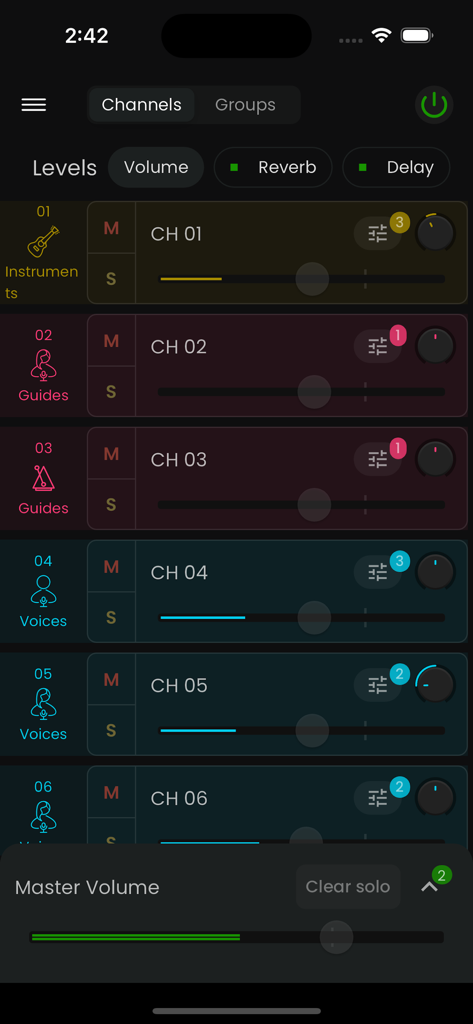
StageWave digital mixer interface showing audio channels and volume controls for wireless monitoring
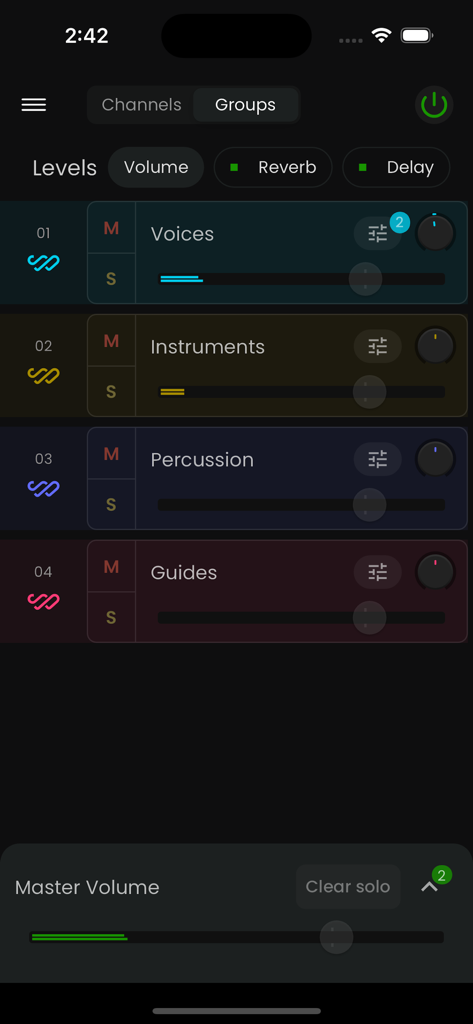
StageWave app interface for mixing audio group levels including voices instruments and percussion
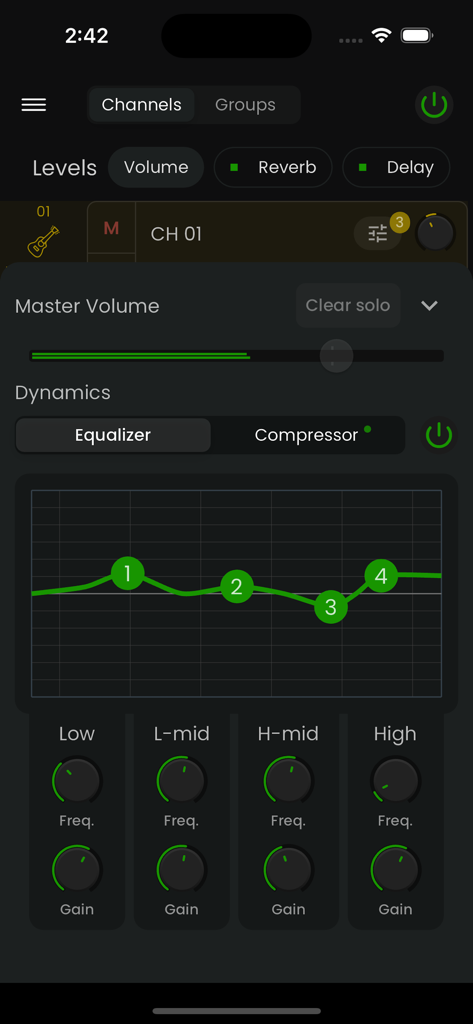
StageWave mobile app equalizer interface with dynamics and frequency controls for wireless monitoring
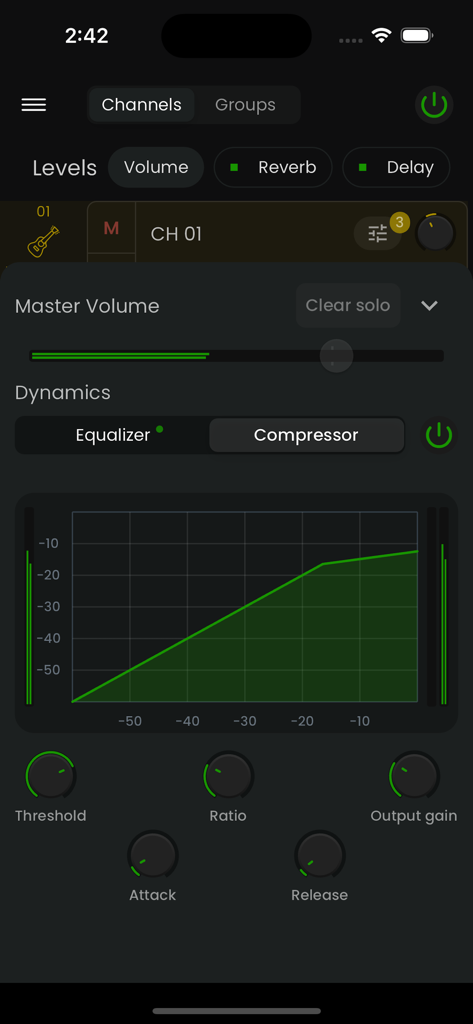
StageWave app interface displaying professional audio compressor settings with a dynamics graph and control knobs
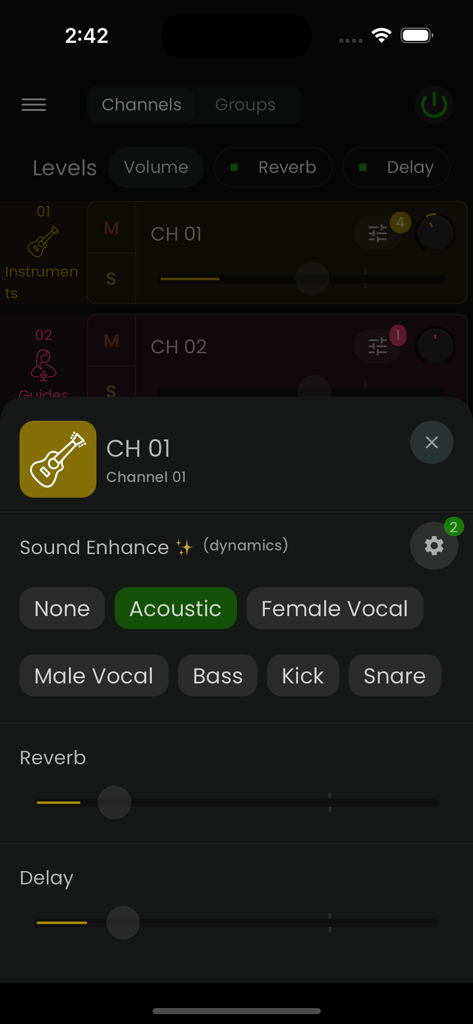
StageWave app interface showing sound enhancement presets and effect sliders for an acoustic guitar channel
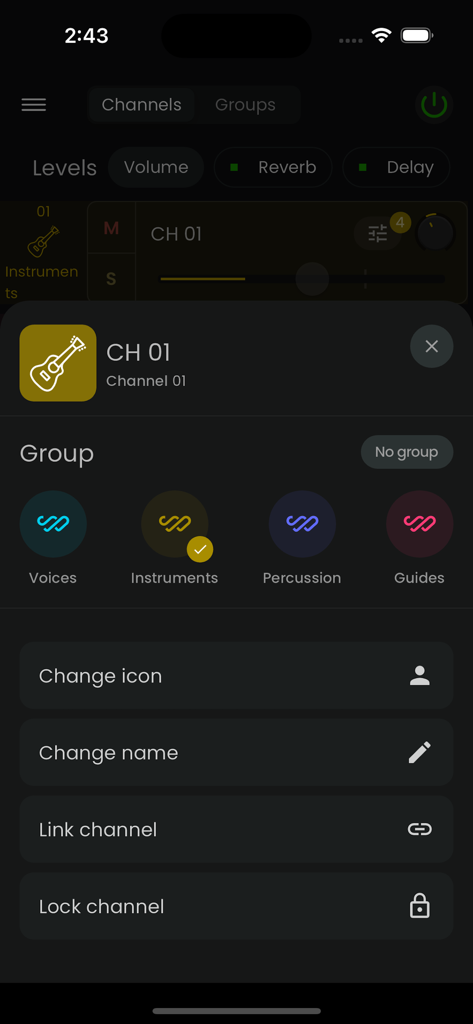
Mobile interface of StageWave app showing audio channel settings and grouping options for musicians
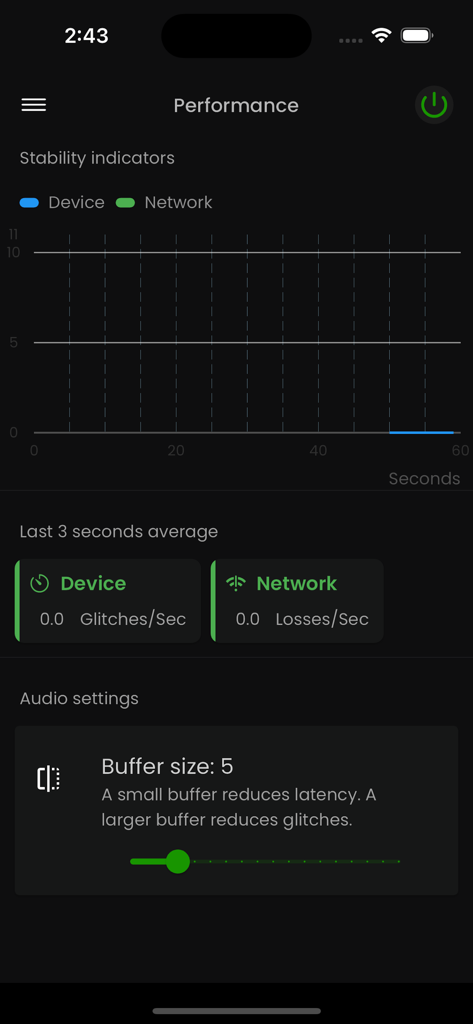
Performance dashboard in StageWave app showing stability indicators and buffer size settings
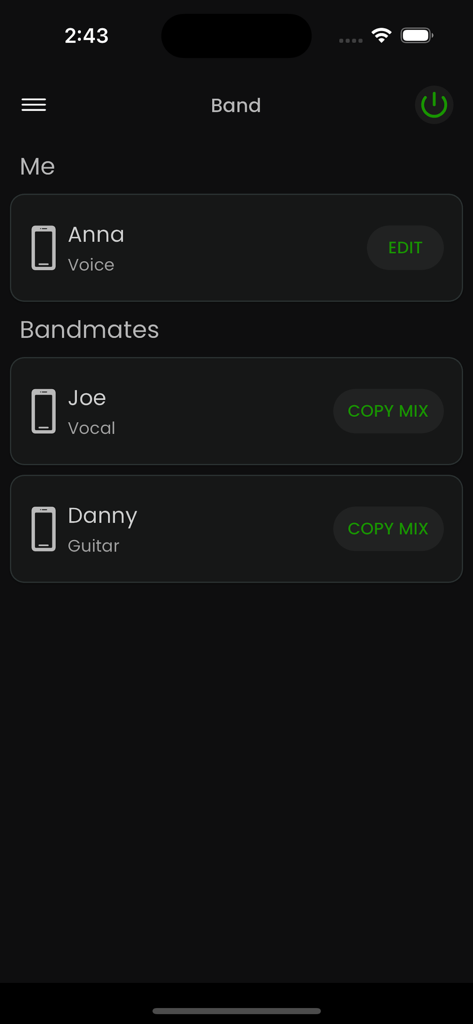
StageWave app interface showing band members list with options to edit and copy monitor mixes
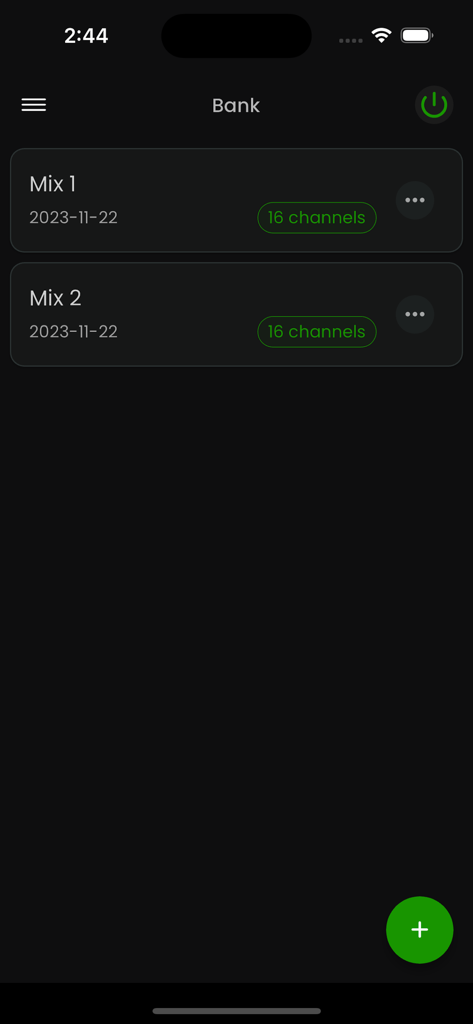
StageWave app screen showing a bank of saved 16-channel monitor mixes.
Description
Download
More Like This
Top-ranked apps in the same category

Spotify: Music and Podcasts
Spotify

YouTube Music
Google LLC

Shazam: Find Music & Concerts
Apple Inc.

SoundCloud: The Music You Love
SoundCloud Global Limited & Co KG

Suno - AI Songs & Music
Suno Inc.

QQ音乐 - 听我想听
Tencent Technology (Shenzhen) Company Limited

Audiomack - Play Music Offline
Audiomack, Inc.

BandLab – Music Maker & Beats
BandLab Singapore Pte Ltd

GuitarTuna: Tune & Play Guitar
Yousician Ltd
This page is not an official page of the app or its developer, but an independent editorial publication created for informational and commentary purposes. Unless expressly stated otherwise, neither the app nor its developer is affiliated with, endorsed by, sponsored by, authorized by, or otherwise officially connected with MWM, Apple, Google Play, the app publisher, or the app's developer, and nothing on this page implies that the app was developed using MWM's services. Any trademarks, logos, screenshots, and other content remain the property of their respective owners.