
This page is not an official page of the app or its developer, but an independent editorial publication created for informational and commentary purposes. Unless expressly stated otherwise, neither the app nor its developer is affiliated with, endorsed by, sponsored by, authorized by, or otherwise officially connected with MWM, Apple, Google Play, the app publisher, or the app's developer, and nothing on this page implies that the app was developed using MWM's services. Any trademarks, logos, screenshots, and other content remain the property of their respective owners.

StatLab
Calculate sample sizes, perform hypothesis tests, and visualize data with industry-standard accuracy. Empower your research with a professional, ad-free tool designed for academic excellence.
Downloads
100User Rating
Total Ratings
0Publisher
Category
EducationLocales
3Latest Version
1.0Size
1.1 MBFirst Released
May 28, 2025Research with Total Confidence
StatLab equips students and researchers with industry-standard tools to validate data and design studies with mathematical precision.
Precision Study Design
Determine the ideal sample size and margin of error instantly to ensure your research meets rigorous academic standards.
Interactive Visualizations
Run hypothesis tests and bridge the gap between theory and data with dynamic graphs and real-time Z-test interpretation.
The following screenshots and description are sourced directly from the app's official store listing and are the property of the app developer.
App Store
Screenshots
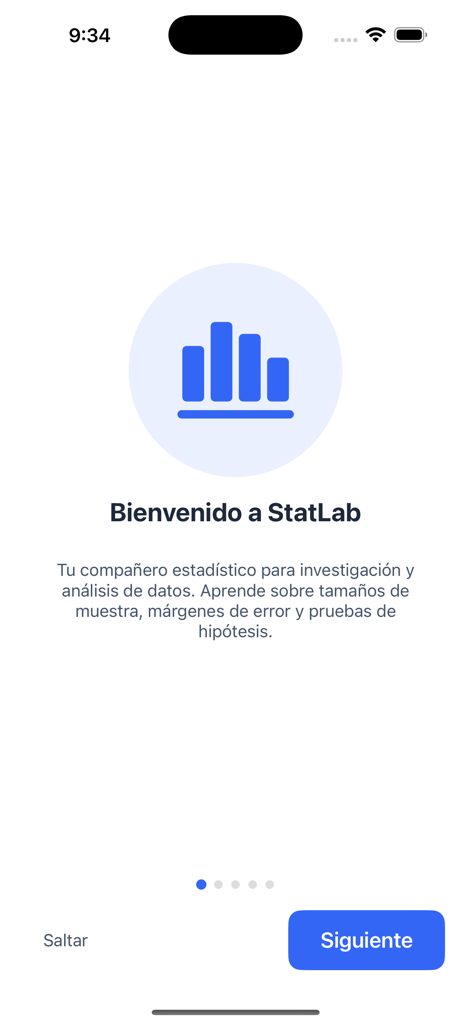
StatLab welcome screen with a blue bar chart icon and introductory text about statistical research.
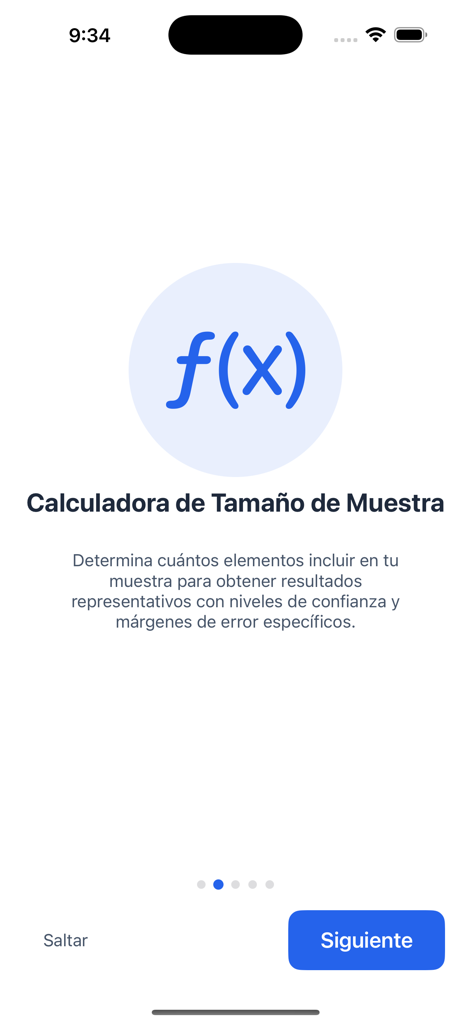
StatLab app onboarding screen for the sample size calculator feature with an f(x) icon.
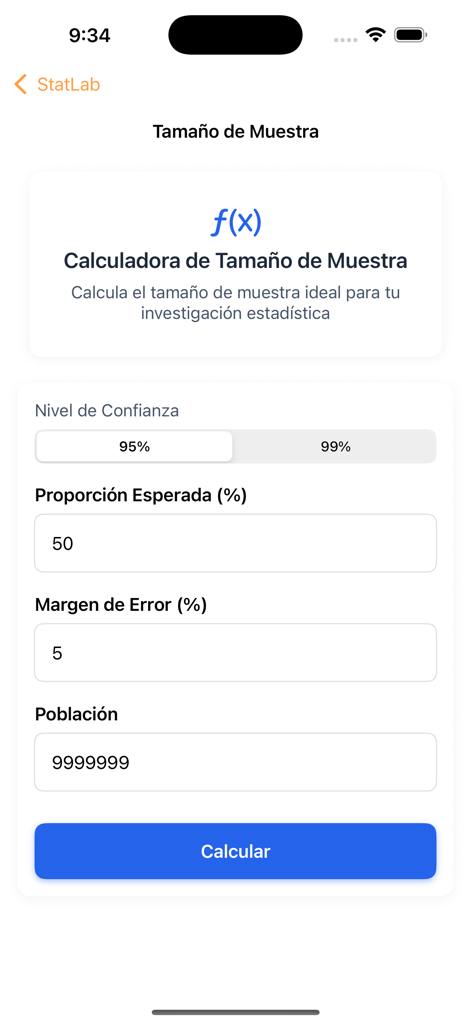
StatLab app interface for calculating statistical sample size with input fields for confidence level and margin of error
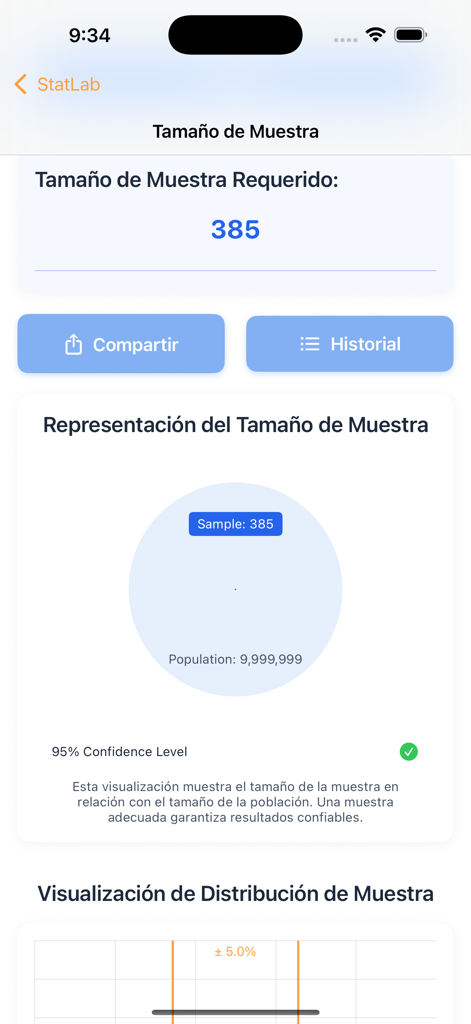
StatLab app screen showing a calculated sample size of 385 with a visual representation of the sample relative to the population.
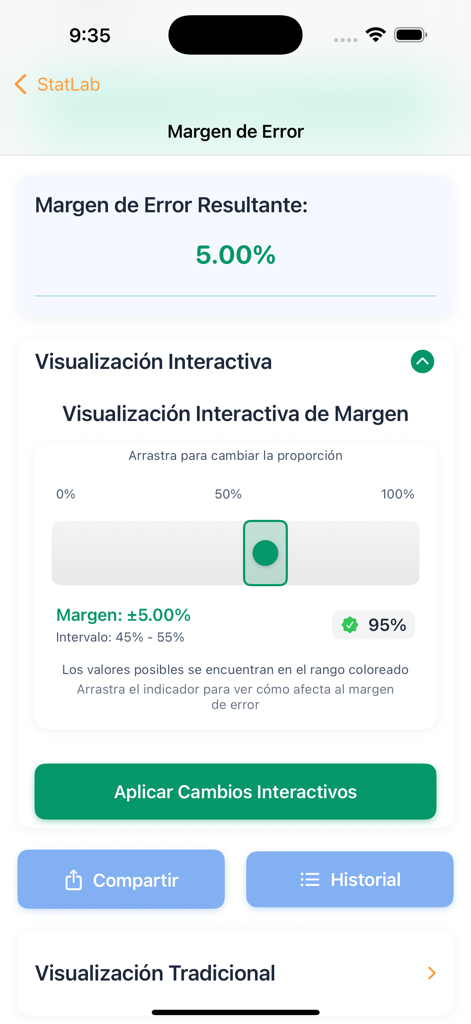
StatLab app interface displaying a margin of error calculation of 5.00 percent with an interactive proportion slider.
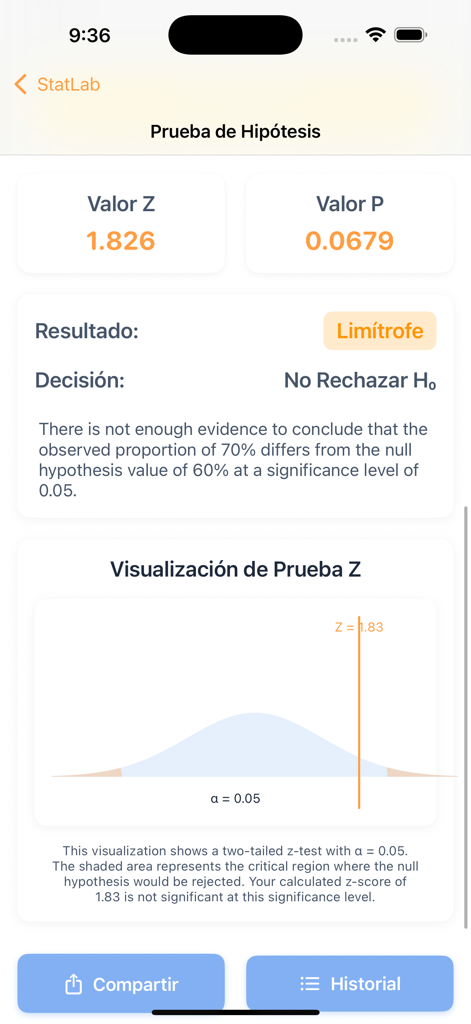
StatLab app screen displaying hypothesis test results including Z-value, P-value, and an interactive Z-test bell curve visualization.
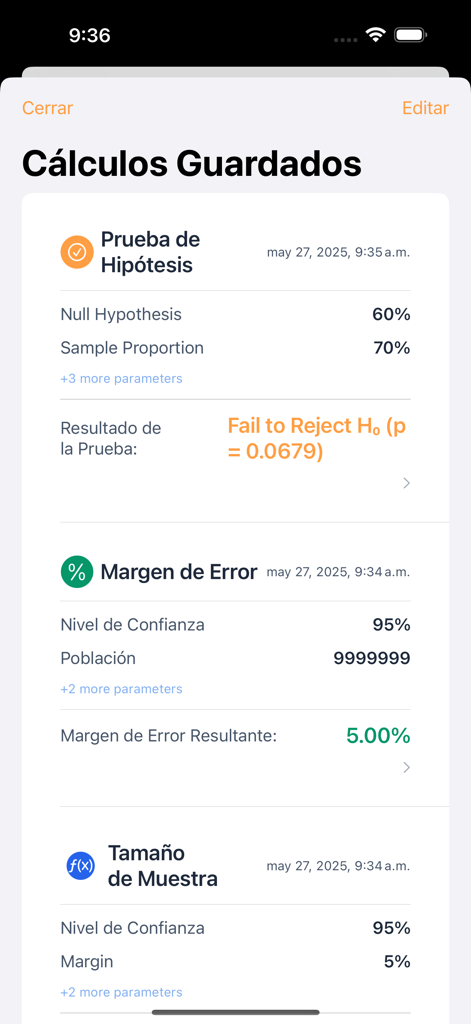
StatLab app interface showing a list of saved statistical calculations including hypothesis testing results and margin of error data.
Description
Download
More Like This
Top-ranked apps in the same category

Duolingo - Language Lessons
Duolingo, Inc

Speak & Learn English: Learna
DEEP FLOW SOFTWARE SERVICES - FZCO

驾考宝典-科一科四驾驶证考试驾考通
Wuhan Jiakaobaodian Information Service Co., Ltd.

Toca Boca World
Toca Boca AB

Google Classroom
Google LLC

作业帮-中小学家长作业检查和辅导工具
Guangzhou Polar Future Culture Technology Co., Ltd

Gauth: AI Study Companion
GAUTHTECH PTE. LTD.

学信网
Student Information Consultation Service Co., Ltd.

ArtWorkout: Learn How to Draw
Aleksandr Ulitin
This page is not an official page of the app or its developer, but an independent editorial publication created for informational and commentary purposes. Unless expressly stated otherwise, neither the app nor its developer is affiliated with, endorsed by, sponsored by, authorized by, or otherwise officially connected with MWM, Apple, Google Play, the app publisher, or the app's developer, and nothing on this page implies that the app was developed using MWM's services. Any trademarks, logos, screenshots, and other content remain the property of their respective owners.