
This page is not an official page of the app or its developer, but an independent editorial publication created for informational and commentary purposes. Unless expressly stated otherwise, neither the app nor its developer is affiliated with, endorsed by, sponsored by, authorized by, or otherwise officially connected with MWM, Apple, Google Play, the app publisher, or the app's developer, and nothing on this page implies that the app was developed using MWM's services. Any trademarks, logos, screenshots, and other content remain the property of their respective owners.
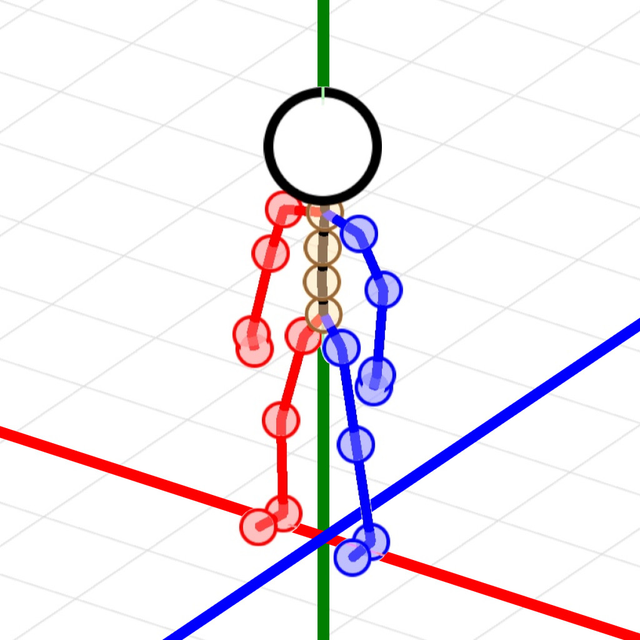

Stick Figure 3D Pose
The ultimate pocket-sized 3D mannequin for artists and creators. Pose with precision, animate with ease, and export buttery-smooth high-FPS videos for your art, games, or social media.
Downloads
600User Rating
Total Ratings
0Publisher
Category
Graphics & DesignLocales
2Latest Version
1.0.1Size
3.3 MBFirst Released
Sep 23, 2025Create, Pose, and Animate Like a Pro
The high-performance 3D mannequin tool designed for digital artists, indie devs, and content creators. Master human motion without the steep learning curve of desktop software.
Perfect Your Anatomy
Import photos from your camera roll to use as references. Match 3D stick figures to real-world poses to solve complex perspective issues in seconds.
Buttery Smooth Animation
Use automatic interpolation to generate up to 240 FPS. Create fluid, professional-grade motion sequences that look amazing on TikTok and Reels.
The following screenshots and description are sourced directly from the app's official store listing and are the property of the app developer.
App Store
Screenshots
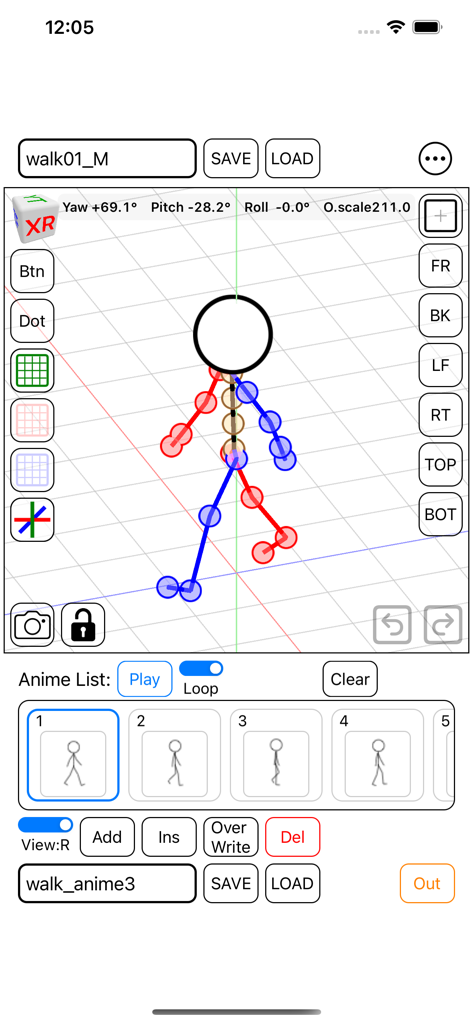
Interface of the Stick Figure 3D Pose app showing a walking animation sequence with keyframes
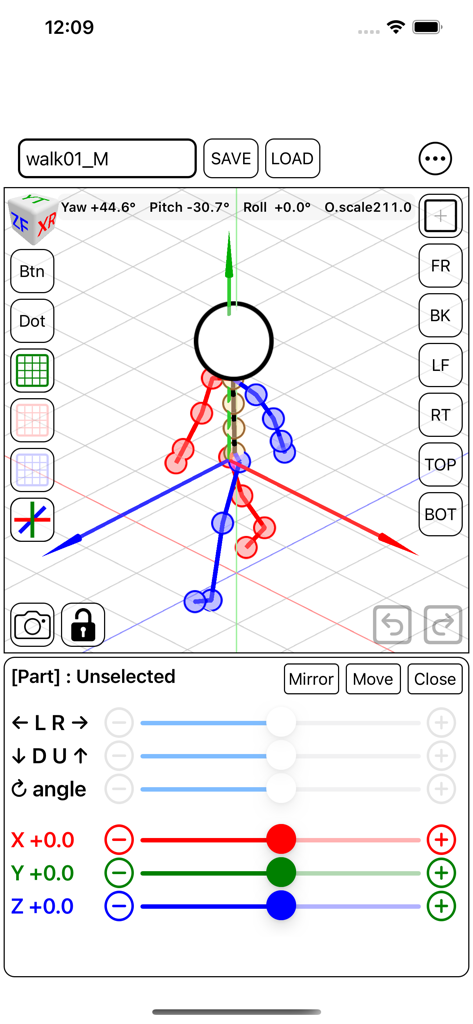
Stick Figure 3D Pose app interface showing a mannequin on a grid with transformation sliders and camera controls
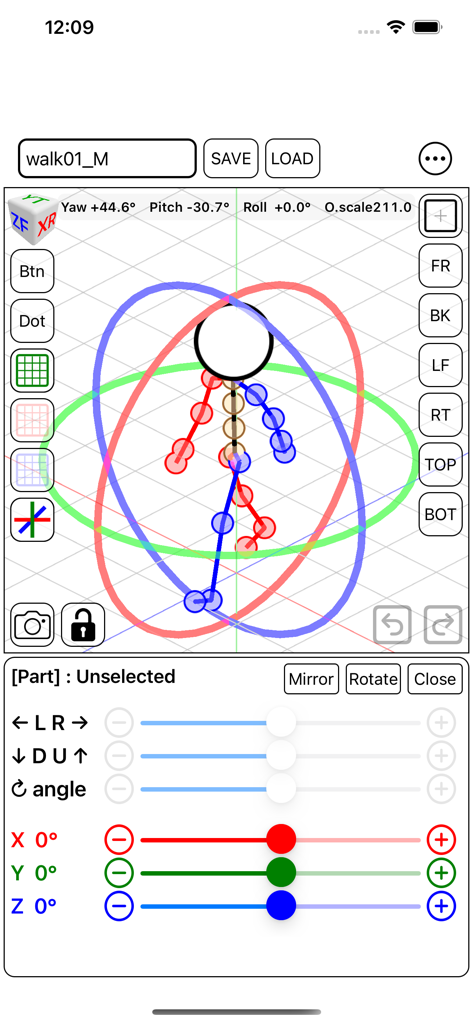
Interface of the Stick Figure 3D Pose app showing a stickman character with 3D rotation controls and movement sliders
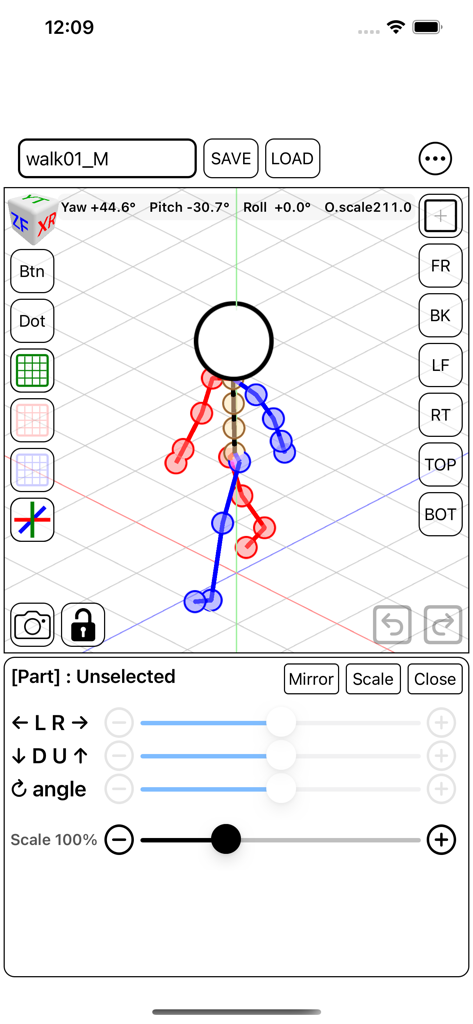
Stick Figure 3D Pose app showing a walking animation frame and UI controls
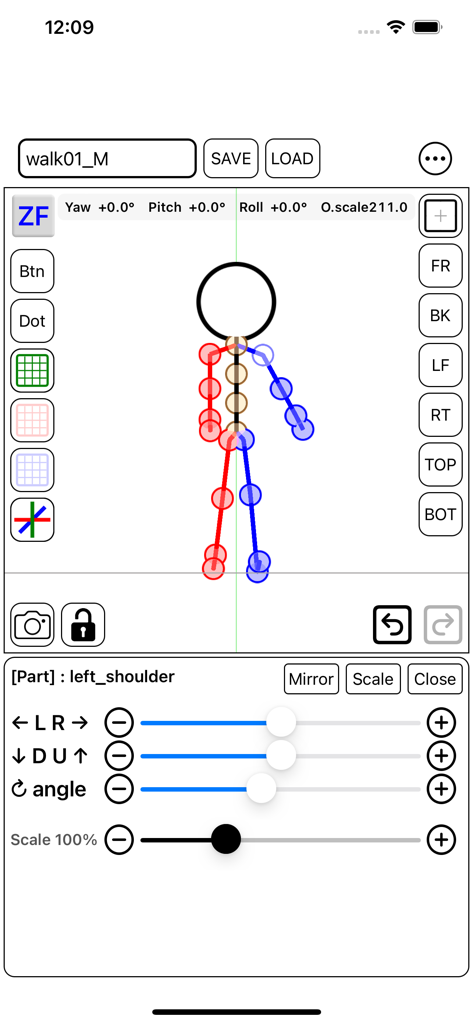
Stick Figure 3D Pose app interface showing joint rotation and movement sliders for a 3D stick figure model
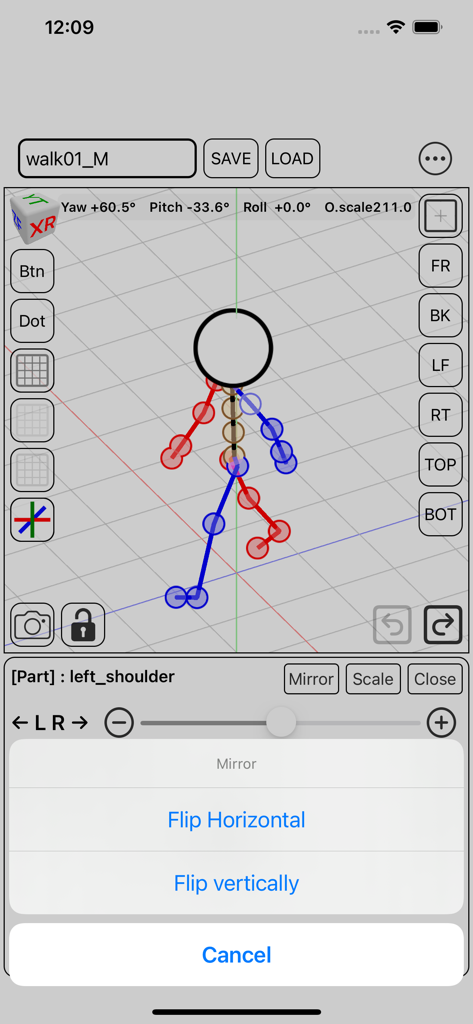
Interface of the Stick Figure 3D Pose app showing a stick figure in a walking pose with the mirror and flip menu open.
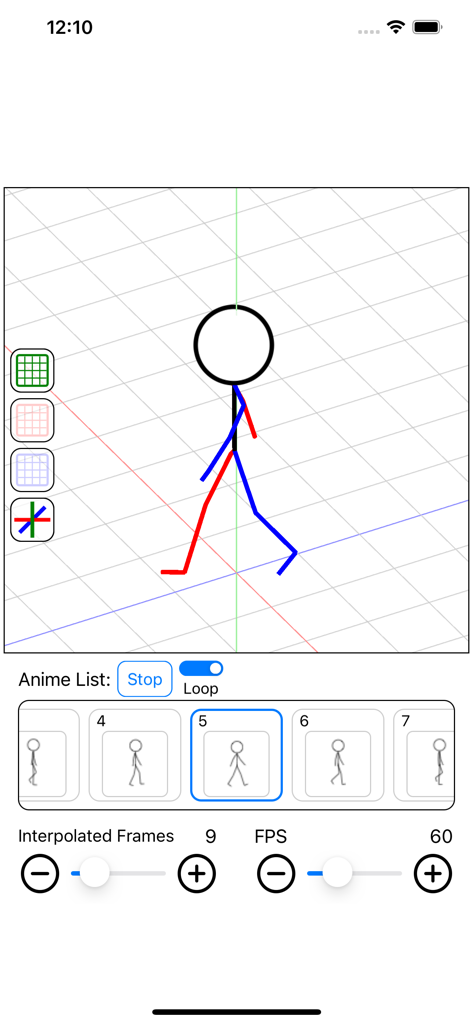
Stick Figure 3D Pose animation timeline showing a walking mannequin and frame settings
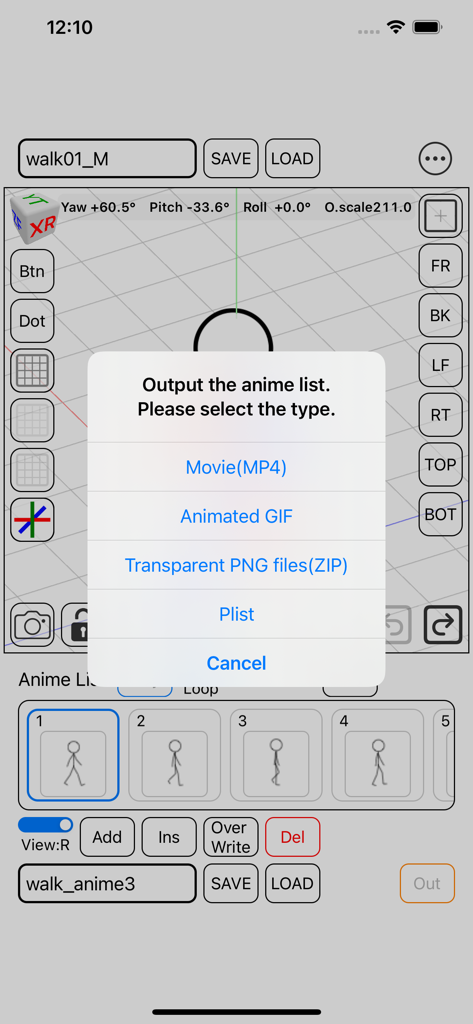
Interface of the Stick Figure 3D Pose app showing animation export options including MP4, GIF, and transparent PNG formats
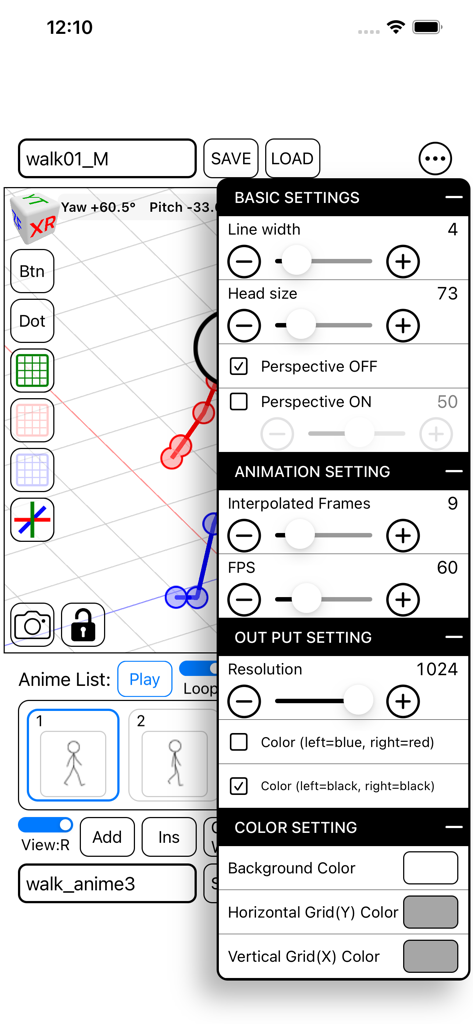
The settings menu of the Stick Figure 3D Pose app showing animation and output controls.
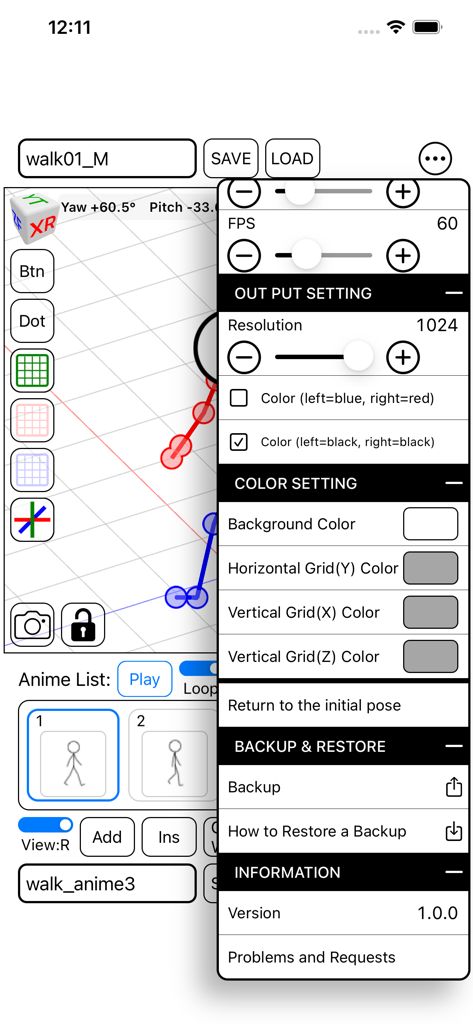
Stick Figure 3D Pose app interface showing animation output settings and a 3D stick figure walk cycle
Description
Download
More Like This
Top-ranked apps in the same category

iScreen - Widgets & Wallpaper
Xiamen ShenZhuo Information Technology Co., Ltd.

Kling AI: AI Image&Video Maker
LOHAS GAMES PTE. LTD.

Home AI - AI Interior Design
HUBX YAZILIM HIZMETLERI ANONIM SIRKETI

ibis Paint X
ibis inc.

Dreamina AI: Image&Video Maker
BYTEDANCE PTE. LTD.

ThemeKit: Widget & Icon Themes
Woohoo Tech. Ltd.

Sketchbook®
Sketchbook, Inc.

Colorful Widget- Widget&Themes
Guangzhou ZHIFENG Information Technology Co.,Ltd.

AR Drawing: Sketch & Paint
Digital Solutions Technologies Limited
This page is not an official page of the app or its developer, but an independent editorial publication created for informational and commentary purposes. Unless expressly stated otherwise, neither the app nor its developer is affiliated with, endorsed by, sponsored by, authorized by, or otherwise officially connected with MWM, Apple, Google Play, the app publisher, or the app's developer, and nothing on this page implies that the app was developed using MWM's services. Any trademarks, logos, screenshots, and other content remain the property of their respective owners.