
Stick - Remote Control For TV


Stop hunting for lost remotes. Turn your phone into a powerful universal controller with a high-speed keyboard and precision touchpad designed for the modern streamer.
Publisher
Category
UtilitiesDownloads
2M+User Rating
Total Ratings
72K+Locales
27Discover the interface used by 2M+ users.
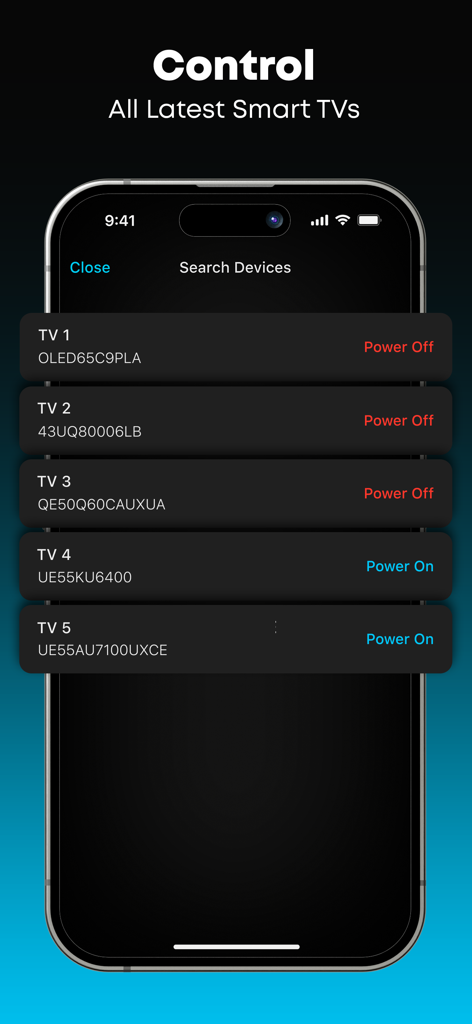
The tools that make this app stand out, trusted by 2M+ users.
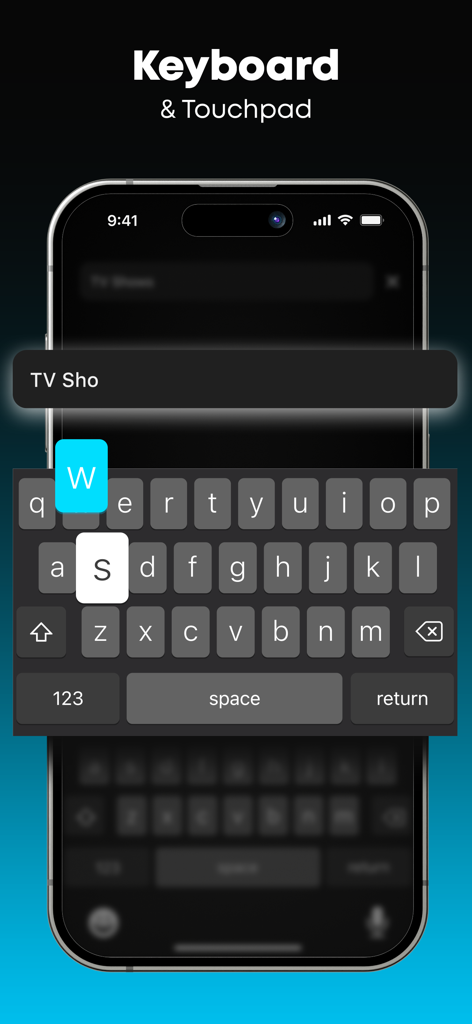
Ditch the frustrating on-screen keyboard. Use your phone to type search terms, logins, and titles in seconds.
Navigate menus and streaming apps with a responsive touchpad and joystick, providing a smoother experience than any physical remote.
One app to rule them all. Effortlessly switch between Roku, Firestick, and Smart TVs across different rooms without swapping hardware.
Everything you need to know about Stick - Remote Control For TV.
Description
Latest Version
3.0.4
Size
97.6 MB
First Released
Jan 10, 2024
Join over 2 million users who have upgraded to a smarter way to watch. Download Stick today and turn your phone into the only remote you'll ever need.
Everything you need to know about Stick - Remote Control For TV
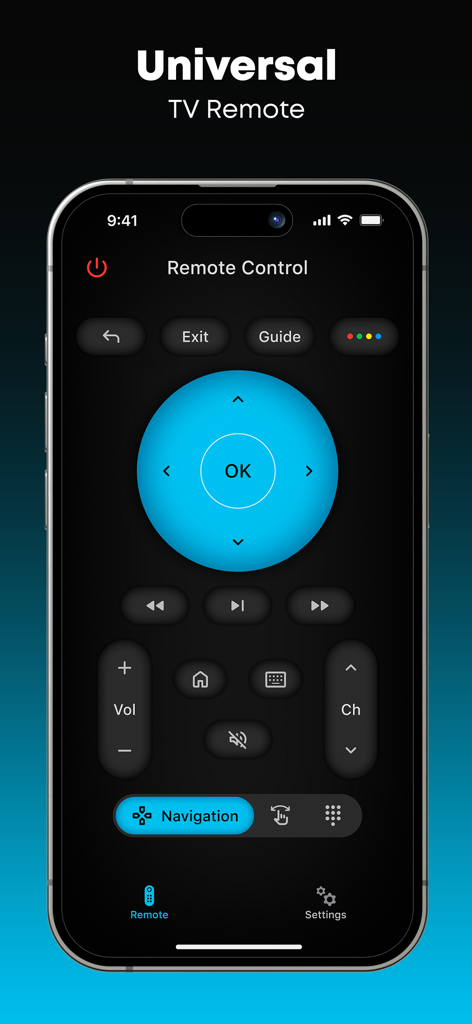
Stick - Remote Control For TV transforms your phone into a simple remote for various TV models. It allows users to switch channels, control audio, navigate menus, and use a touchpad or keyboard for easy input.
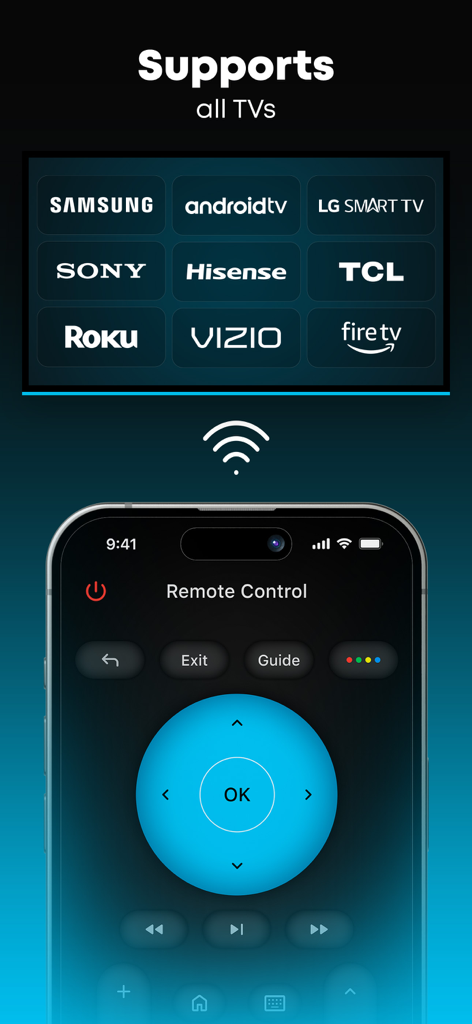
Stick - Remote Control For TV supports various brands including Samsung, Android TV, LG Smart TV, Sony, Hisense, TCL, Roku, Vizio, and Fire TV. It functions as a universal remote for these smart TVs.
Stick - Remote Control For TV uses your phone's screen as a touchpad or joystick. It includes a keyboard for typing and number controls for channels. The app connects to and controls various smart TV models.
Yes, Stick - Remote Control For TV offers a Premium version. It includes no ads, a smart keyboard for easier typing, and unique app themes to personalize your remote interface.
Stick - Remote Control For TV Premium offers a weekly subscription for $6.99 and an annual subscription for $29.99. Prices for other currencies correspond to the App Store Pricing Matrix.
Yes, Stick - Remote Control For TV includes a keyboard for typing and numbers for channel control. The Premium version features a Smart Keyboard for enhanced ease of use.
No, Stick - Remote Control For TV is not an official application for any TV brand. It is not affiliated with or endorsed by any company.
You can manage subscriptions and auto-renewal by going to Account Settings after purchase. To cancel, disable auto-renew at least 24 hours before the end of the current period.
The free version of Stick - Remote Control For TV contains ads. Upgrading to the Premium version removes all advertisements, providing an ad-free app experience.
Apps with similar features and user experience

ROKU INC

To Ngoc Mai

Apps Venture Inc.

Hangzhou Yingshitong Technology Co., Ltd.

Nemo Apps LLC

Mihai Turlea

clement gasner

CEMAL CAGLAR KIRICI

Anh Ngo
App information, icons, screenshots, and descriptions displayed on this page are sourced from the Apple App Store and are the property of their respective developers. Download estimates and rankings are based on MWM's proprietary models and may not reflect actual figures. This page is provided for informational and analytical purposes only.
Believe this page infringes your intellectual property? File a dispute

