
This page is not an official page of the app or its developer, but an independent editorial publication created for informational and commentary purposes. Unless expressly stated otherwise, neither the app nor its developer is affiliated with, endorsed by, sponsored by, authorized by, or otherwise officially connected with MWM, Apple, Google Play, the app publisher, or the app's developer, and nothing on this page implies that the app was developed using MWM's services. Any trademarks, logos, screenshots, and other content remain the property of their respective owners.


Stitchly: Cross stitch
The ultimate digital companion for modern crafters. Convert photos instantly, track every stitch, and export professional PDFs. Enjoy a premium experience with one-time purchase and zero subscriptions.
Downloads
142K+User Rating
Total Ratings
1K+Publisher
Category
LifestyleLocales
33Latest Version
3.8.2Size
43.3 MBFirst Released
Jun 15, 2019Your Complete Design & Stitching Studio
From instant photo conversion to professional-grade PDF exports, Stitchly provides all the powerful tools you need to create, track, and sell beautiful patterns—without any subscriptions.
Instant Photo Conversion
Turn your favorite memories or pet portraits into detailed patterns effortlessly with our smart wizard and DMC thread support.
Digital Progress Tracking
Say goodbye to paper charts and eye strain. Highlight symbols, zoom in for detail, and track every stitch as you work.
Frequently Asked Questions
Everything you need to know about Stitchly: Cross stitch
What is Stitchly: Cross stitch?
Stitchly is a cross stitch pattern maker app for iPhone and iPad. It allows users to create custom cross stitch patterns by converting photos or drawing original designs.
Does Stitchly: Cross stitch require a subscription?
No, Stitchly does not require a subscription. It is available as a one-time purchase, allowing users to create and export unlimited patterns.
Can Stitchly: Cross stitch convert photos into patterns?
Yes, Stitchly can convert photos into cross stitch patterns. It includes a custom-built wizard tool to help users choose the best settings for image conversion.
Can I draw my own cross stitch designs using Stitchly?
Yes, Stitchly allows users to draw their own cross stitch designs. The app provides a feature to show an image in the background for reference or tracing.
What thread brands does Stitchly support?
Stitchly supports DMC and Anchor thread, among many others. This allows for diverse material choices when creating cross stitch patterns.
Can I export my cross stitch patterns from Stitchly as a PDF?
Yes, Stitchly allows users to export their finished cross stitch patterns as a printable PDF. The PDF includes pattern details and can be printed.
Can I track my cross stitch progress within the Stitchly app?
Yes, Stitchly includes a progress tracker. Users can view their pattern in the app, highlight symbols, and mark stitches as completed while working.
Can I sell cross stitch patterns created with Stitchly?
Yes, users can sell patterns created with Stitchly. The app also allows users to add their store details to their PDF exports for professional branding.
Where is my data stored when using Stitchly?
All user data in Stitchly is stored locally on the device. All processing occurs locally, and data is never transmitted to third parties.
Is Stitchly compatible with multiple devices using a single purchase?
Yes, a single purchase of Stitchly unlocks the full version across iPhone, iPad, and Mac (M1 chip or later). Family Sharing is also enabled.
The following screenshots and description are sourced directly from the app's official store listing and are the property of the app developer.
App Store
Screenshots
Stitchly app banner with a pixel art bee and text saying Create your own cross stitch patterns
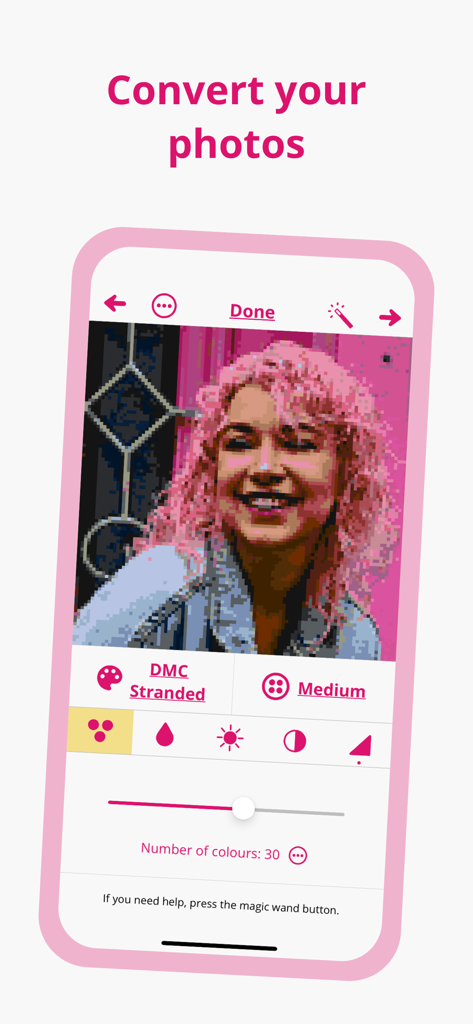
A screenshot of the Stitchly app interface showing a photo of a woman with pink hair being converted into a cross-stitch pattern with DMC thread options.
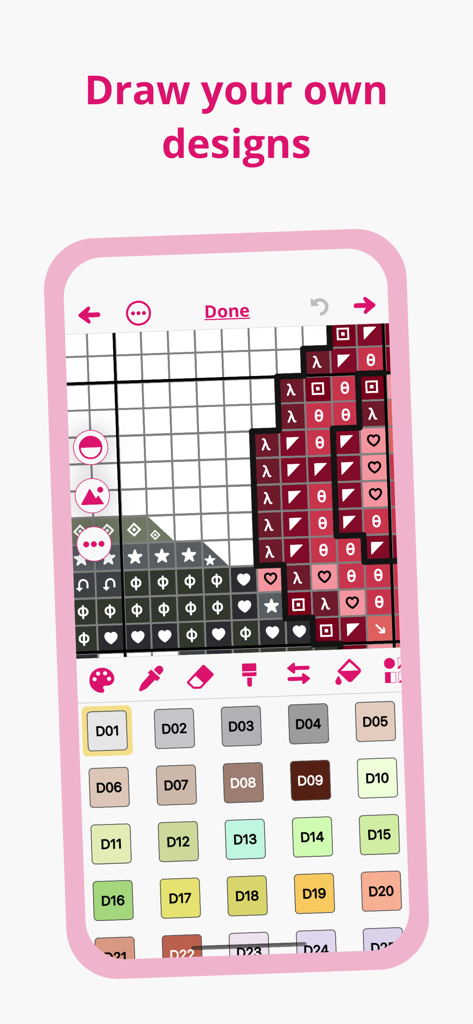
Interface of the Stitchly app showing a cross stitch pattern grid and color palette for drawing custom designs
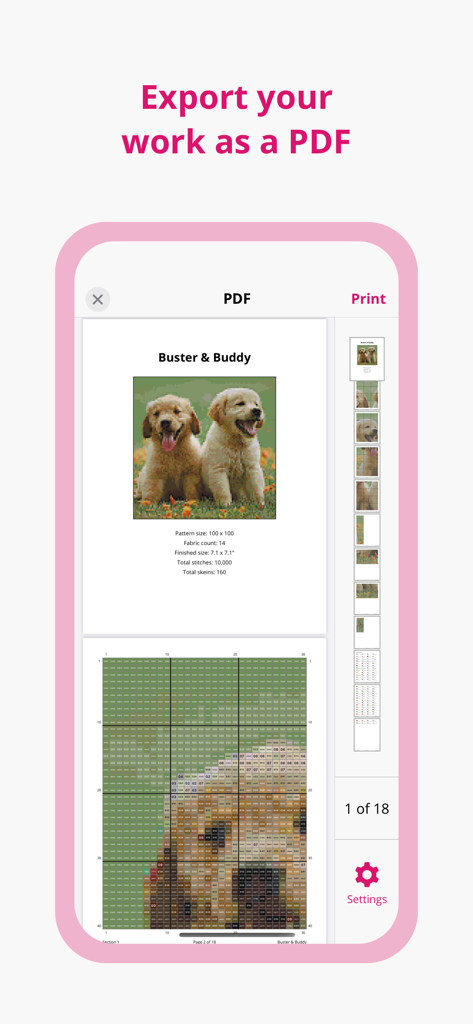
Stitchly app interface showing a cross stitch pattern preview for PDF export
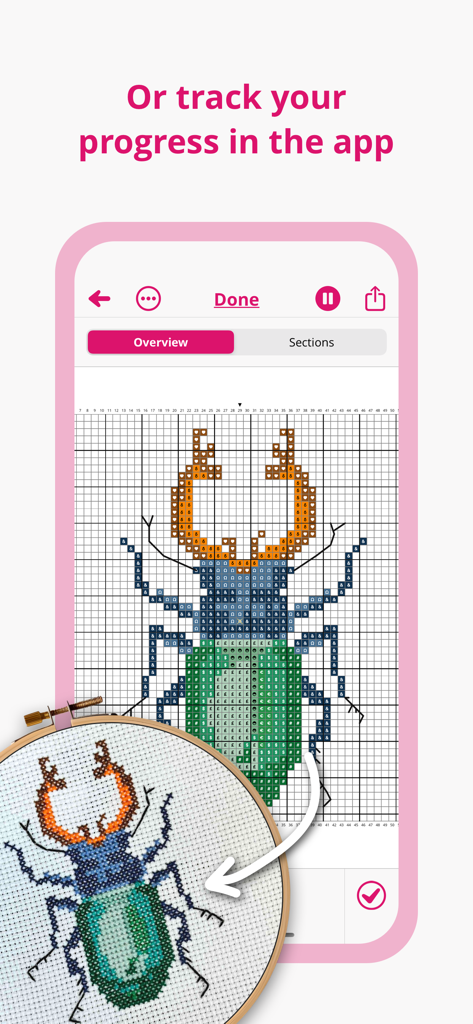
Stitchly app interface showing a beetle cross-stitch pattern being tracked digitally next to a physical embroidery hoop
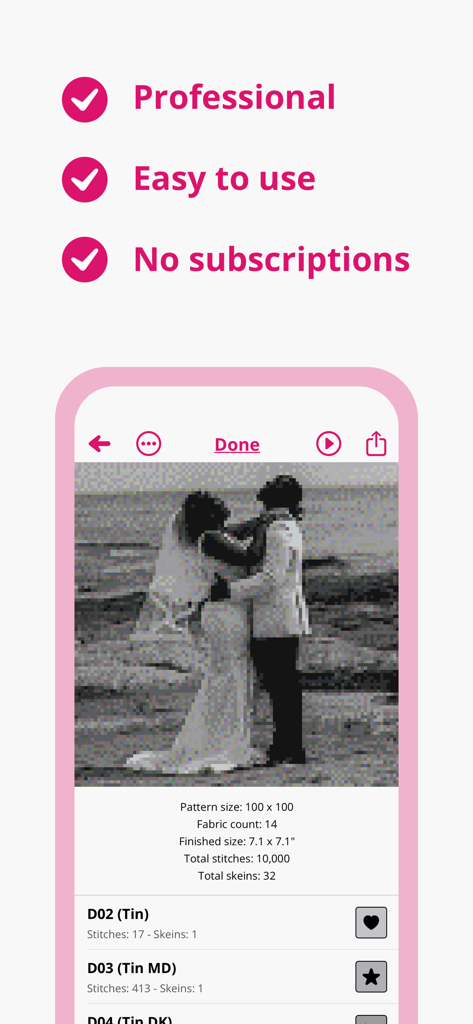
Stitchly app interface converting a wedding photo into a cross-stitch pattern with no subscriptions
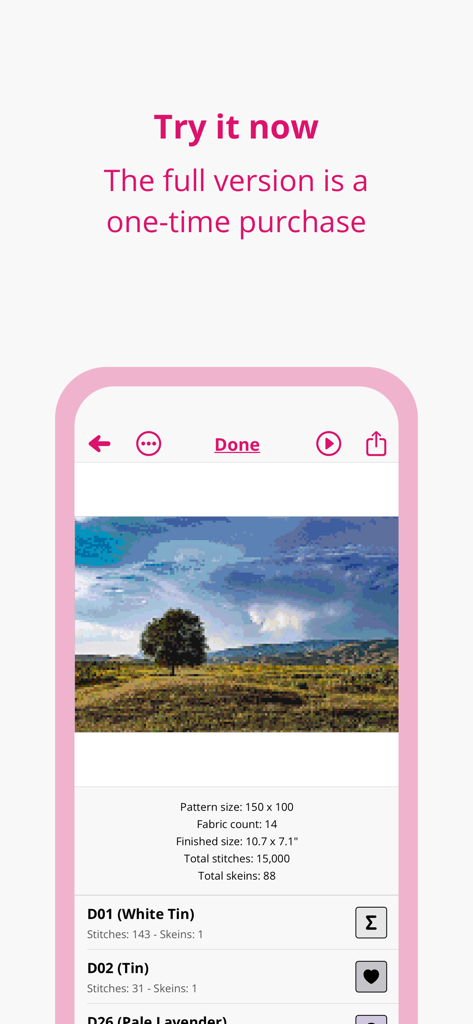
Screenshot of the Stitchly app showing a landscape cross stitch pattern with technical details and thread list.
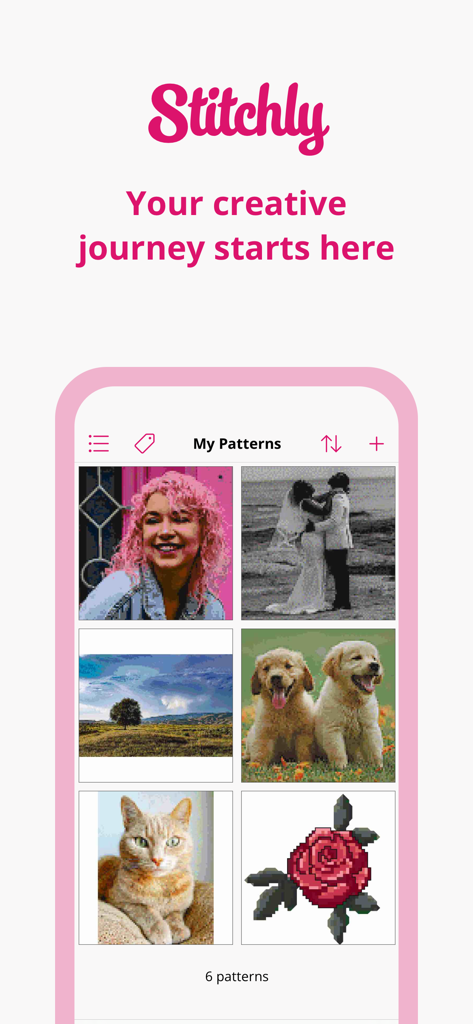
Stitchly app showing the My Patterns screen with a gallery of custom cross stitch designs created from photos
A message from the Stitchly developers Harry and Charlotte with a pink heart icon.
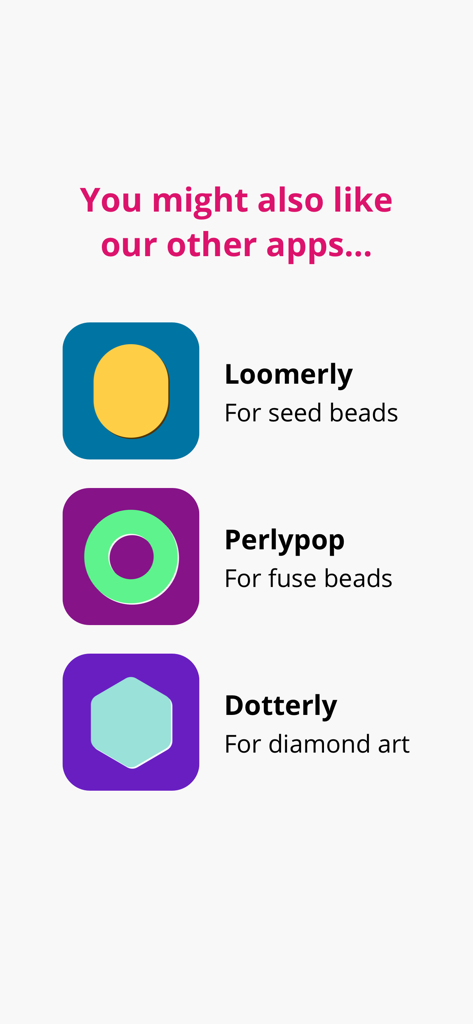
A list of related crafting apps by the same developer including Loomerly for seed beads Perlypop for fuse beads and Dotterly for diamond art
Description
Download
More Like This
Apps with similar features and user experience

Loopsy - Crochet & Knitting
Springtown Labs Inc.

GamFa: Notes, Games & Perks
Mayyada Mubaraka Arain

My Row Counter, Knit & Crochet
AnnapurnApp Technologies UG haftungsbeschrankt

Board Game Stats
Eerko Vissering

knitCompanion knitting & more
Create2Thrive Inc.

Markup R-XP
KewinLawsonSmith Limited

Loomerly: Loom, peyote & brick
Subtlabs Ltd

Brewfather
Warpkode AS

Stash Hub
Douglas Todd
This page is not an official page of the app or its developer, but an independent editorial publication created for informational and commentary purposes. Unless expressly stated otherwise, neither the app nor its developer is affiliated with, endorsed by, sponsored by, authorized by, or otherwise officially connected with MWM, Apple, Google Play, the app publisher, or the app's developer, and nothing on this page implies that the app was developed using MWM's services. Any trademarks, logos, screenshots, and other content remain the property of their respective owners.