
This page is not an official page of the app or its developer, but an independent editorial publication created for informational and commentary purposes. Unless expressly stated otherwise, neither the app nor its developer is affiliated with, endorsed by, sponsored by, authorized by, or otherwise officially connected with MWM, Apple, Google Play, the app publisher, or the app's developer, and nothing on this page implies that the app was developed using MWM's services. Any trademarks, logos, screenshots, and other content remain the property of their respective owners.


Stock Map: S&P 500 and More
Stop scrolling through endless ticker lists. Transform the S&P 500, Nasdaq 100, and your personal favorites into intuitive, intraday heatmaps designed for the efficient investor.
Downloads
30K+User Rating
Total Ratings
2K+Publisher
Category
FinanceLocales
1Latest Version
1.28Size
8.6 MBFirst Released
Dec 1, 2021Visualize Market Trends at a Glance
Stop scrolling through endless tickers. Stock Map transforms complex data into an intuitive heatmap, giving you a bird's-eye view of the S&P 500, Nasdaq 100, and Dow Jones in real-time.
Interactive Market Heatmaps
Instantly spot market leaders and laggards. Stocks are sized by market cap and color-coded by performance, allowing you to identify sector rotations and intraday trends in seconds.
Battery-Efficient Widgets
Monitor your favorite stocks or specific industries directly from your home screen. Our customizable iOS widgets offer professional-grade tracking without draining your battery.
The following screenshots and description are sourced directly from the app's official store listing and are the property of the app developer.
App Store
Screenshots
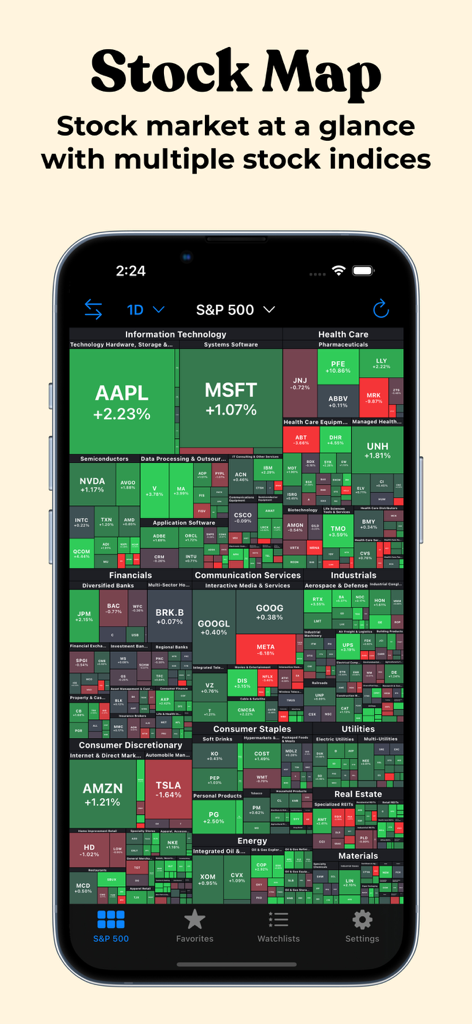
Stock Map app displaying a visual heatmap of S&P 500 stocks on an iPhone
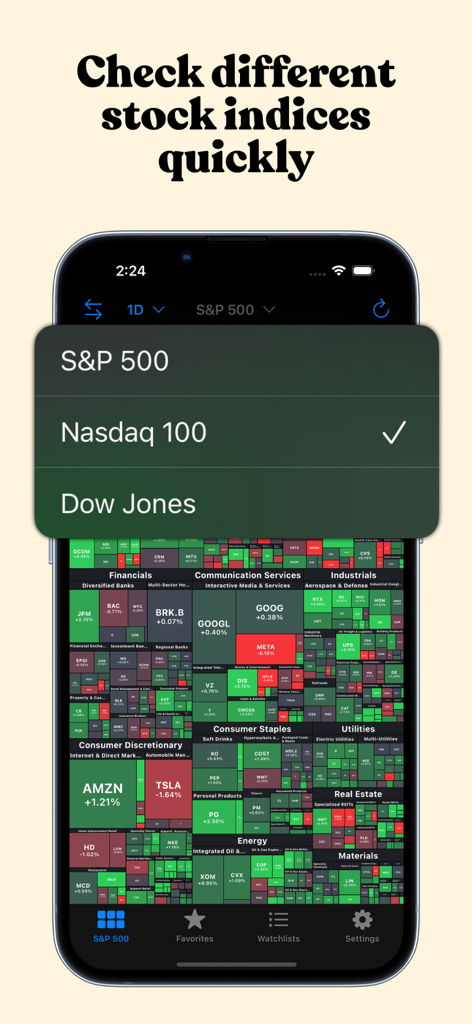
Stock Map app displaying a menu to choose between S&P 500, Nasdaq 100, and Dow Jones indices.
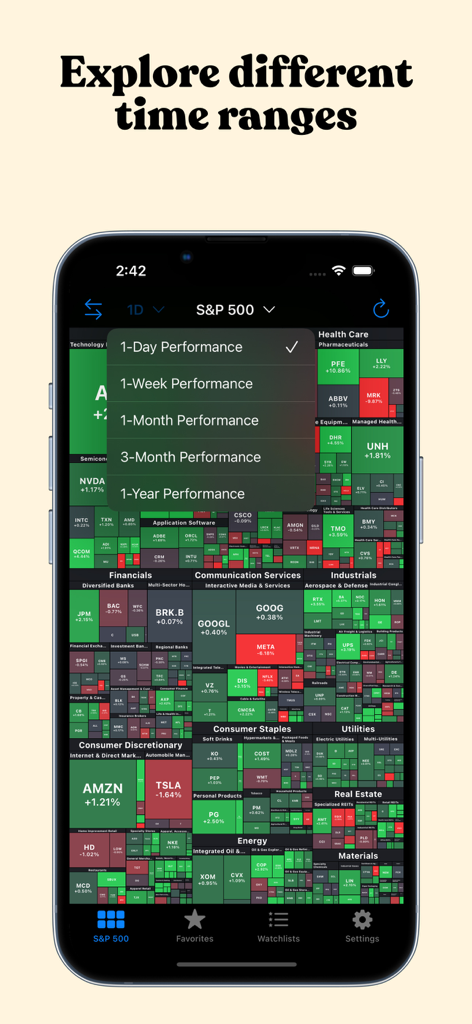
Stock Map app displaying an S&P 500 heatmap with a menu for selecting performance time ranges.
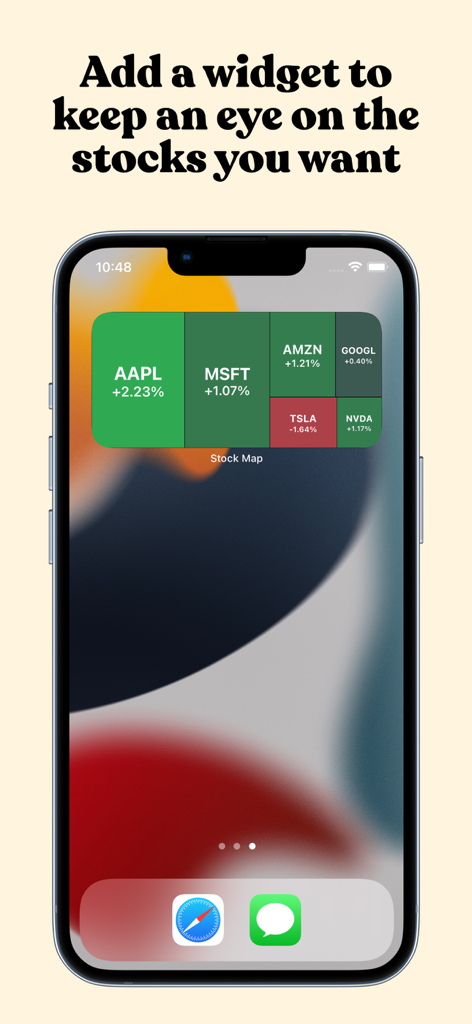
A Stock Map treemap widget on an iPhone home screen displaying real-time market trends for top stocks like Apple and Microsoft
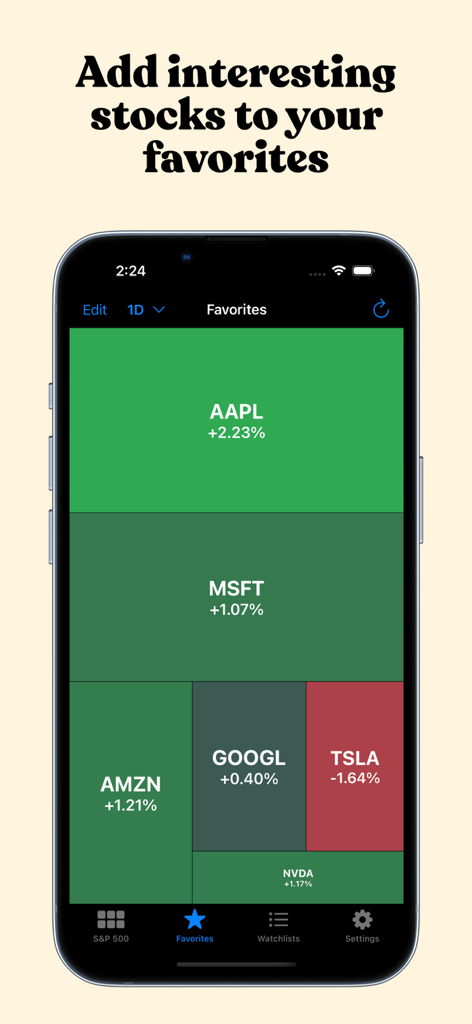
Favorites tab in the Stock Map app showing a heatmap of selected stocks performance
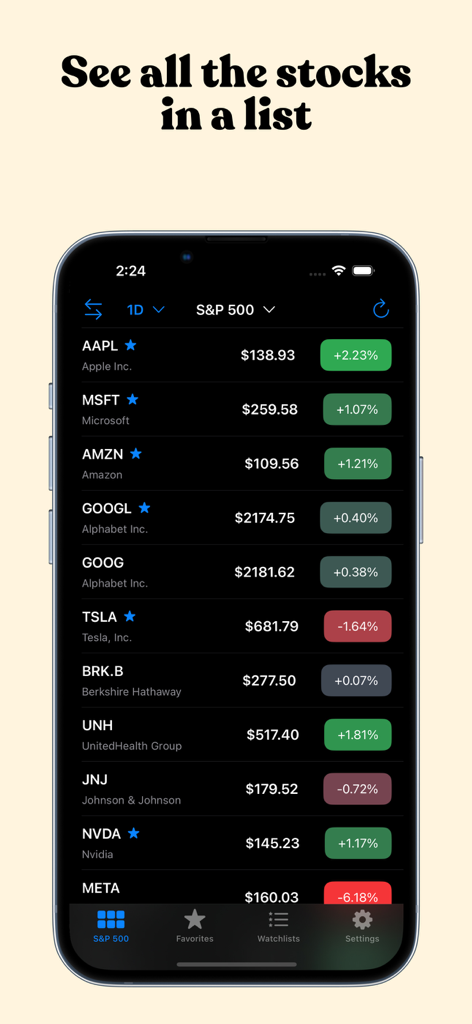
Stock Map app interface showing a list of S&P 500 stocks with real time prices and daily performance
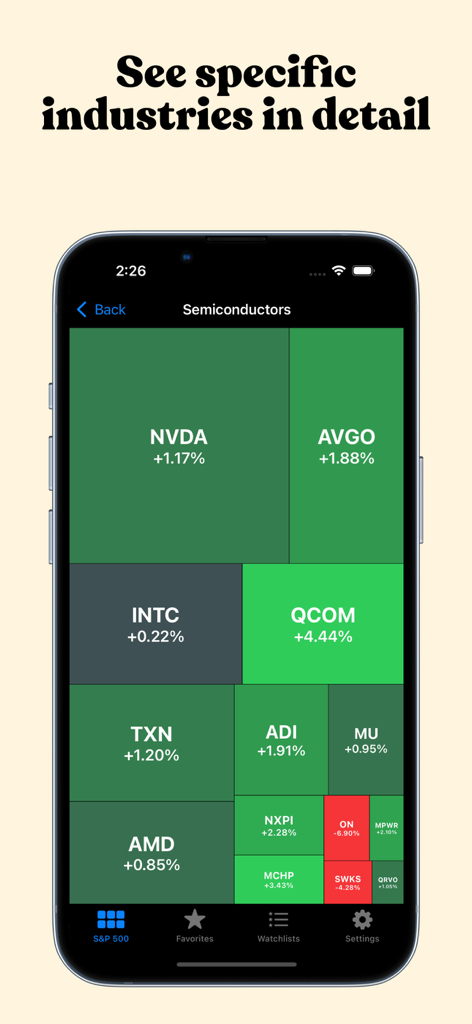
A treemap visualization showing the performance of semiconductor industry stocks like NVDA and AVGO.
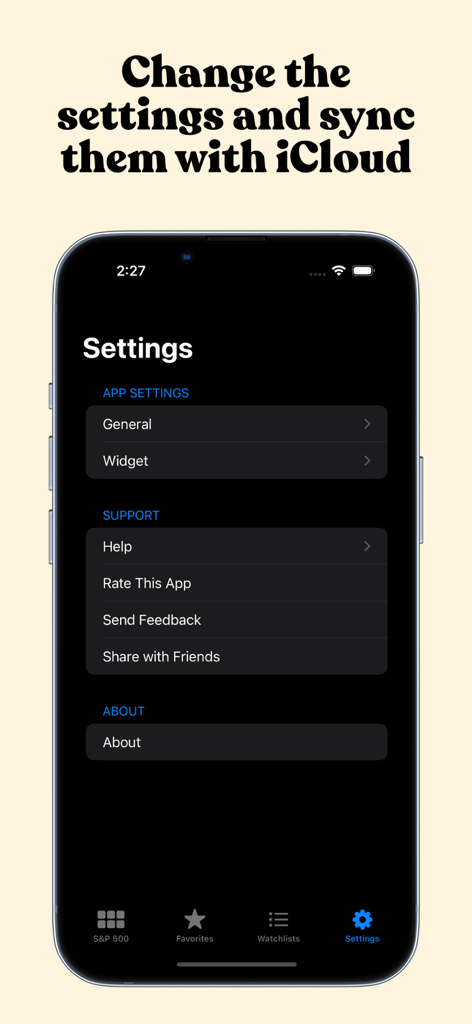
Stock Map settings menu with iCloud sync and widget configuration
Description
Download
More Like This
Apps with similar features and user experience

OptionStrat: Options Toolkit
OptionStrat LLC

Numetrica
Klingshirn Decosmo
Microsoft Power BI
Microsoft Corporation

Google Analytics
Google LLC

Deye Cloud
Ningbo Deye Technology Co., Ltd.

Songstats: Music Analytics
Stats Company Limited, The

SuperTrader: Trading Tracker
Trade Like A Pro SRL

US Debt Clock .org
Chrono Numeric Labs LLC

Tradays Forex Calendar
MetaQuotes Software Corp.
This page is not an official page of the app or its developer, but an independent editorial publication created for informational and commentary purposes. Unless expressly stated otherwise, neither the app nor its developer is affiliated with, endorsed by, sponsored by, authorized by, or otherwise officially connected with MWM, Apple, Google Play, the app publisher, or the app's developer, and nothing on this page implies that the app was developed using MWM's services. Any trademarks, logos, screenshots, and other content remain the property of their respective owners.