
This page is not an official page of the app or its developer, but an independent editorial publication created for informational and commentary purposes. Unless expressly stated otherwise, neither the app nor its developer is affiliated with, endorsed by, sponsored by, authorized by, or otherwise officially connected with MWM, Apple, Google Play, the app publisher, or the app's developer, and nothing on this page implies that the app was developed using MWM's services. Any trademarks, logos, screenshots, and other content remain the property of their respective owners.


StreamChamp: Streaming App
Go live to Twitch, YouTube, and Facebook in 1080p. Whether you are dominating Wild Rift or creating in Procreate, elevate your broadcast with custom overlays and real-time chat alerts—all without a PC.
Downloads
1M+User Rating
Total Ratings
16K+Publisher
Category
Photo & VideoLocales
5Latest Version
11.8.17Size
51.0 MBFirst Released
Jun 22, 2019Broadcast Like a Pro
Transform your iPhone or iPad into a professional mobile studio with powerful tools designed for creators, gamers, and artists.
Pro-Level Custom Overlays
Stand out from the crowd by adding your own logos and custom overlays, giving your stream a polished, professional look that builds your brand.
Stay Connected with Chat
Never miss a moment with your fans. Use integrated chat notifications and text-to-speech to interact with your audience while you play or create.
Frequently Asked Questions
Everything you need to know about StreamChamp: Streaming App
What streaming platforms does StreamChamp support?
StreamChamp supports streaming to Twitch, YouTube, Facebook, and other platforms. Users connect by signing into Twitch or any platform with RTMP, enabling broad compatibility for live broadcasts.
What devices can StreamChamp be used on for live streaming?
StreamChamp enables live streaming directly from your iPad or iPhone. It supports streaming various activities, including drawing with Procreate and playing popular mobile games.
Does StreamChamp support 1080p video resolution for streaming?
Yes, StreamChamp supports video resolution up to 1080p. This feature ensures high-quality streaming from your device to your chosen live broadcast platform.
Can users connect a webcam with the StreamChamp app?
Yes, StreamChamp features webcam support. Users can connect a webcam and utilize remote control functionalities within the app to manage their live streams effectively.
Does StreamChamp allow control over microphone and app audio volume?
Yes, StreamChamp provides precise control over the volume of both the microphone and the app audio during a live stream. This is part of its advanced stream settings.
Can StreamChamp users add custom overlays or logos to their streams?
Yes, StreamChamp allows users to add custom overlays and logos to their streams. This feature enables personalization of the broadcast for a unique visual presentation.
What specific Twitch chat features does StreamChamp offer?
StreamChamp offers Twitch.tv features including notifications for chat messages, quick replies to chat notifications, sound alerts, and custom Text-to-speech for chat messages.
Does StreamChamp allow control of video orientation during a stream?
Yes, StreamChamp provides control over video orientation during a stream. This feature enables users to adjust the video display as needed for their live broadcasts.
Does StreamChamp support the creation of multiple scenes for streaming?
Yes, StreamChamp supports the creation and management of multiple scenes, complete with shortcuts and automation. This allows streamers to easily switch between different layouts during a broadcast.
The following screenshots and description are sourced directly from the app's official store listing and are the property of the app developer.
App Store
Screenshots
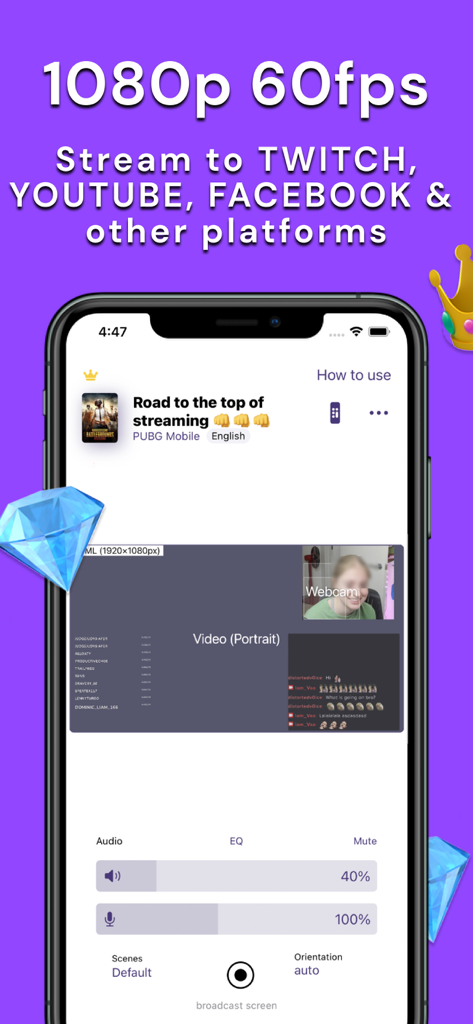
StreamChamp app interface showing mobile live streaming settings for games like PUBG Mobile with 1080p 60fps support
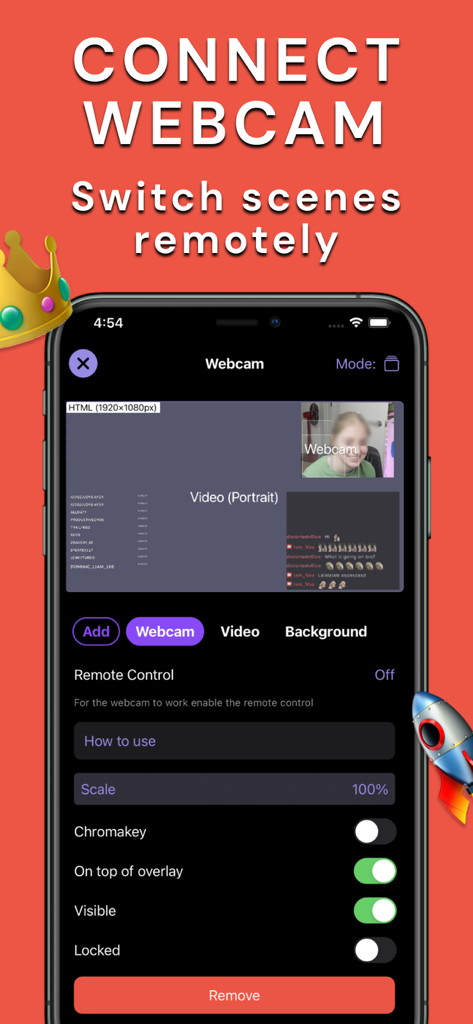
Smartphone screen showing the StreamChamp app interface for connecting a webcam and switching stream scenes remotely.
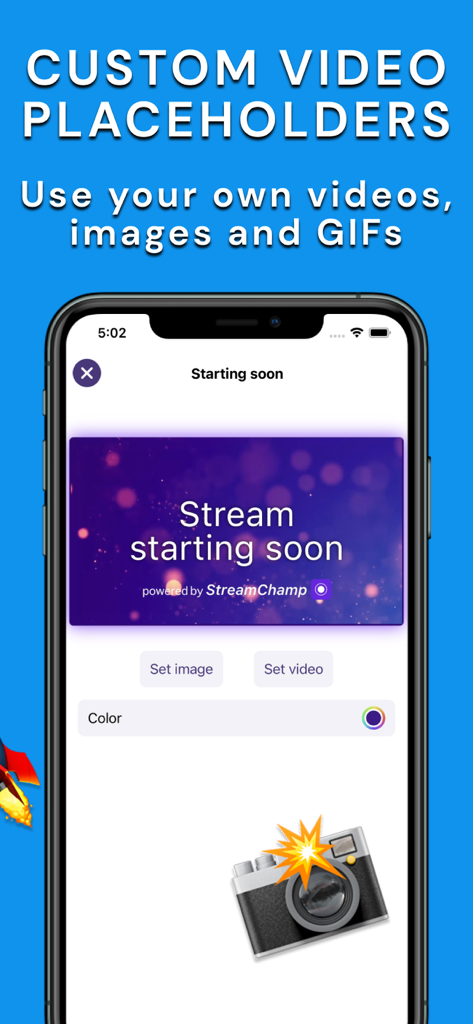
Mobile app interface showing custom video placeholders and a stream starting soon overlay.
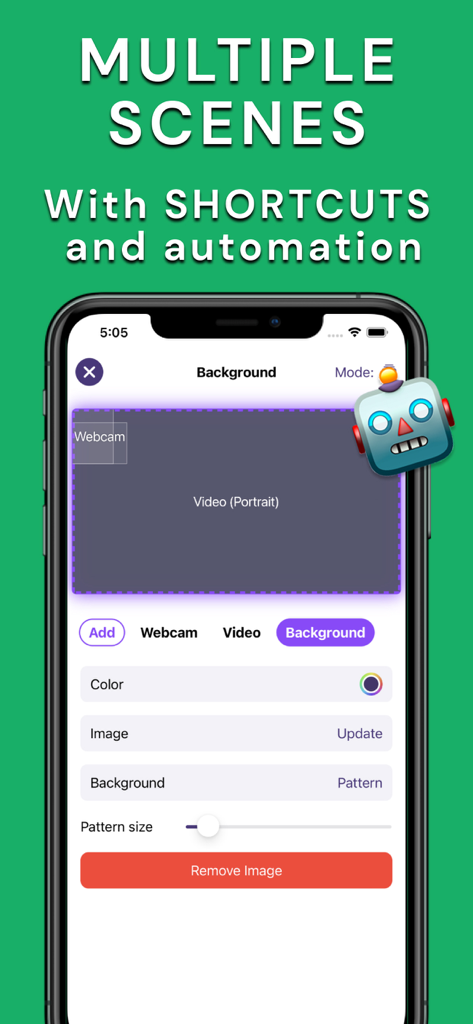
StreamChamp app interface showing settings for multiple scenes and background customization for mobile live streaming
Description
Download
More Like This
Apps with similar features and user experience

BeNarative
Be Narative

PRISM: Live Streaming App
NAVER Corp.

Mirrativ
Mirrativ, Inc.

Live Now - Live Stream
NABIAPP SOFTWARE SOLUTION COMPANY LIMITED

TwitCasting Games (ScreenCas)
MOI CORPORATION

Streamlabs: Live Streaming App
Streamlabs LLC

直播伴侣 - 官方直播助手
Hainan Xuanniao Information Technology Co., Ltd.

虎牙助手
Guangzhou Huya Information Technology Co.,Ltd.
DJM-REC: DJ live/recording app
AlphaTheta Corporation
This page is not an official page of the app or its developer, but an independent editorial publication created for informational and commentary purposes. Unless expressly stated otherwise, neither the app nor its developer is affiliated with, endorsed by, sponsored by, authorized by, or otherwise officially connected with MWM, Apple, Google Play, the app publisher, or the app's developer, and nothing on this page implies that the app was developed using MWM's services. Any trademarks, logos, screenshots, and other content remain the property of their respective owners.