
This page is not an official page of the app or its developer, but an independent editorial publication created for informational and commentary purposes. Unless expressly stated otherwise, neither the app nor its developer is affiliated with, endorsed by, sponsored by, authorized by, or otherwise officially connected with MWM, Apple, Google Play, the app publisher, or the app's developer, and nothing on this page implies that the app was developed using MWM's services. Any trademarks, logos, screenshots, and other content remain the property of their respective owners.


SWAM Cello
Experience the world's most advanced physical modeling virtual instrument for iOS. Perform authentic, real-time string performances that respond to every nuance of your touch—no samples, just pure expression.
Downloads
7K+User Rating
Total Ratings
0Publisher
Category
MusicLocales
-Latest Version
3.11.0Size
68.7 MBFirst Released
Apr 30, 2021Master Every Nuance
Engineered for professionals who demand more than samples. SWAM Cello uses physical modeling to deliver a living, breathing instrument that reacts to your artistry in real-time.
Continuous Expressive Flow
Say goodbye to static loops. Use MPE or breath controllers to sculpt every note with the organic dynamics and realism of a live cellist.
Seamless AUv3 Integration
Transform your iPad into a powerhouse workstation. Fully compatible with Logic Pro, Cubasis, and AUM for a professional mobile production workflow.
Frequently Asked Questions
Everything you need to know about SWAM Cello
What is SWAM Cello for iOS?
SWAM Cello for iOS is a virtual instrument utilizing Physical Modeling technology. It generates authentic, real-time string performances, unlike sampled libraries, and features the "Ambiente" Room Simulator.
How does SWAM Cello's Physical Modeling differ from sampled instruments?
SWAM Cello's physical modeling creates conditions for sound generation in real-time from input, not playing pre-recorded samples. This ensures every note is unique and dynamically responsive.
Does SWAM Cello for iOS include a room simulator?
Yes, SWAM Cello for iOS includes the "Ambiente" Room Simulator. It provides advanced spatial control, allowing instrument placement in a realistic acoustic space for immersive performances.
Is SWAM Cello available as an AUv3 plugin?
Yes, SWAM Cello functions as both a standalone app and an AUv3 Plugin. Users can integrate it seamlessly into mobile production workflows with DAWs like Logic, Cubasis, and AUM.
Does SWAM Cello for iOS offer accessibility features?
Yes, SWAM Cello for iOS provides an intuitive and inclusive interface. It is specifically designed for everyone, including blind and visually impaired users.
What types of controllers does SWAM Cello support?
SWAM Cello supports expressive control via its virtual bowing surface, MPE controllers, keyboards, breath controllers, and other MIDI devices. Continuous expression input is required for maximum realism.
Can users customize sound parameters within SWAM Cello?
Yes, SWAM Cello allows users to customize timbre, vibrato, and dynamics. The app also features micro-tuning capabilities with the Pitch Manager for advanced tuning systems.
Can I change the cello body in SWAM Cello?
Yes, SWAM Cello allows users to play with different cello bodies. This feature enables the exploration of unique tonal variations and sound characteristics within the app.
What built-in effects are available in SWAM Cello for iOS?
SWAM Cello for iOS includes built-in EQ and Compressor effects. The "Ambiente" Room Simulator also provides reverb capabilities for fine-tuning sound and spatial positioning.
Who is the target audience for SWAM Cello for iOS?
SWAM Cello for iOS targets wind controller players, keyboard players, and music producers. It is also designed for musicians seeking expressive virtual instruments for mobile performance and production.
The following screenshots and description are sourced directly from the app's official store listing and are the property of the app developer.
App Store
Screenshots
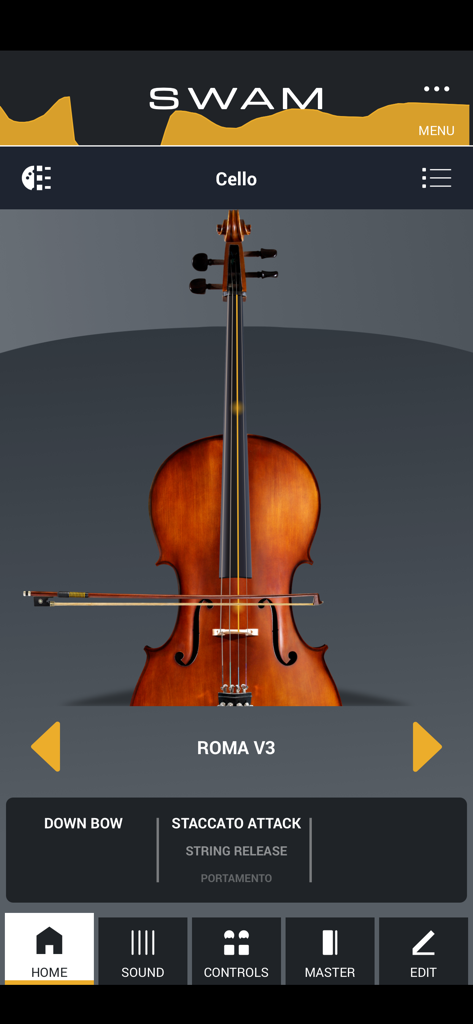
Home screen of the SWAM Cello app showing a virtual cello with performance settings.
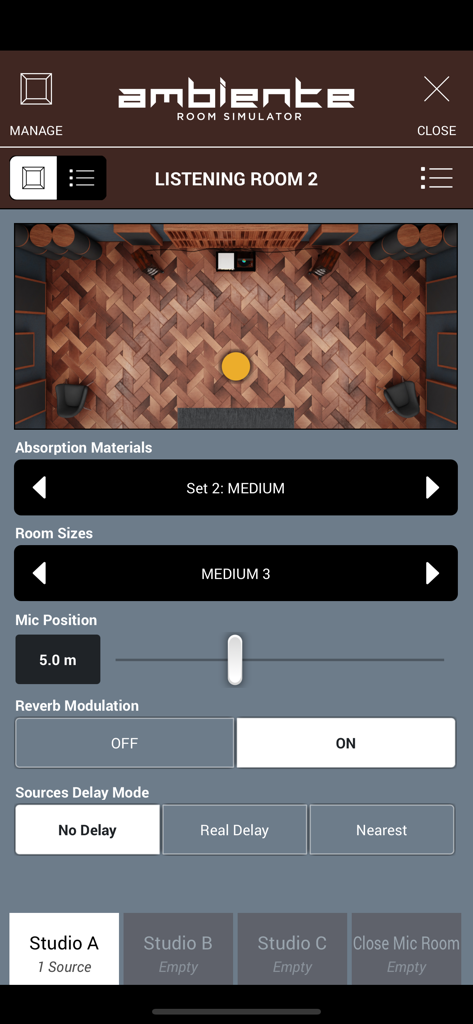
Interface of the Ambiente Room Simulator in the SWAM Cello app showing virtual room acoustics and microphone positioning settings
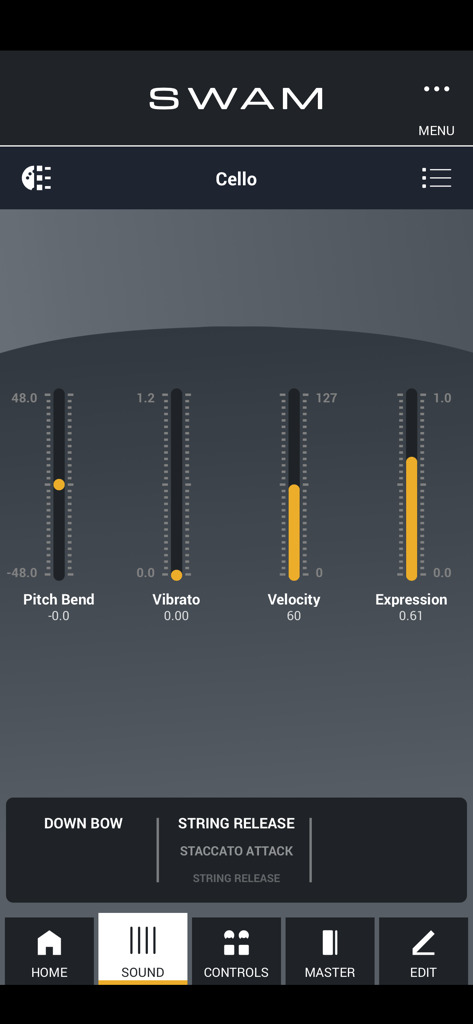
SWAM Cello app interface showing sound controls for pitch bend vibrato and velocity
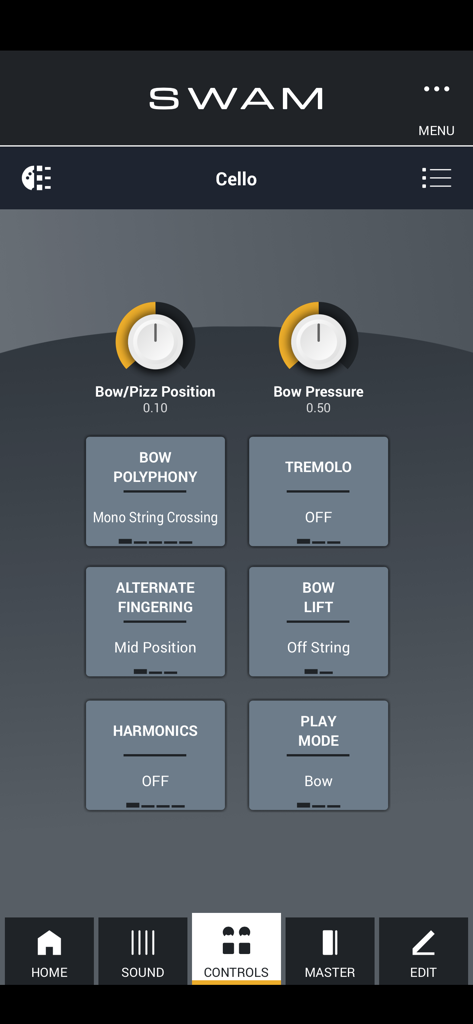
SWAM Cello app interface displaying performance controls for bow pressure tremolo and harmonics
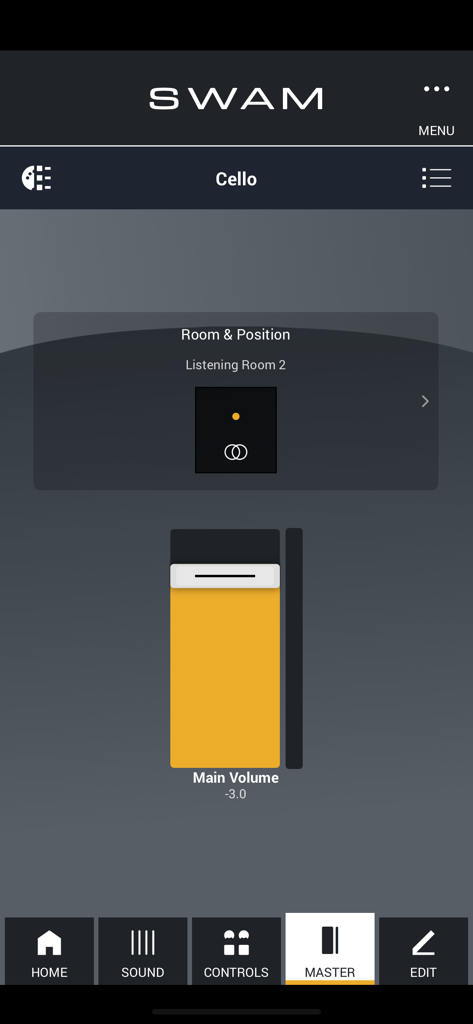
SWAM Cello app interface showing the Room Simulator and Main Volume controls
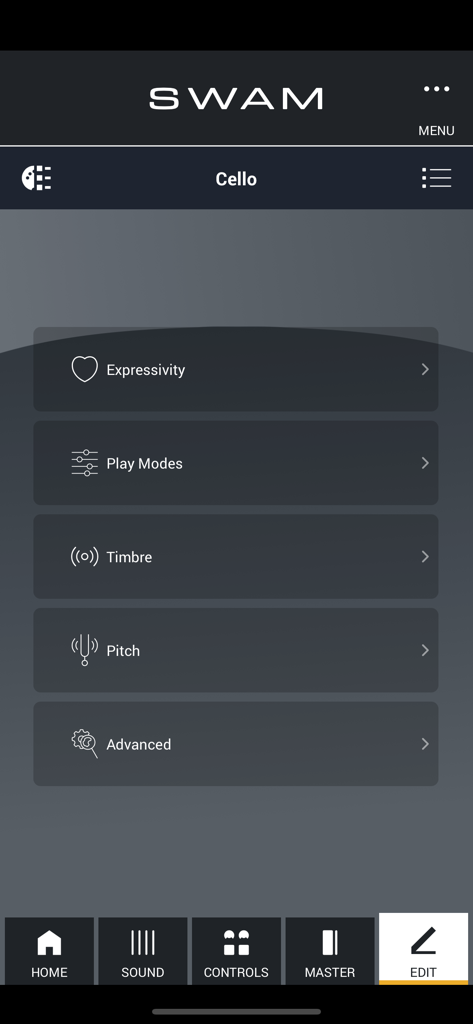
SWAM Cello app edit menu featuring sound customization settings for expressivity, timbre, and pitch
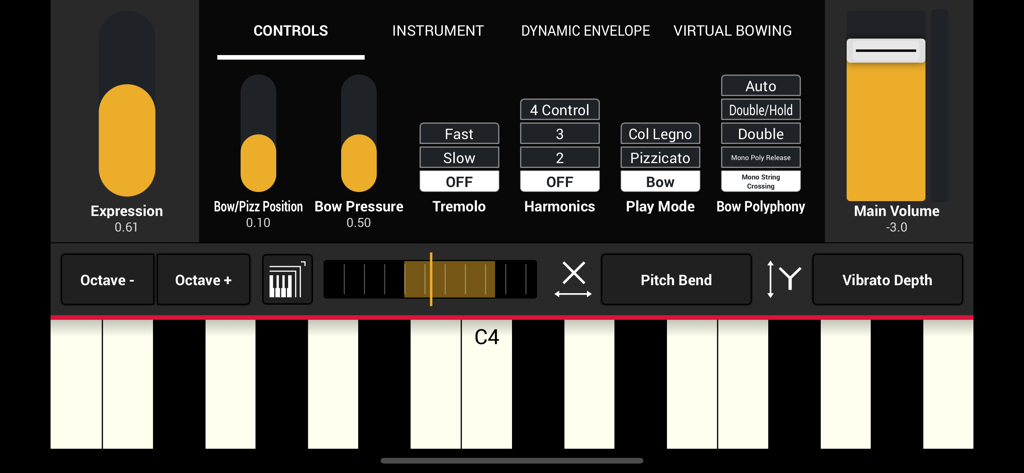
Detailed control panel of SWAM Cello app for iOS showing expression sliders and musical keyboard
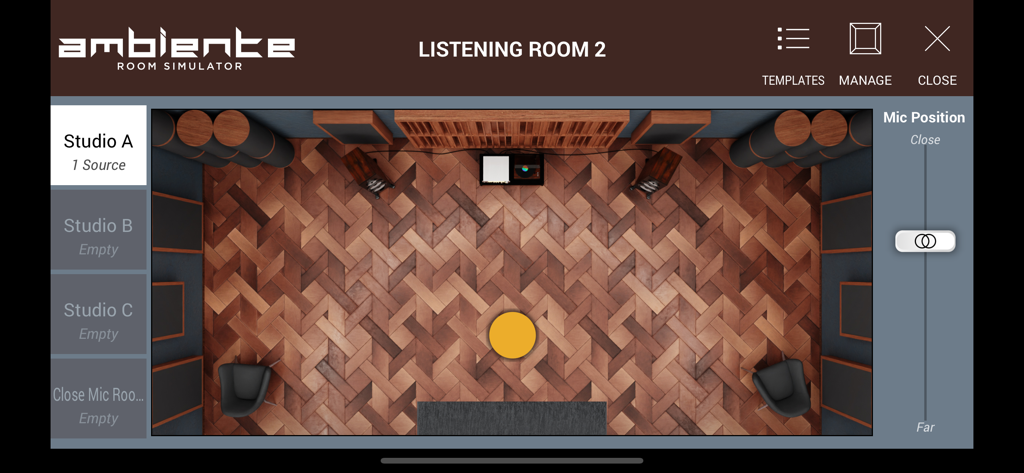
Interface of the Ambiente Room Simulator in SWAM Cello showing a virtual studio layout.
Description
Download
More Like This
Top-ranked apps in the same category

Spotify: Music and Podcasts
Spotify

YouTube Music
Google LLC

Shazam: Find Music & Concerts
Apple Inc.

SoundCloud: The Music You Love
SoundCloud Global Limited & Co KG

Suno - AI Songs & Music
Suno Inc.

QQ音乐 - 听我想听
Tencent Technology (Shenzhen) Company Limited

Audiomack - Play Music Offline
Audiomack, Inc.

GuitarTuna: Tune & Play Guitar
Yousician Ltd

BandLab – Music Maker & Beats
BandLab Singapore Pte Ltd
This page is not an official page of the app or its developer, but an independent editorial publication created for informational and commentary purposes. Unless expressly stated otherwise, neither the app nor its developer is affiliated with, endorsed by, sponsored by, authorized by, or otherwise officially connected with MWM, Apple, Google Play, the app publisher, or the app's developer, and nothing on this page implies that the app was developed using MWM's services. Any trademarks, logos, screenshots, and other content remain the property of their respective owners.