
This page is not an official page of the app or its developer, but an independent editorial publication created for informational and commentary purposes. Unless expressly stated otherwise, neither the app nor its developer is affiliated with, endorsed by, sponsored by, authorized by, or otherwise officially connected with MWM, Apple, Google Play, the app publisher, or the app's developer, and nothing on this page implies that the app was developed using MWM's services. Any trademarks, logos, screenshots, and other content remain the property of their respective owners.


Switch Up VPN
The minimalist VPN for your mobile lifestyle. Enjoy high-speed privacy on public Wi-Fi and manage secure passwords with zero clutter and total simplicity.
Downloads
76K+User Rating
Total Ratings
300Publisher
Category
ProductivityLocales
1Latest Version
1.1Size
20.8 MBFirst Released
Jul 15, 2025Privacy That Moves With You
Experience a VPN built for the modern minimalist. Get instant security on any Wi-Fi with zero friction and high-speed global connections.
One-Tap Protection
No menus, no mess. Just one big switch to secure your online identity and data instantly.
Public Wi-Fi Shield
Work from cafes or airports with total confidence. Switch Up keeps your connection private on any shared network.
Frequently Asked Questions
Everything you need to know about Switch Up VPN
How does Switch Up VPN protect my online activity?
Switch Up VPN protects your online activity by connecting you to a secure VPN tunnel. This keeps your data private and safeguards it, especially on public Wi-Fi, ensuring full privacy.
Does Switch Up VPN offer global server access?
Yes, Switch Up VPN offers global server access. It provides hundreds of high-speed servers located in over 50 countries, ensuring reliable and secure connections worldwide.
Can I save my preferred servers in Switch Up VPN?
Yes, Switch Up VPN allows you to save preferred servers. This "Favorites" feature provides quicker access to your most frequently used server locations with a single tap.
Does Switch Up VPN have a password generator?
Yes, Switch Up VPN integrates a Smart Password Generator. This tool assists users in creating strong, secure passwords directly within the app, enhancing login safety.
Does Switch Up VPN collect or log my browsing data?
No, Switch Up VPN does not collect or log your browsing data. It explicitly states that it never records URLs, timestamps, or any traffic-related online activity.
What app usage data does Switch Up VPN collect?
Switch Up VPN collects limited app usage data to improve performance. This data includes session duration, selected servers, device model, iOS version, and app interface interactions.
Is Switch Up VPN easy to use with a simple interface?
Yes, Switch Up VPN features a minimalist and intuitive design. It prioritizes simplicity, allowing users to connect instantly with a single tap without cluttered menus or complex options.
The following screenshots and description are sourced directly from the app's official store listing and are the property of the app developer.
App Store
Screenshots
Minimalist splash screen for Switch Up VPN featuring a toggle graphic and privacy branding
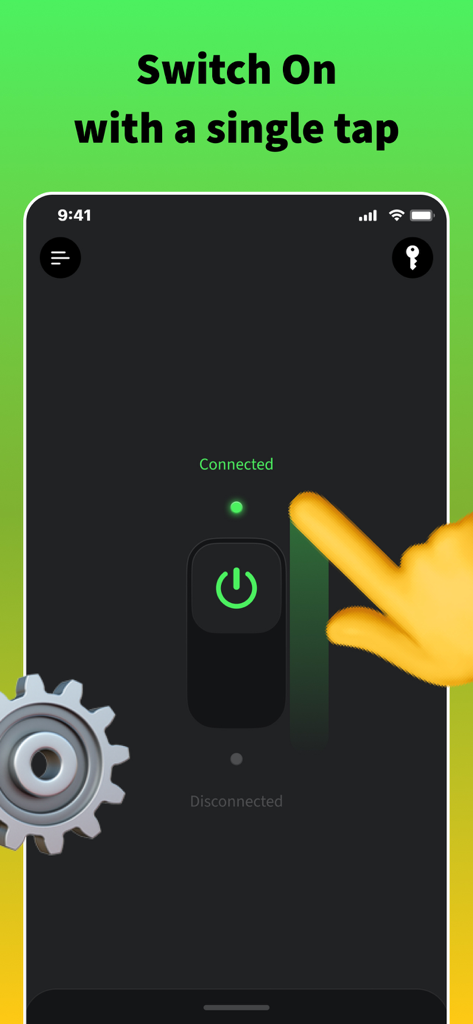
Switch Up VPN app screen featuring a minimalist one tap switch for instant secure connection
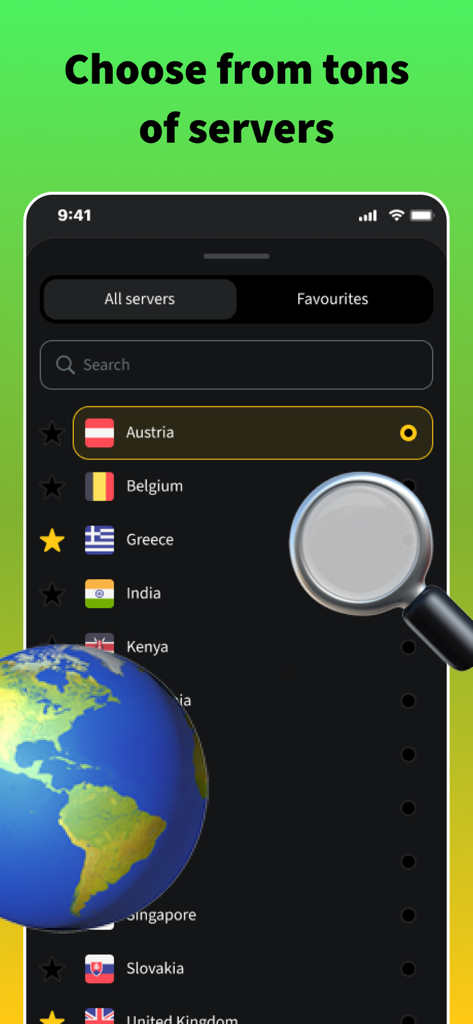
Switch Up VPN app interface showing a list of global servers with country flags
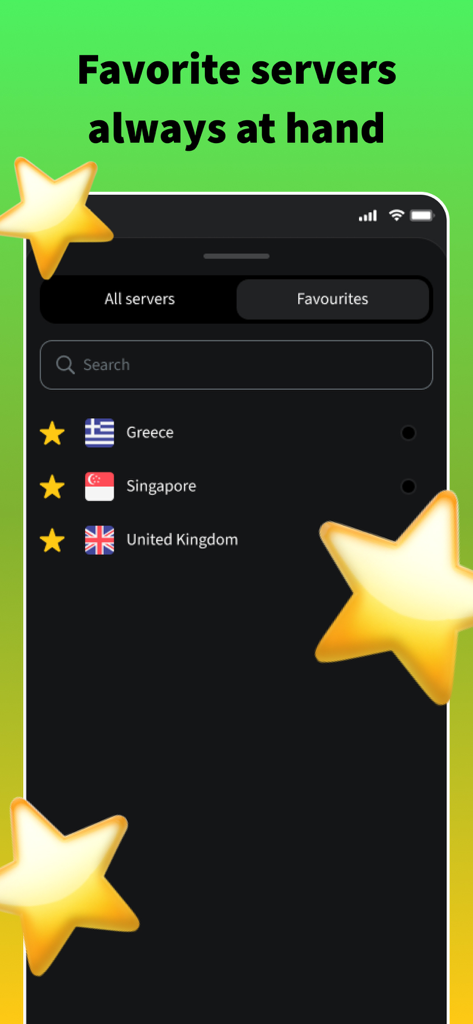
A smartphone screen displaying the favorite servers list in the Switch Up VPN app with locations like Greece and Singapore.
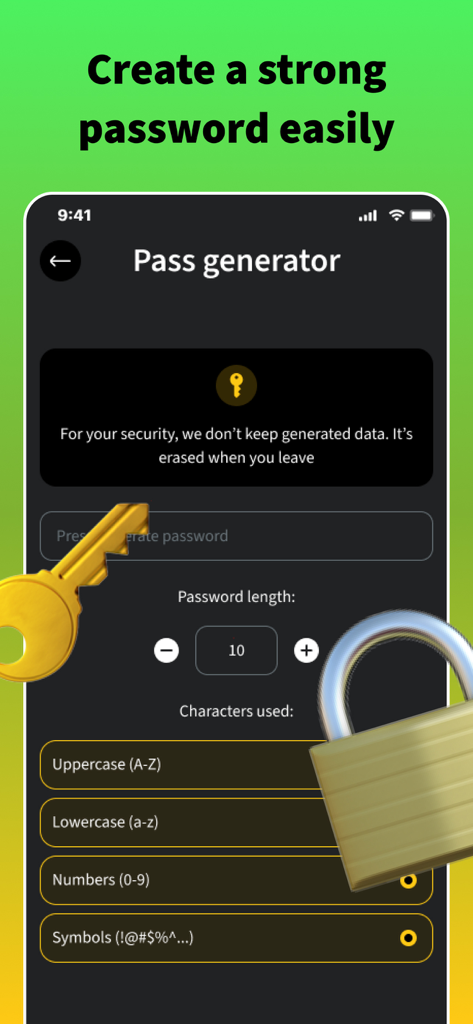
A minimalist password generator interface in the Switch Up VPN app with customizable security options.
Description
Download
More Like This
Apps with similar features and user experience

VPN Hotspot Browser & More
Baris Gungor

VPN Pro - Unlimited Best VPN
Fireworks Technology Inc.

快连VPN
LetsGo Network Incorporated
Cool VPN Pro-Secure Proxy VPN
CTECH GLOBAL PTE LTD

VPN - Top Fast VPN
Free Fast Connect LLC

PlatoVPN Fast:Super VPN Proxy
MogoTech Inc.
VPN - FREE VPN Fast Ⓡ
AITIMING TECH PTE. LTD.

VPN - Nviper小火箭加速器vpn
Sichuan Yunfumeng Technology Co., Ltd

Hola VPN
Hola VPN Ltd
This page is not an official page of the app or its developer, but an independent editorial publication created for informational and commentary purposes. Unless expressly stated otherwise, neither the app nor its developer is affiliated with, endorsed by, sponsored by, authorized by, or otherwise officially connected with MWM, Apple, Google Play, the app publisher, or the app's developer, and nothing on this page implies that the app was developed using MWM's services. Any trademarks, logos, screenshots, and other content remain the property of their respective owners.