
Synology Drive



Access, sync, and manage your NAS files with professional-grade security. No subscriptions, no compromises—just your data, everywhere.
Publisher
Category
ProductivityDownloads
2M+User Rating
Total Ratings
28K+Locales
21Discover the interface used by 2M+ users.
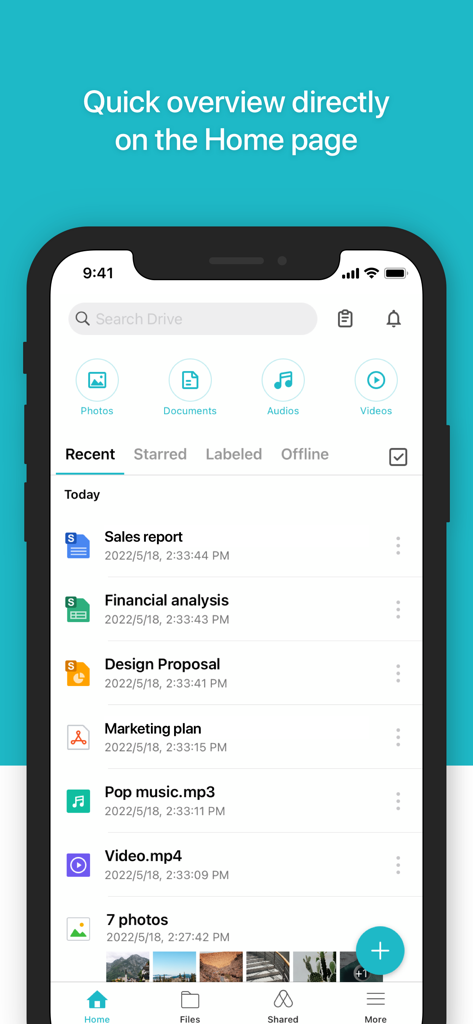
The tools that make this app stand out, trusted by 2M+ users.
Break free from Big Tech. Access your files directly from your own server with end-to-end control and no third-party hosting risks.
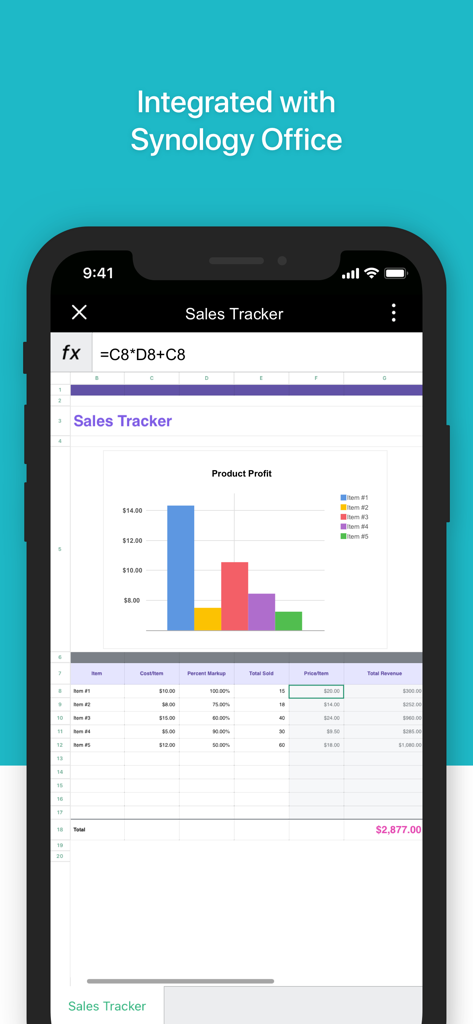
Open and edit Synology Office documents, spreadsheets, and slides directly within the app for a seamless professional workflow anywhere.
Effortlessly sync, search, and share your entire library. Manage terabytes of data from your pocket with powerful labeling and instant search.
Everything you need to know about Synology Drive.
Description
Latest Version
3.8.1
Size
257.1 MB
First Released
Nov 1, 2017
Join 2M+ users who have ditched monthly subscriptions for total data sovereignty. Access, sync, and share your files securely from your Synology NAS today.
Everything you need to know about Synology Drive
To use Synology Drive, you must own a Synology NAS and install the latest Synology Drive Server. This ensures access to all app features.
Yes, the Synology Drive iOS mobile app allows you to easily access and manage files in your Synology Drive on the go.
The Synology Drive app's in-app viewer opens common file types like documents, images, videos, and music. It also supports Synology Office documents, spreadsheets, and slides.
Synology Drive offers convenient management features including syncing, searching, sharing, moving, and applying labels to files directly within the app.
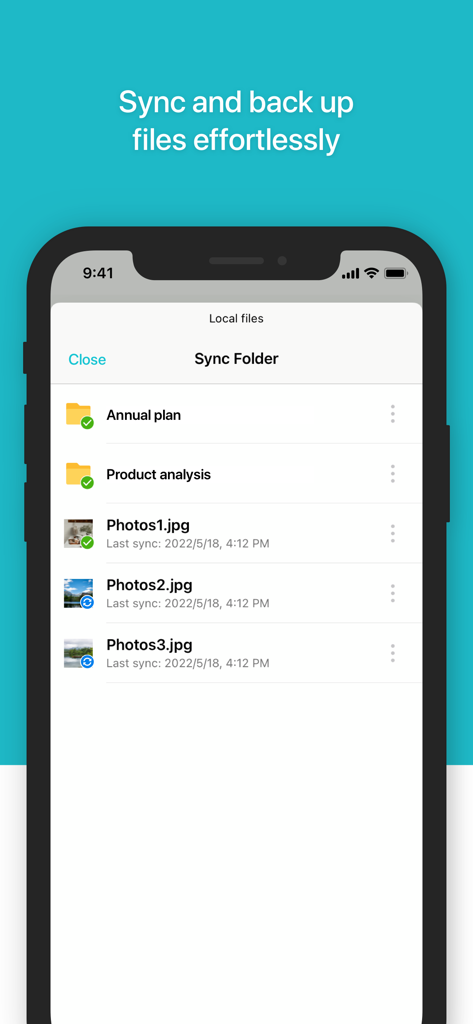
Yes, Synology Drive supports syncing and backing up files effortlessly. Users can manage a "Sync Folder" directly within the app.
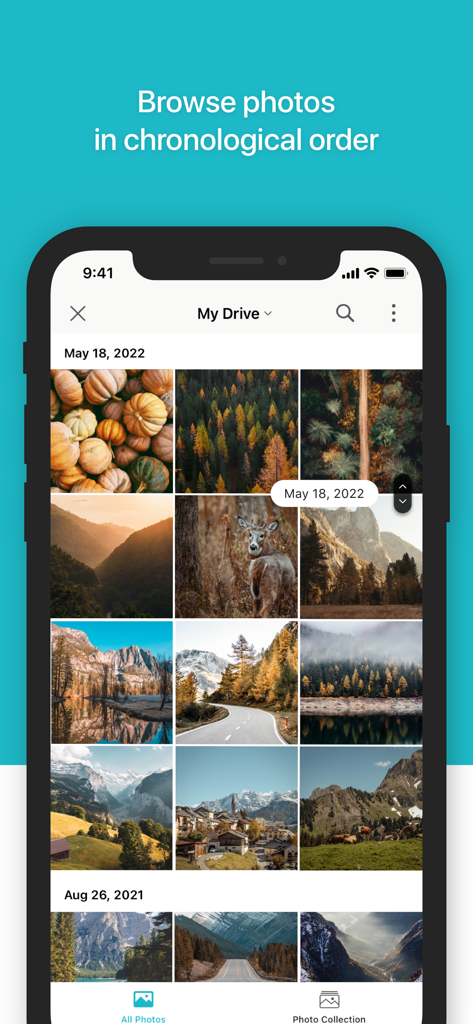
Synology Drive organizes photos by chronological order. Users can browse their photo collections grouped by date within the app.
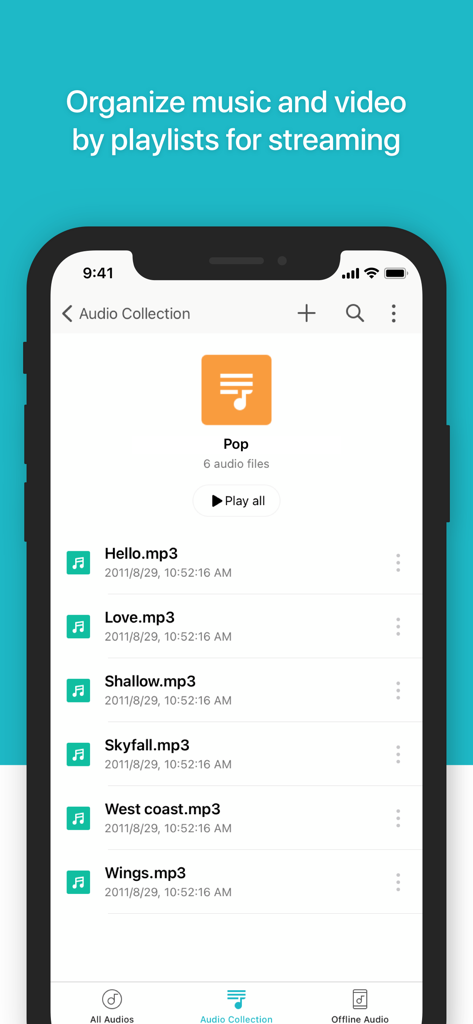
Yes, Synology Drive allows you to organize music and video by creating playlists for streaming. It also supports offline audio.
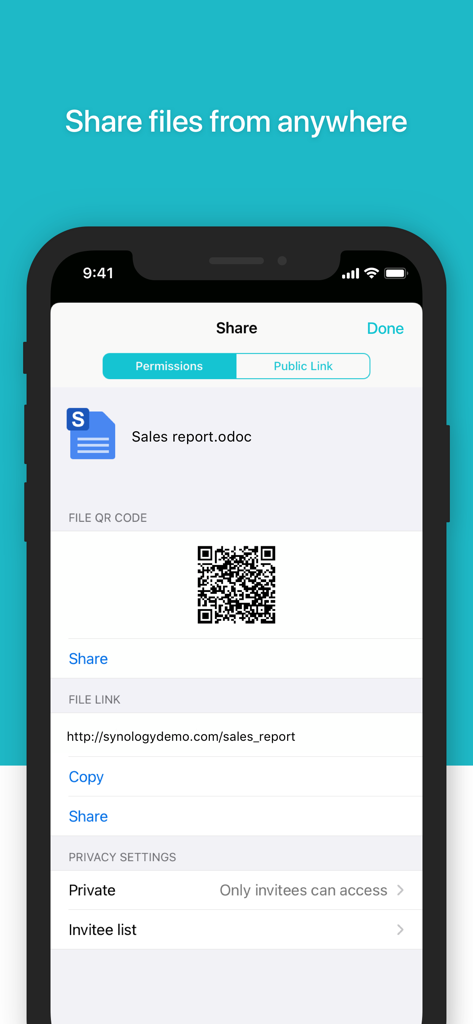
Yes, Synology Drive allows users to share files from anywhere. It offers options for permissions, public links, QR codes, and privacy settings.
Yes, Synology Drive is integrated with Synology Office. This allows users to open and view Synology Office documents, spreadsheets, and slides directly.
Apps with similar features and user experience

Glimpse LLC.

Red Paket sp. z o.o.

nadi digital indonesia, pt

Aleh Piashkou

Thorley Industries LLC

Electro Cirkel Retail BV

Pol Nadal Serra

Jonathan Reed

YONGXING JIN
App information, icons, screenshots, and descriptions displayed on this page are sourced from the Apple App Store and are the property of their respective developers. Download estimates and rankings are based on MWM's proprietary models and may not reflect actual figures. This page is provided for informational and analytical purposes only.
Believe this page infringes your intellectual property? File a dispute
