
This page is not an official page of the app or its developer, but an independent editorial publication created for informational and commentary purposes. Unless expressly stated otherwise, neither the app nor its developer is affiliated with, endorsed by, sponsored by, authorized by, or otherwise officially connected with MWM, Apple, Google Play, the app publisher, or the app's developer, and nothing on this page implies that the app was developed using MWM's services. Any trademarks, logos, screenshots, and other content remain the property of their respective owners.

Tabata & HIIT Timer | Cero Pro
The sleekest interval timer for the modern athlete. Customize your workouts in seconds, track every calorie, and sync effortlessly across your iPhone and Apple Watch.
Downloads
0User Rating
Total Ratings
0Publisher
Category
Health & FitnessLocales
20Latest Version
3.7.2Size
36.3 MBFirst Released
May 31, 2021Precision Performance for the Modern Athlete
Cero Pro blends minimalist design with professional-grade functionality, providing a seamless timing experience that keeps you focused on your results.
Full Apple Ecosystem Integration
Train phone-free with our dedicated Apple Watch app. Track your heart rate in real-time and automatically sync every calorie burned to Apple Health.
Advanced Circuit Customization
Go beyond simple loops. Build complex, high-intensity intervals with custom color-coding and icons designed for instant visual cues during peak effort.
The following screenshots and description are sourced directly from the app's official store listing and are the property of the app developer.
App Store
Screenshots
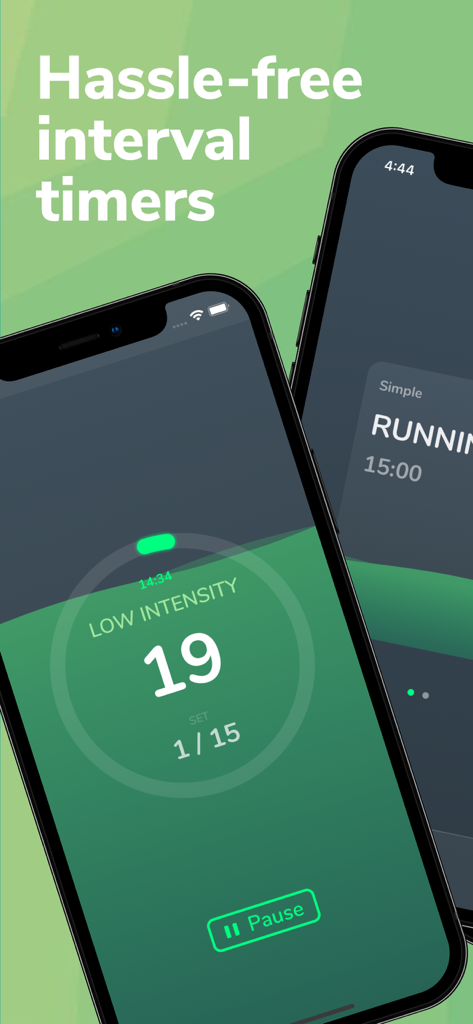
Cero Pro app interface displaying a minimalist and intuitive HIIT interval timer on a mobile phone
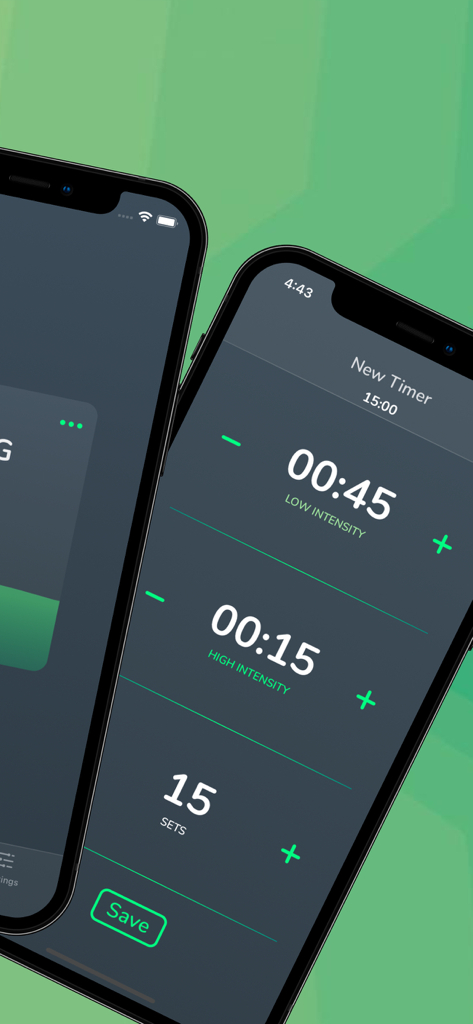
Customizing interval durations and sets in the Cero Pro Tabata and HIIT timer app on iPhone
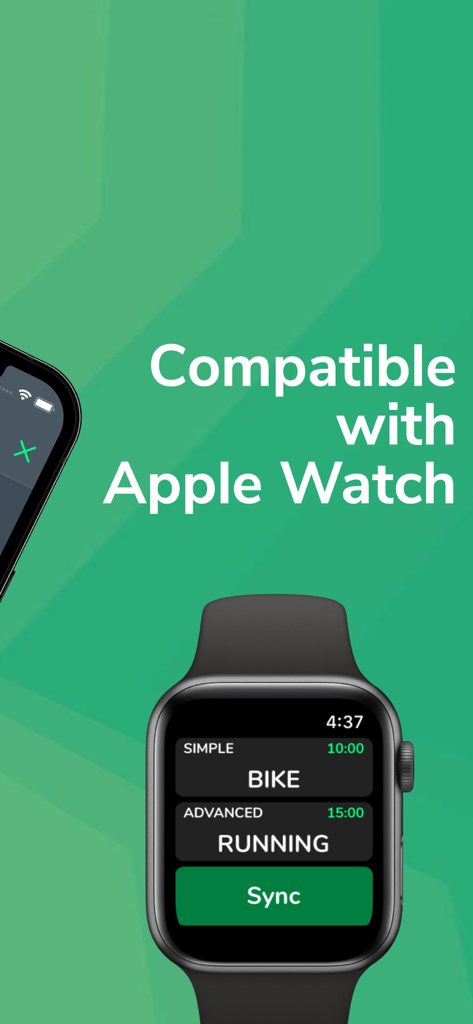
Tabata and HIIT timer app interface displayed on an Apple Watch
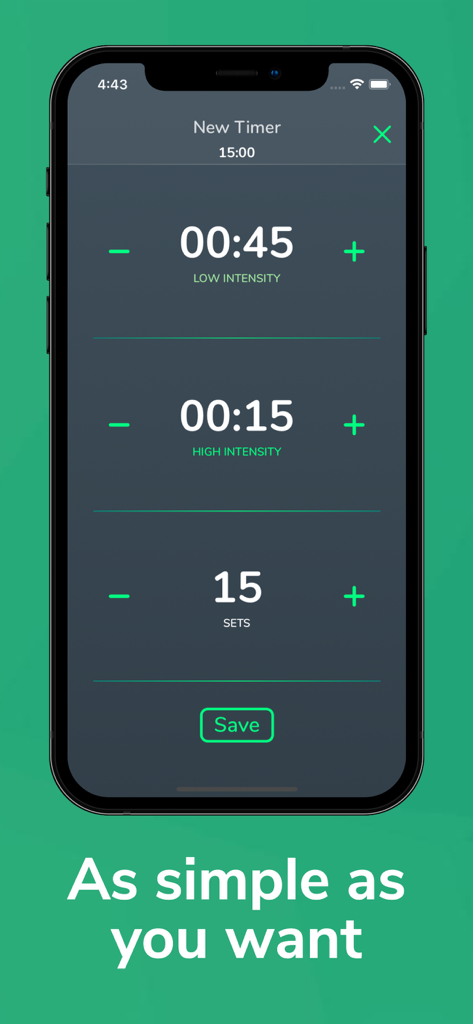
Setup screen for a HIIT workout timer with adjustable intervals and sets.
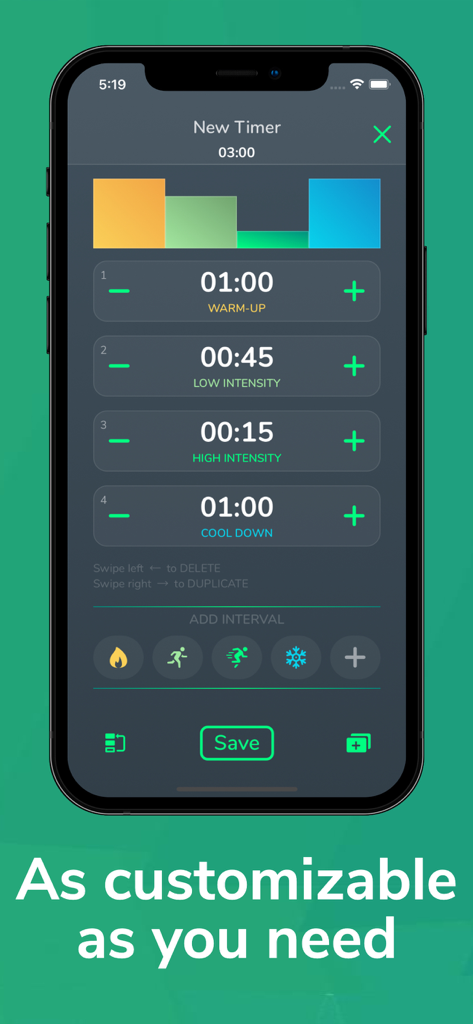
Custom interval timer setup in the Cero Pro fitness app showing warm up and high intensity periods
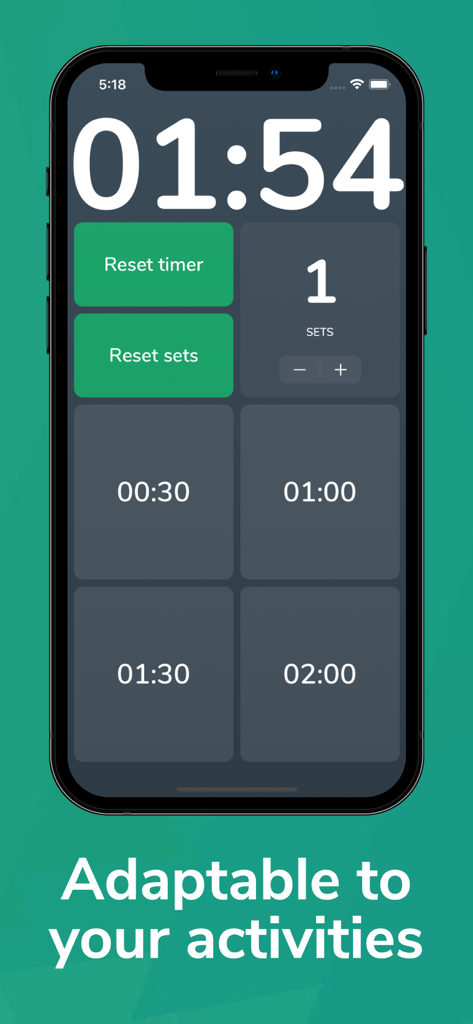
Smartphone screen showing Cero Pro HIIT timer with customizable interval presets and sets counter on a sleek dark interface
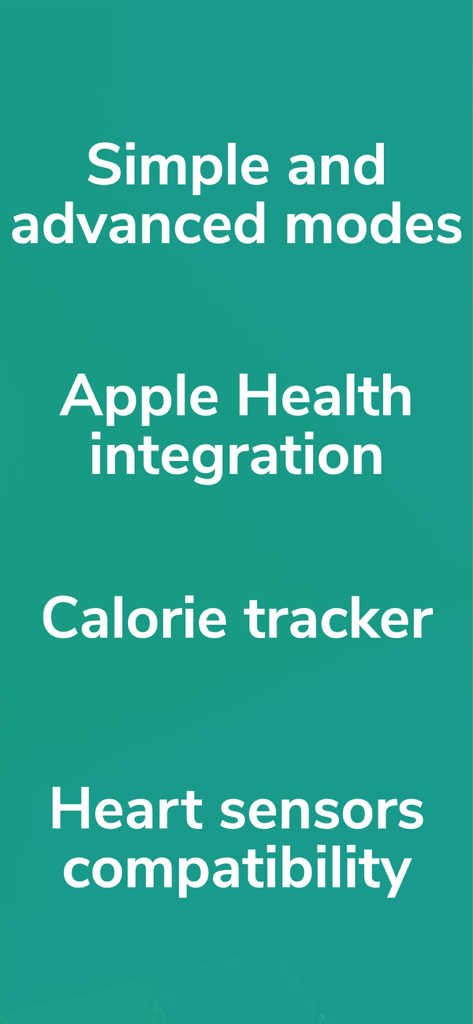
List of key features for Cero Pro Tabata and HIIT Timer including simple and advanced modes Apple Health integration calorie tracker and heart sensors compatibility
Description
Download
More Like This
Top-ranked apps in the same category

Strava: Run, Bike, Walk
Strava Inc.

Flo Cycle & Period Tracker
FLO HEALTH UK LIMITED

AI Calorie Tracker by Yazio
YAZIO GmbH

Mi Fitness (Xiaomi Wear Lite)
Beijing Xiaomi Co., Ltd

MyFitnessPal: Calorie Counter
MyFitnessPal, Inc.

Yuka - Food & Cosmetic Scanner
Yuca

Cal AI - Calorie Tracker
Viral Development LLC

HUAWEI Health
Huawei Software Technologies Co., Ltd.

美柚 - 经期·备孕·怀孕·育儿&亲友版
Xiamen Meet You Co., Ltd.
This page is not an official page of the app or its developer, but an independent editorial publication created for informational and commentary purposes. Unless expressly stated otherwise, neither the app nor its developer is affiliated with, endorsed by, sponsored by, authorized by, or otherwise officially connected with MWM, Apple, Google Play, the app publisher, or the app's developer, and nothing on this page implies that the app was developed using MWM's services. Any trademarks, logos, screenshots, and other content remain the property of their respective owners.