
This page is not an official page of the app or its developer, but an independent editorial publication created for informational and commentary purposes. Unless expressly stated otherwise, neither the app nor its developer is affiliated with, endorsed by, sponsored by, authorized by, or otherwise officially connected with MWM, Apple, Google Play, the app publisher, or the app's developer, and nothing on this page implies that the app was developed using MWM's services. Any trademarks, logos, screenshots, and other content remain the property of their respective owners.


Tattooist: AI Tattoo Generator
Stop guessing. This app arms you with a visualizer, transforming fleeting ideas into concrete ink designs.
Downloads
250k+User Rating
Total Ratings
1.4KPublisher
Category
Graphics & DesignLocales
6Latest Version
1.7.0Size
196.8 MBFirst Released
Apr 1, 2025An evaluation of the application's core functionalities and their impact on user experience for tattoo enthusiasts and professionals.
Key Features Analysis: Tattooist: AI Tattoo Generator
AI Tattoo Generator
The app provides advanced AI capabilities to transform textual descriptions into detailed, ink-ready tattoo designs across various styles.
Virtual Placement Preview
It allows users to preview how generated tattoos would look on different body parts, aiding in visualizing placement, size, and composition before commitment.
Design Customization
This tool features robust customization options, enabling users to fine-tune designs with shading, details, and finishing touches to ensure unique and personal artwork.
Style Exploration
The app enables users to experiment with a wide array of tattoo styles, from minimalist to Japanese irezumi, facilitating the discovery of the perfect artistic fit.
Image-to-Tattoo Conversion
It allows users to transform any uploaded photo or image into a unique tattoo-style design, offering another avenue for personalized inspiration.
Export and Sharing
The app provides functionality to export high-quality tattoo designs, making it easy to share them with tattoo artists or friends for consultation and finalization.
Design Templates
This tool features a catalog of pre-made design templates, offering inspiration and a customizable foundation for users seeking tattoo ideas.
Inspiration Discovery
It allows users to discover trending tattoo ideas and play with AI-generated concepts, helping to spark creativity and visualize artistic visions.
Frequently Asked Questions
Everything you need to know about Tattooist: AI Tattoo Generator
How to generate a tattoo design with Tattooist: AI Tattoo Generator?
The Tattooist AI Tattoo Generator creates detailed, ink-ready designs from text descriptions. It transforms your ideas into designs covering various styles, such as minimalist, tribal, traditional, or realistic. Users describe their dream tattoo, and the AI brings it to life.
Can I use my own images to create tattoos in Tattooist?
Yes, Tattooist allows you to turn any photo or image into a tattoo design. Users upload an image, and the AI instantly transforms it into tattoo-style artwork. This feature converts existing visuals into unique tattoo concepts.
What tattoo styles does Tattooist: AI Tattoo Generator support?
Tattooist supports a variety of tattoo trends and styles. These include geometric, watercolor, classic Japanese irezumi, minimalist, tribal, traditional, realistic, Blackwork, Dotwork, New School, and Realism. Users easily switch between styles.
Can I preview tattoo designs on different body parts using Tattooist?
Yes, Tattooist enables users to preview how their tattoo designs look on different body parts. Users select the placement on the body to better visualize the size, fit, and composition before committing to permanent ink.
Does Tattooist offer pre-made tattoo designs?
Yes, Tattooist provides a catalog of pre-made design templates. Users browse these for inspiration and customize them to create their perfect tattoo. This helps users who are unsure about their desired tattoo look.
How can artists use the Tattooist app?
Tattooist helps artists save time by using AI to create detailed tattoo concepts and custom designs for clients. It allows artists to experiment with new styles and enhance sketches with AI-generated details and unique artistic elements.
Can I export and share designs from Tattooist: AI Tattoo Generator?
Yes, Tattooist allows users to export high-quality tattoo designs. These designs can be easily shared with friends or directly with a tattoo artist from within the app, or saved for later use.
What are the terms of use for Tattooist?
The official Terms of Use for the Tattooist app are available on its website. Users can access the complete terms at https://tattooistai.app/terms-of-use for detailed information regarding app usage.
Where can I find the privacy policy for Tattooist?
The Privacy Policy for Tattooist: AI Tattoo Generator is accessible on its official website. The full policy can be viewed at https://tattooistai.app/privacy-and-cookies-policy to understand data handling and user privacy.
Can I customize my tattoo designs in Tattooist?
Yes, users can customize their tattoo designs within Tattooist. The app provides options to update tattoos with shading, fine details, and finishing touches, making each design special and personal before getting permanent ink.
The following screenshots and description are sourced directly from the app's official store listing and are the property of the app developer.
App Store
Screenshots
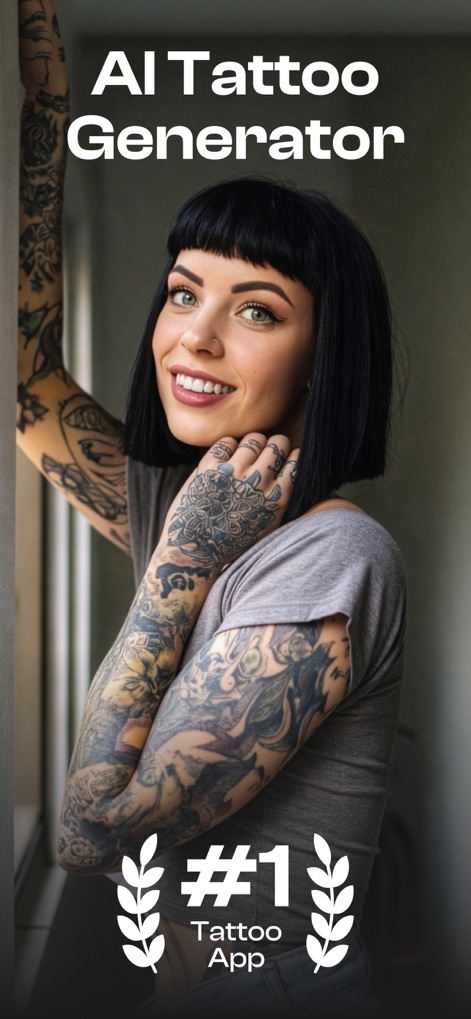
See how the app's powerful AI generates stunning tattoo designs, celebrating the artistry on display on diverse users.
AI Tattoo Power
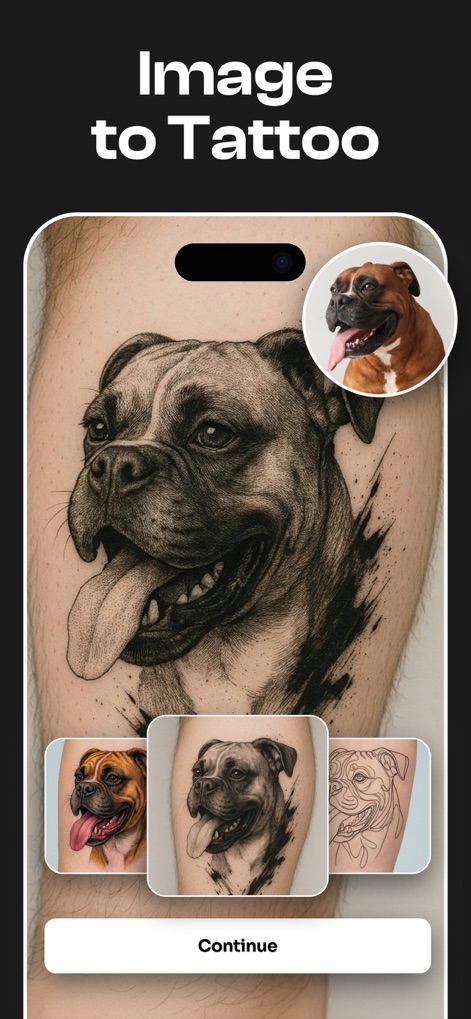
Discover how this tool instantly converts any uploaded image into a unique tattoo-style artwork, showcasing a photo's transformation into intricate line art.
Image Transformation

Users can preview potential tattoos directly on their body using augmented reality, displaying a lotus design seamlessly placed on a back and arm.
Virtual Try-On
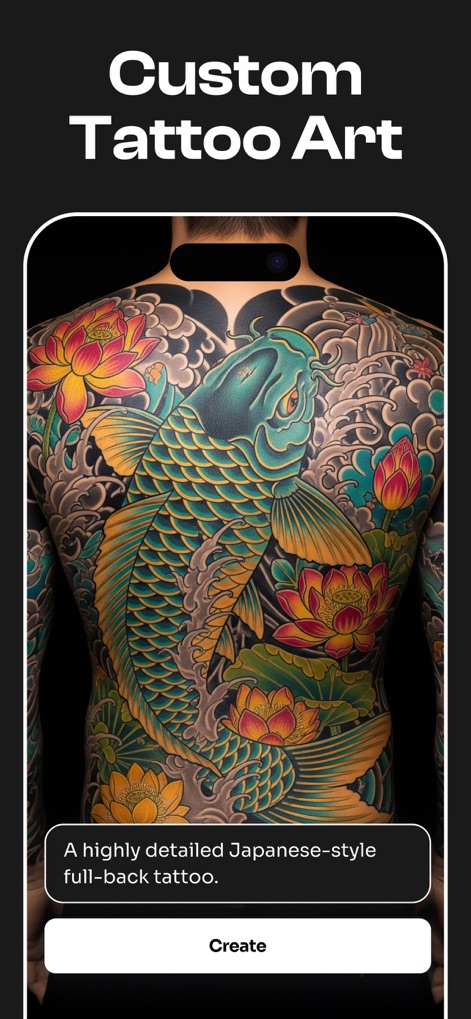
Witness the app's capability to generate highly detailed, custom tattoo art from text descriptions, exemplified by a vibrant Japanese-style full-back design.
Bespoke Design Creation
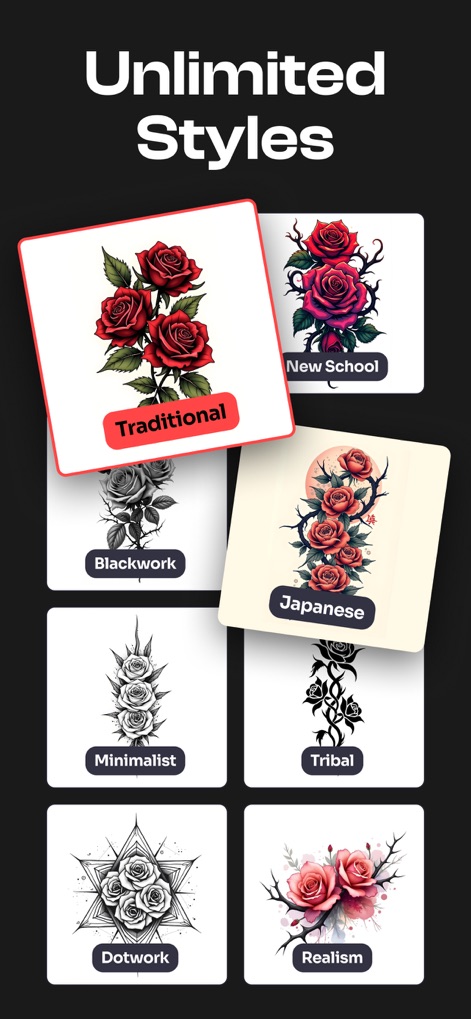
The app offers a vast array of tattoo styles to explore, from traditional roses to minimalist and Japanese designs, allowing users to effortlessly switch between them.
Explore Diverse Styles
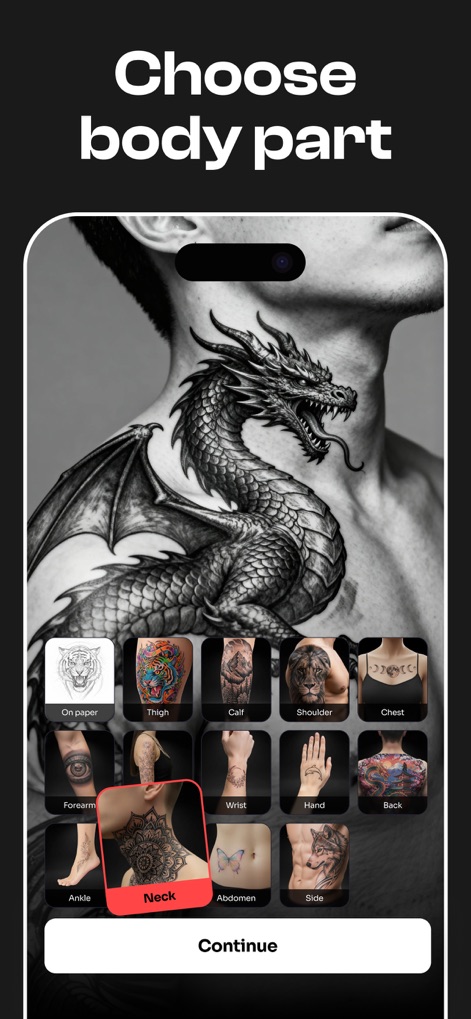
Easily visualize how different designs appear on various body parts, such as a fierce dragon tattoo on the neck or other selectable placements like the thigh and chest.
Placement Visualization

Access a rich catalog of pre-made designs and popular picks for instant inspiration, featuring both intricate sleeve creations and individual style examples.
Template Inspiration
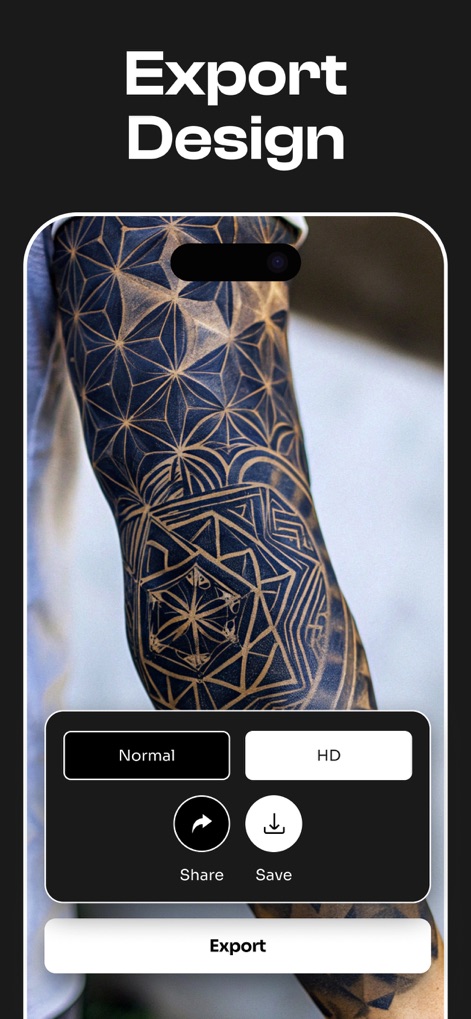
Users can export high-quality tattoo designs for personal use or sharing, with options to save in HD or share directly via the app's interface.
Share Your Art
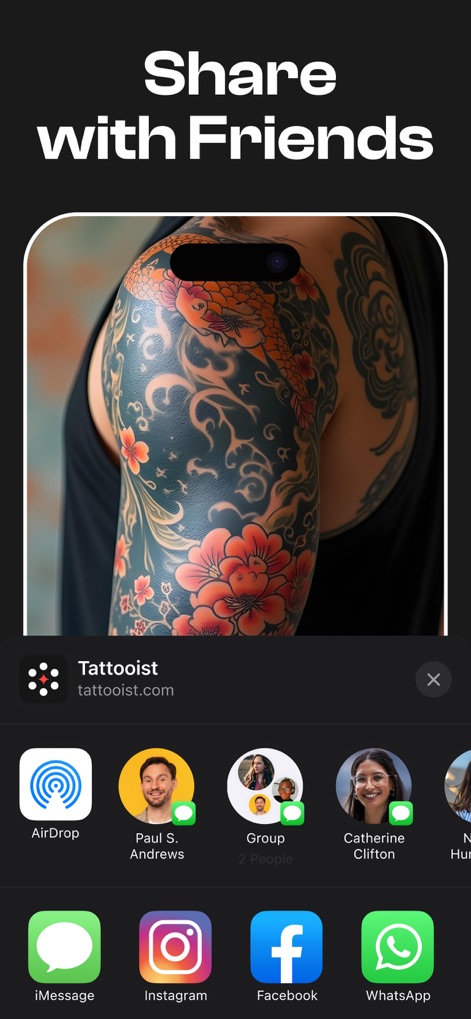
Effortlessly share unique AI-generated tattoo concepts with friends or tattoo artists through various integrated social platforms and messaging apps.
Connect & Share
Description
Download
More Like This
Apps with similar features and user experience
Ai Tattoo Generator Ink Tattoo
minh nguyen tien
Next Ink: AI Tattoo Design
IdeaLabs Pte. Ltd.

Tattoo Guru - AI Art Generator
AppsX

Tattoo AI - Tattoo Design
HUBX YAZILIM HIZMETLERI ANONIM SIRKETI
INKHUNTER - AI Tattoo Design
Inkhunter

Tattoo AI Design Generator-Ink
Roximus Limited

InkDNA - AI Tattoo Generator
Meijing Mechanical & Electrical Environmental Protection (Shanghai) Co., Ltd.
Tattoo AI・Ink Design Generator
KOSMOSHARK OOO

Tatship: Tattoo Planner Maker
Convinced Creations Company Limited
This page is not an official page of the app or its developer, but an independent editorial publication created for informational and commentary purposes. Unless expressly stated otherwise, neither the app nor its developer is affiliated with, endorsed by, sponsored by, authorized by, or otherwise officially connected with MWM, Apple, Google Play, the app publisher, or the app's developer, and nothing on this page implies that the app was developed using MWM's services. Any trademarks, logos, screenshots, and other content remain the property of their respective owners.