
This page is not an official page of the app or its developer, but an independent editorial publication created for informational and commentary purposes. Unless expressly stated otherwise, neither the app nor its developer is affiliated with, endorsed by, sponsored by, authorized by, or otherwise officially connected with MWM, Apple, Google Play, the app publisher, or the app's developer, and nothing on this page implies that the app was developed using MWM's services. Any trademarks, logos, screenshots, and other content remain the property of their respective owners.


Tele Web Tools for Messenger
Seamlessly manage dual accounts, transcribe voice notes to text, and customize your messages with stylish fonts and unique wallpapers—all in one powerful app.
Downloads
1M+User Rating
Total Ratings
1K+Publisher
Category
Social NetworkingLocales
1Latest Version
6.0Size
80.5 MBFirst Released
May 17, 2024Elevate Your Messaging Game
Unlock powerful tools designed for the modern digital hustler to manage, customize, and optimize every Telegram interaction.
Seamless Dual Chat
Manage your personal and professional accounts simultaneously without the friction of logging in and out.
Smart Audio-to-Text
Perfect for busy commuters and students—convert voice notes into readable text instantly when you can't listen.
Frequently Asked Questions
Everything you need to know about Tele Web Tools for Messenger
Does Tele Web Tools for Messenger support managing multiple Telegram accounts?
Yes, Tele Web Tools for Messenger allows users to seamlessly manage multiple Telegram accounts within a single app. Users can switch between chats effortlessly.
Can I manage multiple WhatsApp accounts with Tele Web Tools for Messenger?
Yes, Tele Web Tools for Messenger enables users to manage multiple WhatsApp accounts on a single device, as indicated by the "Whats Web" feature in the app interface.
How can I send direct messages using Tele Web Tools for Messenger?
Tele Web Tools for Messenger allows users to send direct messages to contacts quickly and easily. This initiates private conversations with individuals or groups without distractions.
Does Tele Web Tools for Messenger convert audio messages to text?
Yes, Tele Web Tools for Messenger converts audio messages into text. This feature ensures users can easily read and comprehend messages even when they cannot listen to audio.
Does Tele Web Tools for Messenger offer stylish fonts for messages?
Yes, Tele Web Tools for Messenger provides a variety of stylish fonts. Users can choose these fonts to make their messages stand out and add a personal touch to conversations.
What is the Text Repeater feature in Tele Web Tools for Messenger?
The Text Repeater feature in Tele Web Tools for Messenger allows users to repeat text messages with ease. This saves time by sending repeated messages without typing them out multiple times.
Can I find inspirational quotes within Tele Web Tools for Messenger?
Yes, Tele Web Tools for Messenger includes a Quotes feature. Users can discover and share inspirational and motivational quotes from a curated collection for various occasions.
How can I customize my chat backgrounds in Tele Web Tools for Messenger?
Tele Web Tools for Messenger allows users to customize chat backgrounds with a selection of stylish wallpapers. Users can also add captions to personalize their chats.
Where can I find the Privacy Policy for Tele Web Tools for Messenger?
The Privacy Policy for Tele Web Tools for Messenger is available at https://telegramtoolsmessenger.blogspot.com/2024/04/privacy-policy.html.
Is Tele Web Tools for Messenger officially affiliated with Telegram?
No, Tele Web Tools for Messenger is an independent tool designed to enhance user experience. It is not affiliated with, endorsed by, or sponsored by Telegram Messenger or its services.
The following screenshots and description are sourced directly from the app's official store listing and are the property of the app developer.
App Store
Screenshots
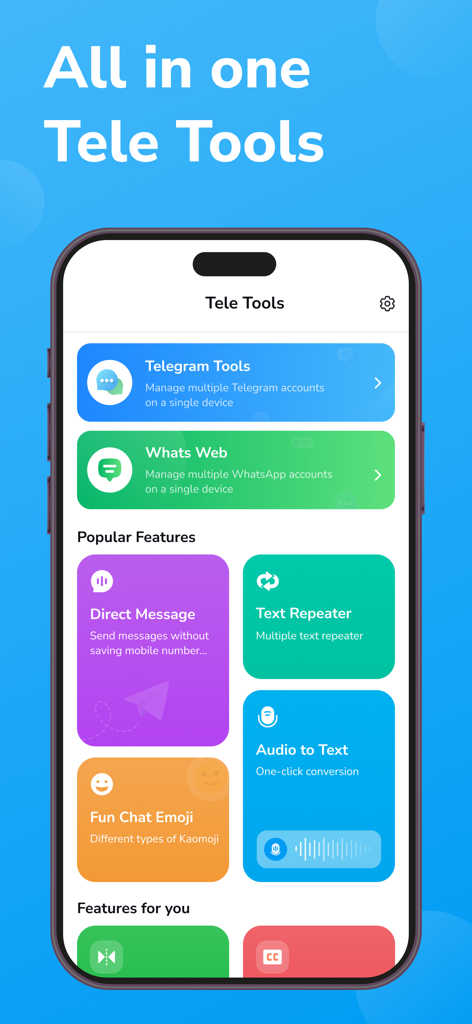
Tele Web Tools app dashboard with messenger utilities like dual chat and audio to text
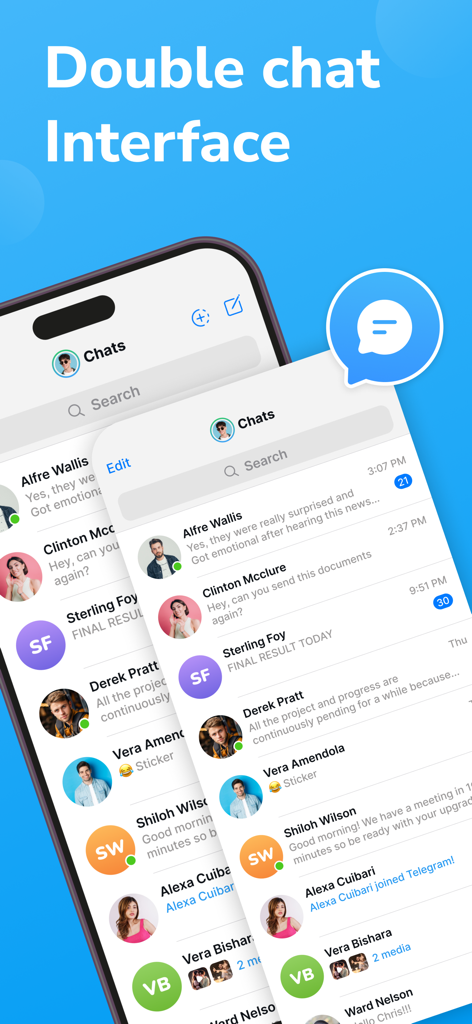
Interface showing dual chat management for a messaging app
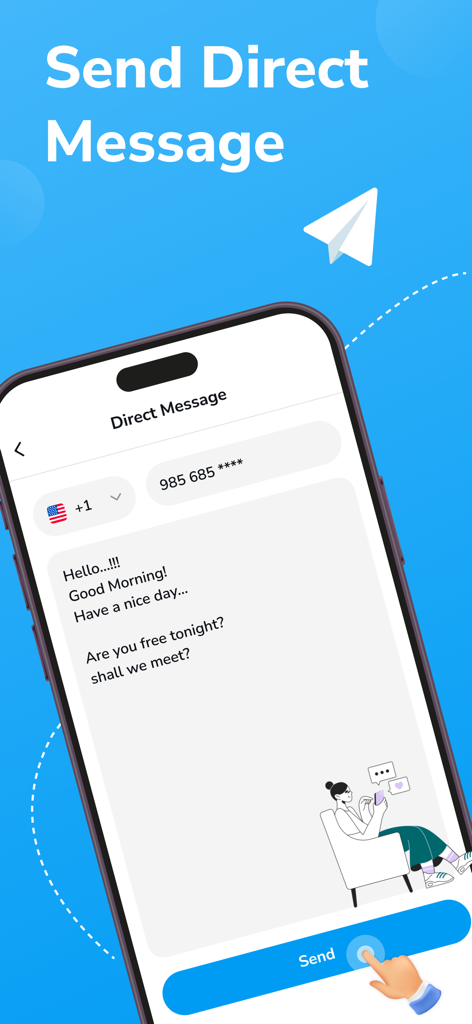
Interface of the Direct Message feature in the Tele Web Tools app showing a phone number input and message box
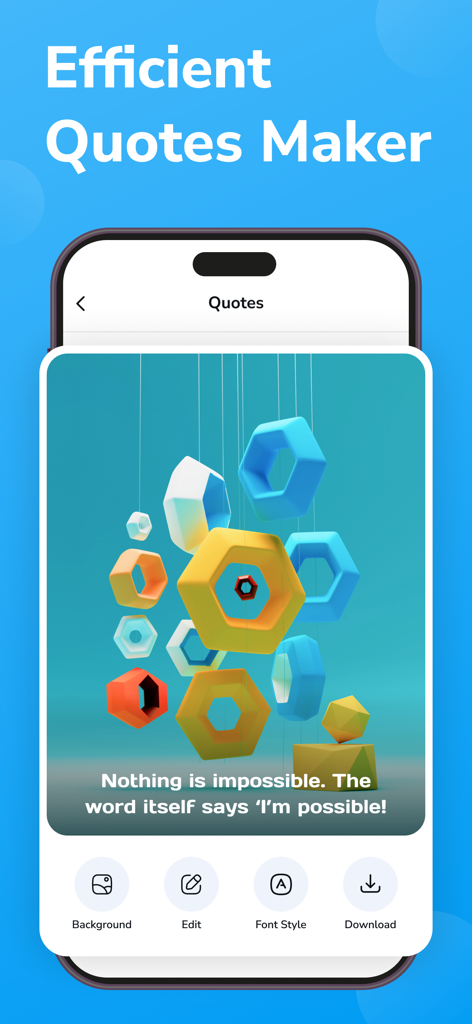
Efficient Quotes Maker screen with an inspirational quote and design tools
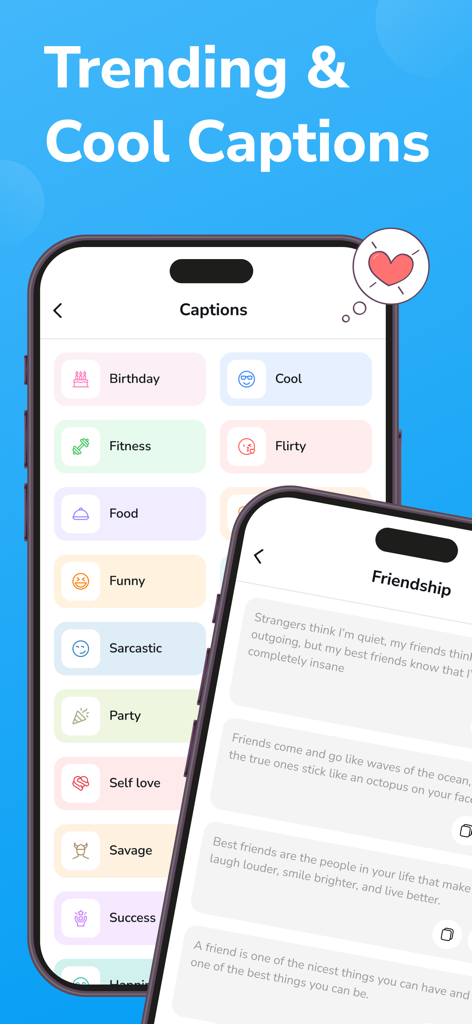
Mobile app screen displaying various trending caption categories and friendship quotes for social messaging
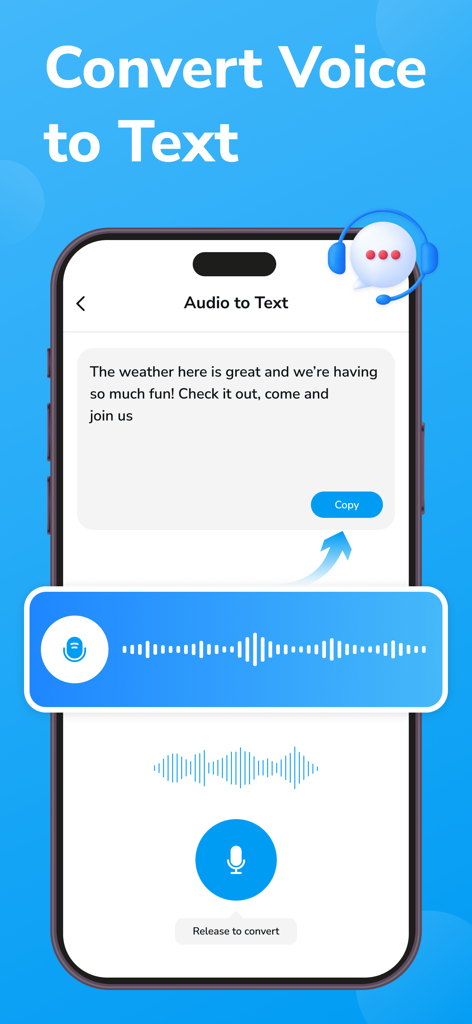
Tele Web Tools app interface showing the voice to text conversion feature
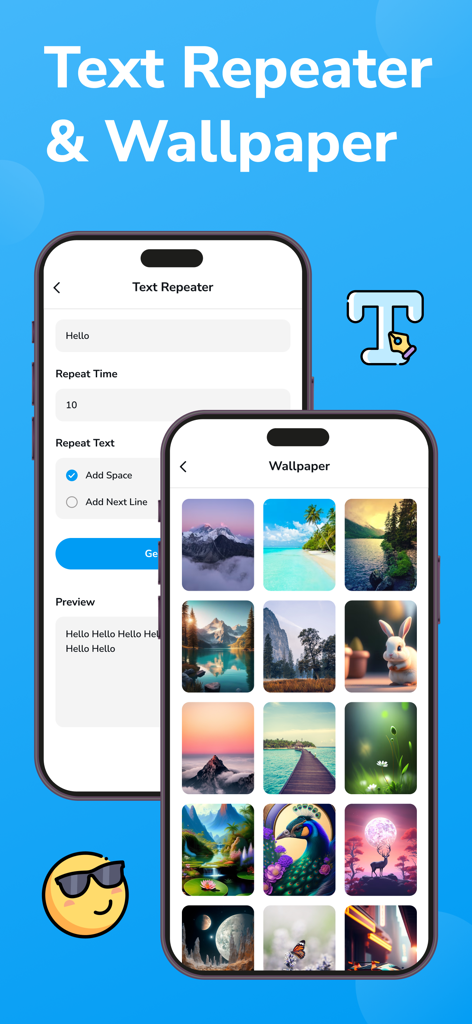
Mobile app interface showing text repeater tools and a gallery of aesthetic chat wallpapers
Description
Download
More Like This
Apps with similar features and user experience

Turrit -Messenger for Telegram
SEASTAR FUTURE HOLDING PTE. LTD.

Nicegram: AI x Dual Telegram
Appvillis UAB

iMe: AI Messenger for Telegram
IME LAB FZCO

Messages: SMS & Text Messaging
Kailashben Radadiya

X for Telegram Messenger
BEST SOCIAL APPS DEVELOPMENT LTD

Телега — Мессенджер
USER COMMUNICATION TECHNOLOGIES LLC

Telegram x Dual Messenger
Sharad Solanki

Swiftgram: Telegram mod client
Akentech Oy

Vidogram
Syed Mohammed Hyder
This page is not an official page of the app or its developer, but an independent editorial publication created for informational and commentary purposes. Unless expressly stated otherwise, neither the app nor its developer is affiliated with, endorsed by, sponsored by, authorized by, or otherwise officially connected with MWM, Apple, Google Play, the app publisher, or the app's developer, and nothing on this page implies that the app was developed using MWM's services. Any trademarks, logos, screenshots, and other content remain the property of their respective owners.