
This page is not an official page of the app or its developer, but an independent editorial publication created for informational and commentary purposes. Unless expressly stated otherwise, neither the app nor its developer is affiliated with, endorsed by, sponsored by, authorized by, or otherwise officially connected with MWM, Apple, Google Play, the app publisher, or the app's developer, and nothing on this page implies that the app was developed using MWM's services. Any trademarks, logos, screenshots, and other content remain the property of their respective owners.


The Card Network
Received a reward via text? Turn that message into a spendable balance in seconds. Claim your digital card and add it to your mobile wallet for seamless, contactless payments at your favorite retailers.
Downloads
525K+User Rating
Total Ratings
600Publisher
Category
FinanceLocales
16Latest Version
2.4.5Size
53.5 MBFirst Released
Mar 16, 2020From Reward to Retail in Seconds
The Card Network turns your digital rewards into instant spending power. Claim, store, and spend your gift cards directly from your phone.
Instant Digital Access
Skip the wait for physical mail. Access your digital card immediately after receiving your SMS reward link and start shopping right away.
Tap-to-Pay Integration
Effortlessly add your cards to your mobile wallet. Enjoy the convenience of secure, contactless payments at your favorite major US retailers.
Frequently Asked Questions
Everything you need to know about The Card Network
How do I log in to The Card Network App?
To log in to The Card Network App, users enter their mobile number and password. A 'Forgot my password' option is available for account access recovery.
How do I claim my digital card with The Card Network App?
Yes, you claim your digital card instantly in The Card Network App by using a provided link from a text message to log in.
Can I add my The Card Network card to a mobile wallet?
Yes, after downloading The Card Network App, you can add your new digital card to your mobile device’s wallet. This prepares it for immediate use.
How does The Card Network App facilitate using my card?
The Card Network App allows users to instantly claim their digital card and add it to their mobile device's wallet. Once added, the card is ready for use.
What retailers accept The Card Network digital card?
The Card Network digital card is accepted at various participating retailers, including Adidas, Puma, Nike, Foot Locker, Merrell, and other listed stores.
Does The Card Network App display my current card balance?
Yes, The Card Network App clearly displays your available digital card balance, such as "A$5.00," on the main card view.
Can I see my transaction history in The Card Network App?
Yes, The Card Network App provides a transaction history. It shows details like initial card loads, status changes (e.g., from PreActive to Active), amounts, and dates.
What is a "PreActive" card status in The Card Network App?
In The Card Network App, "PreActive" indicates a card status before it becomes "Active." This change is recorded in the transaction history, signifying the card is ready for use.
The following screenshots and description are sourced directly from the app's official store listing and are the property of the app developer.
App Store
Screenshots
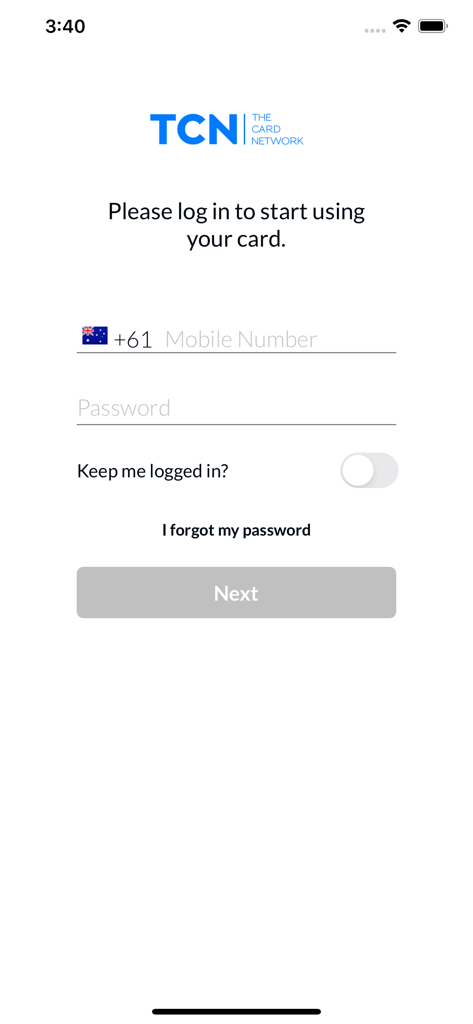
Login screen of The Card Network mobile app with fields for mobile number and password.
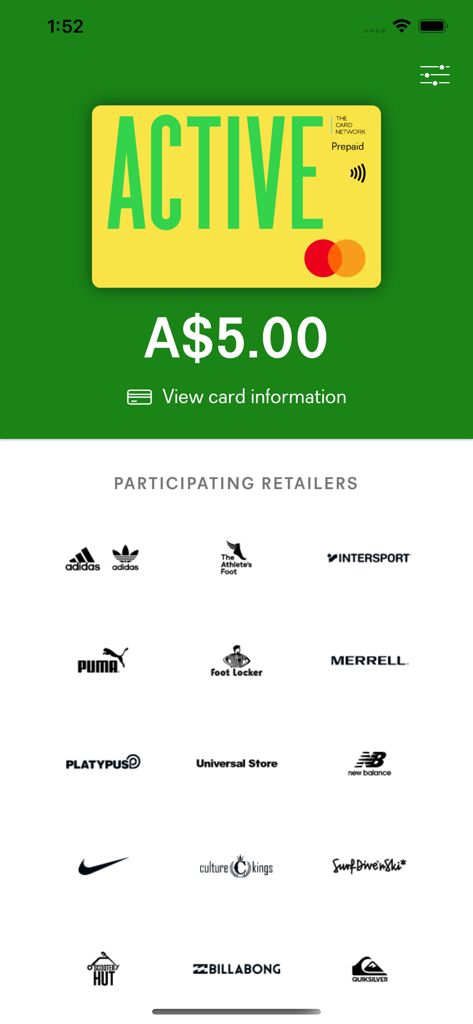
The Card Network app interface showing an active digital card balance and participating retail brands like Nike and Adidas.
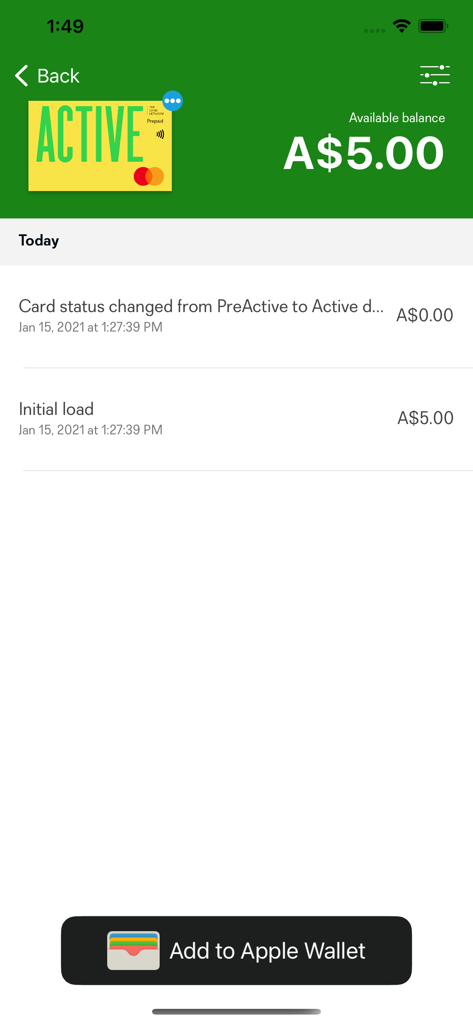
The Card Network app displaying an active digital card balance and an Add to Apple Wallet button
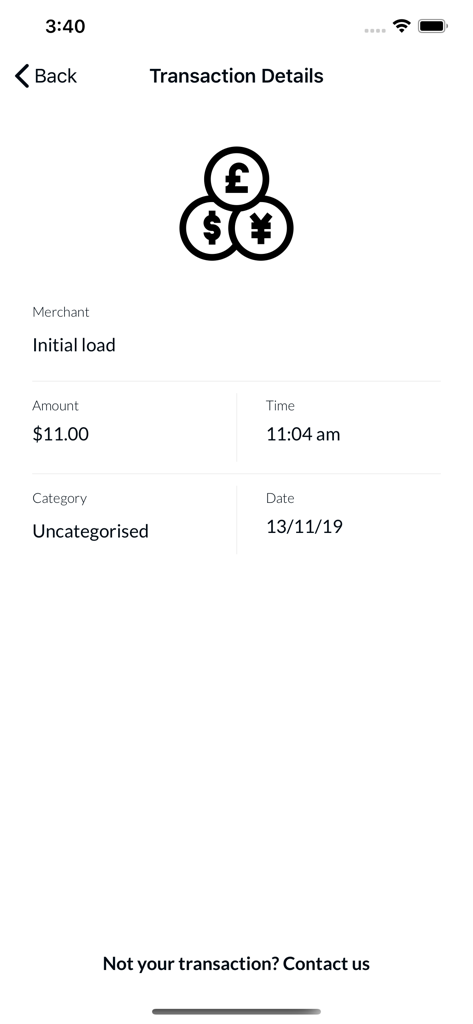
The Card Network app transaction details screen showing a digital reward initial load of 11 dollars
Description
Download
More Like This
Apps with similar features and user experience

MultiPay - Digital Wallet
Multinet Kurumsal Hizmetler A.S.

PaysafeCard - prepaid payments
paysafecard.com Wertkarten GmbH

Prezzee eGift cards
PREZZEE PTY LIMITED

Evouchers.com
Wonde Ltd

Got It - Quà điện tử
DAYONE JOINT STOCK COMPANY
CleverCards
KPTRS Investments Ltd

도서문화상품권, 북앤라이프
Pays BooknLife Co., Ltd.

CardSaver - Gift Card Reminder
ChelleStudio LLC
This page is not an official page of the app or its developer, but an independent editorial publication created for informational and commentary purposes. Unless expressly stated otherwise, neither the app nor its developer is affiliated with, endorsed by, sponsored by, authorized by, or otherwise officially connected with MWM, Apple, Google Play, the app publisher, or the app's developer, and nothing on this page implies that the app was developed using MWM's services. Any trademarks, logos, screenshots, and other content remain the property of their respective owners.