
This page is not an official page of the app or its developer, but an independent editorial publication created for informational and commentary purposes. Unless expressly stated otherwise, neither the app nor its developer is affiliated with, endorsed by, sponsored by, authorized by, or otherwise officially connected with MWM, Apple, Google Play, the app publisher, or the app's developer, and nothing on this page implies that the app was developed using MWM's services. Any trademarks, logos, screenshots, and other content remain the property of their respective owners.


The Couple (Days in Love)
Automatically track anniversaries, create shared photo stories, and keep your partner close with beautiful home screen widgets designed for your unique love story.
Downloads
4M+User Rating
Total Ratings
45K+Publisher
Category
LifestyleLocales
7Latest Version
3.10.5Size
311.0 MBFirst Released
Jul 19, 2016Celebrate Every Milestone Together
From your first 100 days to your golden anniversary, The Couple provides a beautiful, private space to track your love story and keep your most precious memories just a glance away.
Automated Milestone Tracking
Never miss a special moment again. We automatically calculate your 100th, 200th, and yearly anniversaries, sending you custom alerts so you can focus on celebrating.
Aesthetic Home Screen Widgets
Keep your partner close with fully customizable widgets. Match your phone's vibe with various themes, fonts, and heart icons that turn your home screen into a digital shrine.
Frequently Asked Questions
Everything you need to know about The Couple (Days in Love)
What is The Couple app for?
The Couple app serves as a dedicated space for partners to record their shared journey. It helps track anniversaries, create date diaries, and share memories and photos, ensuring precious moments are not forgotten.
How does The Couple app notify users about anniversaries?
The Couple app automatically calculates and lists anniversaries, like 100th or 200th days. It sends customizable notifications 7, 5, 3, or 1 day before an anniversary, preventing users from missing important dates.
Can I personalize the appearance of The Couple app?
Yes, The Couple app allows extensive personalization. Users can decorate their background screen with various themes, heart icons, background effects, and their own photos. It also offers multiple fonts for added customization.
Does The Couple app include home screen widgets?
Yes, The Couple app features various home screen widgets for iPhones. These widgets enable users to conveniently check anniversaries and their partner's birthdays directly from their device's home screen.
What features are included in The Couple Premium subscription?
The Couple Premium subscription offers several enhancements. It removes advertisements and provides access to more decorative themes, increased photo uploads (30 per story), photo saving capabilities, and exclusive lock-down features for enhanced privacy.
How do I manage my subscription for The Couple app?
Subscriptions for The Couple app are managed through your Apple App Store account. You must cancel at least 24 hours before renewal directly within the App Store settings. Restoring subscriptions requires the same Apple account.
What is the photo upload limit for stories in The Couple app?
In The Couple app's Story feature, regular users can upload 3 photos per story. Premium subscribers benefit from an increased limit, allowing them to upload up to 30 photos for each story entry.
Can users communicate or interact within The Couple app's stories?
Yes, The Couple app facilitates interaction within stories. Users can post comments on each other's story entries and download photos shared in those stories, fostering shared memory keeping.
The following screenshots and description are sourced directly from the app's official store listing and are the property of the app developer.
App Store
Screenshots
Introductory screen of The Couple app highlighting its status as the top couple countdown app
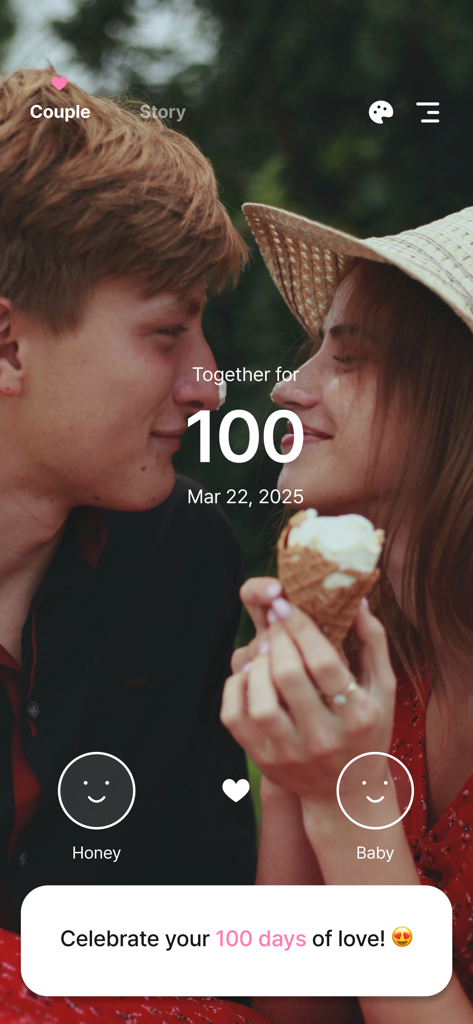
A couple celebrating their 100 days anniversary on The Couple app screen
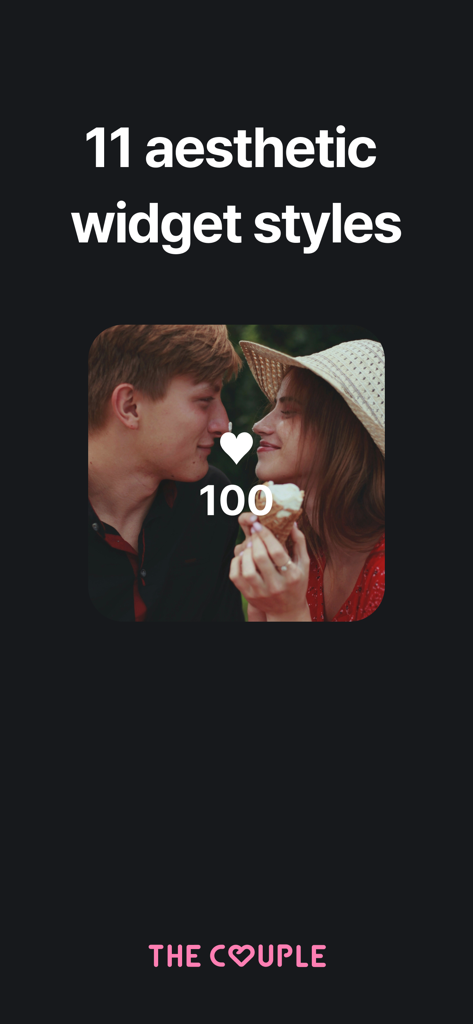
A visual showing a 100 day relationship anniversary widget with a couple photo and heart icon
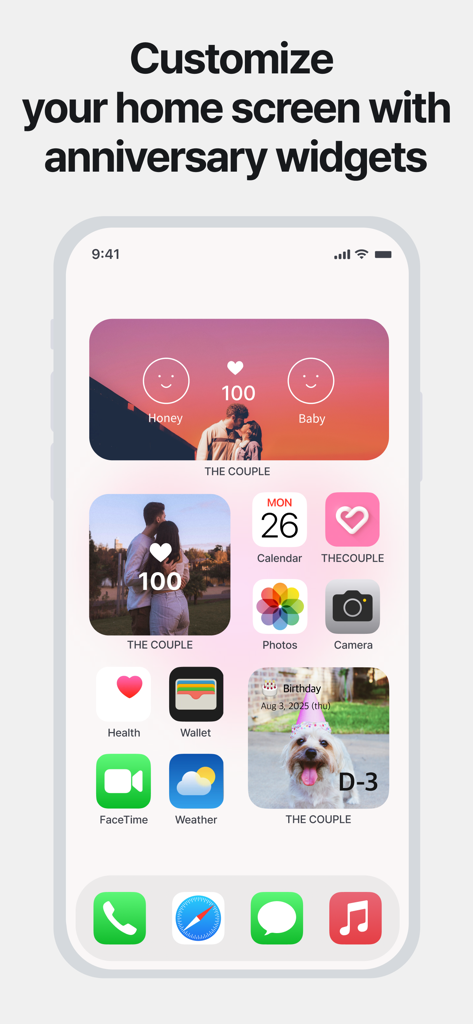
iPhone home screen with custom relationship anniversary and countdown widgets
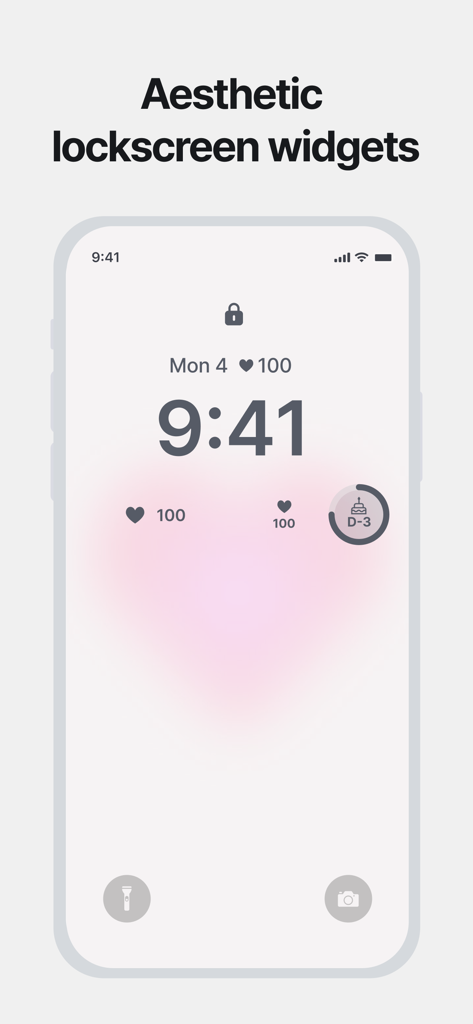
iPhone lockscreen featuring aesthetic heart and anniversary countdown widgets from The Couple app
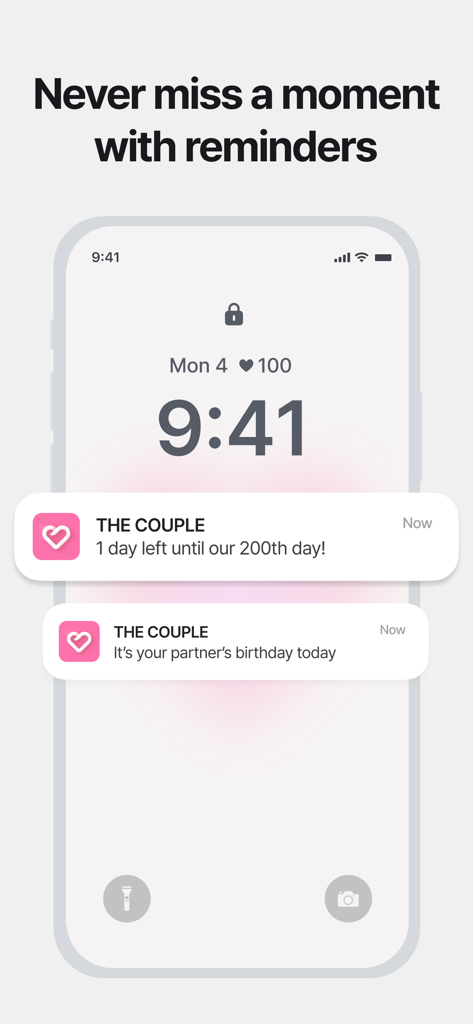
iPhone lock screen with app notifications for a 200-day anniversary and a partner's birthday from The Couple app.
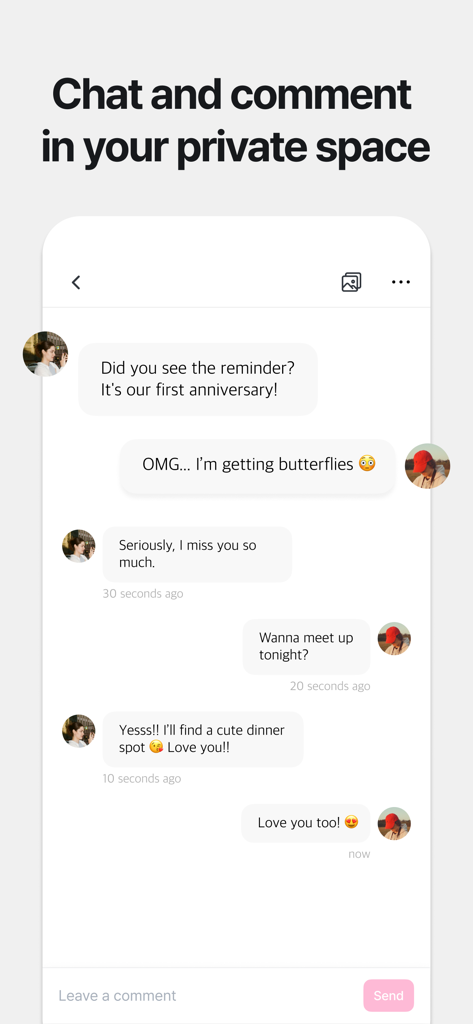
A private chat interface in the app showing a couple sending romantic messages and planning an anniversary dinner
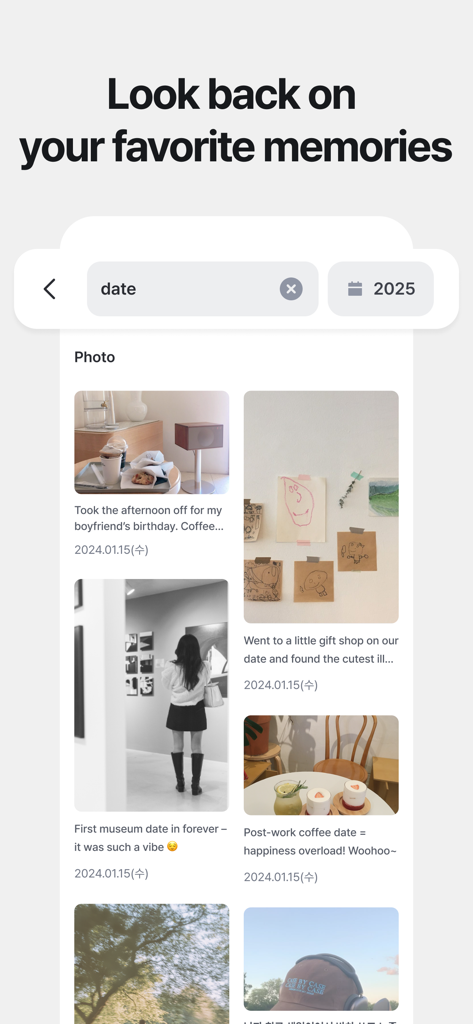
A chronological photo journal showing various date memories with captions and dates in a clean aesthetic layout.
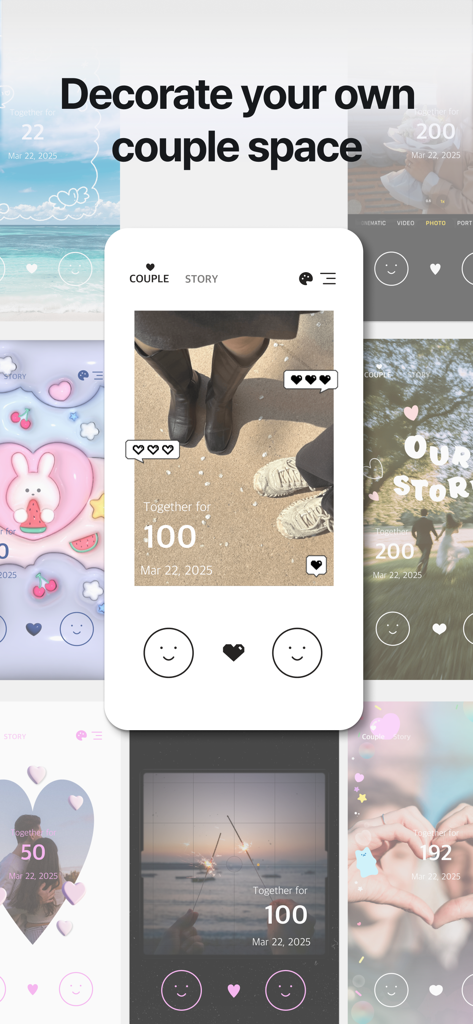
A collage showing various aesthetic home screen layouts for tracking couple anniversaries and memories.
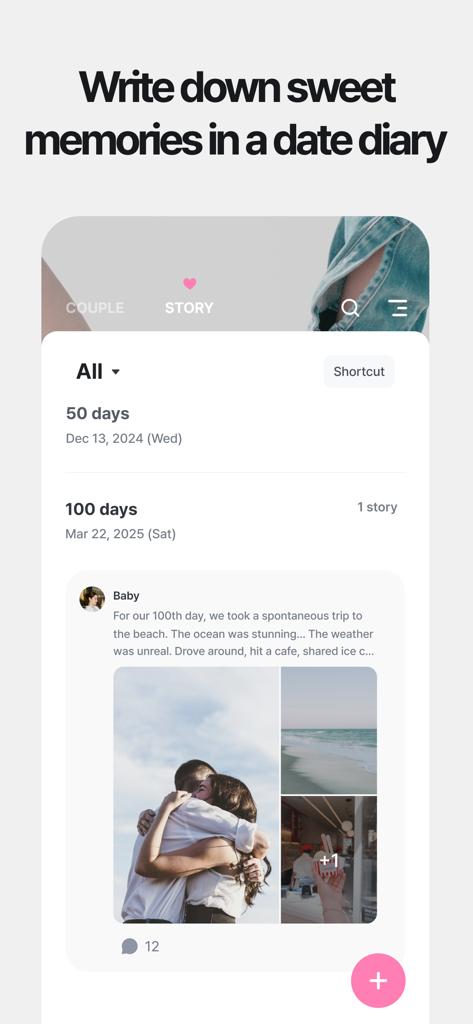
Interface of The Couple app showing a digital diary with romantic photos and anniversary milestones like one hundred days.
Description
Download
More Like This
Apps with similar features and user experience

My Love - Relationship Counter
Bjoern Bartels

Memories: My Love Days Counter
开学 唐

LoveCounter - My Love
Dennis Wassenberg

inlove - D-Day for Couples
Danh Huynh

Couple Widget : Love Countdown
Jae Young Kim

ДМБ Таймер - The Official App
Kirill Galkin

Been Love Memory -Love Counter
Dat Do

군돌이 - 군대 전역일계산기
Goondori, Inc.

OurDay - Our Minimi in Widget
Gaeun Lee
This page is not an official page of the app or its developer, but an independent editorial publication created for informational and commentary purposes. Unless expressly stated otherwise, neither the app nor its developer is affiliated with, endorsed by, sponsored by, authorized by, or otherwise officially connected with MWM, Apple, Google Play, the app publisher, or the app's developer, and nothing on this page implies that the app was developed using MWM's services. Any trademarks, logos, screenshots, and other content remain the property of their respective owners.