
This page is not an official page of the app or its developer, but an independent editorial publication created for informational and commentary purposes. Unless expressly stated otherwise, neither the app nor its developer is affiliated with, endorsed by, sponsored by, authorized by, or otherwise officially connected with MWM, Apple, Google Play, the app publisher, or the app's developer, and nothing on this page implies that the app was developed using MWM's services. Any trademarks, logos, screenshots, and other content remain the property of their respective owners.


The Home Depot
Stop searching and start doing with the app built for DIYers and pros. Navigate any store with our in-aisle GPS, find parts instantly with image search, and check real-time inventory to get your job done faster.
Downloads
27M+User Rating
Total Ratings
3M+Publisher
Category
ShoppingLocales
1Latest Version
7.56.1Size
216.2 MBFirst Released
Dec 16, 2009Smart Tools for Every Doer
From finding the exact aisle to identifying mystery parts, we’ve packed the expertise of The Home Depot into your pocket to save you time and money.
GPS for Your Shopping List
Stop wandering through massive warehouses. Our Product Locator takes you directly to the exact aisle and bay for every item on your list.
Snap, Search, and Solve
Can't name that broken part? Simply take a photo with Image Search to identify hardware instantly and get back to your project faster.
Frequently Asked Questions
Everything you need to know about The Home Depot
How does The Home Depot app help users save time?
The Home Depot app saves time by allowing users to shop over one million products, utilize Image Search, and find items quickly with the Product Locator.
Does The Home Depot app have an image search feature?
Yes, The Home Depot app includes an Image Search feature. Users can snap a picture of an item to identify it and find product information.
How does the Product Locator feature work in The Home Depot app?
The Product Locator in The Home Depot app helps users find items by providing their exact aisle and bay location within a store and checking store inventory.
What are the benefits of creating an account in The Home Depot app?
Creating an account in The Home Depot app provides access to real-time order tracking, viewing purchase history, and enabling instant checkout.
Can I find daily deals using The Home Depot app?
Yes, The Home Depot app features a new Special Buy on the app home screen daily. Users can also view their local ad for promotions.
What is the purpose of the barcode reader in The Home Depot app?
The barcode reader in The Home Depot app allows users to scan an item's barcode to quickly check prices, read customer ratings, and reviews.
Where can I find The Home Depot app's privacy policy?
The Home Depot app's privacy policy is available at the provided URL: https://www.homedepot.com/privacy/privacy-and-security-statement.
How do I exercise my privacy rights regarding personal information with The Home Depot app?
Users can exercise their privacy rights by visiting the 'Do Not Sell My Personal Information' link provided: https://www.homedepot.com/privacy/Exercise_My_Privacy_Rights.
Does The Home Depot app offer a room visualizer?
Yes, The Home Depot app features a Room Visualizer. It allows users to see how different styles of walls and floors look in their space.
What functions are available in Store Mode within The Home Depot app?
Store Mode in The Home Depot app provides access to a Barcode Scanner, Store Map, Product Lists, Store Savings, and Account information.
Can I manage my Pro Xtra benefits with The Home Depot app?
Yes, The Home Depot app allows users to manage their Pro Xtra benefits, rewards, and other related perks directly within their profile.
The following screenshots and description are sourced directly from the app's official store listing and are the property of the app developer.
App Store
Screenshots
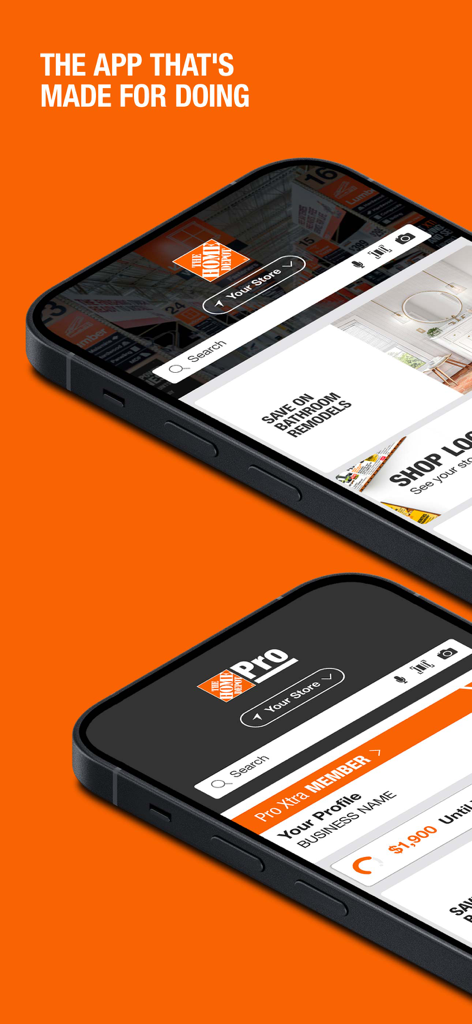
Two smartphones showing the Home Depot app for DIYers and the Pro Xtra interface for professionals.

Two iPhones showing the Home Depot app homepage with special buy savings and navigation menus against an orange background
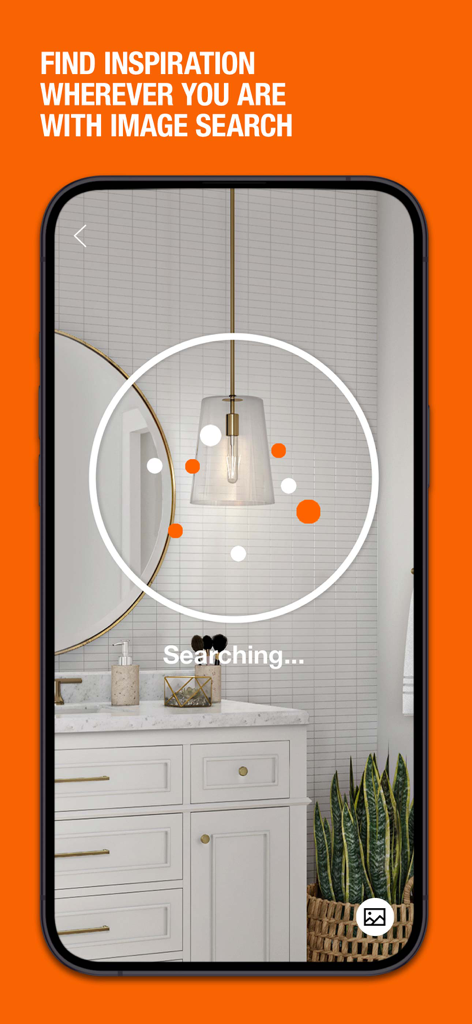
The Home Depot app visual search feature identifying a bathroom pendant light fixture
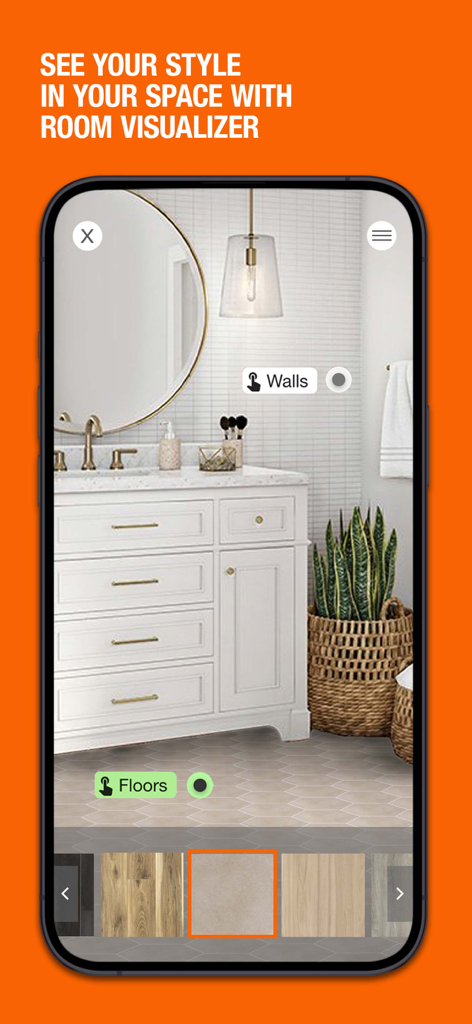
Home Depot app Room Visualizer feature showing a bathroom with different flooring and wall tile options
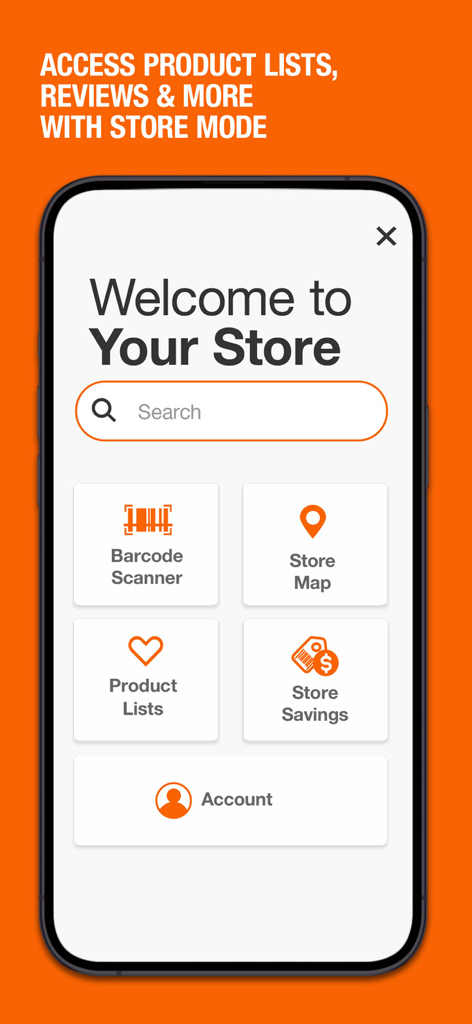
The Home Depot app interface showing store mode features including barcode scanner store map product lists and savings
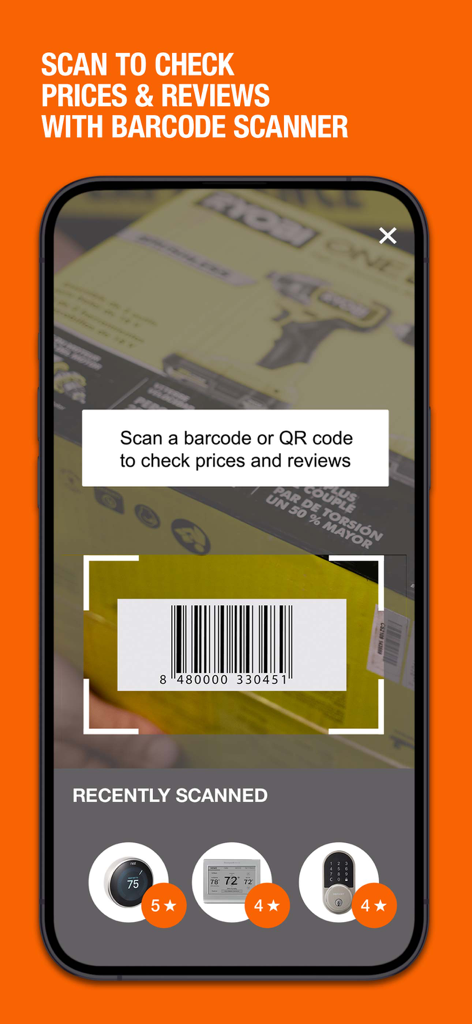
Home Depot mobile app barcode scanner interface showing a tool box being scanned for prices and reviews
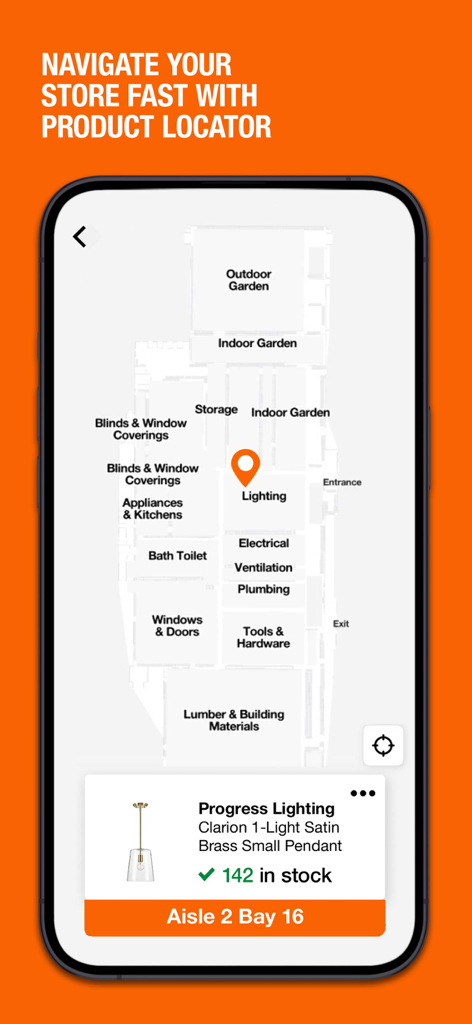
Home Depot app screen showing an in-store map for finding products with specific aisle and bay location
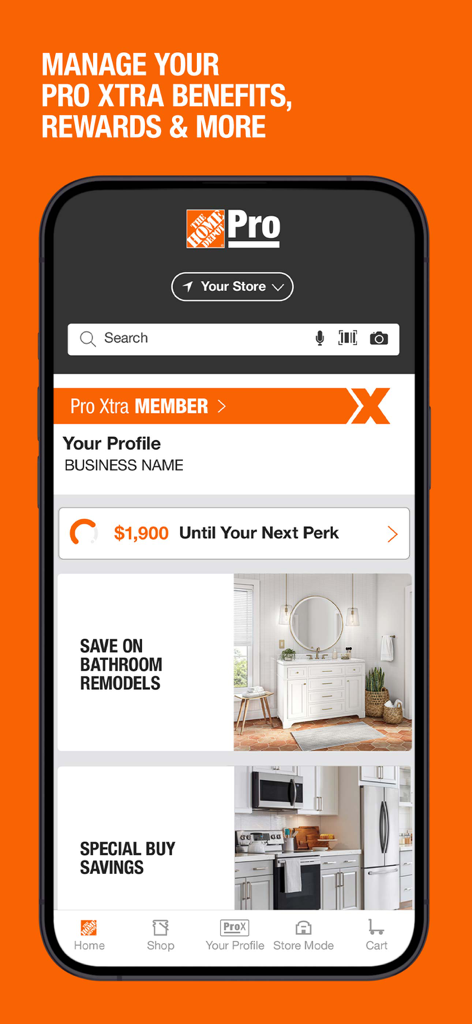
Home Depot app interface for Pro Xtra members showing rewards progress and business profile details
Description
Download
More Like This
Apps with similar features and user experience

Walmart: Shopping & Savings
Walmart

Target: Shop Deals & Trends
Target

Hollister Co.
Abercrombie & Fitch

Circle K
Circle K Stores, Inc

苏宁易购
Suning Commerce Group Co.,Ltd.

Lojas Renner - Comprar Roupas
Lojas Renner S/A

Liverpool: Compra en línea
Distribuidora Liverpool S.A. de C.V,

7-Eleven: Rewards & Shopping
7-Eleven, Inc.

Macy's: Online Shopping & Save
Macys Inc
This page is not an official page of the app or its developer, but an independent editorial publication created for informational and commentary purposes. Unless expressly stated otherwise, neither the app nor its developer is affiliated with, endorsed by, sponsored by, authorized by, or otherwise officially connected with MWM, Apple, Google Play, the app publisher, or the app's developer, and nothing on this page implies that the app was developed using MWM's services. Any trademarks, logos, screenshots, and other content remain the property of their respective owners.