The Lyrics App
The Lyrics App
Download on App Store

This page is not an official page of the app or its developer, but an independent editorial publication created for informational and commentary purposes. Unless expressly stated otherwise, neither the app nor its developer is affiliated with, endorsed by, sponsored by, authorized by, or otherwise officially connected with MWM, Apple, Google Play, the app publisher, or the app's developer, and nothing on this page implies that the app was developed using MWM's services. Any trademarks, logos, screenshots, and other content remain the property of their respective owners.

Logo of The Lyrics App
Download on App Store

The Lyrics App

Stop switching between notes and voice memos. Write your words, record your melodies, and find the perfect rhyme without ever breaking your creative zone.

Key Figures

Downloads

74K+

User Rating

4.7/5

Total Ratings

500

Publisher

Michael Handkins

Category

Music

Locales

1

Latest Version

2.11.3

Size

23.2 MB

First Released

Oct 25, 2020
Features

Elevate Your Songwriting Flow

The ultimate digital notebook designed for creators who need to capture lightning in a bottle. Write, record, and refine your next hit in one seamless experience.

Capture Lyrics & Melodies

Stop switching between Notes and Voice Memos. Record your melody ideas directly within your lyrics sheet to keep your creative momentum alive.

Instant Creative Boost

Break through writer's block with an integrated rhyme generator and thesaurus. Double-tap any word to find the perfect rhyme without leaving the app.

The following screenshots and description are sourced directly from the app's official store listing and are the property of the app developer.

App Store

Screenshots
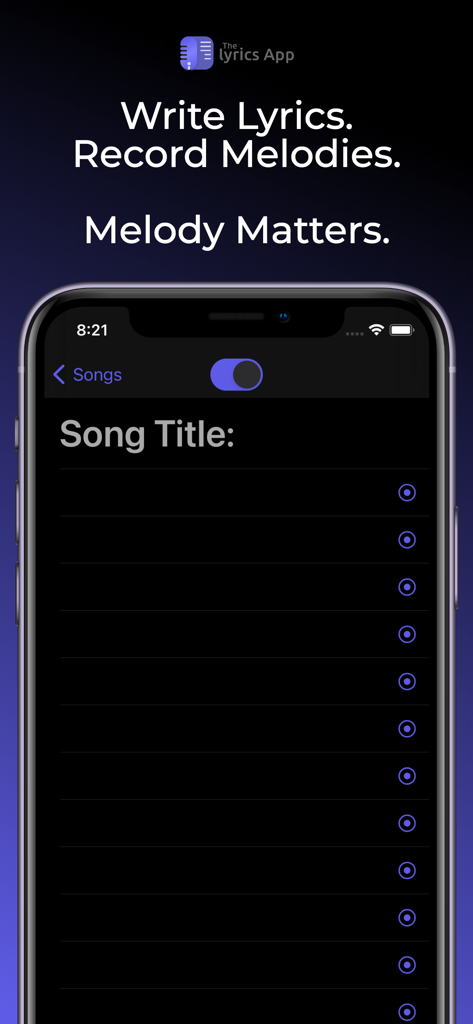
The Lyrics App - The Lyrics App interface for writing lyrics and recording melodies on iPhone
The Lyrics App interface for writing lyrics and recording melodies on iPhone

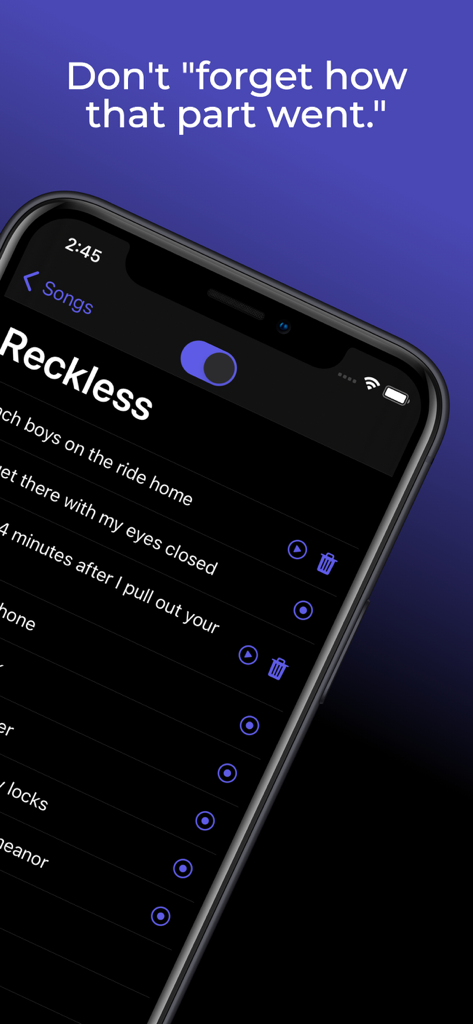
The Lyrics App - Smartphone screen showing the Lyrics App interface with recorded audio clips for specific song lyrics
Smartphone screen showing the Lyrics App interface with recorded audio clips for specific song lyrics

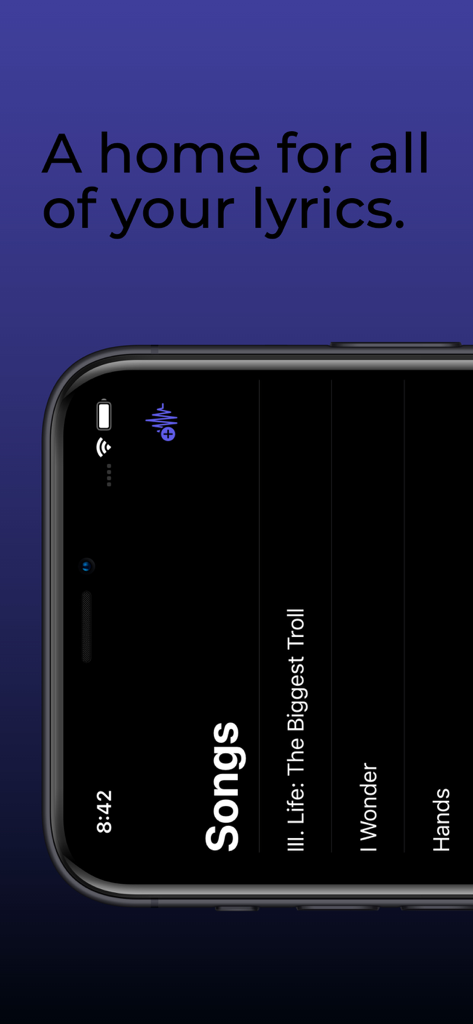
The Lyrics App - A smartphone screen displaying a list of saved songs within The Lyrics App interface

A smartphone screen displaying a list of saved songs within The Lyrics App interface

Description

If you're a songwriter, you probably recognize that melody is usually at least just as important as the lyrics they belong to. If you're a human, you've probably experienced what we like to call "forgetting." Lyrics can be forgotten as easily as they're thought of, which is why most of us (Lil Wayne excluded) choose to write them down. Melody, however, can easily be forgotten as well. To combat this, many songwriters end up going back and forth between a notes app and a voice recorder app while writing in order to preserve both their lyrics and the corresponding melodies. With The Lyrics App, there's no need to switch back and forth between apps while you're writing. You can finally write your lyrics and record your melodies in the same place. Rhyme Generator: The Rhyme Generator provides seamless access to thousands of rhyming words and phrases at your finger tips. To use the generator, simply highlight the word you'd like to see rhymes for (which you can do quickly by double tapping the word), then tap the Rhymes button that appears just above your keyboard. A list of up to 1,000 rhyming words and phrases will then be displayed on a scrollable bar on top of your device's keyboard. Tap one of the rhyme options to replace your highlighted word with the selected option. Thesaurus: Use the Thesaurus to gain instant access to thousands of synonyms for your lyrics. To use the Thesaurus, highlight the word you'd like to see synonyms for (which you can do quickly by double tapping a word), then tap the Thesaurus button that appears just above your keyboard. A list of up to 1,000 synonyms will then be displayed on a scrollable bar on top of your device's keyboard. Tap one of the options to replace your highlighted text with the selected option. iCloud Backup: All of your songs, lyrics, and melodies will now be safely backed up to your iCloud (as long as you have storage available, of course). If you lose your phone or have to redownload The Lyrics App for any reason, rest assured that all of the songs you've written will still be available and will automatically be synced to your device after you open the app while you are logged in to your iCloud account on your device. This feature will also keep The Lyrics App synchronized across all of your devices that are logged in to the same iCloud account. iCloud Drive: All of your songs, lyrics, and melody recordings will now be backed up to your iCloud Drive. If you've ever wanted to export any of your recordings, this is the solution. From your iOS device, go to the Files app on your phone. From there, tap browse, then select iCloud Drive (if it isn't already selected). In that folder you will see a folder for The Lyrics App, which contains folders for each of your songs. Each song folder contains a text file with the lyrics of the song, as well as a folder containing all of the recordings for that song. You will also be able to access these folders from the Finder on your Mac. In order to utilize this new feature, make sure that iCloud Drive is enabled on your device.

Download

Download on App Store

This page is not an official page of the app or its developer, but an independent editorial publication created for informational and commentary purposes. Unless expressly stated otherwise, neither the app nor its developer is affiliated with, endorsed by, sponsored by, authorized by, or otherwise officially connected with MWM, Apple, Google Play, the app publisher, or the app's developer, and nothing on this page implies that the app was developed using MWM's services. Any trademarks, logos, screenshots, and other content remain the property of their respective owners.







