
This page is not an official page of the app or its developer, but an independent editorial publication created for informational and commentary purposes. Unless expressly stated otherwise, neither the app nor its developer is affiliated with, endorsed by, sponsored by, authorized by, or otherwise officially connected with MWM, Apple, Google Play, the app publisher, or the app's developer, and nothing on this page implies that the app was developed using MWM's services. Any trademarks, logos, screenshots, and other content remain the property of their respective owners.

Tinnitus HQ
Reclaim your peace of mind with clinically-backed notched sound therapy. Use advanced filters and 500+ high-quality recordings to identify and mask your specific tinnitus frequencies with 1Hz resolution.
Downloads
153K+User Rating
Total Ratings
1K+Publisher
Category
MedicalLocales
11Latest Version
3.9Size
61.1 MBFirst Released
Apr 6, 2016Science-Backed Relief for Constant Ringing
Take control of your auditory environment with medical-grade precision filters and a library of over 500 high-definition sounds designed to treat and mask your specific symptoms.
Precision Frequency Matching
Pinpoint your unique ringing frequency with 1Hz resolution and apply advanced bandstop filters to neutralize the sound at its source.
500+ High-Fidelity Soundscapes
Access an expansive library of premium, natural recordings to build custom therapeutic masks that blend seamlessly into your professional or sleep environment.
Frequently Asked Questions
Everything you need to know about Tinnitus HQ
What is the primary purpose of the Tinnitus HQ app?
Tinnitus HQ helps users understand and relieve tinnitus symptoms by providing advanced filters for over 500 high-quality sounds to create personalized sound masks.
How does Tinnitus HQ identify and mask tinnitus frequencies?
Tinnitus HQ uses precision bandpass and bandstop filters. Users apply these filters to sounds, moving them across the frequency range to closely match and then mask their specific ringing frequency.
Can Tinnitus HQ filters be applied to individual ears?
Yes, Tinnitus HQ offers two-ear and single-ear filtering capability. Users can apply filters to both ears or independently to the left or right ear, with different frequency settings.
What is the range of filter widths available in Tinnitus HQ?
Tinnitus HQ allows users to set a wide range of filter widths from 0.1 to 4.0 octaves, down to 1Hz resolution. This offers precise control over the sound masking.
Does Tinnitus HQ include a variety of natural sounds?
Yes, Tinnitus HQ features over 500 high-quality natural sound recordings. These are organized into 15 categories, including Rain, Ocean, Rivers & Streams, Wind, and Trains.
The following screenshots and description are sourced directly from the app's official store listing and are the property of the app developer.
App Store
Screenshots
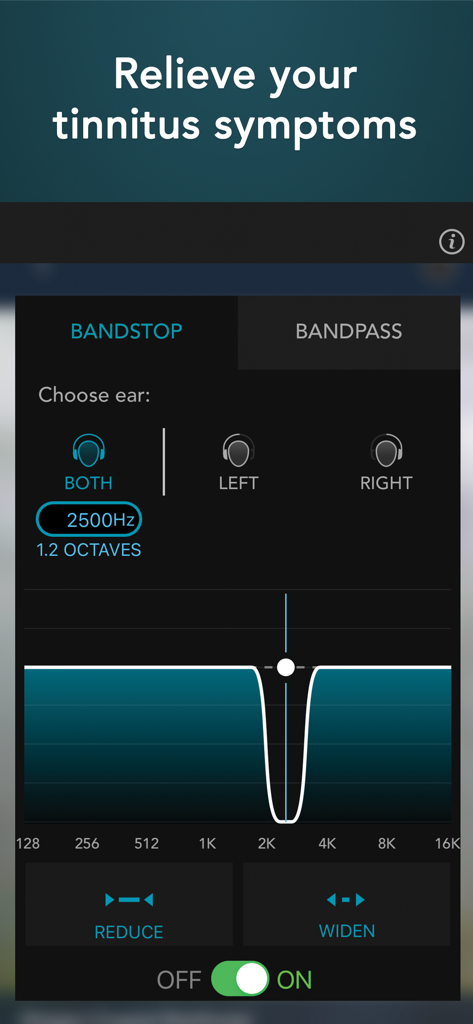
Frequency filter settings in the Tinnitus HQ app for relieving ringing in the ears
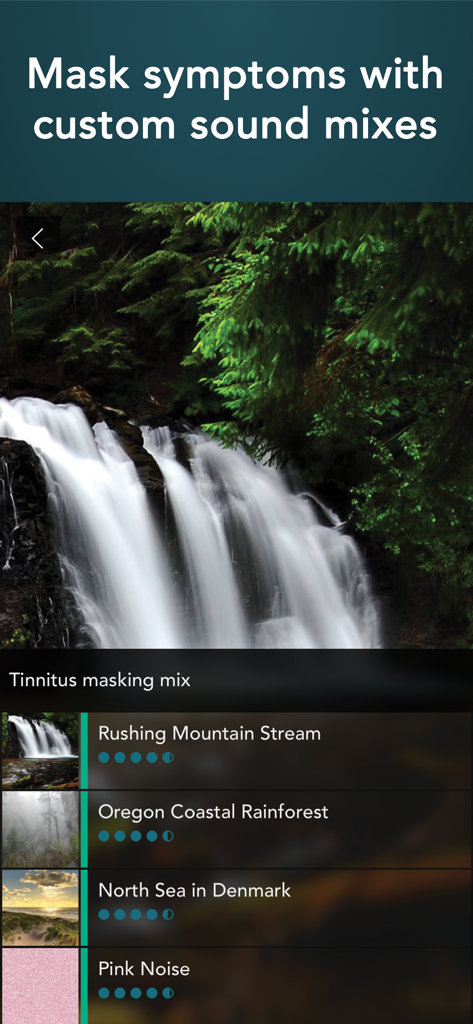
Tinnitus HQ app interface showing a custom sound mix for symptom relief featuring nature recordings and pink noise.
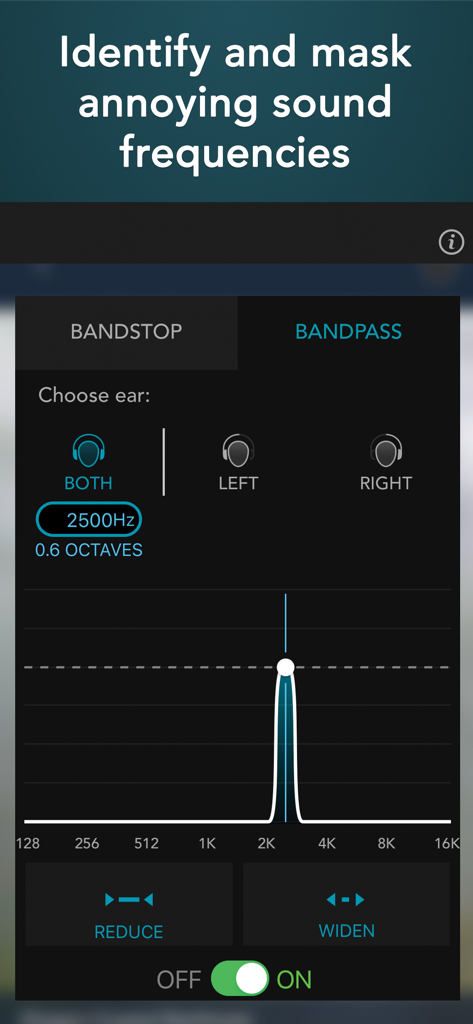
Tinnitus HQ app frequency identification and masking tool
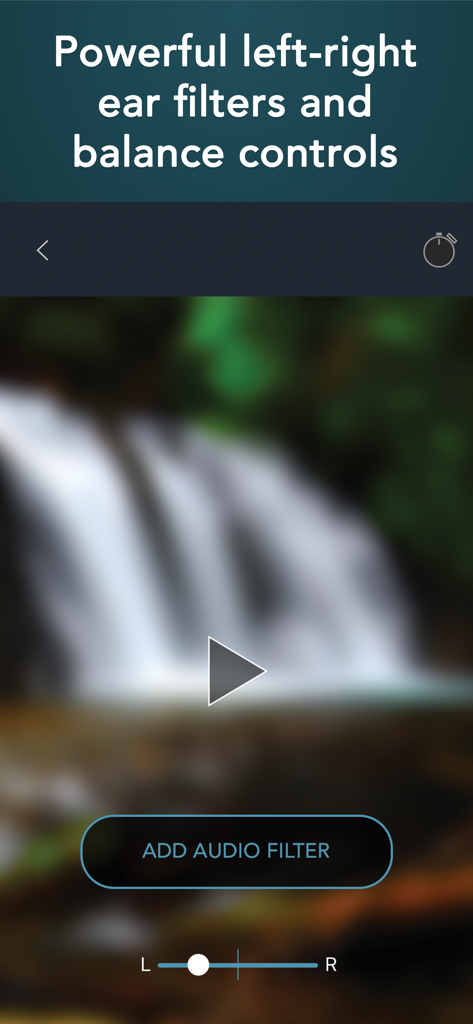
Tinnitus HQ app interface showing left-right ear balance controls and an audio filter button over a waterfall background.
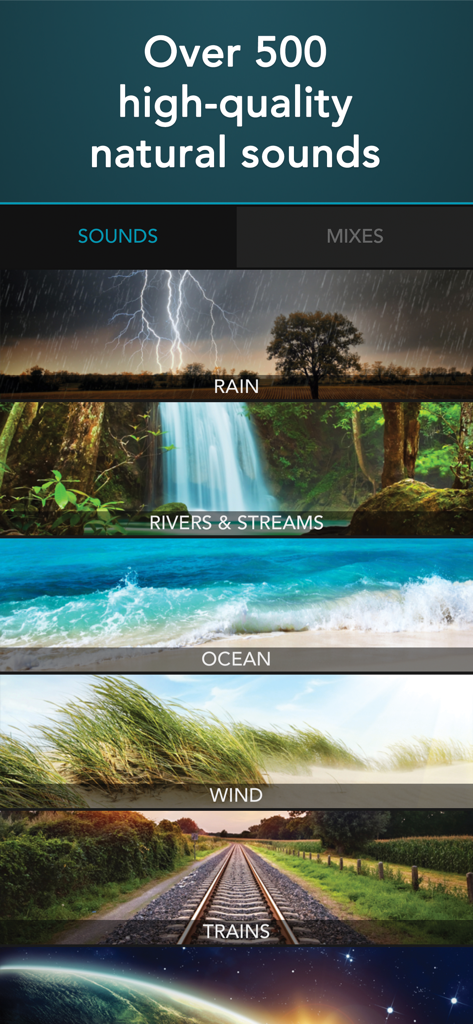
Tinnitus HQ app screen displaying a list of natural sound categories like rain, rivers, and ocean for tinnitus relief.
Description
Download
More Like This
Top-ranked apps in the same category

国家医保服务平台
National Healthcare Security Administration

MyChart
Epic Systems Corporation

Doctolib - Your health partner
Doctolib

Pregnancy + | Tracker App
Philips Digital UK Limited

CVS Health
CVS Pharmacy

江苏医保云
Jiangsu Healthcare Security Bureau

UnitedHealthcare
UNITED HEALTHCARE SERVICES, INC.

京东健康
BEIJING JINGDONG 360 DU E-COMMERCE LTD.

Meu SUS Digital
Servicos e Informacoes do Brasil
This page is not an official page of the app or its developer, but an independent editorial publication created for informational and commentary purposes. Unless expressly stated otherwise, neither the app nor its developer is affiliated with, endorsed by, sponsored by, authorized by, or otherwise officially connected with MWM, Apple, Google Play, the app publisher, or the app's developer, and nothing on this page implies that the app was developed using MWM's services. Any trademarks, logos, screenshots, and other content remain the property of their respective owners.