
This page is not an official page of the app or its developer, but an independent editorial publication created for informational and commentary purposes. Unless expressly stated otherwise, neither the app nor its developer is affiliated with, endorsed by, sponsored by, authorized by, or otherwise officially connected with MWM, Apple, Google Play, the app publisher, or the app's developer, and nothing on this page implies that the app was developed using MWM's services. Any trademarks, logos, screenshots, and other content remain the property of their respective owners.


TraceArt: Learn How To Draw
Complexity? Irrelevant. This app hands users the power to render any image, brick by painstaking digital brick.
Downloads
100k+User Rating
Total Ratings
361Publisher
Category
Graphics & DesignLocales
9Latest Version
1.0.9Size
169.7 MBFirst Released
Apr 11, 2025This evaluation highlights the key features that empower aspiring artists and casual users to develop their drawing skills and express creativity.
Core Capabilities of TraceArt: A User-Centric Analysis
Step-by-Step Guidance
It offers detailed, step-by-step drawing guidance, breaking down complex processes into easy-to-follow instructions.
Diverse Drawing Categories
The app provides a wide array of drawing categories, catering to diverse interests from popular culture to everyday objects.
Unlimited Sharing Options
It allows users to effortlessly save and share their finished drawings with friends and family across various platforms.
Vibrant Color Palette
It includes a rich and vibrant color palette, empowering users to add life and personal expression to their artwork.
Customizable Brush Settings
The app allows for adjustable brush and eraser sizes, giving users precise control over their artistic details.
User-Friendly Drawing Tools
This tool provides an intuitive suite of drawing tools, including undo/redo, erase, and reset, ensuring a fluid creative process.
Visual Progress Tracker
This tool features a visual progress tracker, enabling users to monitor their advancement through each drawing lesson.
Detailed Artistic Statistics
The app provides detailed statistics, allowing users to track their time spent and lessons completed, fostering a sense of accomplishment.
Frequently Asked Questions
Everything you need to know about TraceArt: Learn How To Draw
What is TraceArt and what does it offer?
TraceArt is a drawing app designed for all skill levels. It provides step-by-step lessons, user-friendly tools, and customizable settings to enhance artistic skills and foster creativity through drawing and coloring.
What drawing categories are available in the TraceArt app?
TraceArt offers diverse drawing categories including animals, anime, cartoons, people, comics, cars, and food. Users can explore various art styles within these categories.
Does TraceArt offer step-by-step drawing guidance?
Yes, TraceArt provides step-by-step guidance for drawing. Each lesson breaks down the drawing process into manageable steps, tailored to the user's skill level, allowing them to learn at their own pace.
How many drawing templates are available in TraceArt?
TraceArt offers over 300 drawing templates and lessons. These templates are available across various categories and range from basic to advanced levels, providing extensive practice opportunities.
Can users track their drawing progress in TraceArt?
Yes, users can track their progress in the TraceArt app. It includes a Progress Tracker with detailed statistics on time spent in the app and the number of lessons completed.
What drawing tools are available in TraceArt?
TraceArt provides user-friendly drawing tools such as reset, undo/redo, and erase functions. It also offers customizable brush settings to adjust brush and eraser sizes for detailed work.
Can I share my artworks created with TraceArt?
Yes, TraceArt allows unlimited sharing of artworks. Users can save and share their completed drawings with friends and family directly from the app.
Is the TraceArt app available in multiple languages?
Yes, TraceArt is localized and supports multiple languages. This feature ensures a broader user experience across different linguistic backgrounds.
The following screenshots and description are sourced directly from the app's official store listing and are the property of the app developer.
App Store
Screenshots

The app showcases its intuitive category selection screen, allowing users to easily browse diverse drawing themes like animals and anime.
Diverse Art Categories
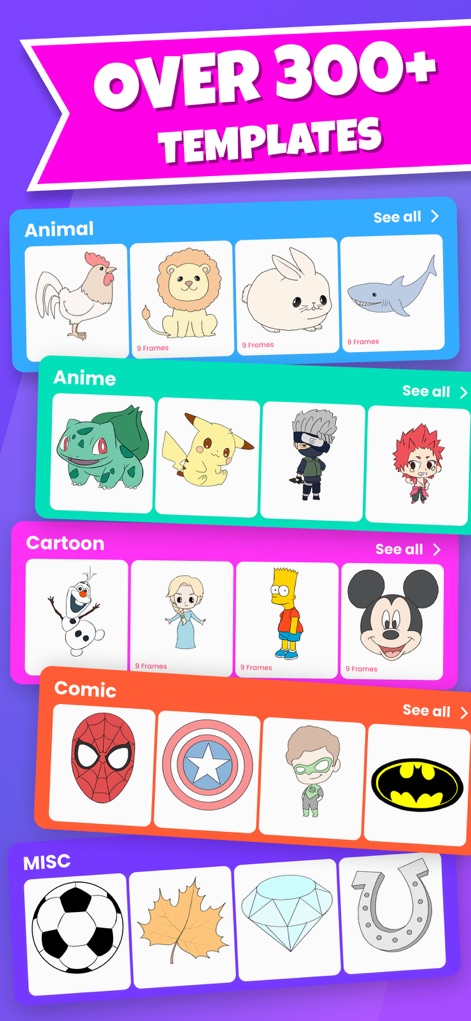
Users can explore an extensive collection of drawing templates, organized into categories such as animals and cartoons, each with a clear indication of frames.
Vast Template Library
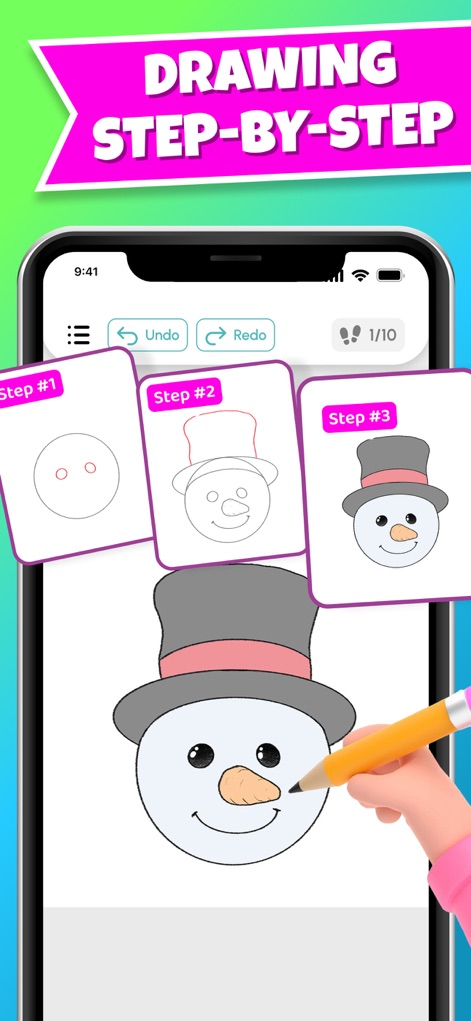
This tool provides clear step-by-step guidance for drawing, featuring progress indicators like "1/10" and essential editing functions such as undo/redo.
Guided Drawing Steps

The app enables users to easily save their finished artworks in "My album" and share them with friends and family through various social media platforms.
Share Your Creations
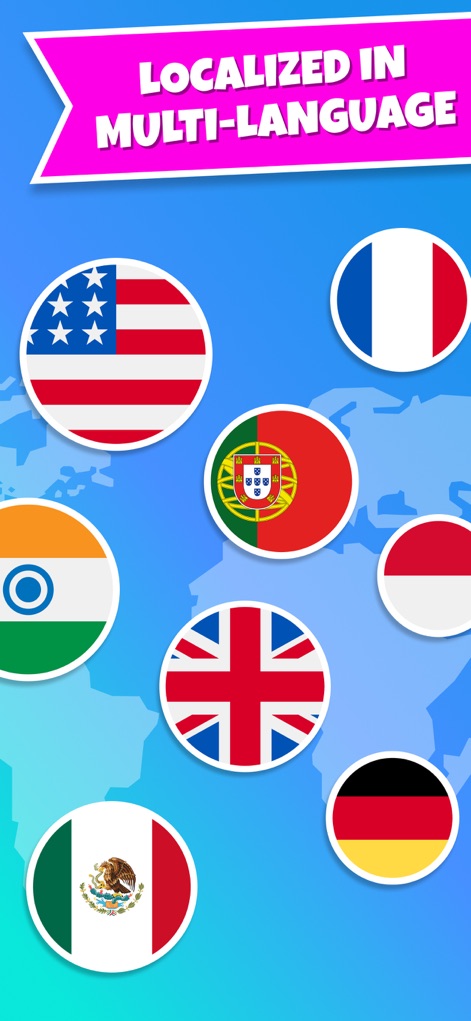
This tool offers comprehensive multi-language localization, displaying national flags to represent its widespread accessibility and diverse user base.
Global Language Support
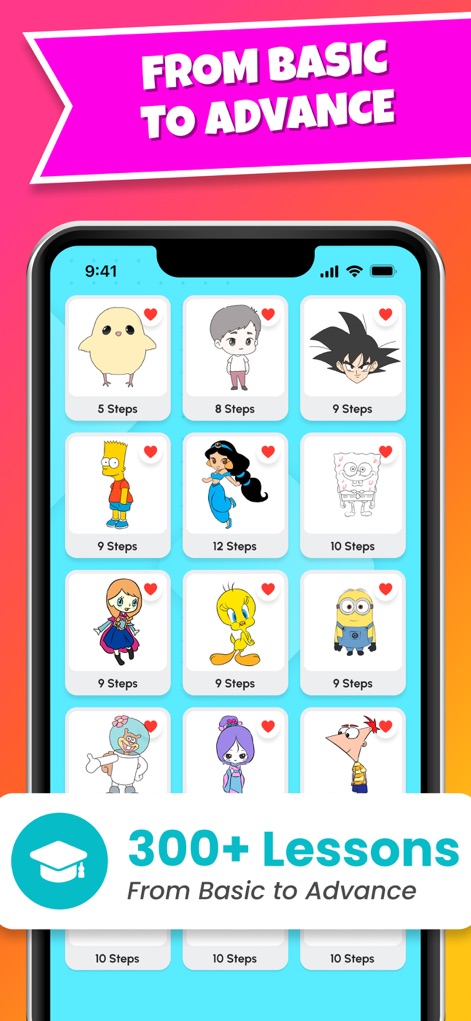
The app presents a structured learning path with over "300+ lessons", categorized by difficulty and clearly indicating the number of steps required for each drawing.
Progressive Learning Path
Description
Download
More Like This
Apps with similar features and user experience

DrawUp - Learn To Draw
Outlane, Inc.

Domestika - Online courses
Domestika, Inc.

MICHAEL JAMES SMITH TV
PalettePro Ltd

ArtWorkout: Learn How to Draw
Aleksandr Ulitin
Simply Draw: Learn to Draw
Simply Ltd

Drawly: Learn to Draw Together
Sum of Technologies Ltd
Drawing Vibe:Learn how to draw
ART GAMES KOSTIANTYN SALANDA

Draw Anime: Paint & Sketch App
CEM SOFTWARE COMPANY LIMITED

Labo Doodle:Drawing Games
Labo Lado Co., Ltd.
This page is not an official page of the app or its developer, but an independent editorial publication created for informational and commentary purposes. Unless expressly stated otherwise, neither the app nor its developer is affiliated with, endorsed by, sponsored by, authorized by, or otherwise officially connected with MWM, Apple, Google Play, the app publisher, or the app's developer, and nothing on this page implies that the app was developed using MWM's services. Any trademarks, logos, screenshots, and other content remain the property of their respective owners.