
This page is not an official page of the app or its developer, but an independent editorial publication created for informational and commentary purposes. Unless expressly stated otherwise, neither the app nor its developer is affiliated with, endorsed by, sponsored by, authorized by, or otherwise officially connected with MWM, Apple, Google Play, the app publisher, or the app's developer, and nothing on this page implies that the app was developed using MWM's services. Any trademarks, logos, screenshots, and other content remain the property of their respective owners.


Track Merger
Effortlessly combine fragmented GPX, FIT, and KML data from Garmin, Wahoo, or Apple Watch. Restore your training integrity with seamless Strava sync and full data preservation—privacy-first and 100% ad-free.
Downloads
19K+User Rating
Total Ratings
0Publisher
Category
SportsLocales
1Latest Version
1.2.1Size
8.1 MBFirst Released
Apr 29, 2024Unified Performance Tracking
Don't let a dead battery or a device glitch ruin your training history. Seamlessly combine files from Garmin, Wahoo, and Apple Watch into one perfect record.
Lossless Data Merging
Combine GPX, FIT, and KML files into a single activity while preserving every detail of your GPS, heart rate, and altitude data.
One-Tap Strava Sync
Keep your digital trophy case clean. Upload your unified tracks directly to Strava to maintain your streaks and share your full achievements.
The following screenshots and description are sourced directly from the app's official store listing and are the property of the app developer.
App Store
Screenshots
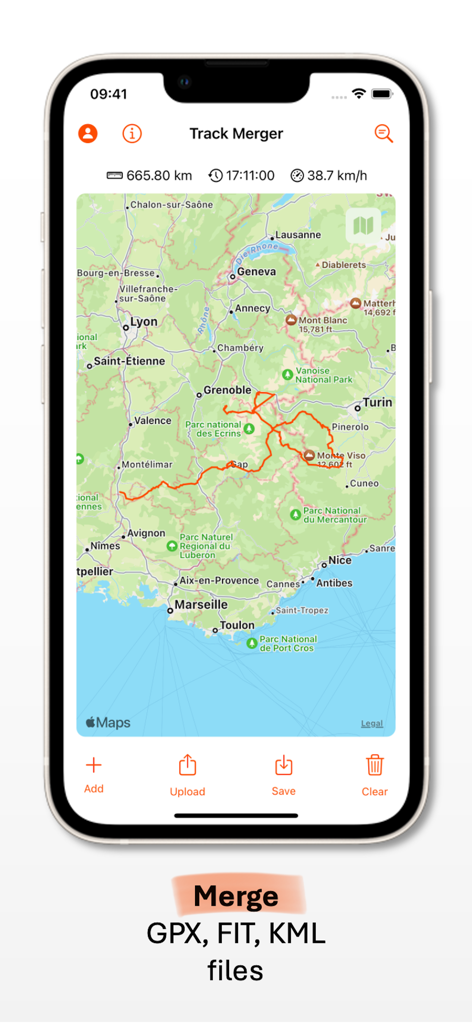
Track Merger mobile app showing a merged route on a map with distance and speed metrics
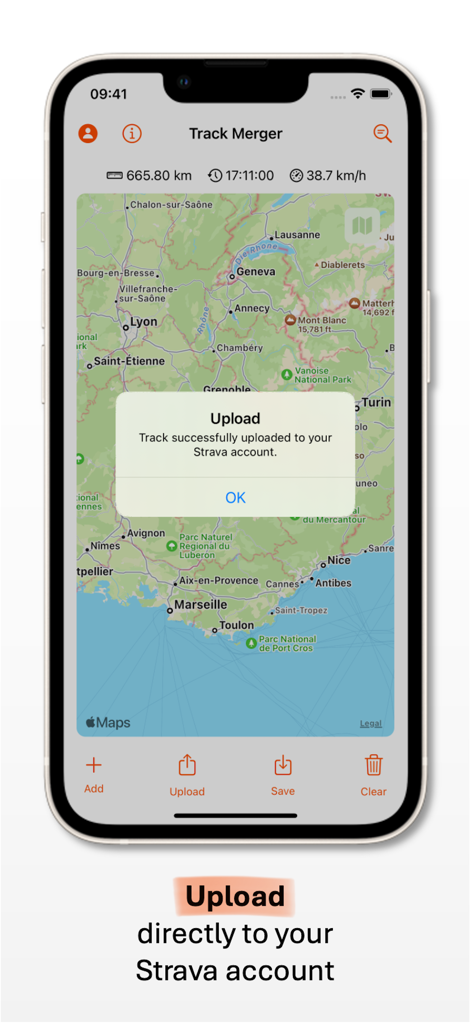
Track Merger app interface showing a successful upload to Strava
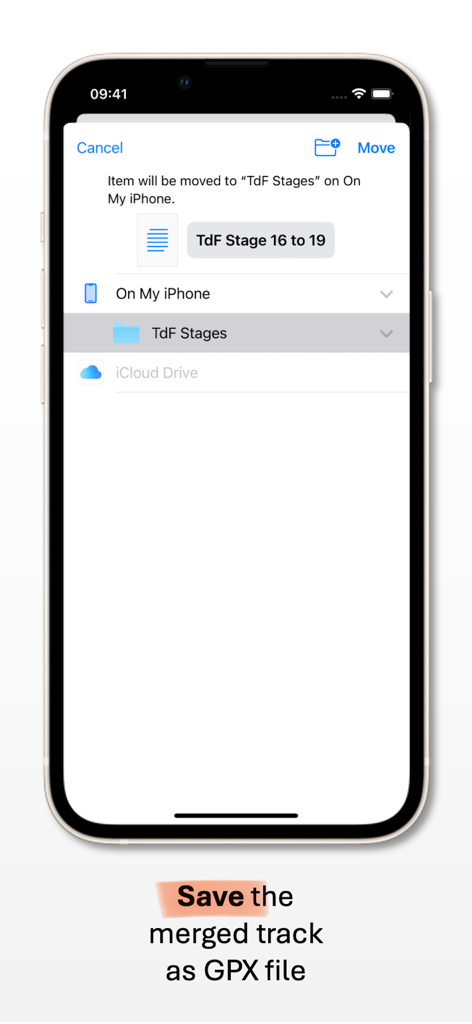
Interface of the Track Merger app showing how to save a merged GPX track to an iPhone folder
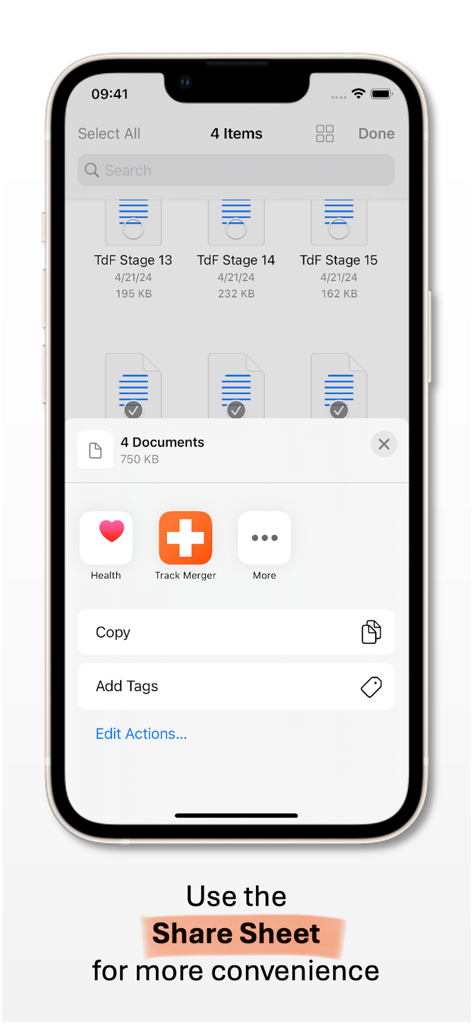
iPhone screenshot demonstrating the use of the iOS share sheet to select and import multiple fitness track files into the Track Merger app.
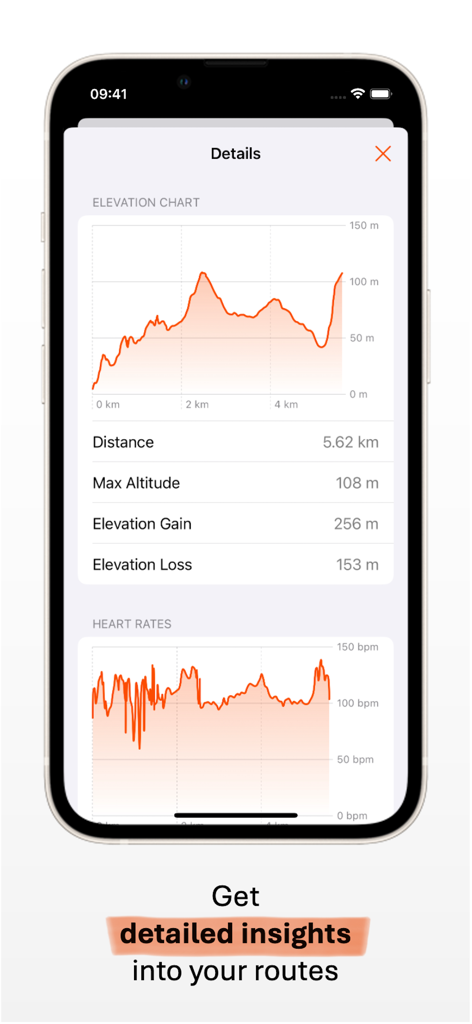
Track Merger app displaying elevation and heart rate charts for a fitness activity
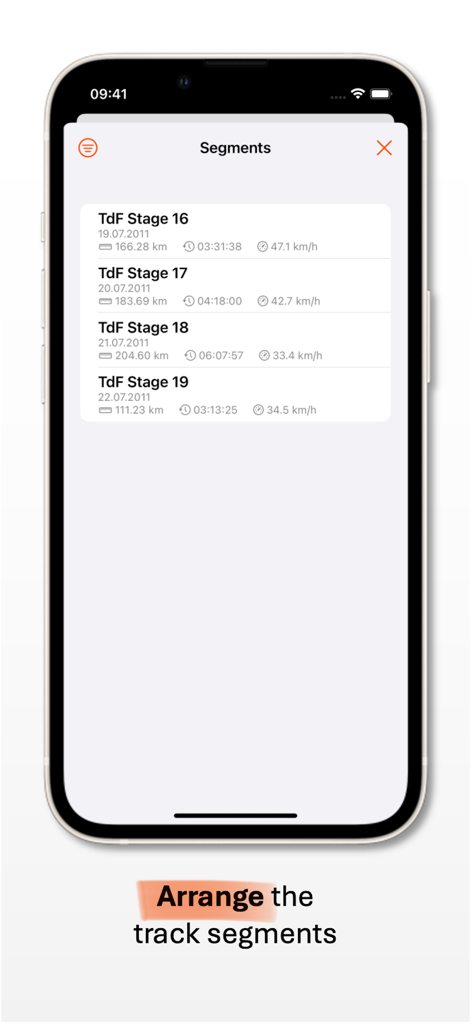
Track Merger app interface displaying a list of GPS track segments with distance and speed data.
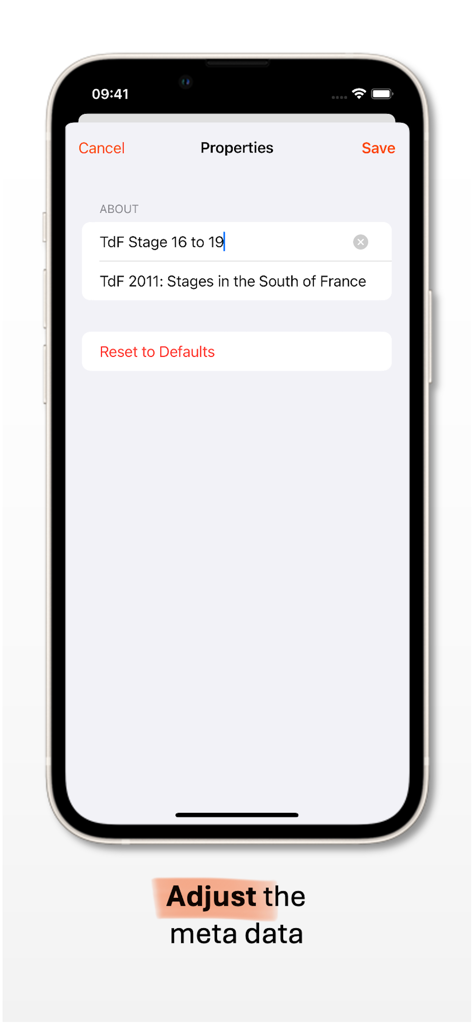
Interface of the Track Merger app showing the screen to edit track title and description metadata.
Description
Download
More Like This
Top-ranked apps in the same category

得物 - 得到美好事物
Shanghai Dewu Information Group Co., Ltd.

懂球帝 - 足球篮球体坛数据
Hainan Football-Loving Girl Network Technology Co., Ltd.

Underdog Sports
Underdog Sports, Inc.

虎扑-评分篮球足球游戏影视
Shanghai Kuanghui Network Technology Co., LTD

ESPN: Live Sports & Scores
Disney Electronic Content, Inc.

Flashscore: Live Scores & News
Livesport s.r.o.

Polymarket
Blockratize Inc

DAZN: Stream Live Sports
DAZN Limited

DraftKings Sportsbook & Casino
DRAFTKINGS LLC.
This page is not an official page of the app or its developer, but an independent editorial publication created for informational and commentary purposes. Unless expressly stated otherwise, neither the app nor its developer is affiliated with, endorsed by, sponsored by, authorized by, or otherwise officially connected with MWM, Apple, Google Play, the app publisher, or the app's developer, and nothing on this page implies that the app was developed using MWM's services. Any trademarks, logos, screenshots, and other content remain the property of their respective owners.