
This page is not an official page of the app or its developer, but an independent editorial publication created for informational and commentary purposes. Unless expressly stated otherwise, neither the app nor its developer is affiliated with, endorsed by, sponsored by, authorized by, or otherwise officially connected with MWM, Apple, Google Play, the app publisher, or the app's developer, and nothing on this page implies that the app was developed using MWM's services. Any trademarks, logos, screenshots, and other content remain the property of their respective owners.

Train Go for iPad
Ignite your child's creativity with an intuitive tap-to-build train set. No mess, just endless imagination and the accomplishment of building their very own world.
Downloads
154K+User Rating
Total Ratings
5K+Publisher
Category
GamesLocales
2Latest Version
3.7.1Size
218.9 MBFirst Released
Aug 13, 2017Empower Your Child’s Inner Engineer
Train Go for iPad transforms simple taps into complex railway worlds, fostering creativity and spatial awareness through intuitive digital play.
Intuitive Tap-to-Build
No complex menus—children simply tap to lay rails, create forks, or build elevated tracks, making construction feel like magic.
Interactive Conductive Play
After building, kids can run multiple trains, switch directions at junctions, and experience their world through immersive tracking cameras.
The following screenshots and description are sourced directly from the app's official store listing and are the property of the app developer.
App Store
Screenshots
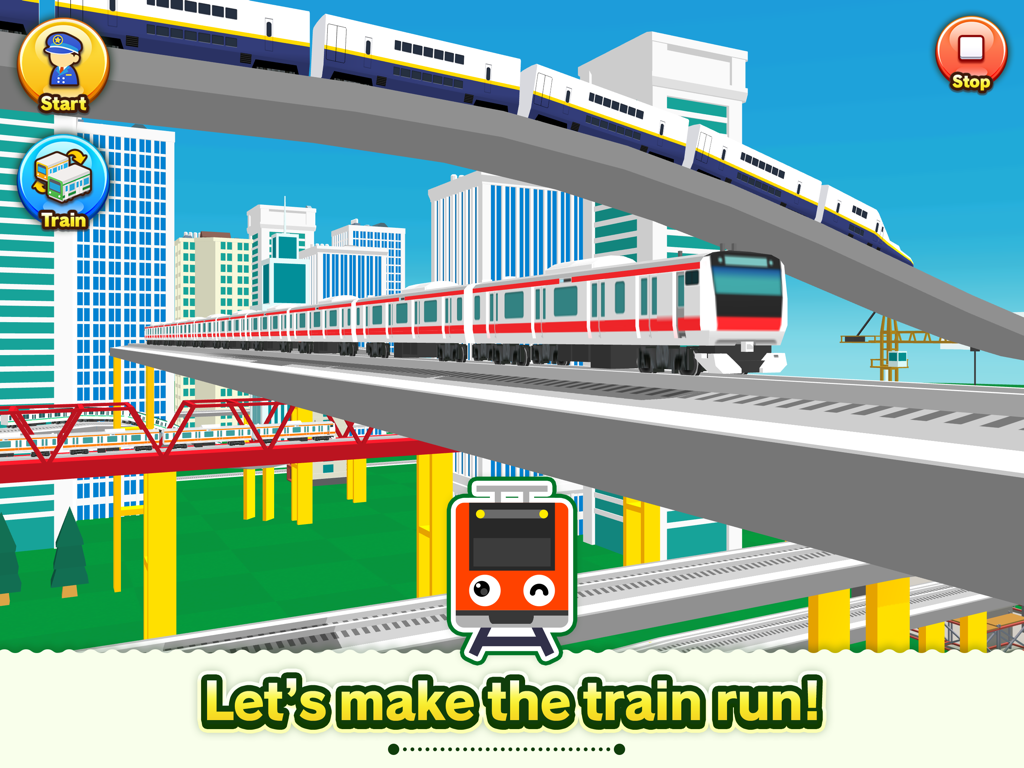
Multiple colorful trains running on elevated tracks through a cartoon city
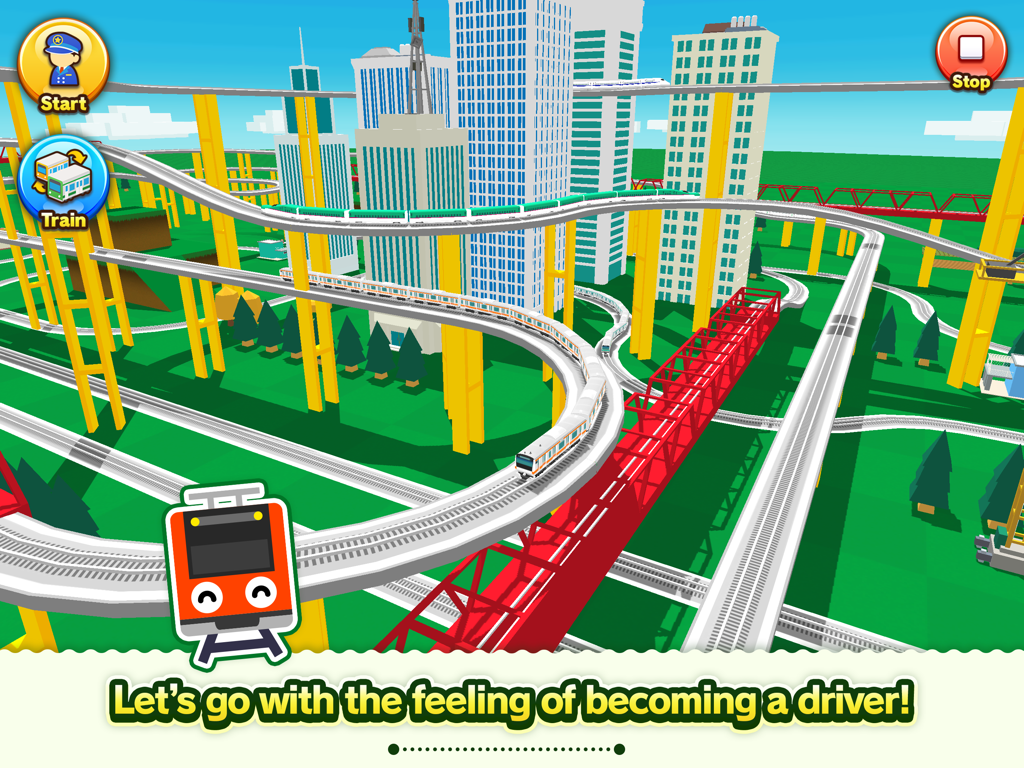
A colorful 3D railway system with multiple trains and tracks in a city environment from the Train Go for iPad app.
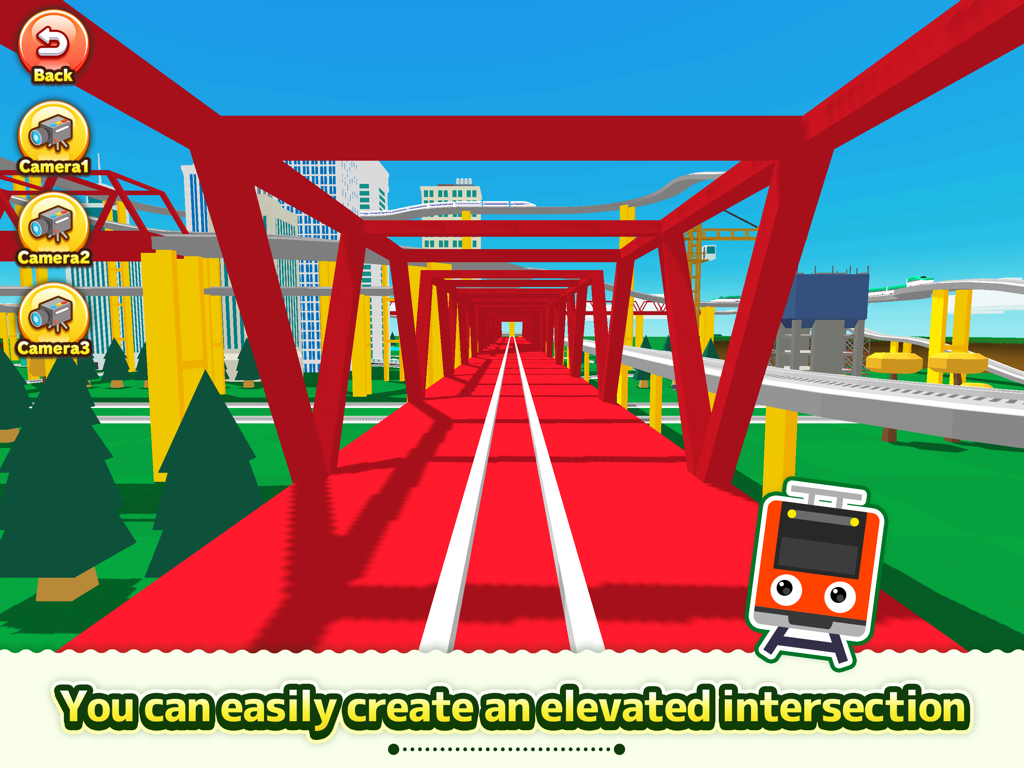
A 3D view from inside a red elevated train bridge showing a railway intersection in the Train Go app
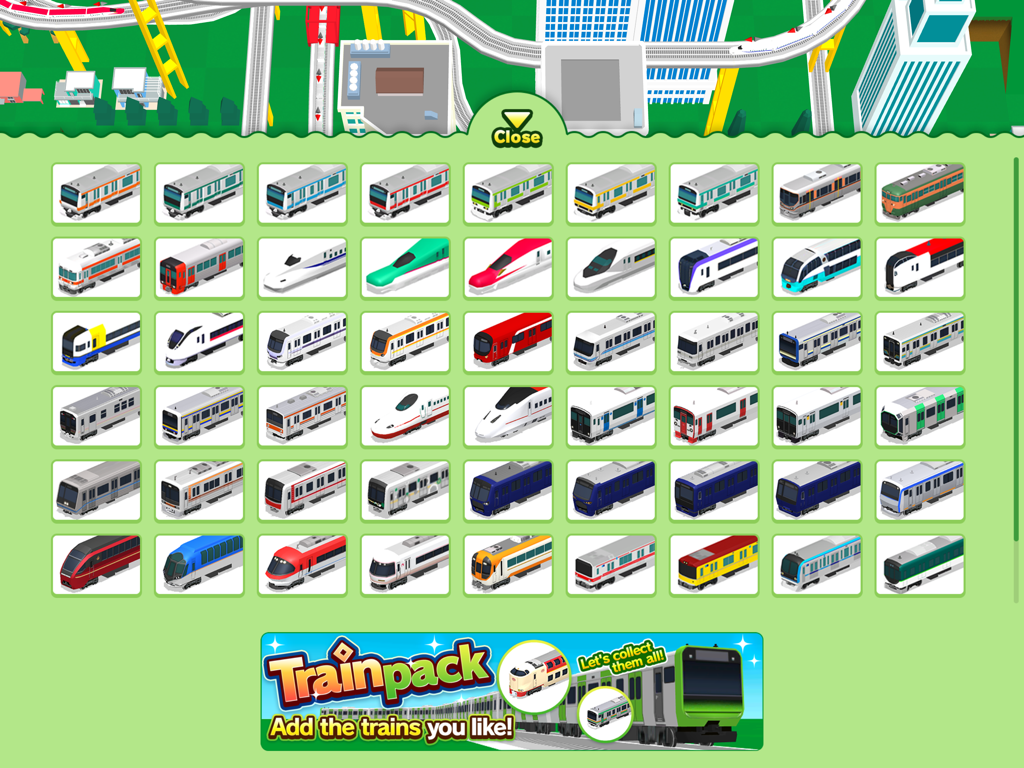
Train selection menu in the Train Go app featuring various train models
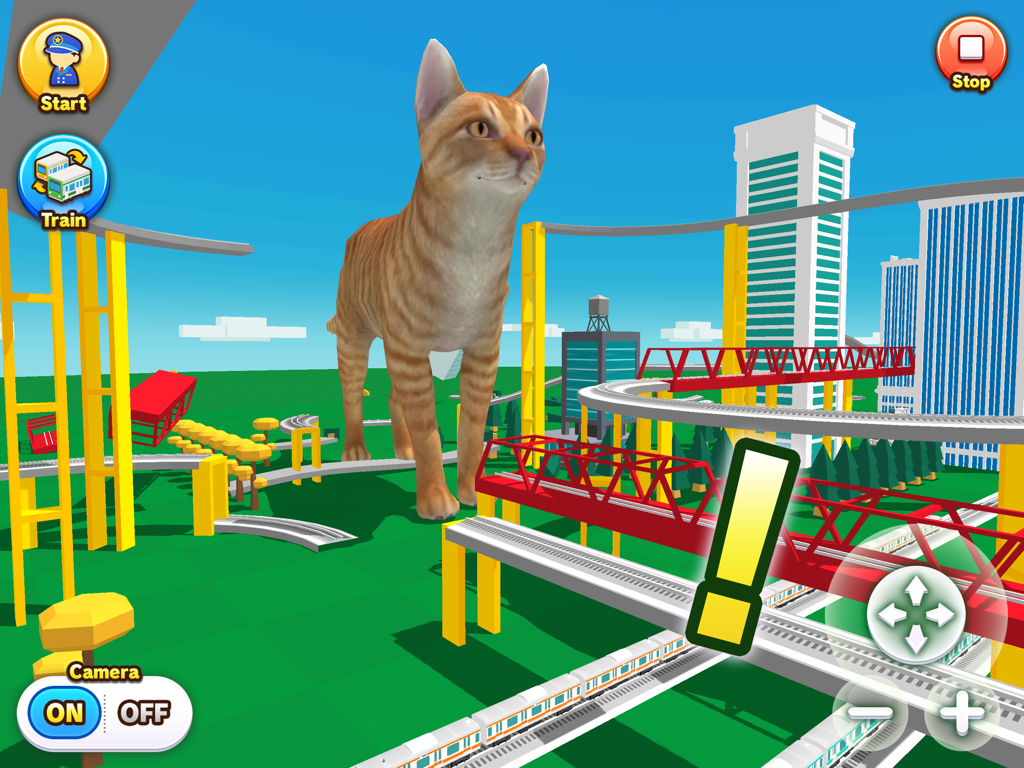
A giant ginger cat standing amidst a complex 3D railway system with elevated tracks and city skyscrapers.
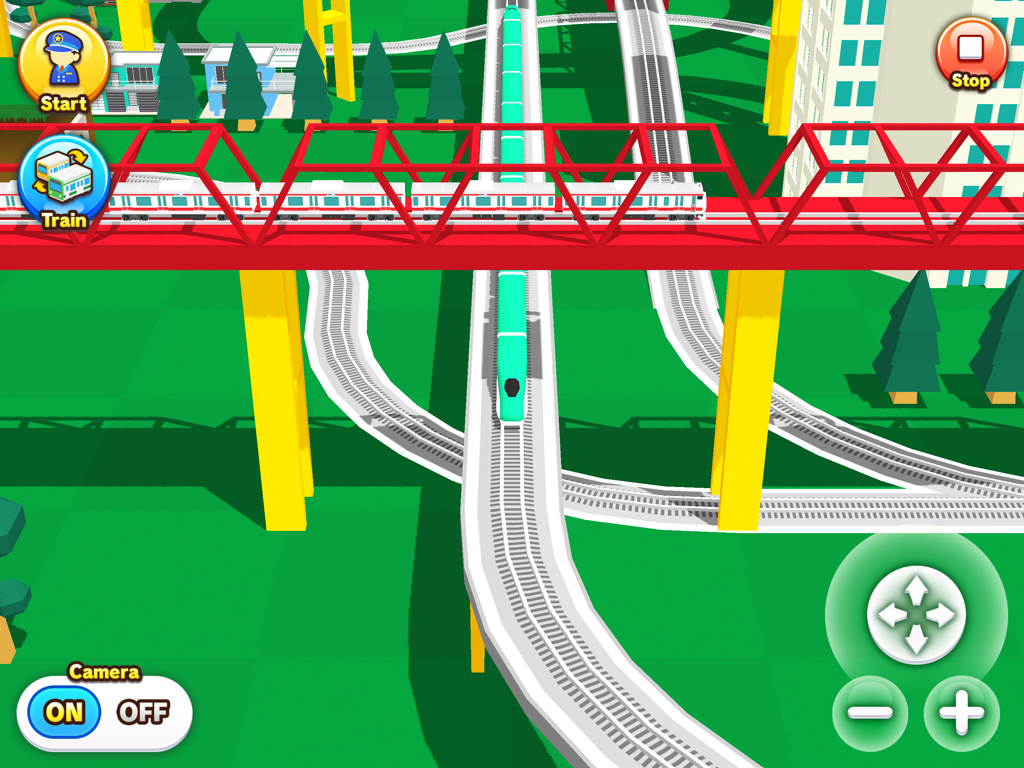
A colorful 3D railway scene with trains crossing a red bridge in the Train Go for iPad app
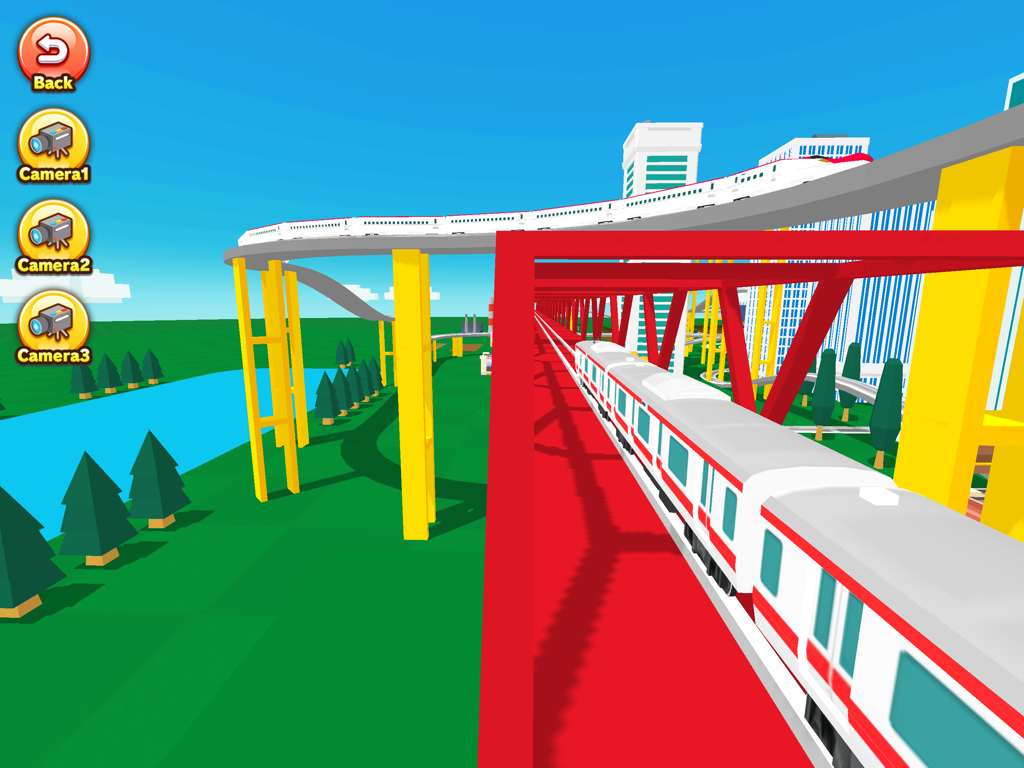
A red and white train traveling on a red bridge in a 3D virtual railway environment.
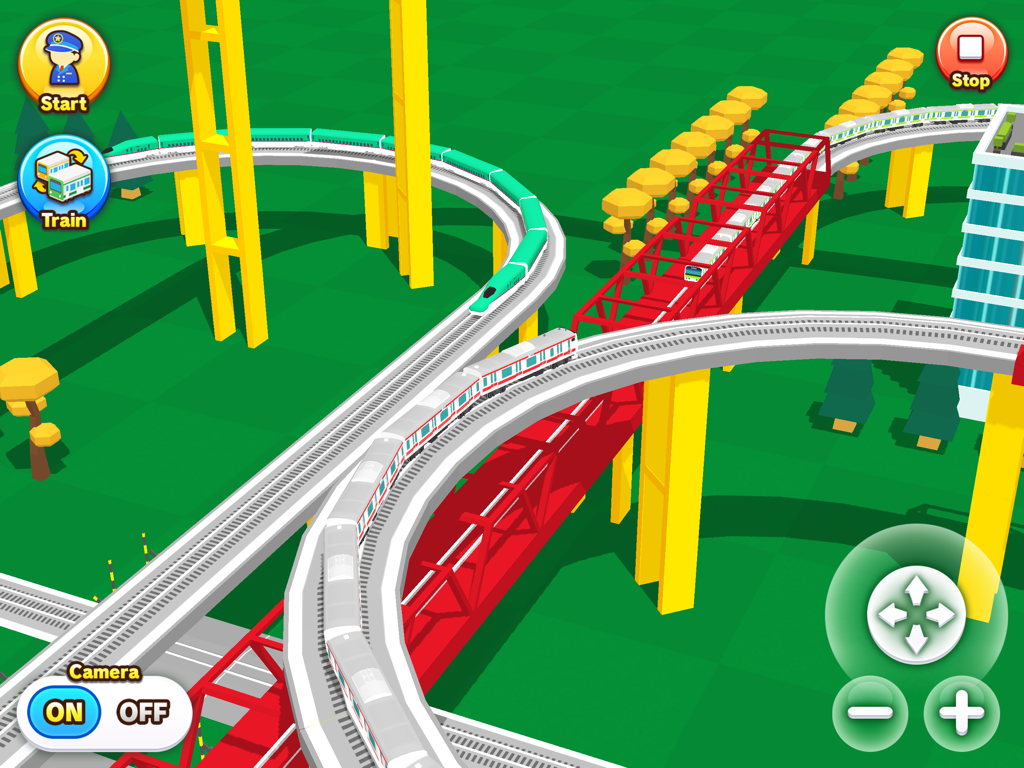
A colorful 3D train track layout with elevated rails bridges and multiple trains
Description
Download
More Like This
Top-ranked apps in the same category

Block Blast!
ARETIS LIMITED

Heartopia
XD Entertainment Co., Ltd.

Solitaire Associations Journey
Hitapps Games LTD

Roblox
Roblox Corporation

Gossip Harbor®: Merge & Story
Microfun Limited

Arrows – Puzzle Escape
Lessmore UG haftungsbeschraenkt

Township
PLR Worldwide Sales Limited

Last War:Survival
FUNFLY PTE. LTD.

Vita Mahjong
VITA STUDIO PTE. LTD.
This page is not an official page of the app or its developer, but an independent editorial publication created for informational and commentary purposes. Unless expressly stated otherwise, neither the app nor its developer is affiliated with, endorsed by, sponsored by, authorized by, or otherwise officially connected with MWM, Apple, Google Play, the app publisher, or the app's developer, and nothing on this page implies that the app was developed using MWM's services. Any trademarks, logos, screenshots, and other content remain the property of their respective owners.