
tranScreen

The ultimate bridge between your iPhone and any Smart TV. Effortlessly mirror your display, present professional documents, and transform your smartphone into a high-precision wireless mouse, keyboard, and remote control.
Publisher
Category
UtilitiesDownloads
413K+User Rating
Total Ratings
100Locales
17Discover the interface used by 413K+ users.
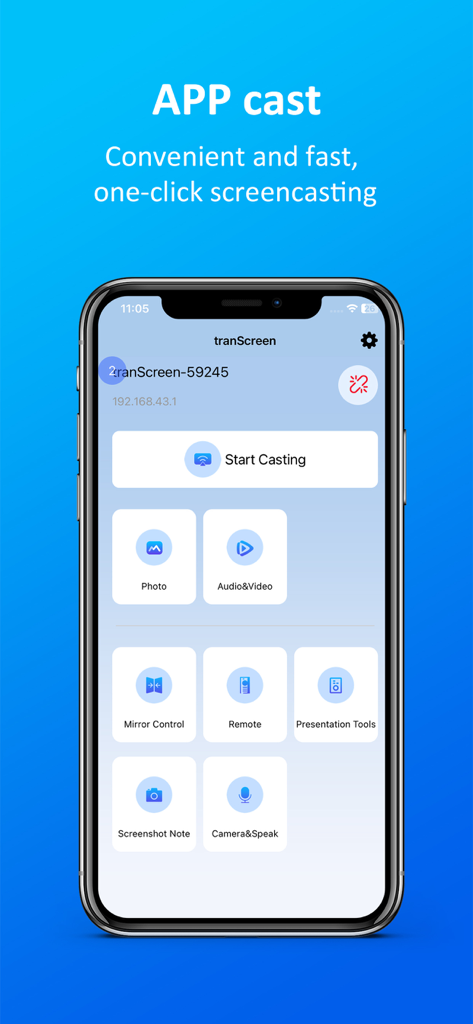
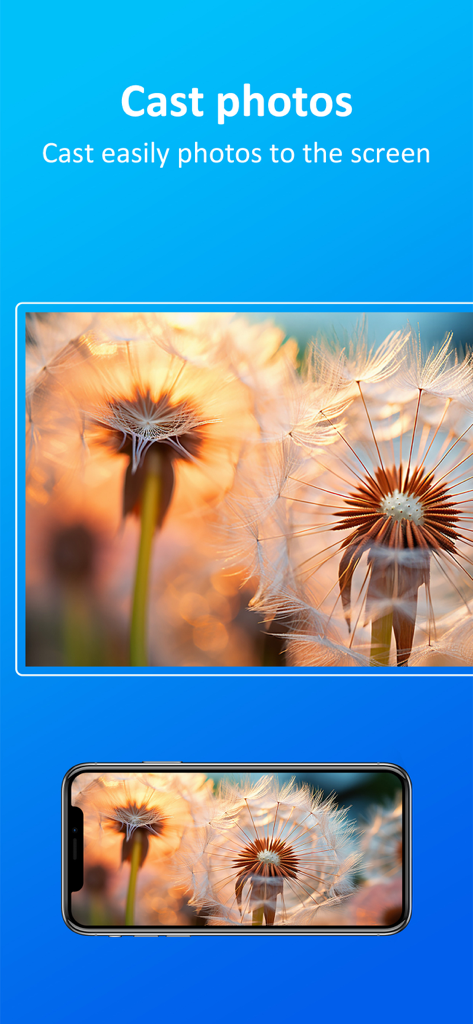
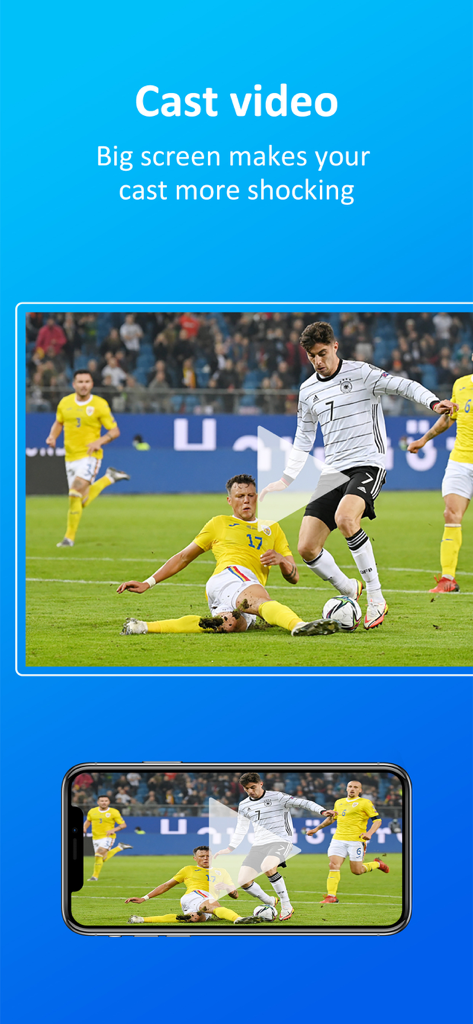
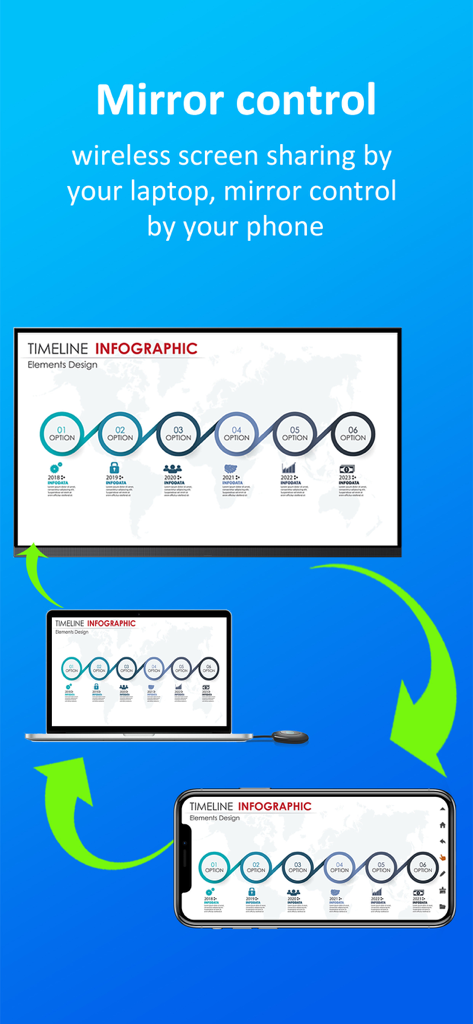
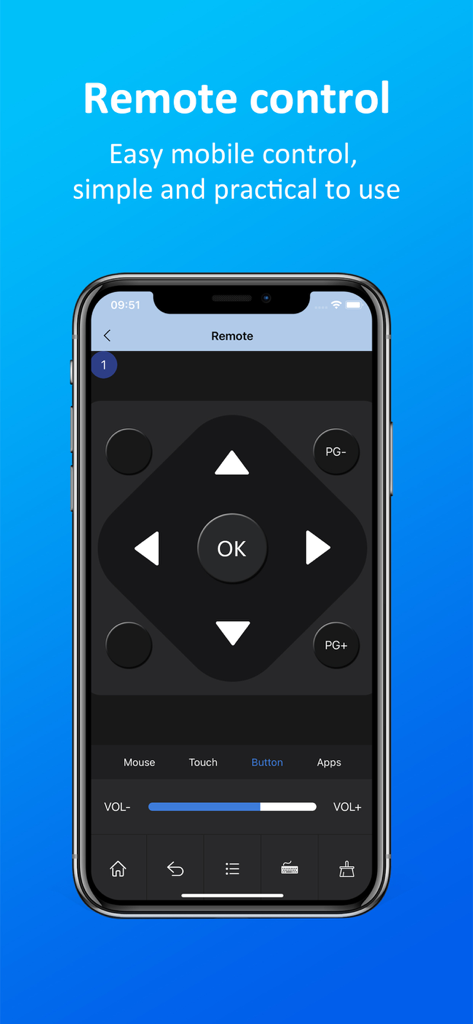
The tools that make this app stand out, trusted by 413K+ users.
Instantly cast your screen, 4K videos, and high-res photos to any display without the need for expensive Apple TV hardware or messy cables.
Transform your iPhone into a high-precision wireless mouse, keyboard, and touchpad to navigate your smart TV interface with total ease.
Push documents directly to the big screen or use your phone's camera and microphone for real-time demos, perfect for WFH professionals and students.
Everything you need to know about tranScreen.
Description
Latest Version
7.3
Size
12.4 MB
First Released
Aug 7, 2019
Join over 400,000 power users who bridge the gap between their iPhone and any Smart TV. Download tranScreen today and turn your device into the ultimate wireless command center for work and play.
Everything you need to know about tranScreen
tranScreen is a multi-screen interactive software that enables wireless screen sharing and control between smartphones and smart TVs. It allows users to cast media and control the TV from their phone.
Yes, tranScreen allows users to wirelessly push their mobile phone screen picture to display on a smart TV. This is a core function of the application.
Yes, tranScreen supports pushing various files, including videos, audios, and pictures, from a mobile phone to a TV. It facilitates easy casting of media content.
Yes, tranScreen allows the mobile phone to function as a wireless mouse, keyboard, touchpad, and a remote control for the TV. This provides comprehensive control.
Yes, tranScreen can push the shooting screen of the mobile phone camera to the TV in real time. Users can also speak on the TV through the mobile phone's microphone.
Yes, tranScreen allows the mobile phone to take a screenshot of the TV screen in real time. Users can then save and view these screenshots on their mobile phone.
Yes, tranScreen wirelessly transmits the TV terminal's screen picture to the mobile phone for display. Users can also perform multi-touch actions on the TV through the phone's touchscreen.
Apps with similar features and user experience

ROKU INC

To Ngoc Mai

Apps Venture Inc.

Hangzhou Yingshitong Technology Co., Ltd.

Nemo Apps LLC

Mihai Turlea

clement gasner

CEMAL CAGLAR KIRICI

Anh Ngo
App information, icons, screenshots, and descriptions displayed on this page are sourced from the Apple App Store and are the property of their respective developers. Download estimates and rankings are based on MWM's proprietary models and may not reflect actual figures. This page is provided for informational and analytical purposes only.
Believe this page infringes your intellectual property? File a dispute