Transcribe Audio to Text Notes
Download on App Store

This page is not an official page of the app or its developer, but an independent editorial publication created for informational and commentary purposes. Unless expressly stated otherwise, neither the app nor its developer is affiliated with, endorsed by, sponsored by, authorized by, or otherwise officially connected with MWM, Apple, Google Play, the app publisher, or the app's developer, and nothing on this page implies that the app was developed using MWM's services. Any trademarks, logos, screenshots, and other content remain the property of their respective owners.

Logo of Transcribe Audio to Text Notes
Download on App Store

Transcribe Audio to Text Notes

Turn meetings, lectures, and even social media links into accurate transcripts and AI-powered summaries. Effortlessly capture, synthesize, and organize your world with the ultimate ad-free productivity tool.

Key Figures

Downloads

460K+

User Rating

4.7/5

Total Ratings

3K+

Publisher

WBS s. r. o.

Category

Utilities

Locales

31

Latest Version

1.98

Size

119.4 MB

First Released

May 31, 2019
Features

Master Your Information Stream

Whether you are in a lecture hall, a boardroom, or scrolling social media, our AI-powered tools capture and distill audio into the structured notes you actually need to stay ahead.

Smart AI Highlights

Don't just transcribe—synthesize. Transform hours of audio into concise bullet points, action items, or polished summaries with a single tap, perfect for the efficiency-obsessed professional.

Universal Media Import

Turn content into assets. Paste links from YouTube, TikTok, or Instagram to generate text notes from viral videos, making content repurposing easier for creators and students alike.

The following screenshots and description are sourced directly from the app's official store listing and are the property of the app developer.

App Store

Screenshots
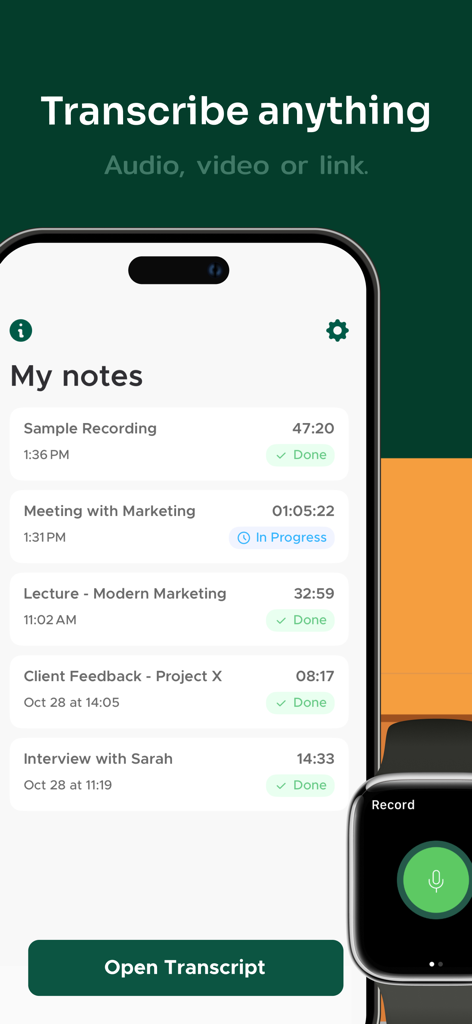
Transcribe Audio to Text Notes - The Transcribe Audio to Text Notes app interface on an iPhone showing a list of recorded notes next to an Apple Watch.
The Transcribe Audio to Text Notes app interface on an iPhone showing a list of recorded notes next to an Apple Watch.

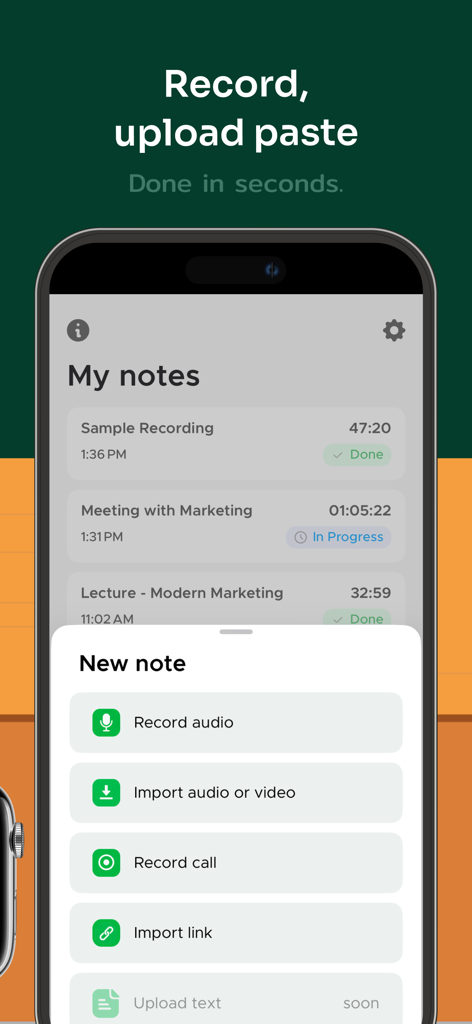
Transcribe Audio to Text Notes - Mobile app interface showing options to record audio, import files, or paste links for transcription
Mobile app interface showing options to record audio, import files, or paste links for transcription

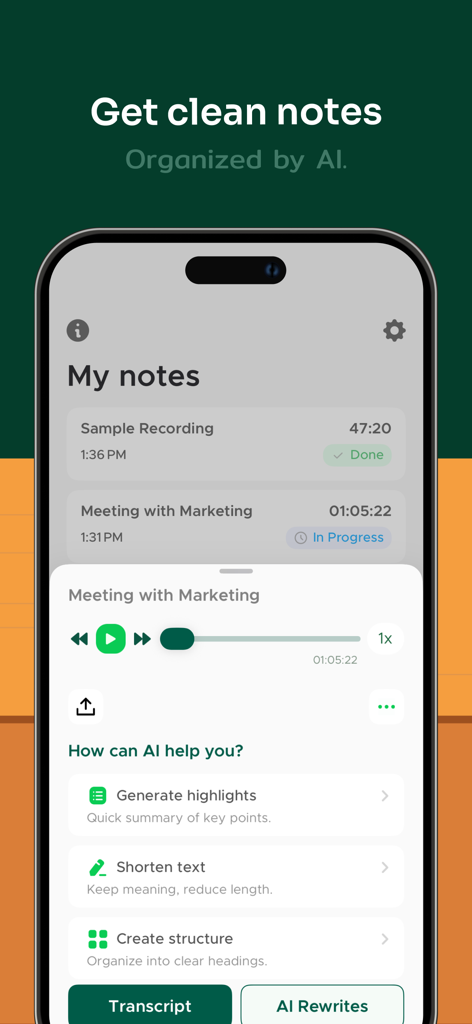
Transcribe Audio to Text Notes - Transcribe Audio to Text Notes app interface showing AI features to summarize and organize recordings
Transcribe Audio to Text Notes app interface showing AI features to summarize and organize recordings

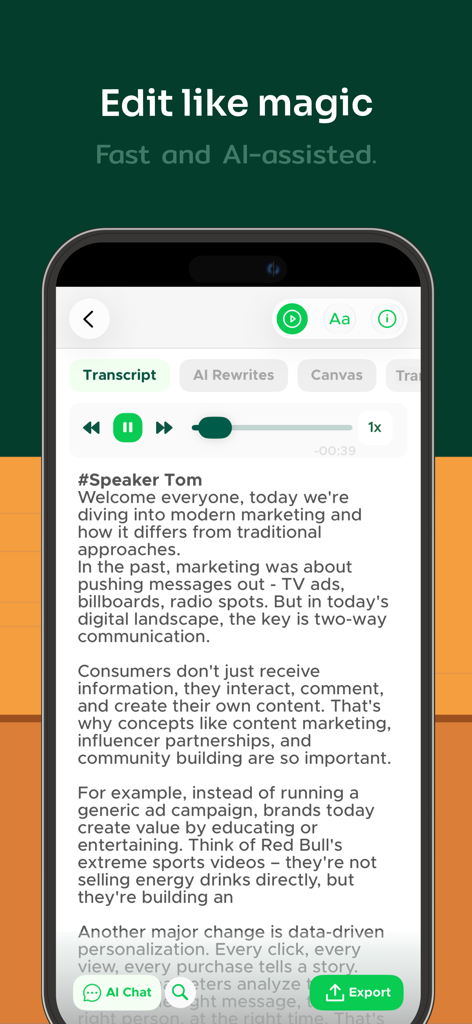
Transcribe Audio to Text Notes - iPhone screen displaying an AI-generated transcript with speaker identification and text editing tools.
iPhone screen displaying an AI-generated transcript with speaker identification and text editing tools.

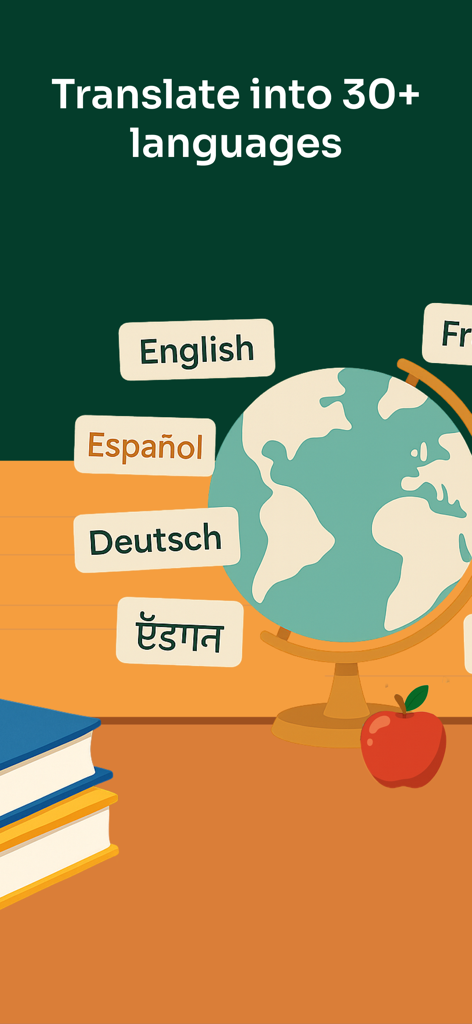
Transcribe Audio to Text Notes - An illustration of a globe with language labels showing the app can translate notes into over 30 languages
An illustration of a globe with language labels showing the app can translate notes into over 30 languages

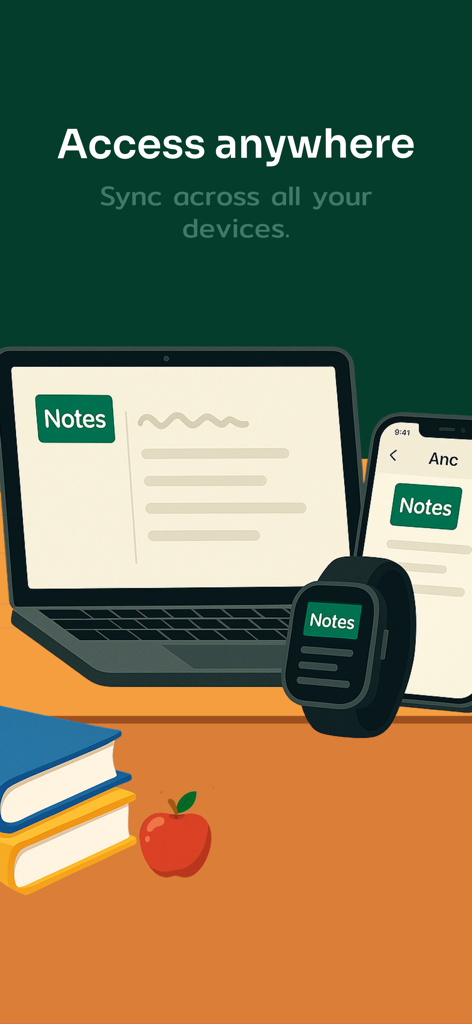
Transcribe Audio to Text Notes - Graphic showing notes syncing across laptop, smartphone, and smartwatch devices
Graphic showing notes syncing across laptop, smartphone, and smartwatch devices

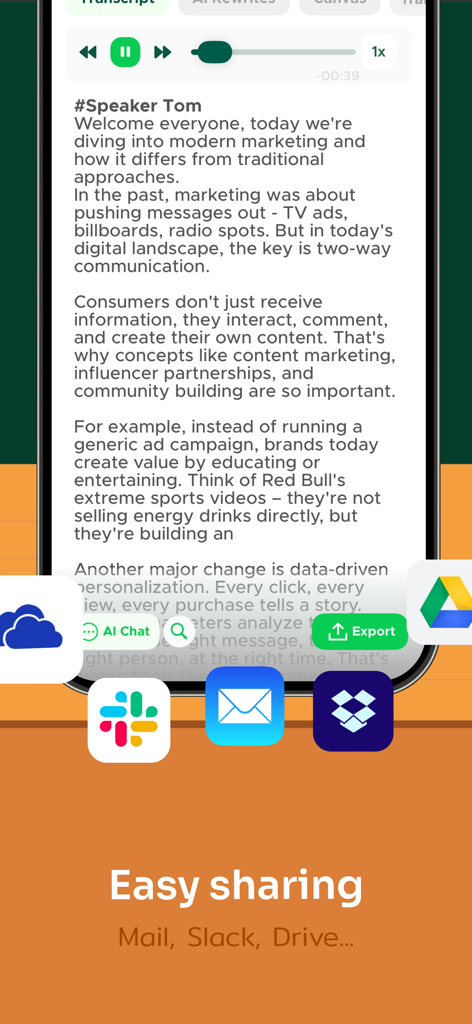
Transcribe Audio to Text Notes - Mobile app screen showing a text transcript with export options to Slack Mail and Google Drive

Mobile app screen showing a text transcript with export options to Slack Mail and Google Drive

Description

From lectures to meetings, interviews to videos, Transcriber is your smart AI notes taker. With advanced AI transcription audio to text, you can transcribe audio to text, create summaries, or rewrite recordings in seconds—making your Notes easier to study, share, and remember. Built for flexibility, Transcriber adapts to your needs: get a full transcript when accuracy matters, or let AI transform long Notes into concise highlights, key points, or polished content. Whether you want to live transcribe conversations, transcribe voice to text, or convert any audio to text, Transcriber adapts to your needs. Powered by secure speech to text technology, Transcriber helps students, professionals, and creators save time and stay organized. Every Note is encrypted, stored privately, and always accessible when you need it. Why You’ll Love Transcriber • Record or import and quickly transcribe with high accuracy • Summarize or restructure Notes with smart AI tools • Chat with your Notes to extract ideas and insights • Translate instantly into multiple languages • Export anywhere as PDF, TXT, or DOCX Key Features AI REWRITES & SUMMARIES Turn Notes into quick highlights, organize into bullet points, or polish text. Choose from various rewrite options to fit any purpose. ACCURATE TRANSCRIPTION Convert speech to text accurately in seconds. Perfect when you need to transcribe audio to text, transcribe voice to text, or live transcribe meetings. RECORD OR IMPORT AUDIO & VIDEO Easily record audio and phone calls, import files, or paste links from YouTube, TikTok, Instagram, and more. SPEAKER IDENTIFICATION Automatically detects and labels different speakers in conversations for clearer transcripts. INSTANT TRANSLATION Translate Notes between multiple languages in seconds. Ideal for global teams, language learners, and international communication. BUILT-IN TEXT EDITOR Refine transcripts with a powerful text editor. Rename speakers, correct typos, and adjust formatting before export. SEAMLESS SHARING Export Notes as PDF, TXT, or DOCX formats via Google Drive, OneDrive, Dropbox, Slack, Microsoft Teams, Skype, Mail, and more. PRIVATE & SECURE All Notes are encrypted. Your data stays private, always. 100% AD-FREE Enjoy a clean, distraction-free experience with no ads—ever. SUBSCRIPTION: We offer two subscription options with unlimited access to all Transcriber’s features: Yearly Unlimited and Weekly Unlimited. If you choose to get one of our plans, your payment will be charged to your iTunes Account at confirmation of purchase. Subscription automatically renews unless auto-renew is turned off at least 24-hours before the end of the current period. The cost of the renewal depends on your Subscription Plan. Subscriptions may be managed by the user and auto-renewal may be turned off by going to the user's Account Settings after purchase. When canceling a subscription, your subscription will remain active until the end of the period. Auto-renewal will be disabled, but the current subscription will not be refunded. We’d love your feedback! Please take a moment to rate us on the App Store. Privacy Policy: https://legal.apptoro.support/hc/en-us/articles/4417735186193 Terms of Use: https://legal.apptoro.support/hc/en-us/articles/4417715505041

Download

Download on App Store

This page is not an official page of the app or its developer, but an independent editorial publication created for informational and commentary purposes. Unless expressly stated otherwise, neither the app nor its developer is affiliated with, endorsed by, sponsored by, authorized by, or otherwise officially connected with MWM, Apple, Google Play, the app publisher, or the app's developer, and nothing on this page implies that the app was developed using MWM's services. Any trademarks, logos, screenshots, and other content remain the property of their respective owners.








