This page is not an official page of the app or its developer, but an independent editorial publication created for informational and commentary purposes. Unless expressly stated otherwise, neither the app nor its developer is affiliated with, endorsed by, sponsored by, authorized by, or otherwise officially connected with MWM, Apple, Google Play, the app publisher, or the app's developer, and nothing on this page implies that the app was developed using MWM's services. Any trademarks, logos, screenshots, and other content remain the property of their respective owners.

TsmEdu
Empowering students to ace exams with instant feedback while keeping parents connected through real-time progress tracking and direct teacher communication.
TsmEdu brings students, parents, and teachers together in one powerful platform to streamline studying, track progress, and ace every exam.
Smart Course Organization
Take control of your academic year with integrated schedules and automated reminders that ensure you never miss a deadline or exam.
Instant Exam Readiness
Master your subjects through mock tests with real-time grading and personalized insights to focus your study time where it counts.
The following screenshots and description are sourced directly from the app's official store listing and are the property of the app developer.
App Store
Screenshots
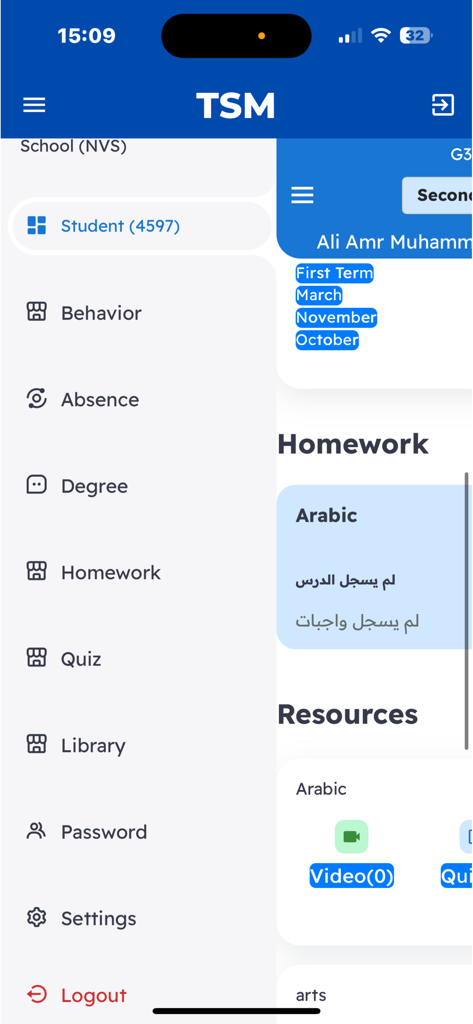
Side navigation menu of the TsmEdu app showing sections for homework quiz and behavior tracking
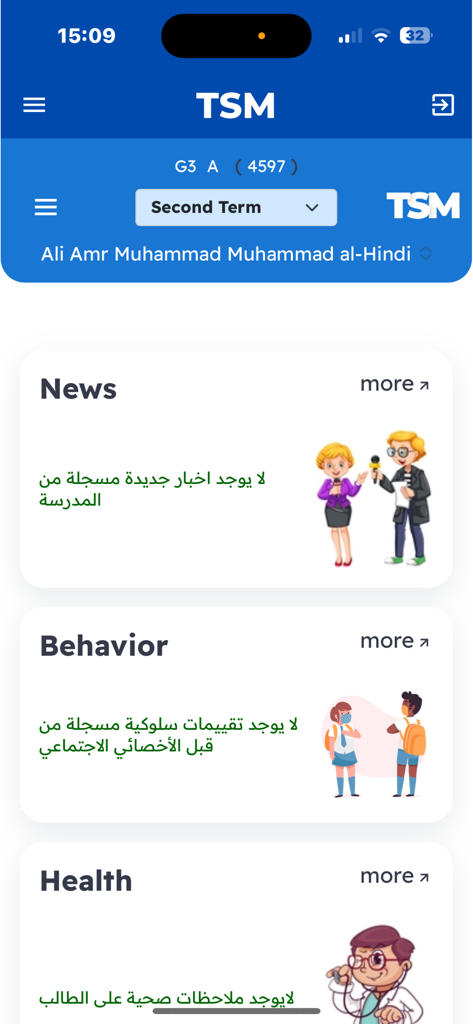
A mobile interface of the TsmEdu app featuring informational cards for school news, student behavior, and health status.
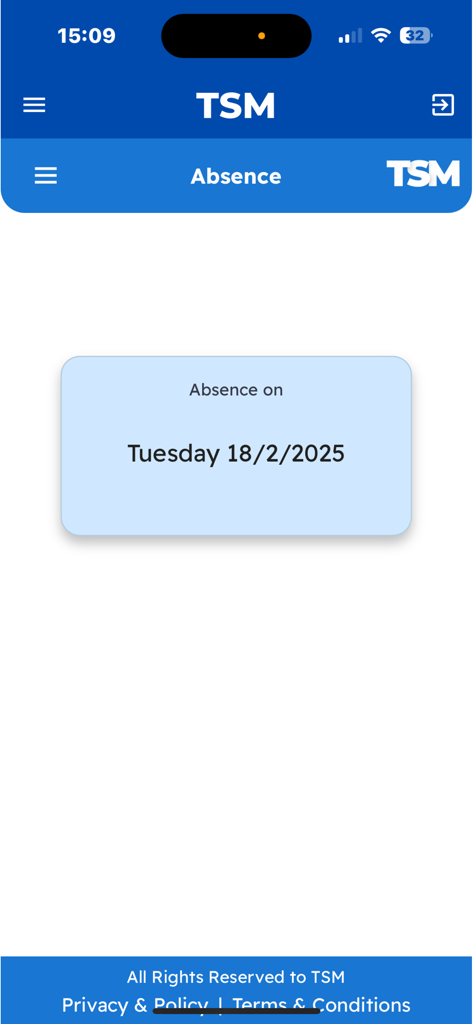
TsmEdu app interface showing a student absence record for Tuesday February 18 2025
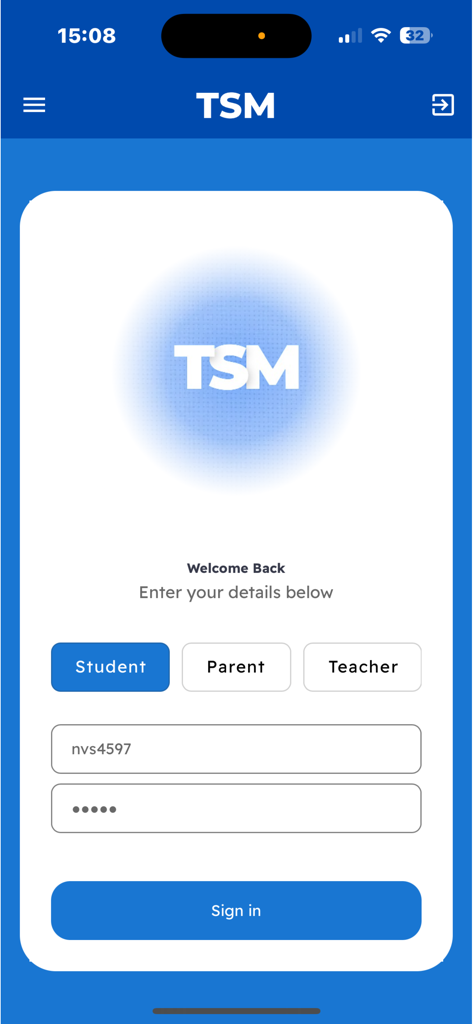
TsmEdu sign in page with student parent and teacher login options
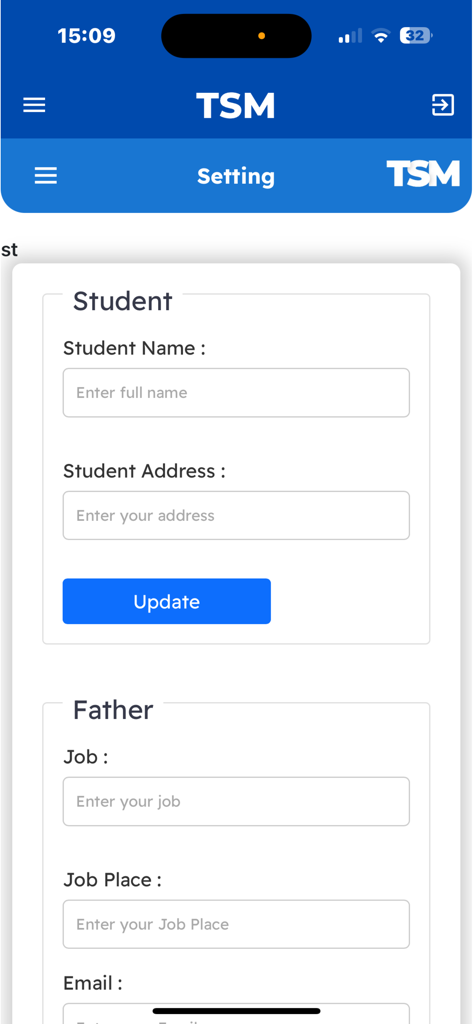
TsmEdu app settings screen showing profile information forms for students and parents
Description
The educational application is carefully designed to provide comprehensive support to students, enabling them to effectively organize and manage their academic journey. With an intuitive interface and robust functionality, the app serves as an all-in-one tool, benefiting both students and their parents by enhancing the overall educational experience.
For Students: The app allows students to register and track their subjects each term or academic year, ensuring that they have a clear overview of their course load. By selecting their courses within the app, students can easily manage their schedules, keeping track of assignments, projects, exams, and other course-related activities. With built-in notifications and reminders, students are promptly alerted to upcoming deadlines, exams, and critical milestones, reducing the risk of missed assignments or last-minute cramming.
A key feature of the app is its integrated testing and assessment system. Students can take quizzes, mock exams, and practice tests directly within the app. These assessments are tailored to the subjects the student is enrolled in and are designed to mimic real exam conditions, helping them prepare effectively. The app supports multiple formats, including multiple-choice questions, true or false, short answers, and more detailed problem-solving exercises. Upon completion, the assessments are automatically graded, and students receive instant feedback on their performance. Through detailed score tracking, students can identify their strengths and weaknesses, allowing them to focus on areas that need improvement.
Additionally, the app provides access to supplementary educational resources such as study guides, lecture notes, video tutorials, and interactive exercises. These resources are customized to align with the registered courses, giving students the tools they need to reinforce their understanding of key concepts. The app may also offer forums or discussion groups, enabling students to collaborate with peers, share insights, and seek assistance on challenging topics.
For Parents: The application includes a feature specifically for parents, giving them a window into their child’s academic performance. Through real-time reports generated by teachers, parents can monitor their child’s progress across all subjects. These reports provide a clear breakdown of the student’s performance, highlighting their strengths, areas for improvement, and overall academic standing. Parents can also track their child’s scores in various tests and assignments, gaining a deeper understanding of how their child is performing relative to class averages or benchmark standards.
One of the app’s most valuable features for parents is the ability to receive direct communication from teachers. Teachers can send personalized messages or notes regarding the student's behavior, class participation, and any academic concerns that need attention. This helps foster stronger collaboration between teachers and parents, allowing them to work together to support the student's educational development.
For Teachers: Teachers benefit from the app's reporting and communication features as well. They can easily generate progress reports, input grades, and provide feedback on assignments and tests. The app simplifies the process of keeping parents informed and maintaining open lines of communication, ensuring that teachers can quickly address any academic issues or behavioral concerns.
The app also helps teachers stay organized by providing tools for managing class schedules, monitoring student attendance, and tracking classroom participation. Additionally, teachers can use the app to assign homework or projects, create quizzes, and provide additional learning materials to students, enhancing the overall learning experience.
This page is not an official page of the app or its developer, but an independent editorial publication created for informational and commentary purposes. Unless expressly stated otherwise, neither the app nor its developer is affiliated with, endorsed by, sponsored by, authorized by, or otherwise officially connected with MWM, Apple, Google Play, the app publisher, or the app's developer, and nothing on this page implies that the app was developed using MWM's services. Any trademarks, logos, screenshots, and other content remain the property of their respective owners.









