
This page is not an official page of the app or its developer, but an independent editorial publication created for informational and commentary purposes. Unless expressly stated otherwise, neither the app nor its developer is affiliated with, endorsed by, sponsored by, authorized by, or otherwise officially connected with MWM, Apple, Google Play, the app publisher, or the app's developer, and nothing on this page implies that the app was developed using MWM's services. Any trademarks, logos, screenshots, and other content remain the property of their respective owners.


Turbo AI - Notetaker
Instantly turn any audio, video, or text into beautifully formatted notes, flashcards, and podcasts. The all-in-one AI tool designed for students and professionals who value their time.
Downloads
2M+User Rating
Total Ratings
52K+Publisher
Category
EducationLocales
1Latest Version
1.3.1Size
65.5 MBFirst Released
Jul 31, 2024Maximize Your Productivity
Turbo AI handles the heavy lifting, turning complex information into high-impact study materials so you can focus on mastering your subjects.
Instant Exam Prep
Generate expert-level flashcards and quiz questions from any lecture or video to master concepts through active recall.
Your Lessons as Podcasts
Convert dense textbooks and long recordings into easy-to-digest audio summaries for on-the-go learning while you commute or exercise.
Frequently Asked Questions
Everything you need to know about Turbo AI - Notetaker
What is Turbo AI?
Turbo AI is an AI-powered platform that transforms audio, video, and text into high-quality study materials, including notes, quizzes, flashcards, and podcasts, instantly. It helps users generate and organize diverse content.
How does Turbo AI generate notes?
Turbo AI generates notes from audio, video, and text inputs. It creates engaging notes featuring tables, emojis, diagrams, and equations, which are seamlessly synced across the app and website.
Can Turbo AI create quizzes and flashcards?
Yes, Turbo AI instantly creates amazing quiz questions and effortlessly generates effective flashcards directly from your notes. This feature helps users for quick review and learning.
Does Turbo AI support different input formats?
Yes, Turbo AI supports various input formats including audio, video, and text. Specific examples include lectures, meetings, PDFs, YouTube videos, slideshows, and sermons.
Is Turbo AI available on multiple devices?
Yes, Turbo AI offers real-time sync across devices. Users can access notes on mobile, laptop, and tablet through both the app and the web platform.
Can users interact with their notes in Turbo AI?
Yes, users can chat directly with their notes in Turbo AI to extract deeper insights and to edit notes using AI, adding specific content or analogies.
Does Turbo AI offer language support?
Yes, Turbo AI supports over 100 languages. This allows a wide range of users to utilize the application in their native language, enhancing accessibility and usability.
What kind of content can Turbo AI transform into podcasts?
Turbo AI transforms lengthy content from various inputs, such as audio, video, and text, into engaging, easy-to-follow podcasts. It breaks down content into accessible audio formats.
How can I contact Turbo AI support?
You can contact Turbo AI support by reaching out to their email address at contact@turbolearn.ai for any questions or ideas you may have regarding the platform.
What are the primary uses of Turbo AI for professionals?
Professionals use Turbo AI for various purposes, including generating meeting summaries, organizing their thoughts through journaling, and efficiently processing other textual content.
The following screenshots and description are sourced directly from the app's official store listing and are the property of the app developer.
App Store
Screenshots
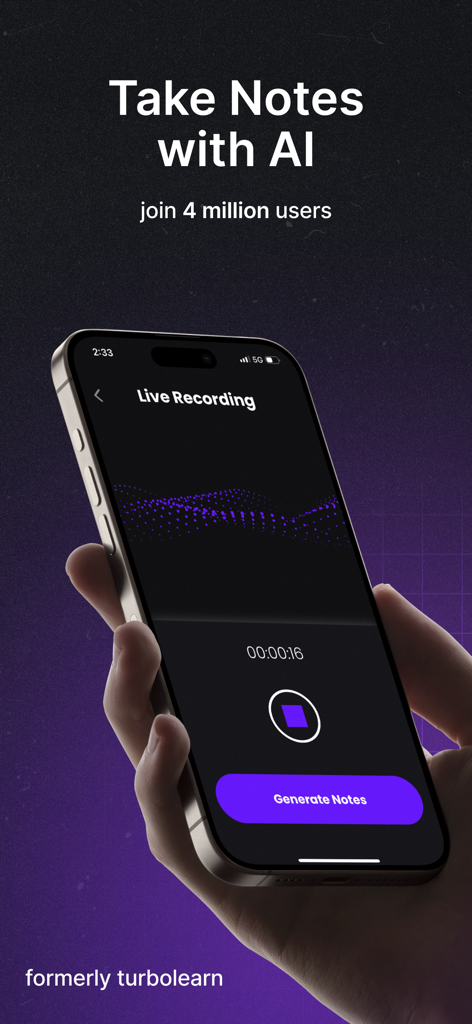
Turbo AI app interface showing a live recording session and a button to generate notes using AI on a smartphone
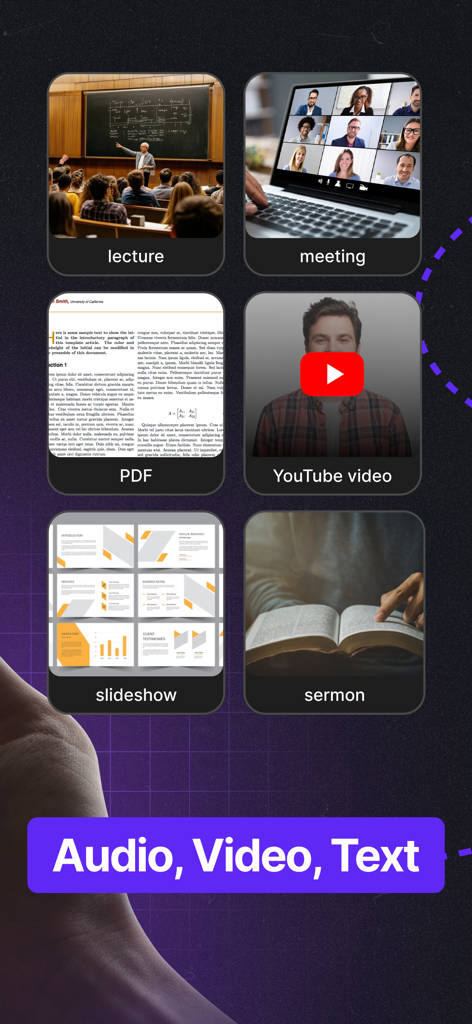
A grid showing various audio video and text sources for AI note taking including lectures meetings PDFs YouTube videos slideshows and sermons
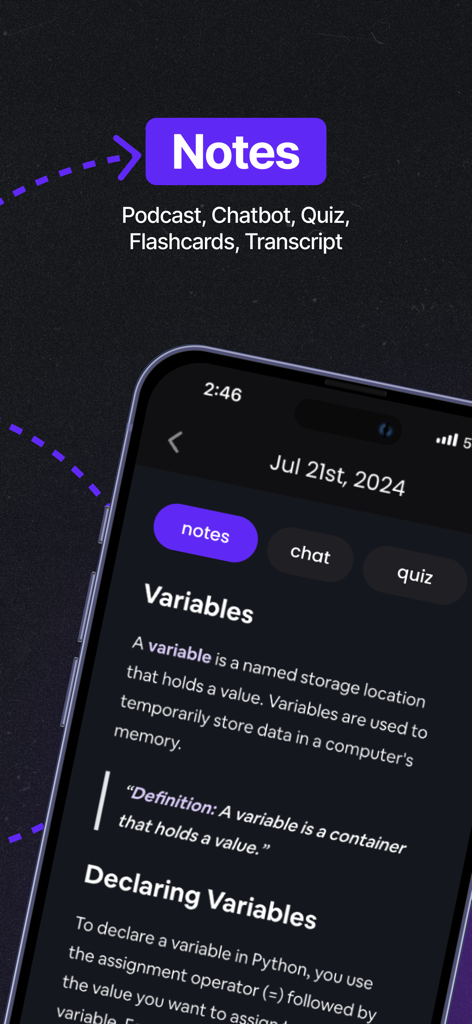
Turbo AI app interface showing generated notes about programming variables on a smartphone screen
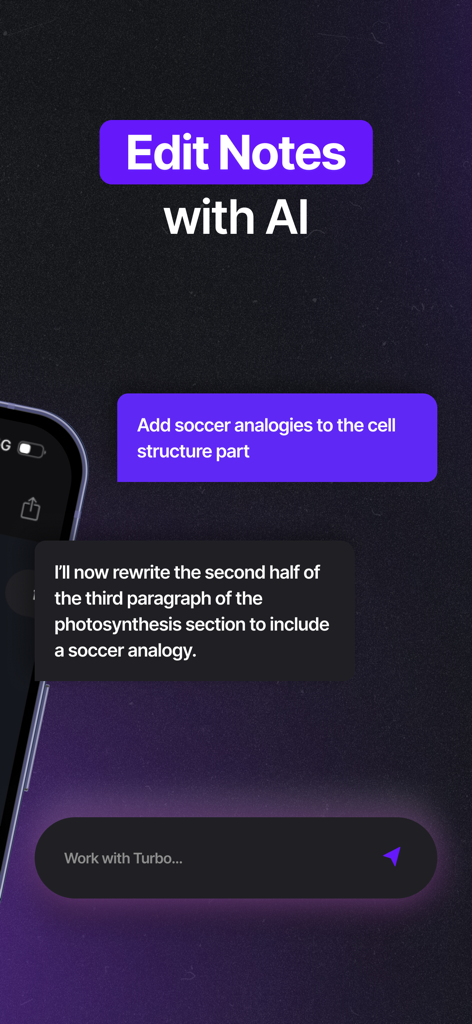
Turbo AI app interface showing how to edit and refine study notes using AI chat commands
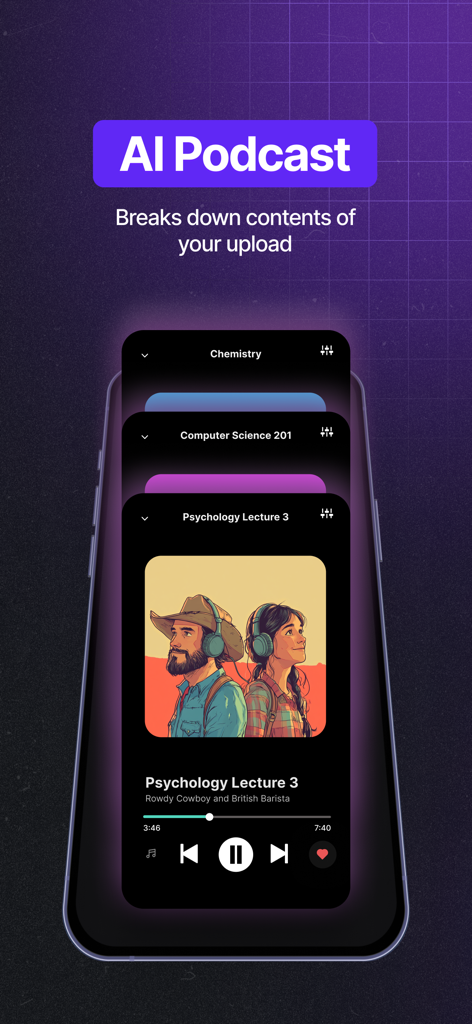
Turbo AI app interface displaying an AI generated podcast from a psychology lecture
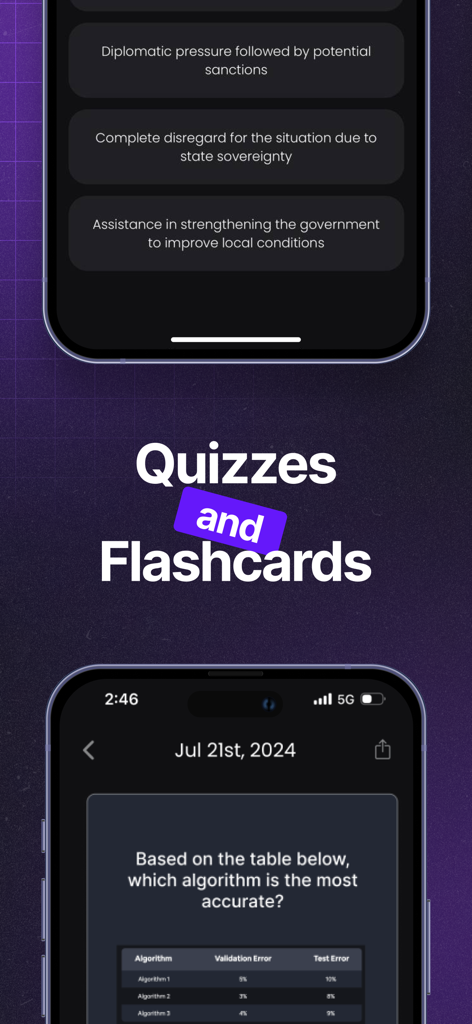
Interface of Turbo AI Notetaker showing AI-generated quiz questions and study materials based on class notes.
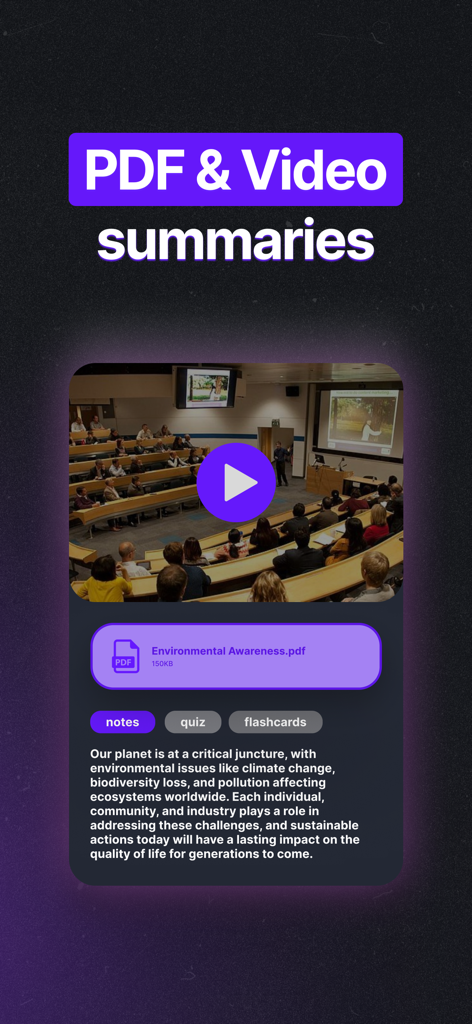
Turbo AI app interface showing a summary generated from a lecture video and a PDF document about environmental awareness.
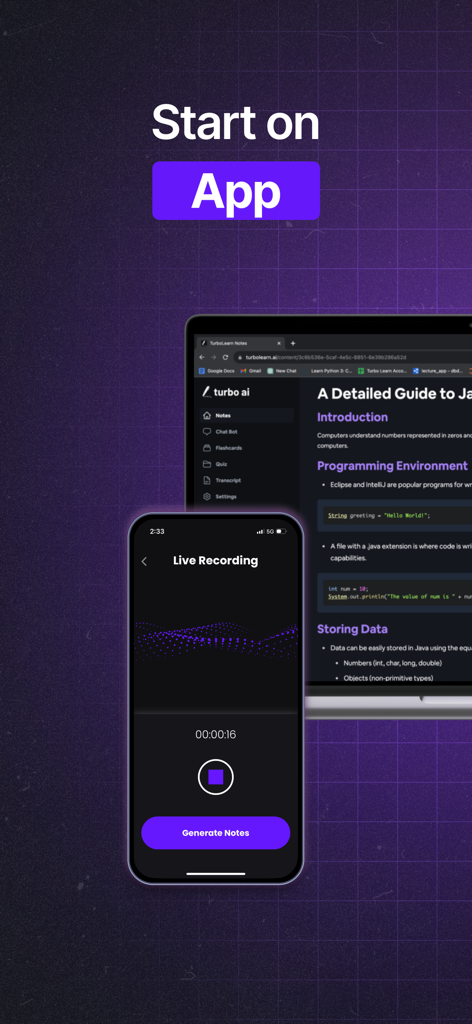
Turbo AI mobile app recording live audio while syncing study notes to a computer interface
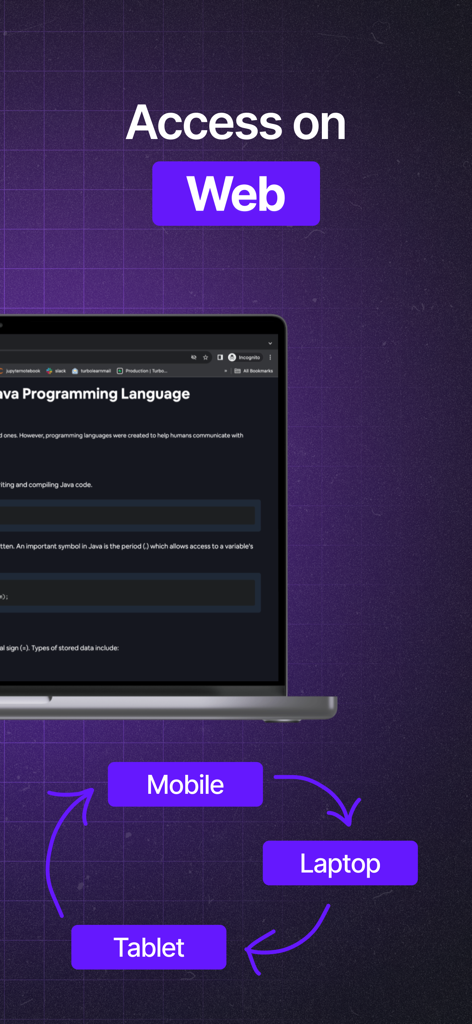
Turbo AI cross platform accessibility on web mobile and tablet
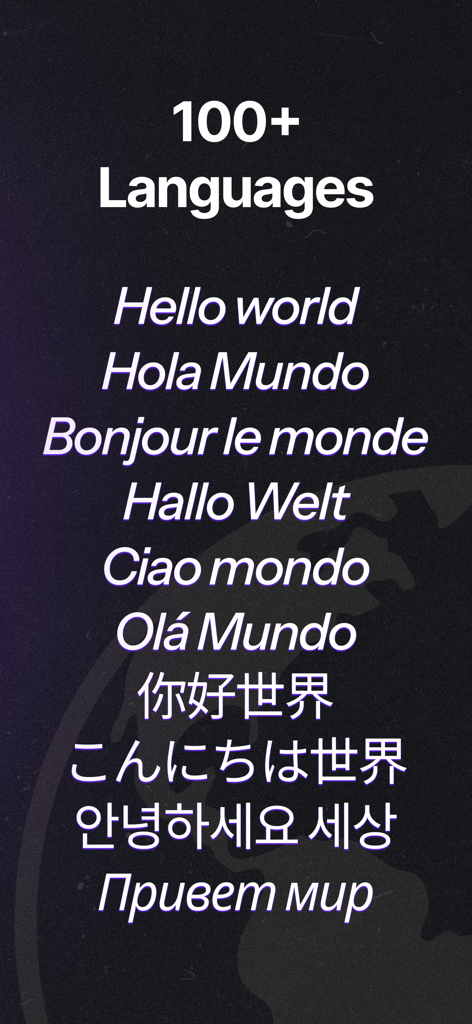
Turbo AI app interface showing support for over 100 languages with multilingual text
Description
Download
More Like This
Apps with similar features and user experience

Bible Note Taker & Recorder
TOPMUSE PTE. LTD.

Thea: Study Smart
Theaai Corporation

HyNote: AI Note Taker, Summary
Tuling Network Limited

Melonote:AI Voice to Text Note
Yan Cheng Cheok

StudyOS: Study with AI
DANIEL PONCELAS VARGAS

Genio AI: College Smart Tutor
Genio Tech, LLC

Nerdmask: Study Games
Supersmart LLC

Amazing Flash Cards
Erik Wegener

Studi - Learning Companion
Wesam Alzahir
This page is not an official page of the app or its developer, but an independent editorial publication created for informational and commentary purposes. Unless expressly stated otherwise, neither the app nor its developer is affiliated with, endorsed by, sponsored by, authorized by, or otherwise officially connected with MWM, Apple, Google Play, the app publisher, or the app's developer, and nothing on this page implies that the app was developed using MWM's services. Any trademarks, logos, screenshots, and other content remain the property of their respective owners.