
This page is not an official page of the app or its developer, but an independent editorial publication created for informational and commentary purposes. Unless expressly stated otherwise, neither the app nor its developer is affiliated with, endorsed by, sponsored by, authorized by, or otherwise officially connected with MWM, Apple, Google Play, the app publisher, or the app's developer, and nothing on this page implies that the app was developed using MWM's services. Any trademarks, logos, screenshots, and other content remain the property of their respective owners.


Turbosounds for Accordion
Bring the legendary tones of Hohner Morino, Zupan, and Framus instruments to your MIDI setup. Professional-grade samples and ultra-low latency designed for the dedicated folk music performer.
Downloads
7K+User Rating
Total Ratings
700Publisher
Category
MusicLocales
4Latest Version
2.14.3Size
3.3 GBFirst Released
Jul 12, 2016Bring the Soul of Alpine Folk to Your Fingertips
Transform your MIDI accordion into a world-class folk ensemble with authentic vintage sounds, ultra-low latency, and professional-grade performance features designed for the serious musician.
Legendary Vintage Instruments
Access high-fidelity samples of the Hohner Morino VM, Zupan Alpe III, and Framus AZ-10. Carry the authentic sound of legendary gear without the weight or the price tag.
Real-Time Performance Feel
Experience zero-lag playing with 1.5ms ultra-low latency and advanced bellows dynamics that capture every nuance of your expression just like a traditional instrument.
The following screenshots and description are sourced directly from the app's official store listing and are the property of the app developer.
App Store
Screenshots
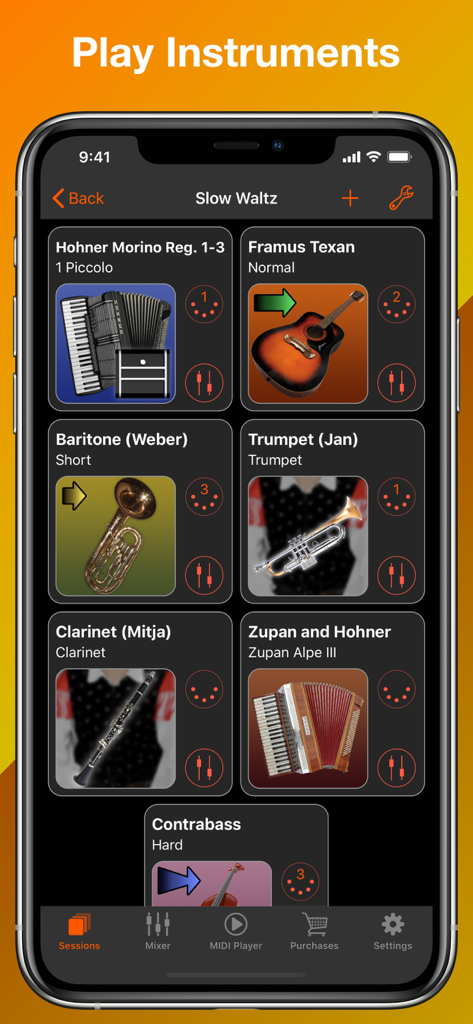
Turbosounds for Accordion app interface showing a selection of virtual instruments for an Oberkrainer music session
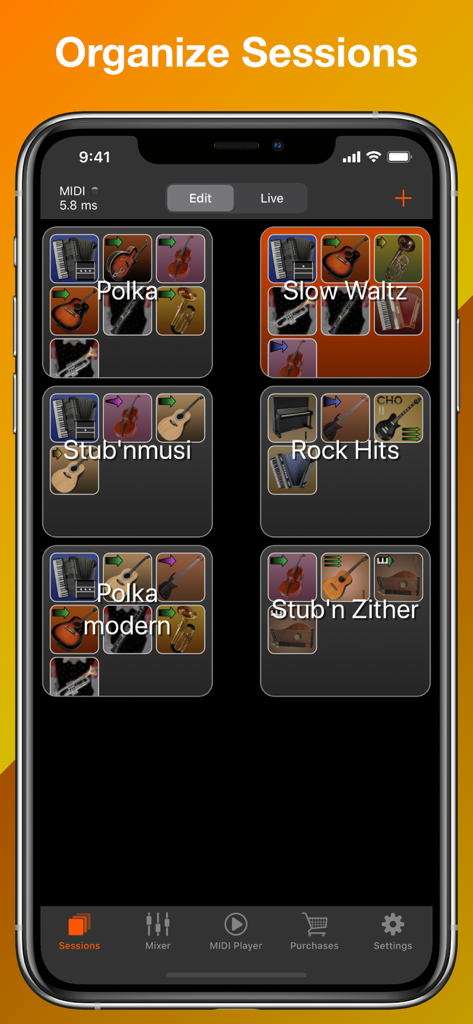
Interface of Turbosounds for Accordion app displaying various musical instrument sessions like Polka and Slow Waltz.
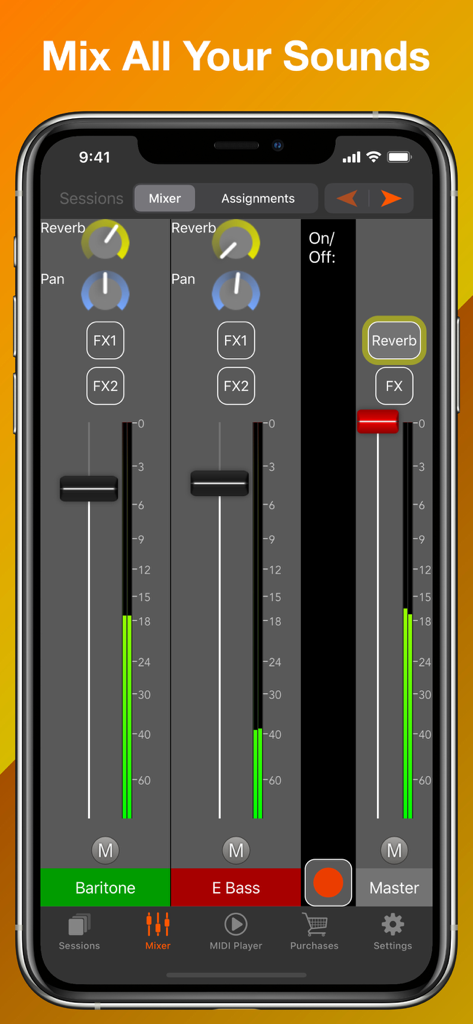
Audio mixer interface of the Turbosounds for Accordion app showing volume sliders and sound effects controls for instruments like Baritone and E Bass.
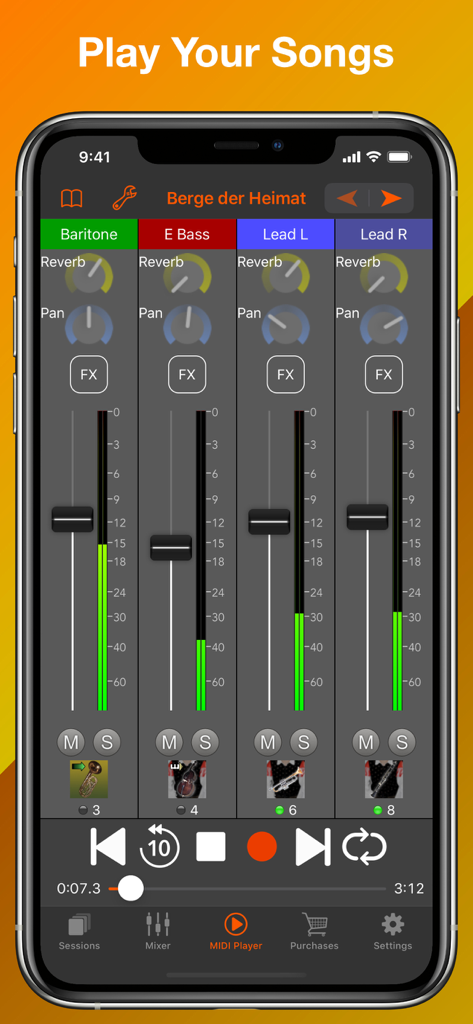
Turbosounds for Accordion app interface displaying a multi track mixer and song playback controls
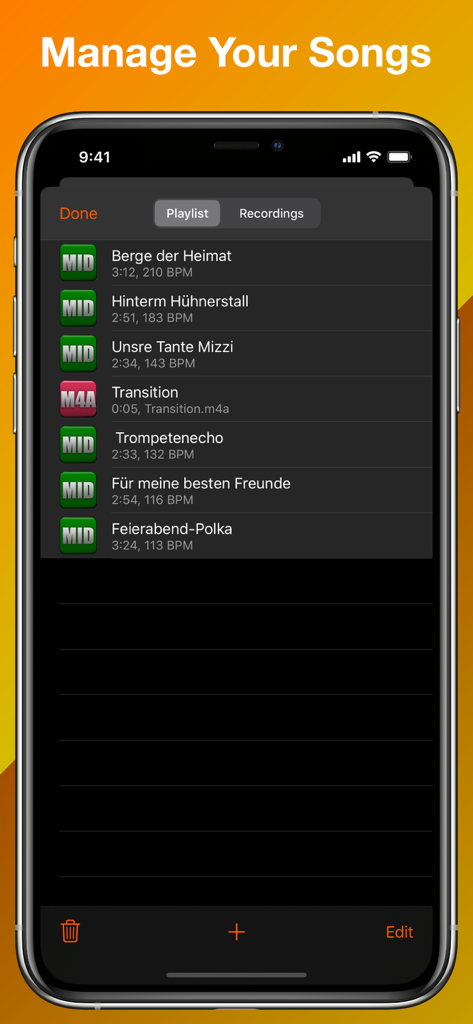
The song management screen showing a playlist of MIDI and audio files
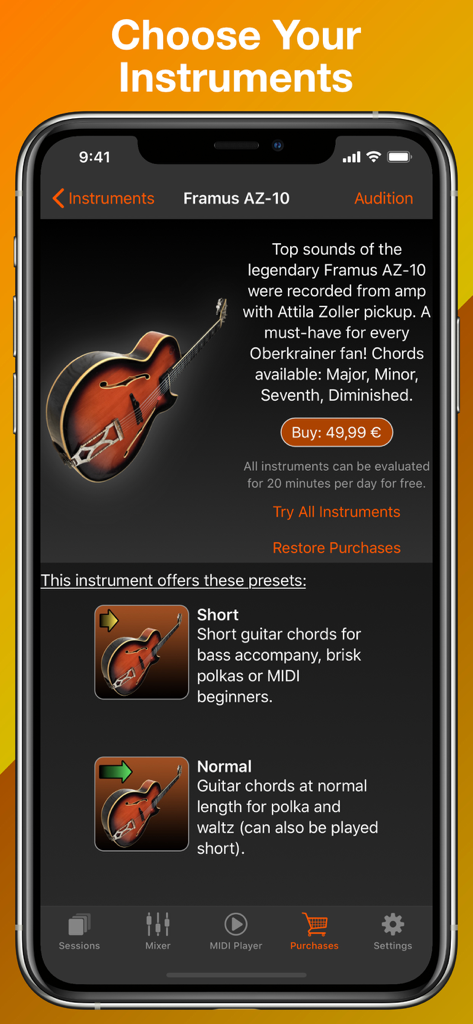
Instrument selection screen for the Framus AZ-10 guitar in the Turbosounds for Accordion app.
Description
Download
More Like This
Apps with similar features and user experience
Accordion Piano Cassoto
GMOBILER APPS LTDA
World Piano Notes & Drum Beats
TAQS.IM LLC
NaadSadhana | Sing Play Record
Sandeep Ranade
古筝和钢琴 - 学习弹虚拟古筝和钢琴入门
森 袁
iGuzheng⁺ - Pro version
Supertintin Co., Ltd
Mobile Org 2025
Alper Kahriman
Darbuka - Percussion Drums Pad
Satomi Uchida
iGuzheng
Supertintin Co., Ltd

Bongos - Dynamic Bongo Drums
Skunk Brothers GmbH
This page is not an official page of the app or its developer, but an independent editorial publication created for informational and commentary purposes. Unless expressly stated otherwise, neither the app nor its developer is affiliated with, endorsed by, sponsored by, authorized by, or otherwise officially connected with MWM, Apple, Google Play, the app publisher, or the app's developer, and nothing on this page implies that the app was developed using MWM's services. Any trademarks, logos, screenshots, and other content remain the property of their respective owners.