
This page is not an official page of the app or its developer, but an independent editorial publication created for informational and commentary purposes. Unless expressly stated otherwise, neither the app nor its developer is affiliated with, endorsed by, sponsored by, authorized by, or otherwise officially connected with MWM, Apple, Google Play, the app publisher, or the app's developer, and nothing on this page implies that the app was developed using MWM's services. Any trademarks, logos, screenshots, and other content remain the property of their respective owners.

Tynker Junior: Coding for Kids
Turn screen time into a STEM advantage with the world-leading coding platform trusted by 100,000 schools. Designed specifically for pre-readers aged 4-7, our word-free interface lets your child master logic and creativity through play.
Downloads
620K+User Rating
Total Ratings
9K+Publisher
Category
EducationLocales
1Latest Version
4.6.1080Size
414.5 MBFirst Released
Dec 13, 2018Empower Your Child with the Language of the Future
Designed for pre-readers aged 4-7, Tynker Junior turns screen time into a brain-boosting adventure with word-free coding blocks, creative studios, and over 200 interactive challenges.
No Reading Required
Your child can master complex logic using our intuitive, word-free picture blocks and friendly voiceovers designed specifically for early learners.
Puzzles Meet Creativity
From solving underwater mysteries to composing music and animating stories, kids apply coding concepts to bring their wildest ideas to life.
Frequently Asked Questions
Everything you need to know about Tynker Junior: Coding for Kids
What is Tynker Junior?
Tynker Junior is an interactive app designed for children aged 4-7, including pre-readers, to learn the basics of coding. It uses colorful block coding to manipulate characters and develop fundamental programming skills.
Who is Tynker Junior for?
Tynker Junior is specifically for children aged 4-7. It caters to young learners, including pre-readers, with a redesigned user interface featuring word-free picture blocks and voiceovers.
How does Tynker Junior teach coding to kids?
Tynker Junior teaches coding using colorful, word-free picture blocks that snap together. It includes 200+ challenges, five puzzle-based adventures, five project creation studios, and a video course.
Does Tynker Junior offer a subscription?
Yes, Tynker Junior offers subscriptions to access premium content. Users can choose between a Monthly Plan or a Quarterly Plan. These are auto-renewing options.
What is the price of a Tynker Junior monthly subscription?
The monthly subscription for Tynker Junior costs $24.99 per month. Prices are in USD and may vary by location.
How much does a Tynker Junior quarterly subscription cost?
A quarterly subscription for Tynker Junior costs $59.99 per quarter. Prices are in USD and may vary by location.
What coding concepts do children learn with Tynker Junior?
Children learn cause and effect, problem-solving, loops, conditional logic, debugging, sequencing, and pattern recognition. They use these concepts to create animations, stories, music, and math art.
Does Tynker Junior include activities for music and art creation?
Yes, Tynker Junior includes an Art and Music Studio where children can generate math art and compose music. It also features an Animation Studio for creating interactive animations and stories.
Can Tynker Junior teach children about how computers work?
Yes, Tynker Junior includes an "All About Computers Video Course." This course teaches computing basics, how the Internet works, digital citizenship, and simple data collection.
How do I cancel a Tynker Junior subscription?
To cancel a Tynker Junior subscription, you must disable auto-renewal in your iTunes settings at least 24 hours before the current period ends. Refunds are not available.
What type of logic is used in Tynker Junior coding challenges?
Tynker Junior introduces children to conditional logic. This allows them to handle changing situations and apply conditions in their coding projects.
Is Tynker Junior suitable for children who cannot read yet?
Yes, Tynker Junior is designed for pre-readers. It features a tap-based interface, word-free picture blocks, and friendly voiceovers to guide young children.
The following screenshots and description are sourced directly from the app's official store listing and are the property of the app developer.
App Store
Screenshots
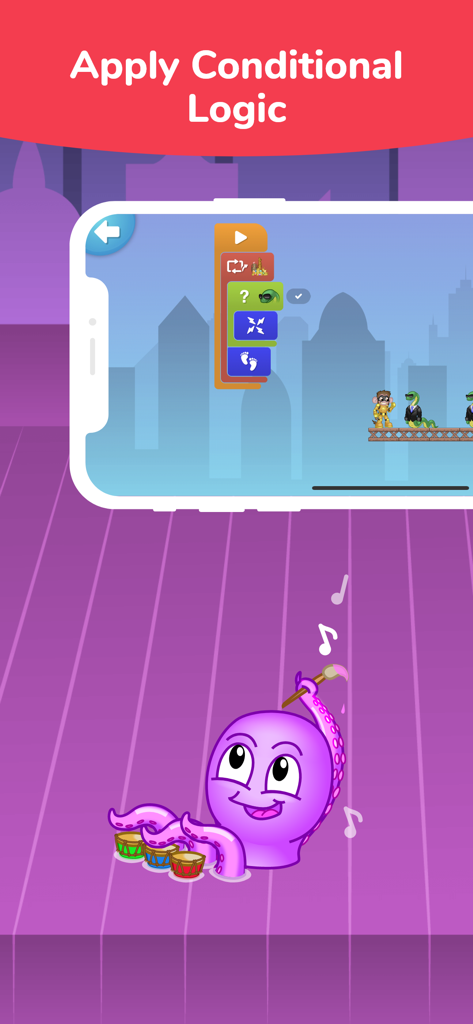
Tynker Junior app screenshot displaying visual coding blocks for conditional logic and a cartoon octopus playing drums
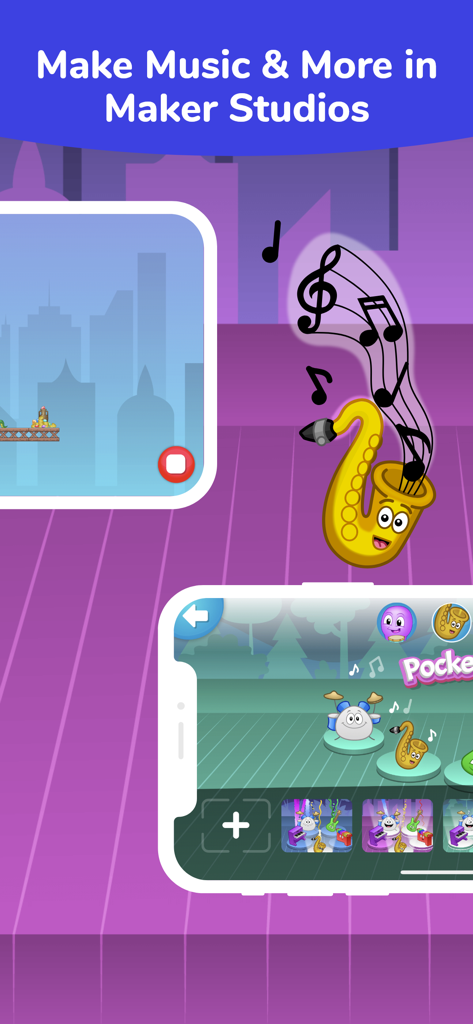
A child friendly interface for creating music in the Tynker Junior app featuring cartoon instruments
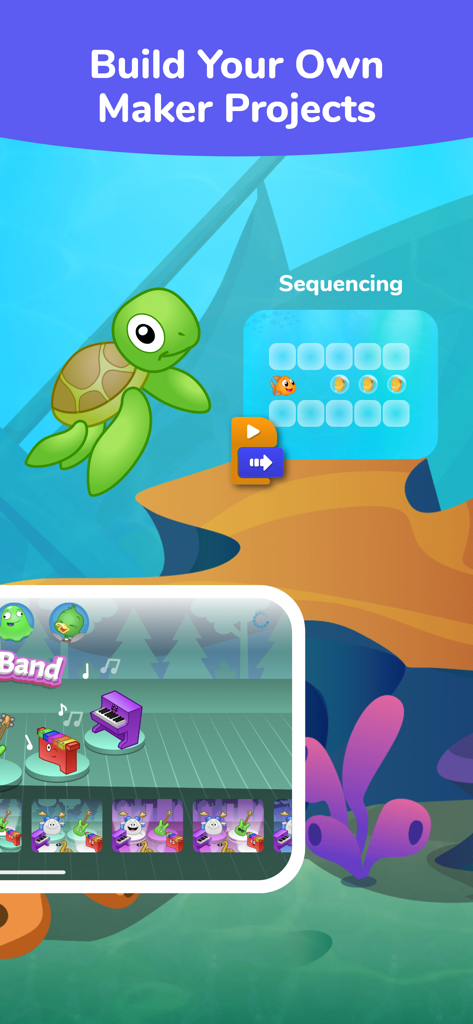
Tynker Junior app interface showing creative maker projects and sequencing puzzles for kids
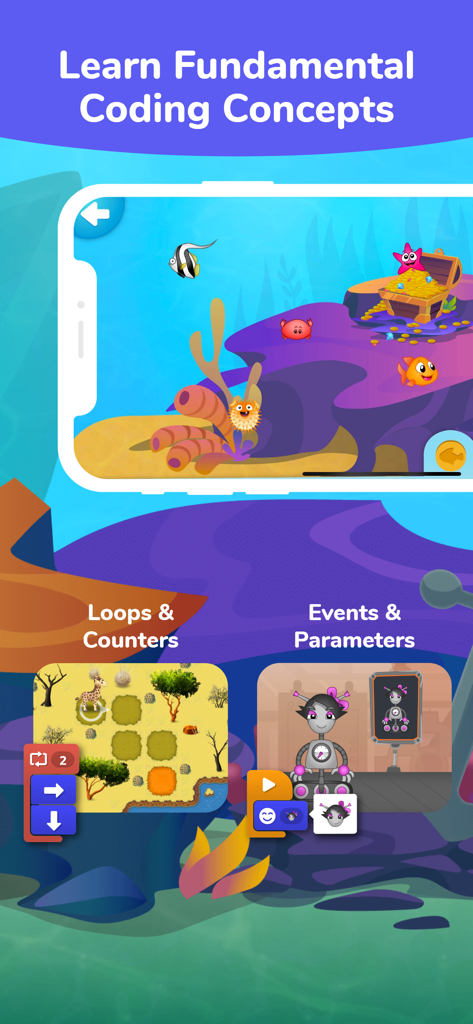
Tynker Junior app interface showing visual block coding lessons for loops and events with robots and animals
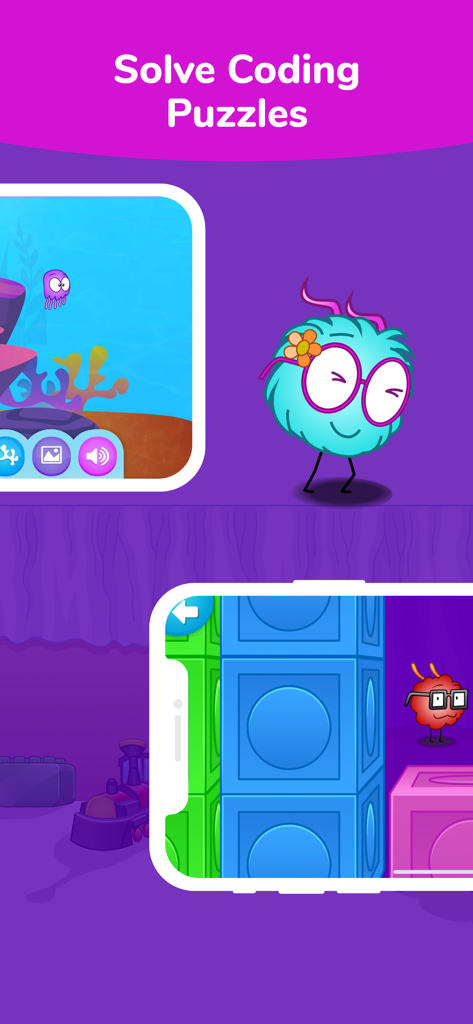
Tynker Junior app screen showing kids solving coding puzzles with colorful characters and a visual block based interface
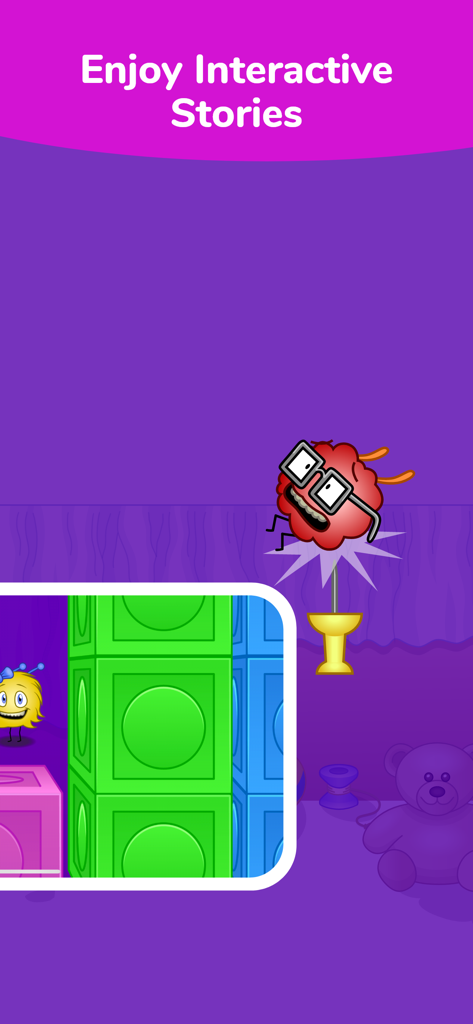
Tynker Junior app screenshot showcasing interactive stories with cute characters
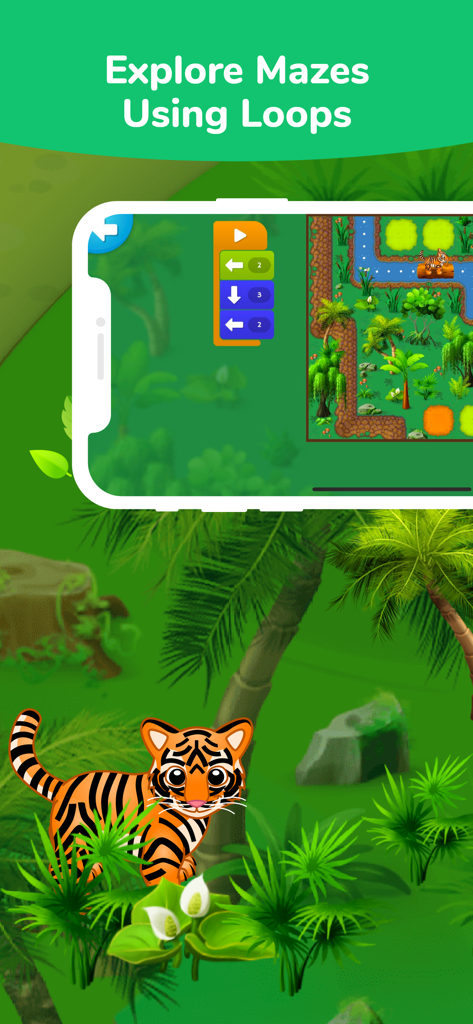
A coding interface for kids showing a tiger character navigating a jungle maze using loop blocks
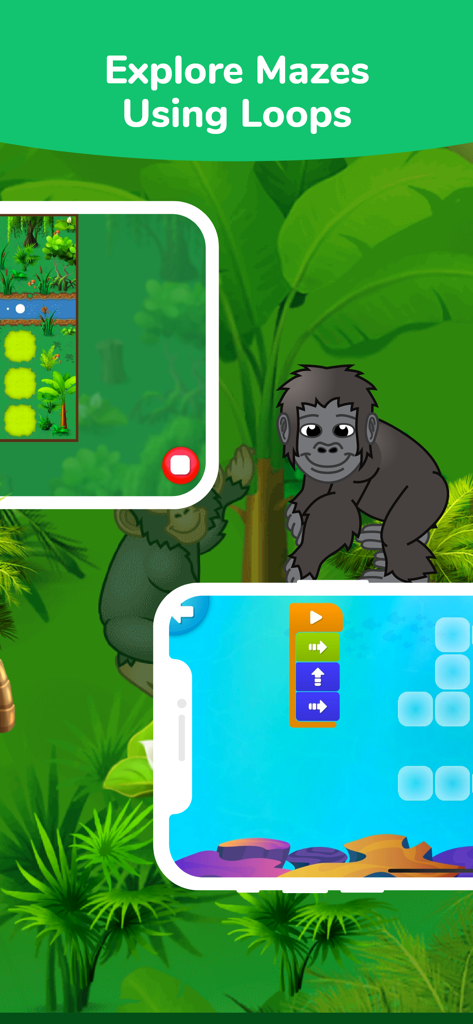
Tynker Junior app interface teaching children coding loops with jungle mazes and a gorilla
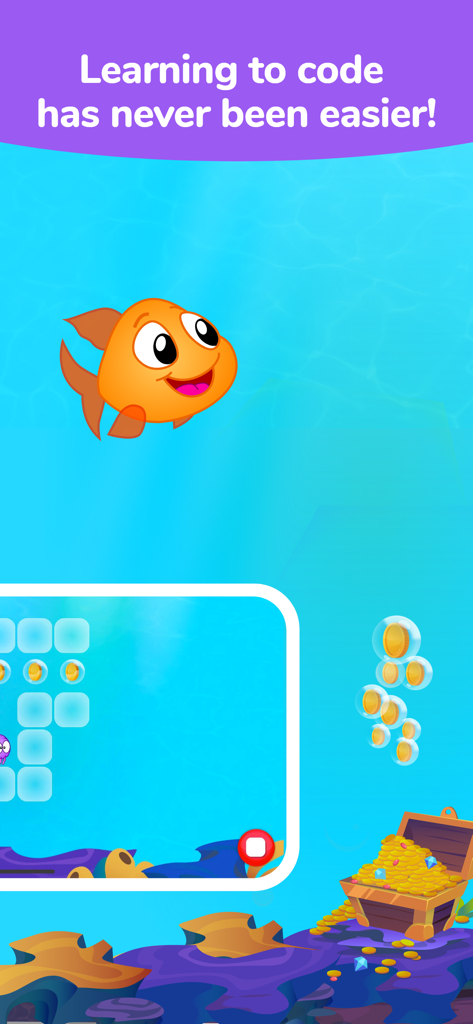
Tynker Junior coding for kids app featuring a cartoon goldfish in an underwater adventure
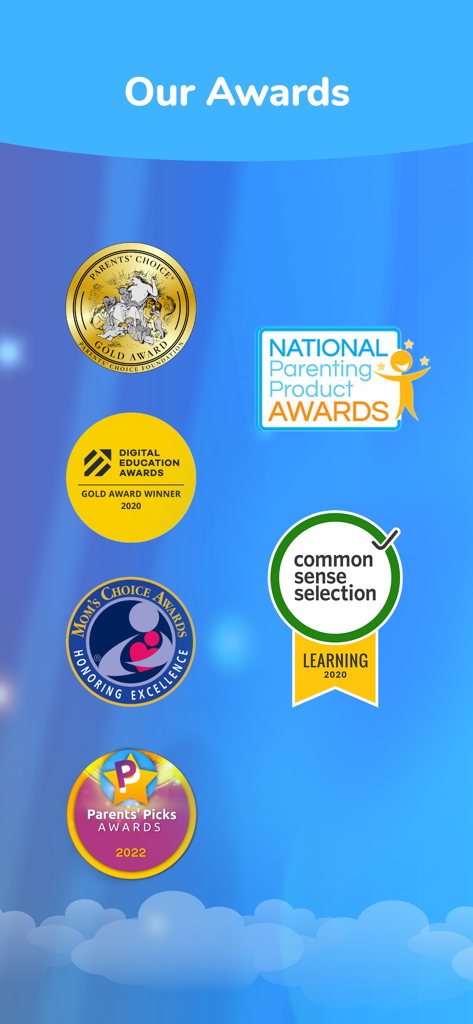
A display of prestigious educational and parenting awards received by Tynker Junior including Parents Choice Gold and Common Sense Selection
Description
Download
More Like This
Apps with similar features and user experience

Code Land: Kids Coding Games
Learny Land S.L.

Kodable Basics
SurfScore, Inc

Tynker: Coding for Kids
Neuron Fuel, Inc.

Coding For Kids: Learn To Code
KidloLand Kids & Toddler Games

编程猫在线-随时随地学编程
Guangdong TanYue Online Non disciplinary Training School Company Limited

Code Kingdom: Treasure
MORE CHINESE EDUCATION & TECHNOLOGY CO.,LIMITED
Scratch Tutorial - Coding Game
海涛 赵

Move the Turtle: Learn to Code
Krzysztof Haft-Szatynski

ScratchJr
Scratch Foundation, Inc.
This page is not an official page of the app or its developer, but an independent editorial publication created for informational and commentary purposes. Unless expressly stated otherwise, neither the app nor its developer is affiliated with, endorsed by, sponsored by, authorized by, or otherwise officially connected with MWM, Apple, Google Play, the app publisher, or the app's developer, and nothing on this page implies that the app was developed using MWM's services. Any trademarks, logos, screenshots, and other content remain the property of their respective owners.