
UK Immigration: ID Check

Skip the trip to the consulate and confirm your identity right from your iPhone. Securely scan your biometric documents to complete your visa, eVisa, or account update without a physical appointment.
Publisher
Category
UtilitiesDownloads
3M+User Rating
Total Ratings
2K+Locales
1Discover the interface used by 3M+ users.
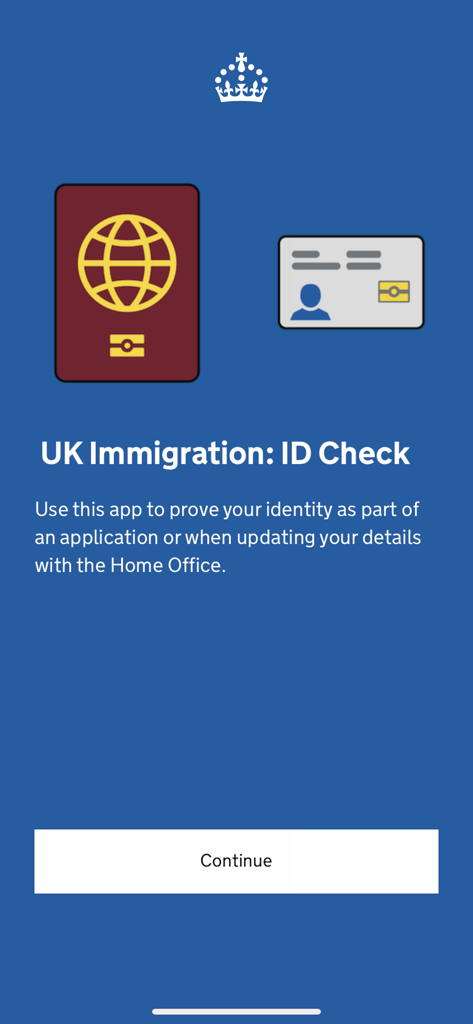
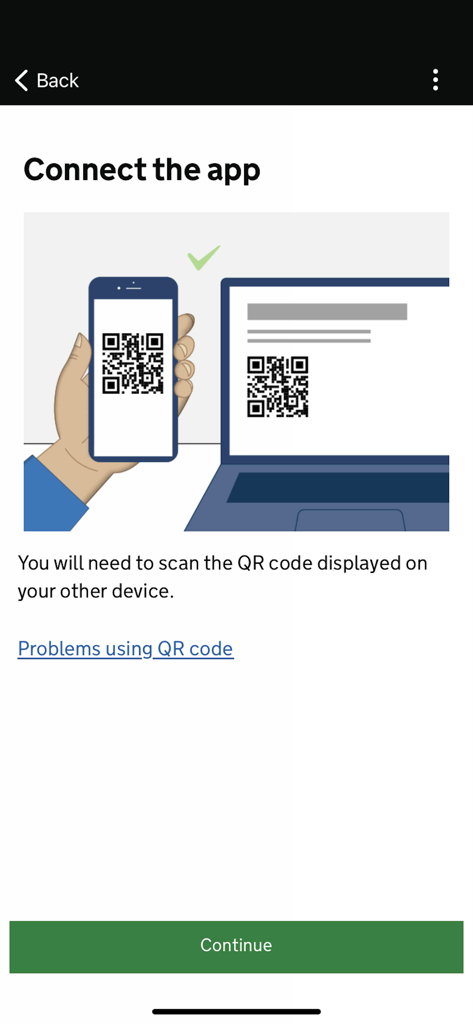
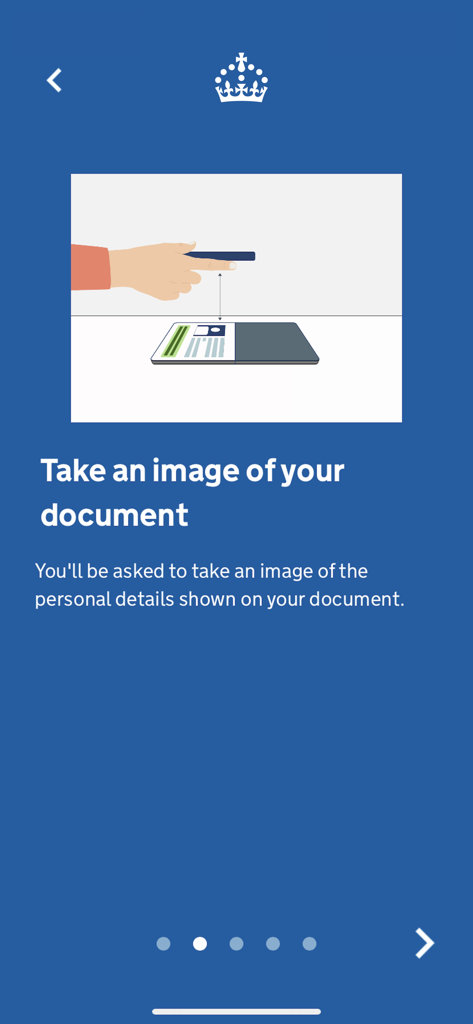
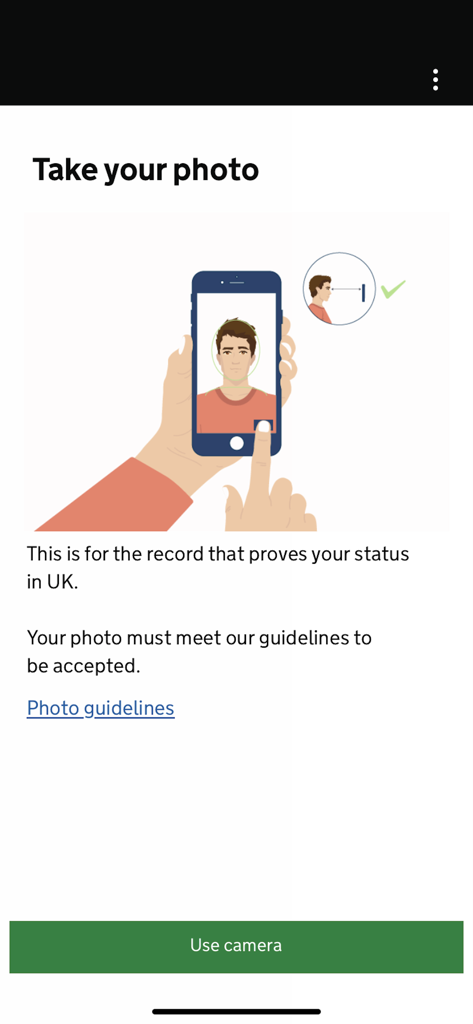
The tools that make this app stand out, trusted by 3M+ users.
Forget traveling hundreds of miles to a visa application center. Complete your identity check entirely from your mobile device, saving you time and travel costs.
Maintain possession of your physical passport or BRP at all times. There is no need to mail your sensitive identity documents away for verification.
Leverage your iPhone's NFC technology to securely scan the biometric chip in your passport for immediate, high-security identity confirmation.
Insights from user reviews.
Sentiment Score
Summary
The app receives overwhelmingly negative feedback, with a critical recurring issue being the unreliable document and chip scanning, frequently failing for BRP cards and passports. Many users report persistent bugs, crashes, and a generally unfunctional experience leading to stressful account lockouts for 24 hours or more. While a few users on newer iPhones successfully completed their processes and praised security features, the majority describe the app as useless and frustrating, often highlighting poor customer support and an unmet iOS 16 compatibility requirement for older devices.
Common Themes
Everything you need to know about UK Immigration: ID Check.
Description
Latest Version
3.20.323
Size
224.9 MB
First Released
Sep 30, 2020
Save time and travel costs by securely confirming your identity from home. Download the official UK Home Office app for your iPhone and take the next step in your application today.
Everything you need to know about UK Immigration: ID Check
The UK Immigration: ID Check app confirms your identity online for visa applications, updating UKVI account details, or accessing your eVisa. It removes the need for an in-person appointment.
Yes, the UK Immigration: ID Check app is safe and secure. Your personal information is not stored within the app or on your phone after you complete the process.
You need an iPhone 8 or newer and iOS 16 or later to use the UK Immigration: ID Check app. You must also be in a well-lit area to take a good quality photograph.
You must follow the steps in your online application or form. The app guides you to connect by scanning a QR code, then taking images of your identity document and a photograph of yourself.
For visa applications, you need a biometric passport with a chip or a Biometric Residence Permit (BRP). A BRP must not have expired more than 18 months ago.
The app confirms identity for EU, EEA, or Swiss citizens, British National (Overseas) visa applicants with specific passports, and graduate visa applicants with a UK BRP.
Yes, you can use the UK Immigration: ID Check app to update personal details on your UKVI account. You need a passport or other identity document with new details and a biometric chip.
No, the UK Immigration: ID Check app does not store your personal information. Your data is not kept in the app or on your phone once you finish using it.
Apps with similar features and user experience

HD SAISON FINANCE CO.,LTD

MEDION AG

Government Digital Service

IDnow Gmbh

ID-Pal Ltd.

Center UZINFOCOM SUE

Ockto B.V.

T4 Communications UK Limited

Datakeeper B.V.
App information, icons, screenshots, and descriptions displayed on this page are sourced from the Apple App Store and are the property of their respective developers. Download estimates and rankings are based on MWM's proprietary models and may not reflect actual figures. This page is provided for informational and analytical purposes only.
Believe this page infringes your intellectual property? File a dispute