
This page is not an official page of the app or its developer, but an independent editorial publication created for informational and commentary purposes. Unless expressly stated otherwise, neither the app nor its developer is affiliated with, endorsed by, sponsored by, authorized by, or otherwise officially connected with MWM, Apple, Google Play, the app publisher, or the app's developer, and nothing on this page implies that the app was developed using MWM's services. Any trademarks, logos, screenshots, and other content remain the property of their respective owners.


Experian Candidate RTW
Complete your Right to Work checks in minutes. Securely upload your ID, follow guided verification, and get onboarded faster with the brand employers trust.
Downloads
258K+User Rating
Total Ratings
9K+Publisher
Category
BusinessLocales
1Latest Version
2.15.3Size
128.0 MBFirst Released
Feb 9, 2023Onboard with Confidence
The smartest way to complete your Right to Work checks. Securely manage, upload, and share your documents to get you started in your new role faster.
Instant Digital Onboarding
Move from candidate to employee faster by completing legal checks directly from your iPhone without the need for physical paperwork.
Secure Document Vault
Protect your most sensitive information with Experian’s industry-leading security while sharing data safely and privately with employers.
Frequently Asked Questions
Everything you need to know about Experian Candidate RTW
What is the Experian Candidate RTW app used for?
The Experian Candidate RTW app helps job candidates share information required by UK employers to complete Right to Work checks easily and securely, streamlining the onboarding process.
How does the Experian Candidate RTW app facilitate UK Right to Work checks?
The Experian Candidate RTW app guides you through providing personal details and uploading ID documents. It then enables you to share this data securely and safely with your employer for the Right to Work check.
Does the Experian Candidate RTW app require identity documents and photos?
Yes, the Experian Candidate RTW app requires you to upload necessary ID documents, such as a passport, for your Right to Work check in the UK. It also prompts for a selfie image.
Does the Experian Candidate RTW app use biometric data for verification?
Yes, the Experian Candidate RTW app is capable of reading biometric data directly from your ID document using your device's NFC hardware to enhance verification accuracy.
Can I save my information in the Experian Candidate RTW app for future use?
Yes, the Experian Candidate RTW app allows you to save your data on your device for easier re-sharing with other recruiters or employers for future job applications.
Is data shared securely with employers using the Experian Candidate RTW app?
Yes, the Experian Candidate RTW app enables secure and safe sharing of your data with employers. The process includes a review step and requires agreement to terms and conditions.
The following screenshots and description are sourced directly from the app's official store listing and are the property of the app developer.
App Store
Screenshots
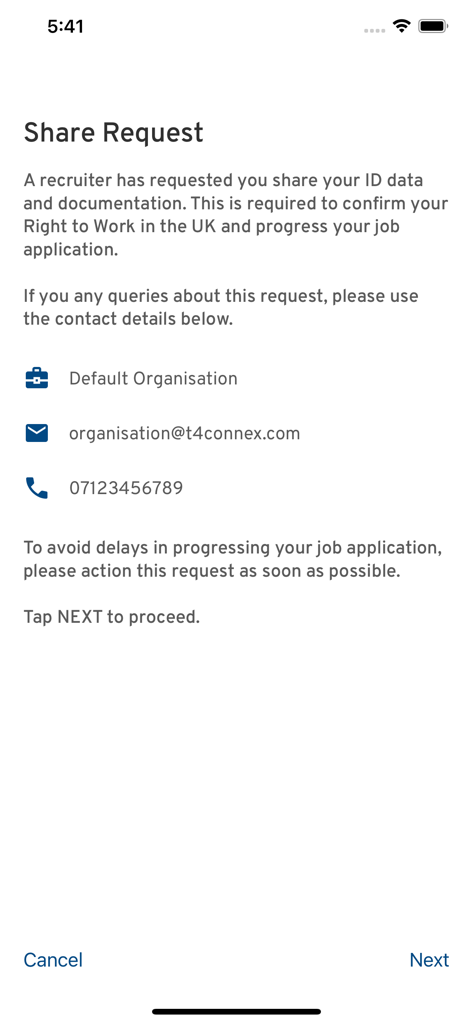
A share request screen in the Experian Candidate RTW app for providing ID documentation to a recruiter.
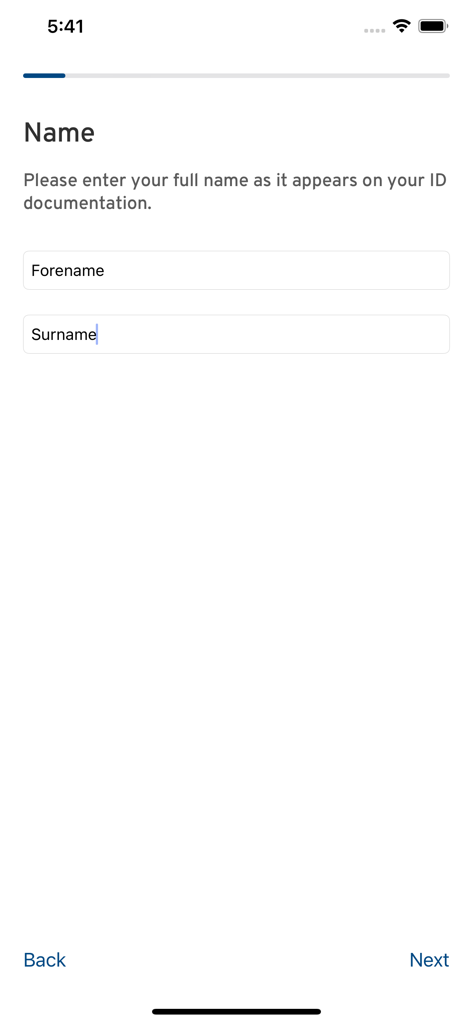
Name entry screen in the Experian Candidate RTW app featuring fields for forename and surname for identity verification.
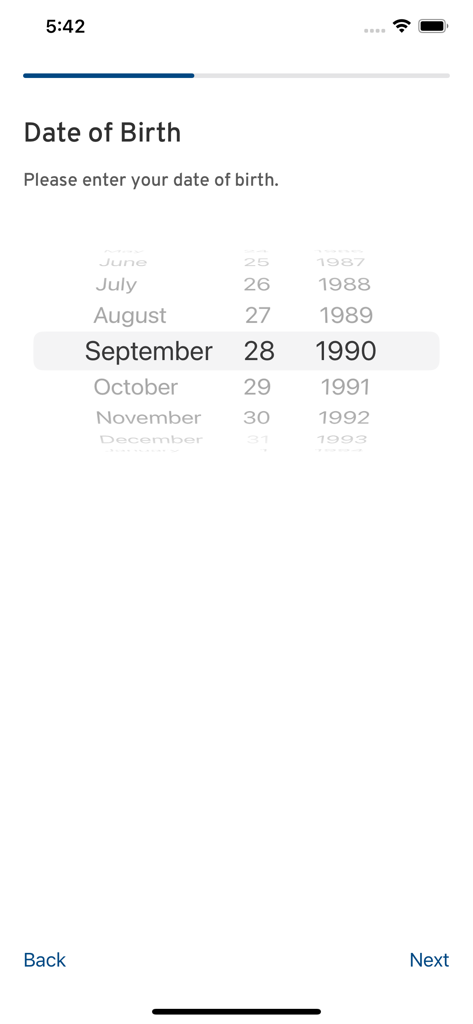
A date of birth selection screen in the Experian Candidate RTW app with a scrollable picker and navigation buttons

Selfie verification step in the Experian Candidate RTW app showing a captured user photo.
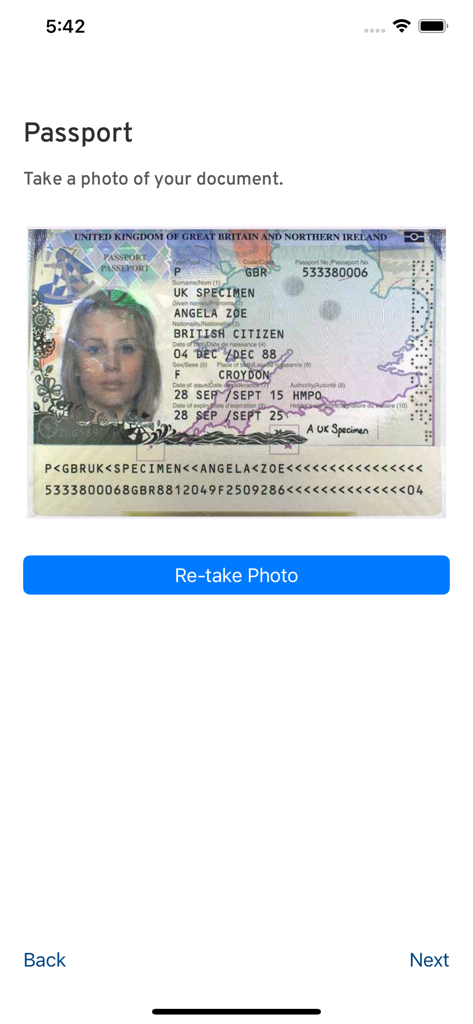
Passport photo upload screen in the Experian Candidate RTW app.
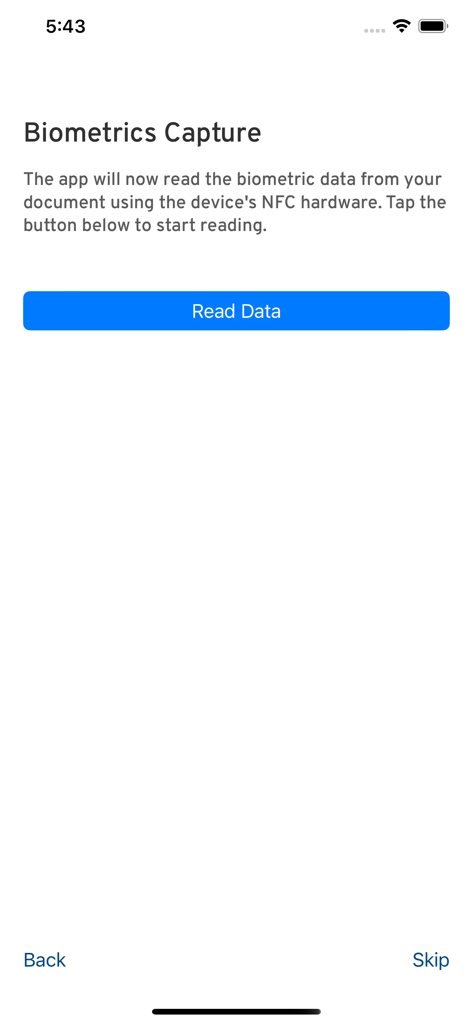
Biometrics capture screen in the Experian Candidate RTW app for NFC document scanning
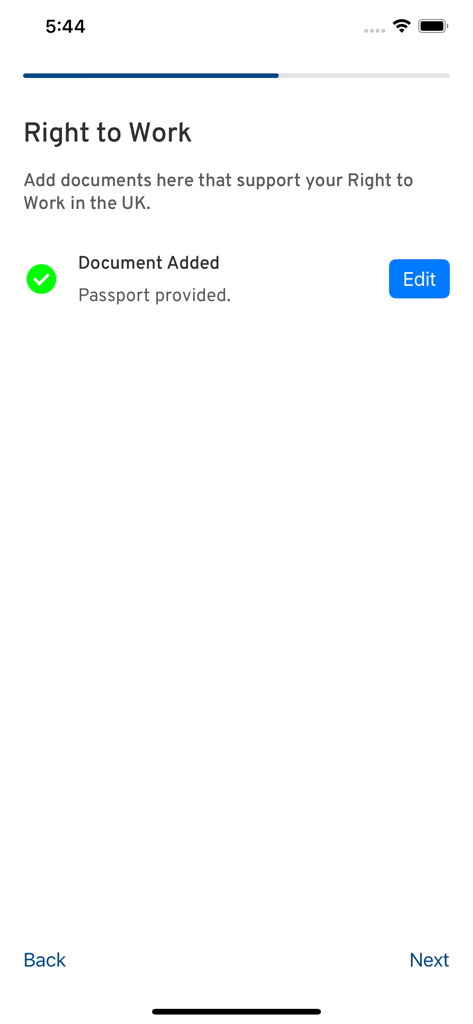
Screen showing a passport successfully added to the Experian Candidate Right to Work app
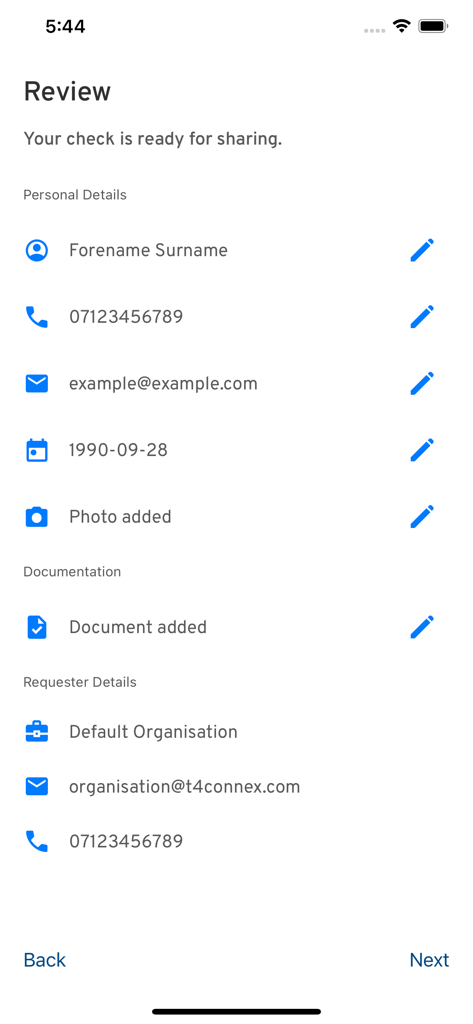
A summary screen in the Experian Candidate RTW app showing personal details and uploaded documentation ready to be shared with an employer.
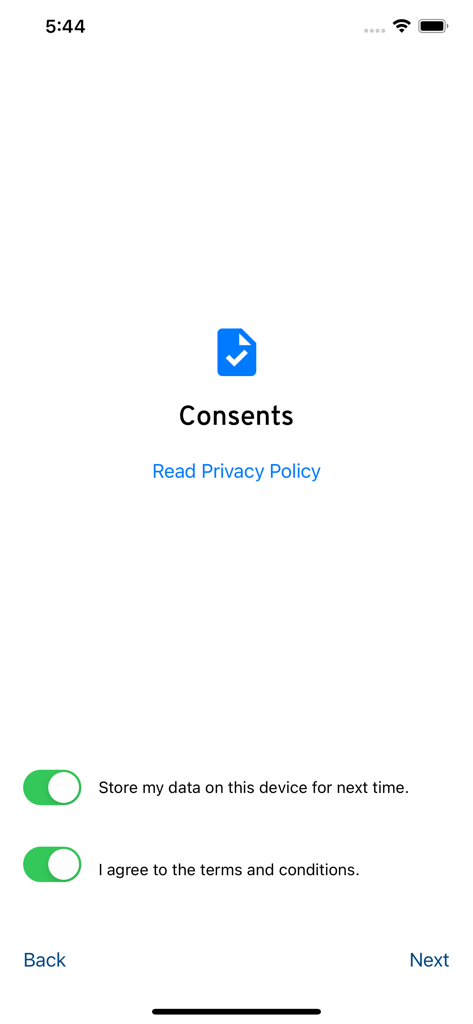
Consents screen in the Experian Candidate RTW app with switches to agree to terms and conditions and store data on the device.
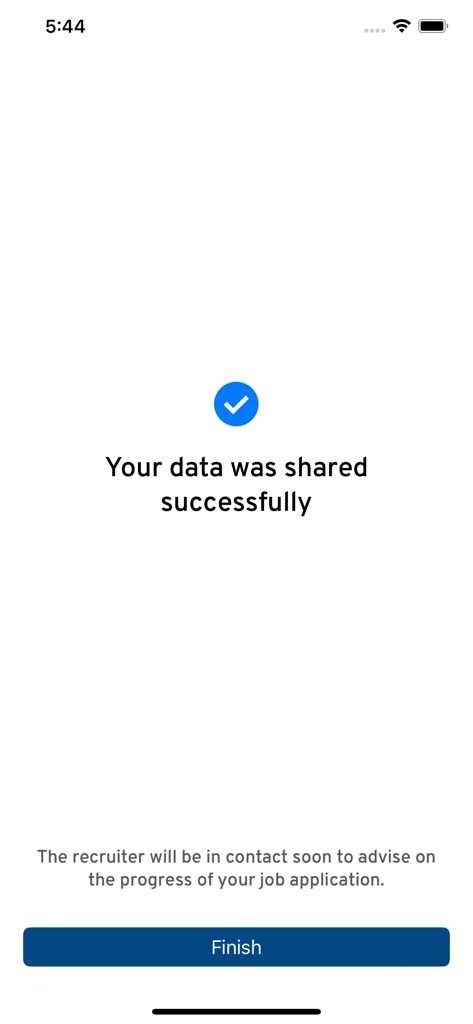
Confirmation screen in the Experian Candidate RTW app showing data shared successfully
Description
Download
More Like This
Apps with similar features and user experience

HPO
HD SAISON FINANCE CO.,LTD

ALDI TALK Registrierung
MEDION AG
GOV.UK ID Check
Government Digital Service

IDnow AutoIdent
IDnow Gmbh

ID-Pal
ID-Pal Ltd.

MyID O'zbekiston
Center UZINFOCOM SUE

Ockto
Ockto B.V.

Datakeeper
Datakeeper B.V.

My Rightcheck
T4 Communications UK Limited
This page is not an official page of the app or its developer, but an independent editorial publication created for informational and commentary purposes. Unless expressly stated otherwise, neither the app nor its developer is affiliated with, endorsed by, sponsored by, authorized by, or otherwise officially connected with MWM, Apple, Google Play, the app publisher, or the app's developer, and nothing on this page implies that the app was developed using MWM's services. Any trademarks, logos, screenshots, and other content remain the property of their respective owners.