
This page is not an official page of the app or its developer, but an independent editorial publication created for informational and commentary purposes. Unless expressly stated otherwise, neither the app nor its developer is affiliated with, endorsed by, sponsored by, authorized by, or otherwise officially connected with MWM, Apple, Google Play, the app publisher, or the app's developer, and nothing on this page implies that the app was developed using MWM's services. Any trademarks, logos, screenshots, and other content remain the property of their respective owners.

My Rightcheck
Securely share your ID and Right to Work documents with employers through a guided, high-security process designed to get you on-boarded and hired sooner.
Downloads
250K+User Rating
Total Ratings
7K+Publisher
Category
BusinessLocales
1Latest Version
2.22.5Size
141.0 MBFirst Released
Feb 9, 2023Your Fast Track to Your New Role
Navigating UK 'Right to Work' requirements shouldn't delay your career. My Rightcheck simplifies onboarding, ensuring your documentation is secure, compliant, and processed instantly.
Accelerate Your Start Date
Eliminate bureaucratic delays. Share your data instantly so you can skip the paperwork and get straight to work.
Secure Document Sharing
Protect your identity with encrypted transfers. Safely share passports and visas without the risks of email or post.
Frequently Asked Questions
Everything you need to know about My Rightcheck
What is the purpose of the My Rightcheck app?
The My Rightcheck app helps job applicants securely share identification and verification documents with UK employers for pre-employment Right to Work checks, facilitating faster onboarding.
How does My Rightcheck ensure secure data sharing?
My Rightcheck enables users to share their data and documents digitally and securely with employers. The app guides the submission of required ID documents for verification.
Does My Rightcheck support biometric passport scanning?
Yes, My Rightcheck includes a Biometrics Capture feature. Users place their device on a closed passport to scan its embedded chip for verification.
How do I start using My Rightcheck for a job application?
To start, enter a 9-digit Share Code, or follow a link from an email or text message provided by your employer or recruiter into the My Rightcheck app.
What documents can I upload using My Rightcheck?
My Rightcheck allows users to upload required ID documents and additional supporting documents like Proof of Name Change for employer verification.
Is My Rightcheck suitable for all nationalities for UK Right to Work checks?
Yes, My Rightcheck is designed to cater to all nationalities, supporting the process of proving Right to Work for employment in the UK.
How quickly can I complete the document sharing process with My Rightcheck?
My Rightcheck enables users to complete the document sharing and verification process in minutes, helping them to get hired and onboarded sooner.
The following screenshots and description are sourced directly from the app's official store listing and are the property of the app developer.
App Store
Screenshots
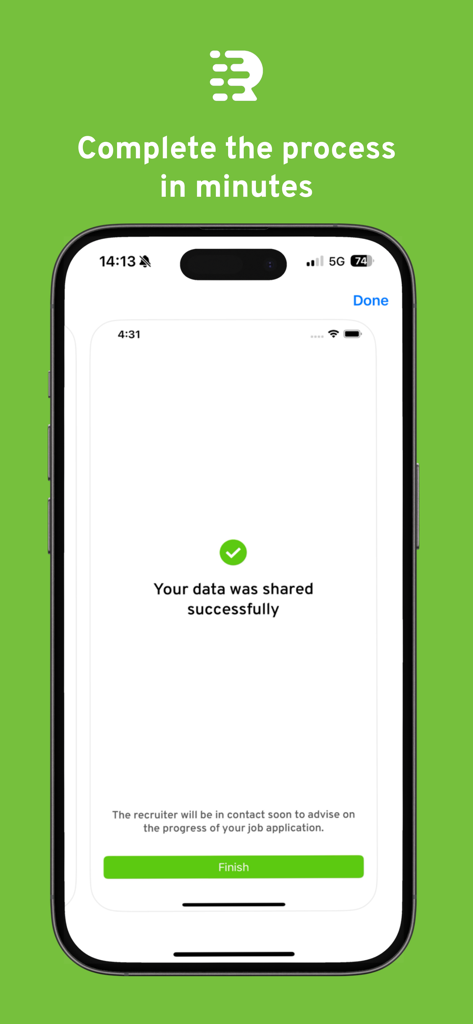
My Rightcheck app interface displaying a successful data sharing confirmation message
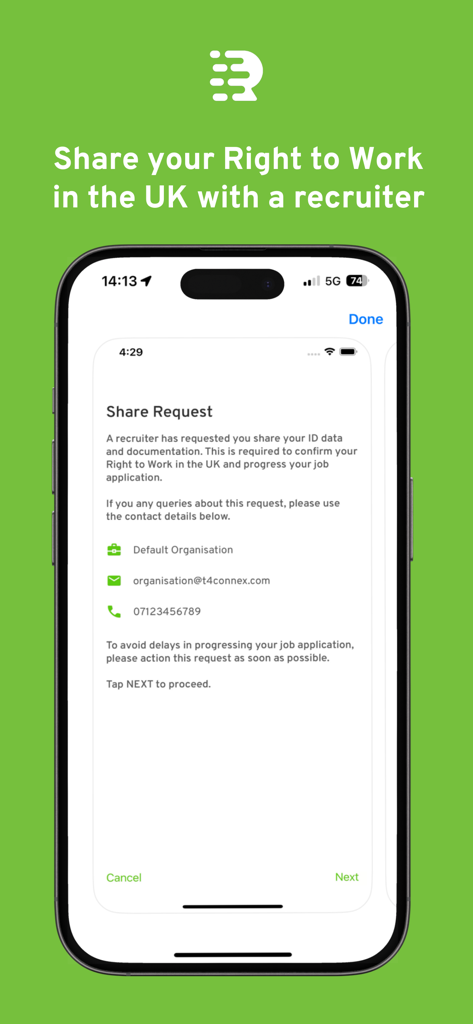
A smartphone screen from the My Rightcheck app showing a request to share ID documents with a recruiter for UK right to work verification.
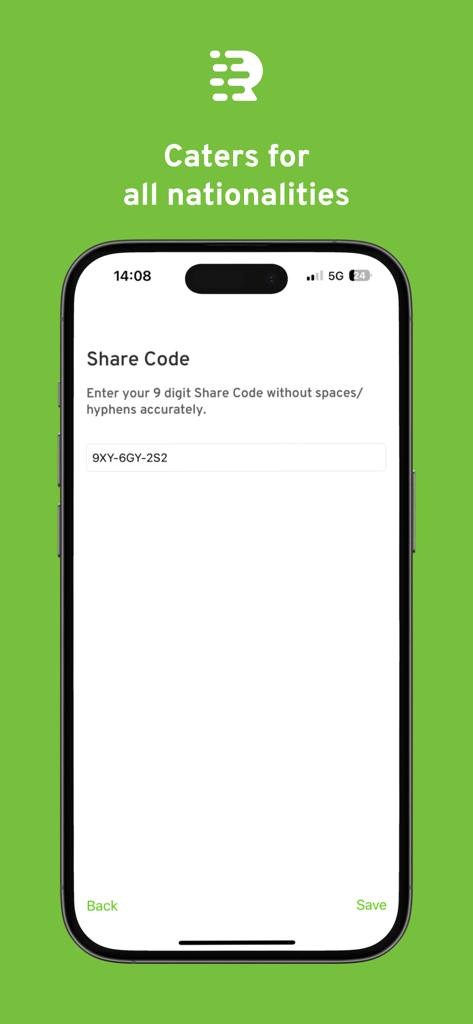
Smartphone screen showing the My Rightcheck app Share Code input field for UK Right to Work checks
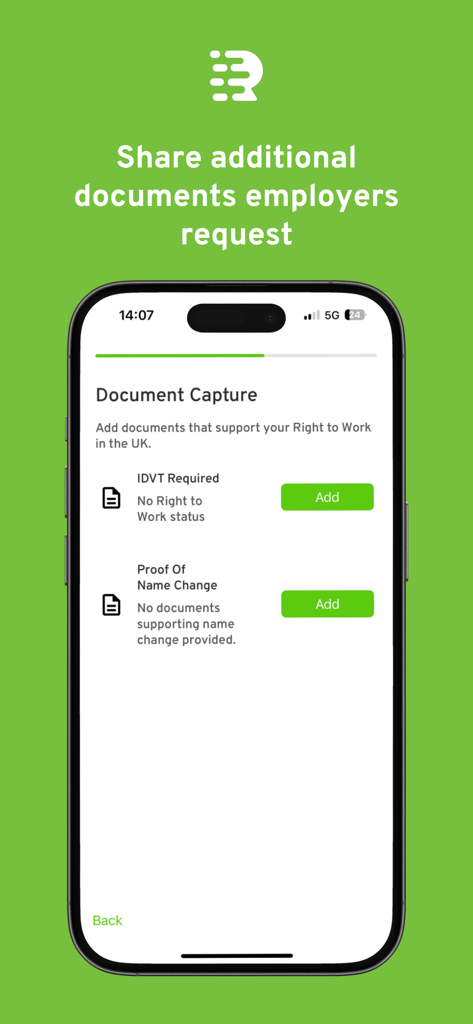
Screen showing document capture options in the My Rightcheck app for UK employment verification
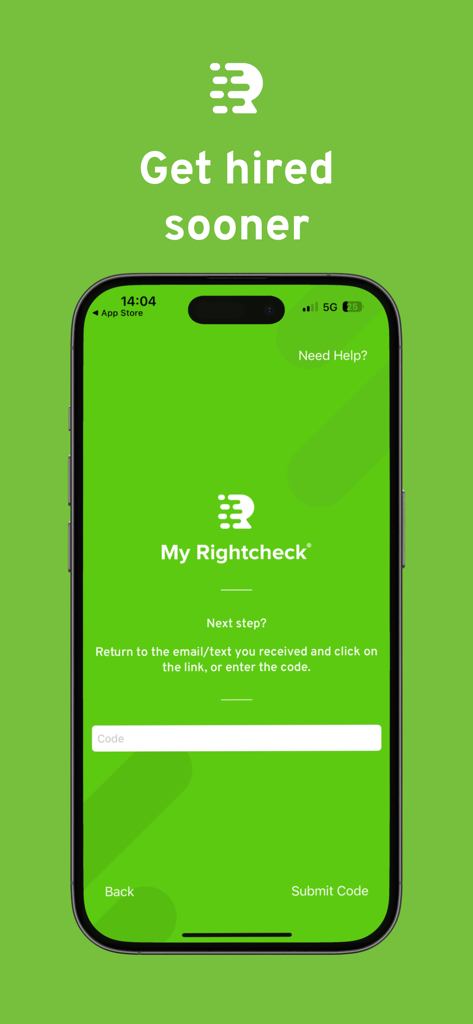
My Rightcheck mobile app screen showing a verification code entry field for employment onboarding
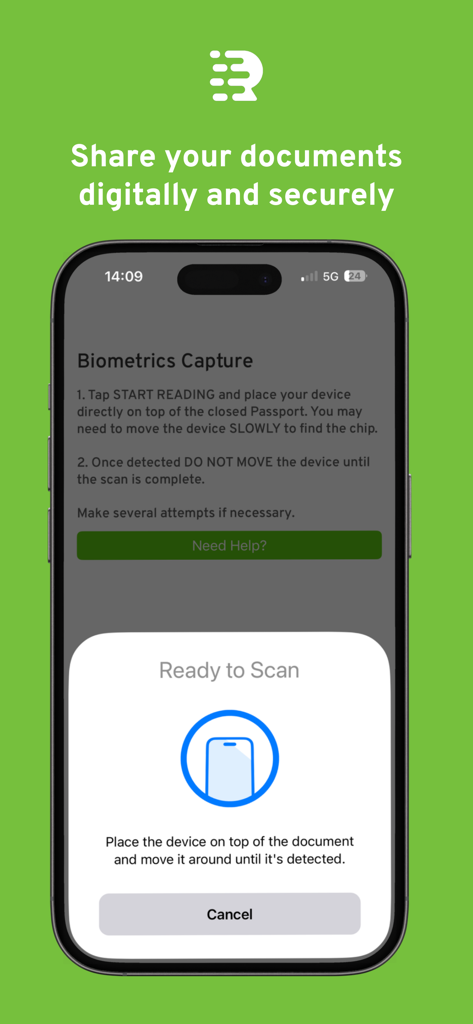
The My Rightcheck app biometrics capture screen showing instructions to scan a passport for secure document sharing
Description
Download
More Like This
Apps with similar features and user experience

HPO
HD SAISON FINANCE CO.,LTD

ALDI TALK Registrierung
MEDION AG
GOV.UK ID Check
Government Digital Service

IDnow AutoIdent
IDnow Gmbh

ID-Pal
ID-Pal Ltd.

MyID O'zbekiston
Center UZINFOCOM SUE

Ockto
Ockto B.V.
Experian Candidate RTW
T4 Communications UK Limited
Datakeeper
Datakeeper B.V.
This page is not an official page of the app or its developer, but an independent editorial publication created for informational and commentary purposes. Unless expressly stated otherwise, neither the app nor its developer is affiliated with, endorsed by, sponsored by, authorized by, or otherwise officially connected with MWM, Apple, Google Play, the app publisher, or the app's developer, and nothing on this page implies that the app was developed using MWM's services. Any trademarks, logos, screenshots, and other content remain the property of their respective owners.