Universal TV — Remote Control

Universal TV — Remote Control

Download on App Store
Logo of Universal TV — Remote Control

Universal TV — Remote Control: The Only Remote Your Home Needs

Ditch the plastic remotes and dead batteries. Experience seamless, private control for Samsung, LG, Roku, and more, powered by your iPhone, Apple Watch, and Siri.

Publisher

Remote Sunrise LTD

Category

Utilities

Downloads

68K+

User Rating

4.2/5

Total Ratings

300

Locales

33

Experience True Control

Discover the interface used by 68K+ users.
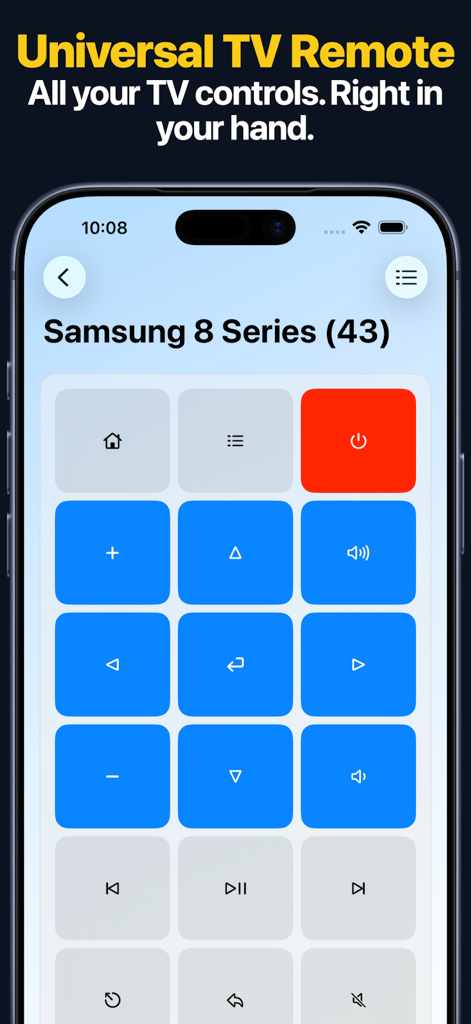
Universal TV Remote app interface showing controls for a Samsung Smart TV on an iPhone screen

Universal TV Remote app interface showing controls for a Samsung Smart TV on an iPhone screen

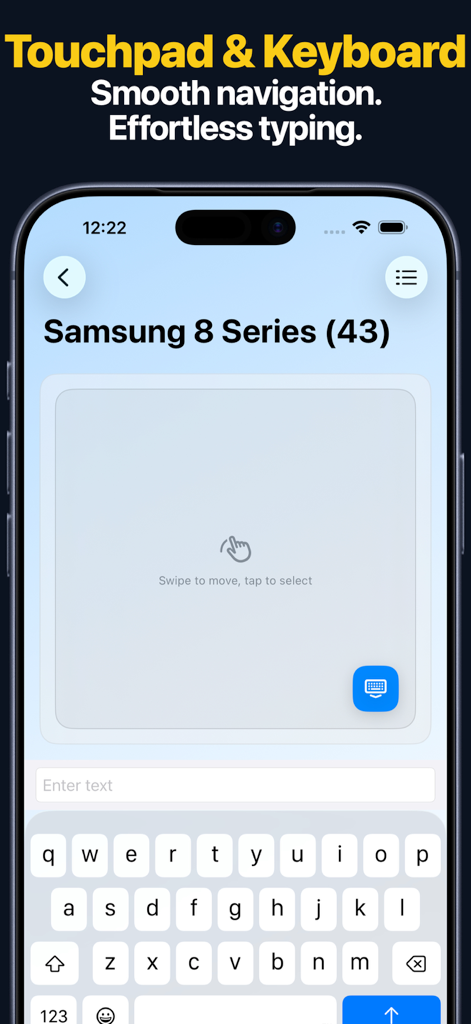
iPhone screen showing a touchpad and keyboard interface for controlling a Samsung smart TV.

iPhone screen showing a touchpad and keyboard interface for controlling a Samsung smart TV.

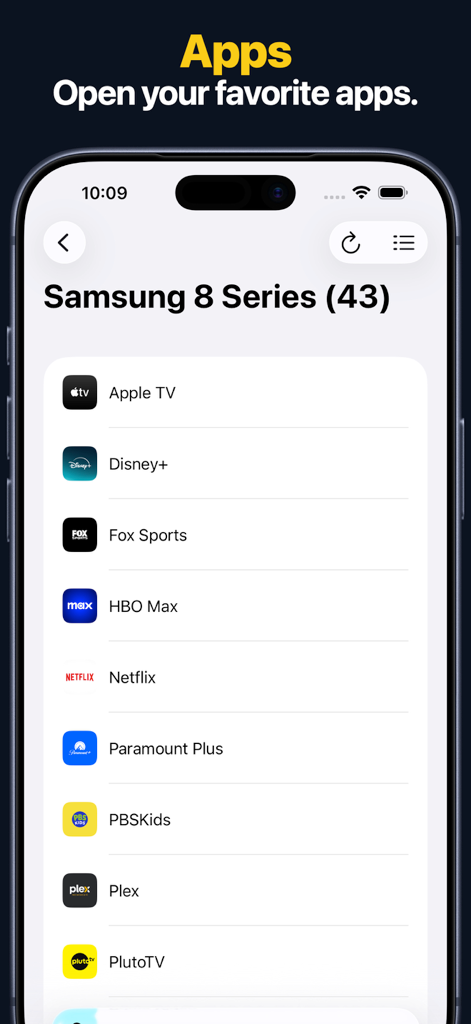
An iPhone screen displaying a list of streaming apps like Netflix and Disney Plus available through the Universal TV Remote app interface.

An iPhone screen displaying a list of streaming apps like Netflix and Disney Plus available through the Universal TV Remote app interface.

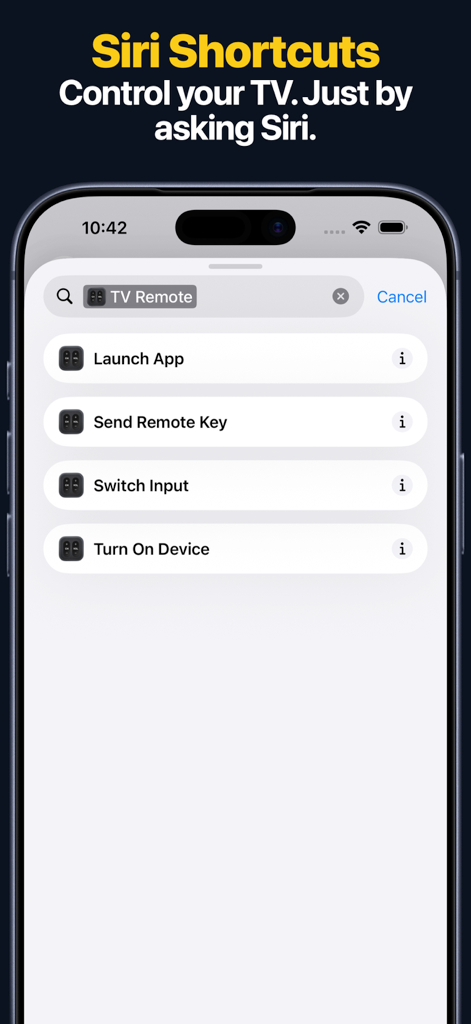
iPhone interface showing Siri Shortcuts options for controlling a TV by voice

iPhone interface showing Siri Shortcuts options for controlling a TV by voice

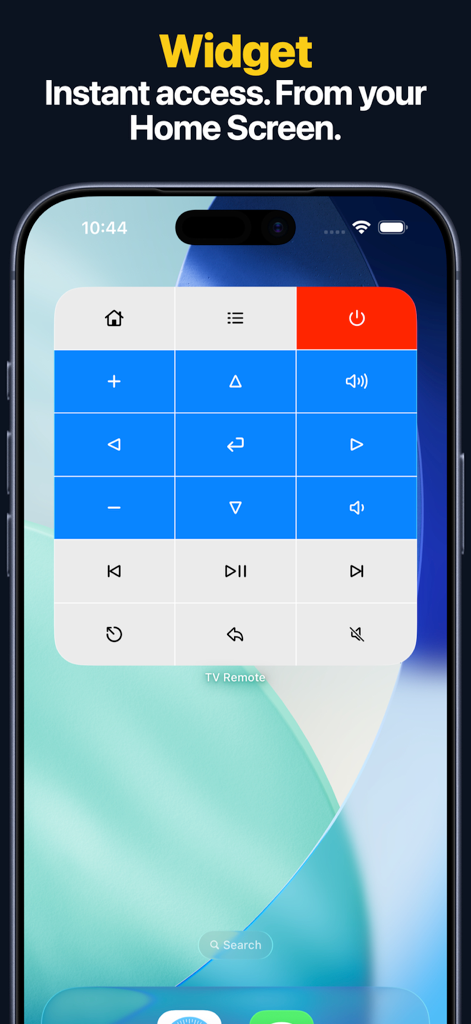
A TV remote widget on an iPhone home screen providing instant access to power navigation and volume controls

A TV remote widget on an iPhone home screen providing instant access to power navigation and volume controls

Smart Control for Every Screen

The tools that make this app stand out, trusted by 68K+ users.

⌨️

Type Faster, Search Smarter

Eliminate the frustration of on-screen keyboards. Use your iPhone's keyboard to search for shows and login to apps in seconds.

Seamless Apple Integration

Control your TV from your Apple Watch, use Siri Shortcuts, or add Home Screen widgets for instant access without unlocking your phone.

🛡️

Privacy-First Design

Enjoy a clean experience with no accounts to create and zero data tracking. It’s just a powerful remote that respects your privacy.

About the app

Everything you need to know about Universal TV — Remote Control.

Description

TURN YOUR IPHONE INTO THE REMOTE YOU ACTUALLY WANT. Universal TV — Remote Control is the fast, simple way to control your TV using your iPhone, iPad, Apple Watch, or Mac. No plastic remote. No batteries. Just works. Control Apple TV, Samsung, LG, Android TV, Fire TV, Roku, Hisense, and Vizio devices from one clean, intuitive app. ONE REMOTE. EVERY TV. Use a full-featured remote control for power, volume, navigation, channels, and playback. Launch apps directly on supported TVs. Switch inputs and sources where available. Use dedicated HDMI buttons on compatible devices. Everything adapts automatically to your TV, so you only see what actually works. TYPE INSTEAD OF TAPPING. Enter text using your iPhone keyboard instead of navigating on-screen keyboards with arrow keys. Search, sign in, and type faster on supported TVs. SWIPE. TAP. CONTROL. Enjoy a smooth touchpad experience on supported devices for easy navigation and precise control. CONTROL YOUR TV FROM ANYWHERE. Use Apple Watch to control your TV from your wrist. Add widgets for instant access from your Home Screen. Use Siri Shortcuts for quick actions. WORKS ACROSS BRANDS AND PLATFORMS. Supports a wide range of smart TVs and streaming devices including Apple TV, Samsung, LG, Android TV, Fire TV, Roku, Hisense, and Vizio. DESIGNED FOR PRIVACY. No accounts. No tracking. No unnecessary data collection. Just a remote. Done right. SIMPLE. POWERFUL. RELIABLE. Download now and take control of your TV. IN-APP PURCHASES Some features require a paid upgrade. Payment will be charged to your Apple ID account at confirmation of purchase. Subscriptions automatically renew unless canceled at least 24 hours before the end of the current period. You can manage or cancel your subscription at any time in your App Store account settings. DISCLAIMER Universal TV — Remote Control is an independent application and is not affiliated with, endorsed by, or sponsored by Apple Inc., Samsung, LG, Google, Amazon, Roku, Hisense, Vizio, or any other TV or device manufacturer. All product names, logos, and brands are the property of their respective owners and are used solely to indicate compatibility. - Privacy policy can be found at https://www.rs.ltd/privacy - Terms and Conditions can be found at https://www.rs.ltd/terms

Latest Version

2026.2

Size

73.2 MB

First Released

Oct 27, 2020

Control Every TV with Your iPhone

Experience the ultimate convenience of keyboard typing and Apple Watch control. No batteries, no tracking, and no accounts—just a better way to watch.

Download on App Store

App information, icons, screenshots, and descriptions displayed on this page are sourced from the Apple App Store and are the property of their respective developers. Download estimates and rankings are based on MWM's proprietary models and may not reflect actual figures. This page is provided for informational and analytical purposes only.

Believe this page infringes your intellectual property? File a dispute