
This page is not an official page of the app or its developer, but an independent editorial publication created for informational and commentary purposes. Unless expressly stated otherwise, neither the app nor its developer is affiliated with, endorsed by, sponsored by, authorized by, or otherwise officially connected with MWM, Apple, Google Play, the app publisher, or the app's developer, and nothing on this page implies that the app was developed using MWM's services. Any trademarks, logos, screenshots, and other content remain the property of their respective owners.


UP Mobile App
Seamlessly navigate university life with instant access to ClickUP, timetables, and campus maps. Stay connected, stay safe, and manage your studies from the palm of your hand.
Downloads
30K+User Rating
Total Ratings
0Publisher
Category
EducationLocales
1Latest Version
2.3Size
14.6 MBFirst Released
Jul 23, 2019Your Entire Campus in the Palm of Your Hand
The UP Mobile App simplifies your university experience by centralizing your academics, navigation, and campus safety into one seamless mobile tool.
Smart Campus Navigation
Find your way to any lecture hall, residence, or entrance with integrated Google Maps directions optimized for campus walkways.
Your Academic Command Center
Access ClickUP, check your class timetable, and manage library services instantly to keep your studies organized and on track.
The following screenshots and description are sourced directly from the app's official store listing and are the property of the app developer.
App Store
Screenshots
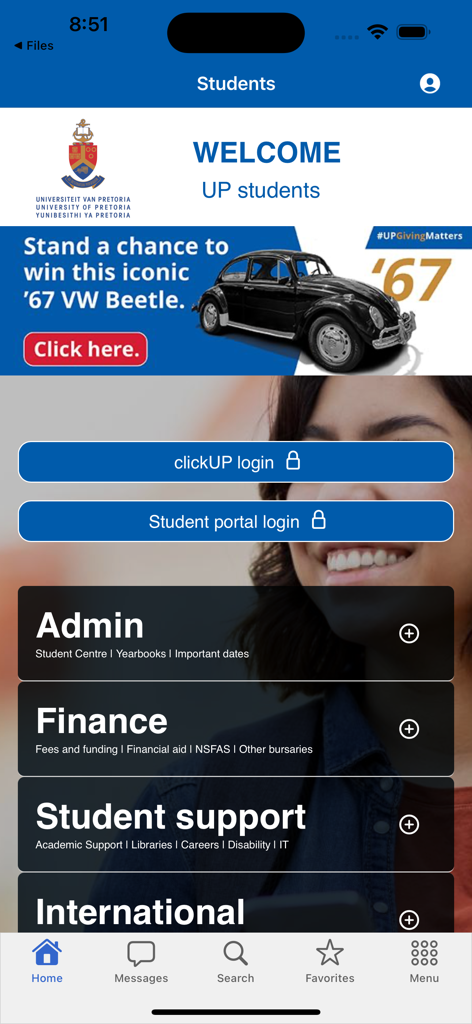
University of Pretoria mobile app student dashboard featuring login portals and academic service links
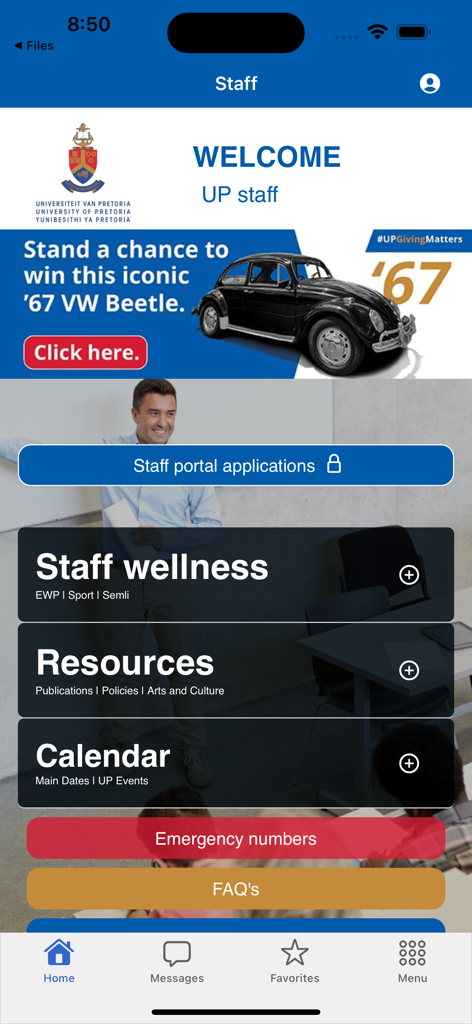
University of Pretoria mobile app staff portal dashboard
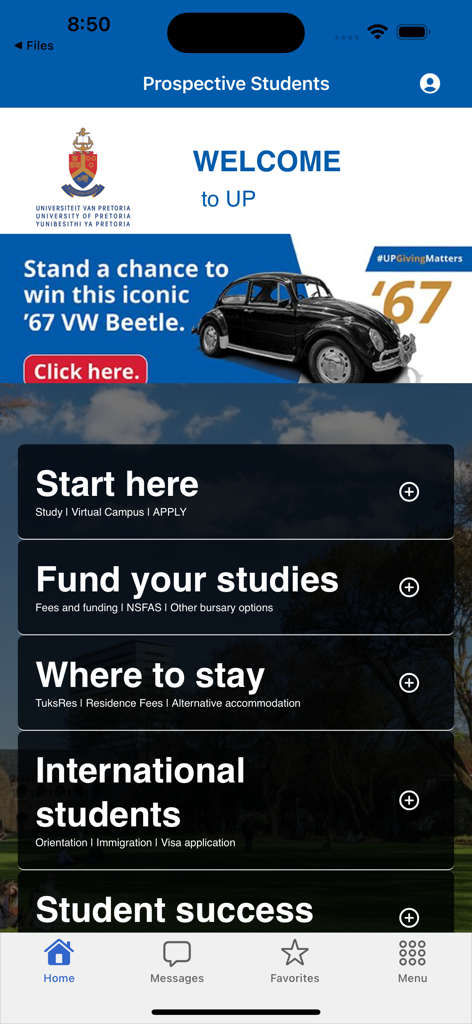
UP Mobile App home screen for prospective students showing menu options for funding and campus life.
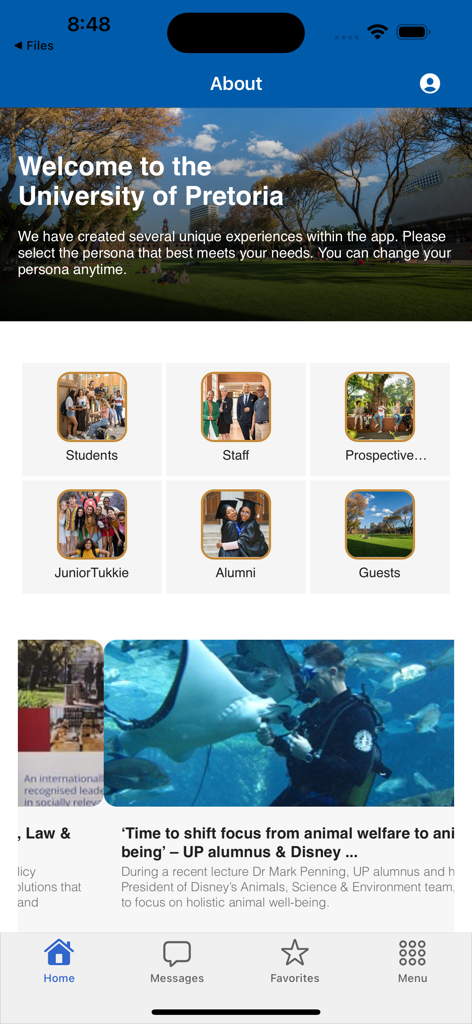
Home screen of the UP Mobile App featuring persona selection for students and staff and university news feed
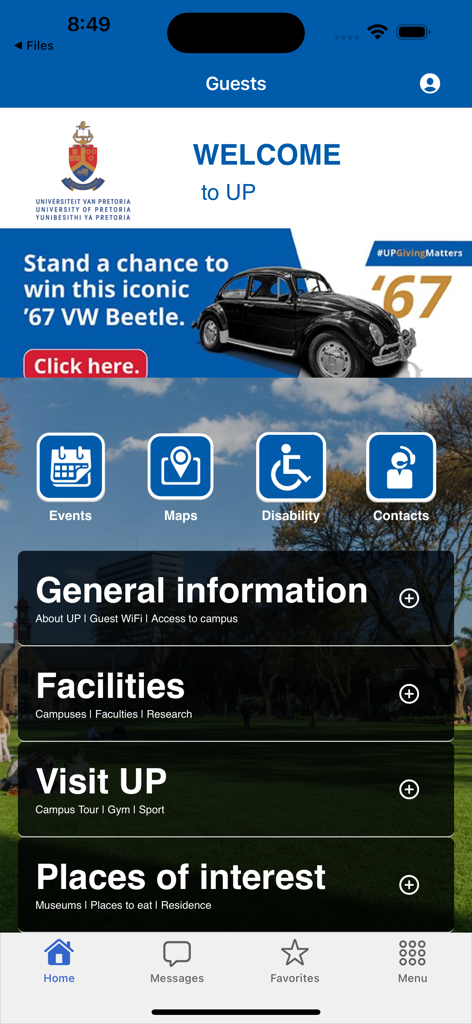
The guest home screen of the University of Pretoria mobile app featuring campus navigation icons and general information categories
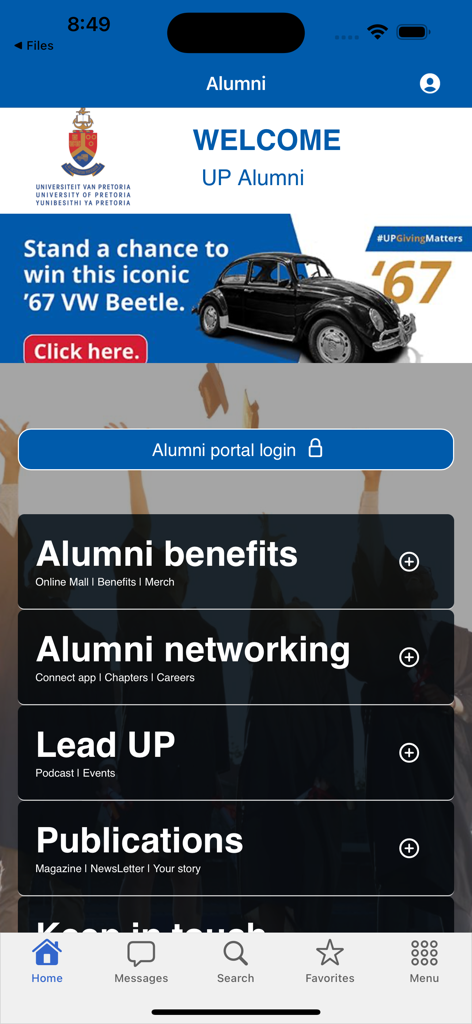
University of Pretoria alumni portal and services dashboard in the UP Mobile App
Description
Download
More Like This
Top-ranked apps in the same category

Duolingo - Language Lessons
Duolingo, Inc

Speak & Learn English: Learna
DEEP FLOW SOFTWARE SERVICES - FZCO

驾考宝典-科一科四驾驶证考试驾考通
Wuhan Jiakaobaodian Information Service Co., Ltd.

Toca Boca World
Toca Boca AB

Google Classroom
Google LLC

作业帮-中小学家长作业检查和辅导工具
Guangzhou Polar Future Culture Technology Co., Ltd

学信网
Student Information Consultation Service Co., Ltd.

Gauth: AI Study Companion
GAUTHTECH PTE. LTD.

ArtWorkout: Learn How to Draw
Aleksandr Ulitin
This page is not an official page of the app or its developer, but an independent editorial publication created for informational and commentary purposes. Unless expressly stated otherwise, neither the app nor its developer is affiliated with, endorsed by, sponsored by, authorized by, or otherwise officially connected with MWM, Apple, Google Play, the app publisher, or the app's developer, and nothing on this page implies that the app was developed using MWM's services. Any trademarks, logos, screenshots, and other content remain the property of their respective owners.