
This page is not an official page of the app or its developer, but an independent editorial publication created for informational and commentary purposes. Unless expressly stated otherwise, neither the app nor its developer is affiliated with, endorsed by, sponsored by, authorized by, or otherwise officially connected with MWM, Apple, Google Play, the app publisher, or the app's developer, and nothing on this page implies that the app was developed using MWM's services. Any trademarks, logos, screenshots, and other content remain the property of their respective owners.

uSagI Eyes Protect
Take control of your eye health with professional-grade vision tests and automated 20-20-20 reminders. Designed for the modern professional, student, and gamer to combat digital eye strain and track visual acuity with ease.
Downloads
0User Rating
Total Ratings
0Publisher
Category
Health & FitnessLocales
1Latest Version
1.2.2Size
44.9 MBFirst Released
May 15, 2025Smart Vision Protection for the Digital Age
Take control of your eye health with professional-grade diagnostic tools and automated wellness reminders designed for heavy screen users.
Automated Eye Wellness
Stop digital strain before it starts with smart 20-20-20 rule reminders that keep your eyes fresh during long work or gaming sessions.
Data-Driven Vision Tracking
Monitor your visual sharpness using the industry-standard Landolt C-chart to detect changes in clarity at near and far distances.
The following screenshots and description are sourced directly from the app's official store listing and are the property of the app developer.
App Store
Screenshots
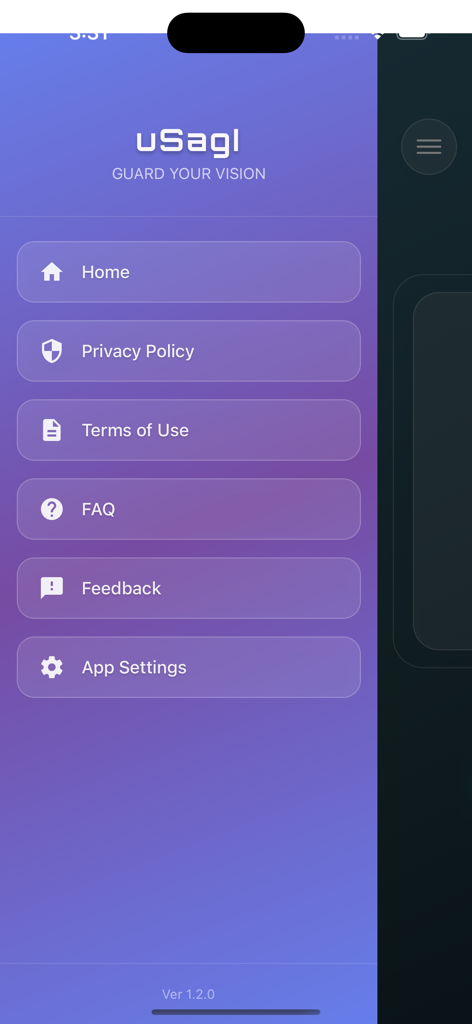
Side navigation menu of the uSagI Eyes Protect app showing Home Privacy Policy and App Settings
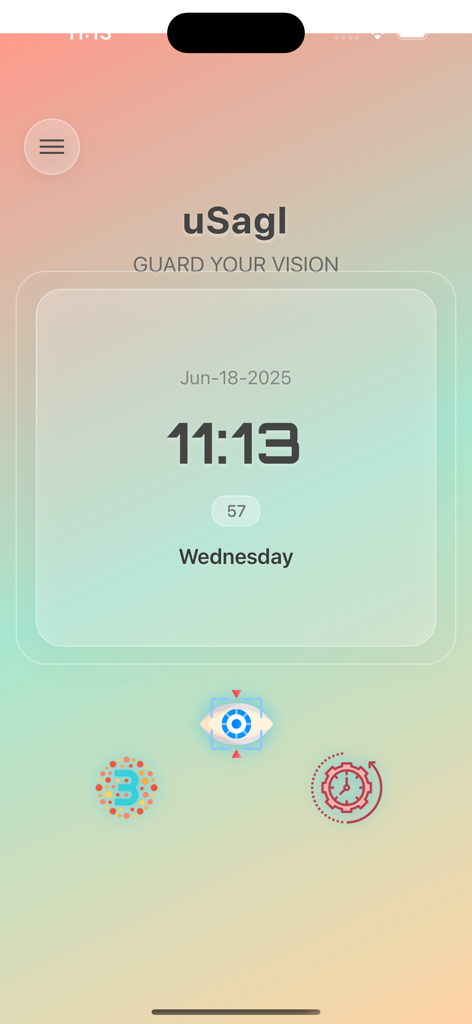
uSagI Eyes Protect app home screen with clock and vision health test icons
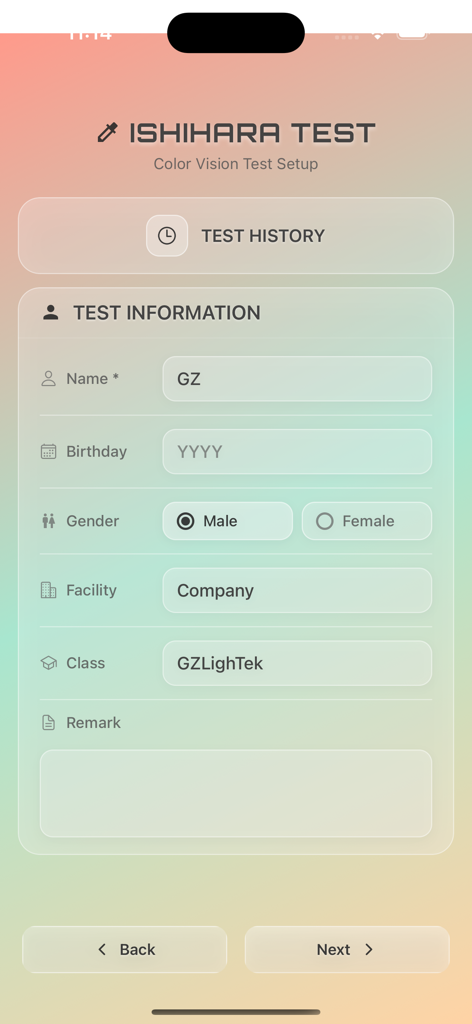
Ishihara color vision test setup screen showing user information form fields.
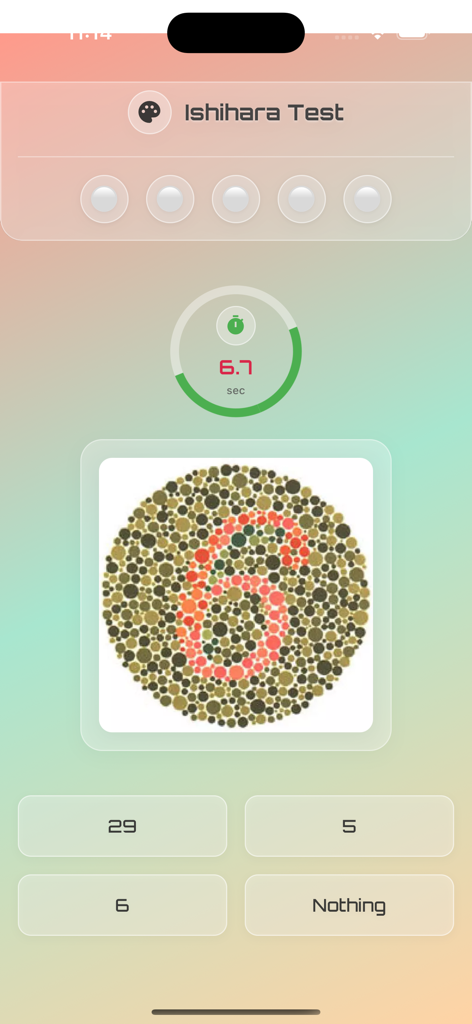
Ishihara color blindness test screen in the uSagI Eyes Protect app showing a colored dot plate with the number 6.
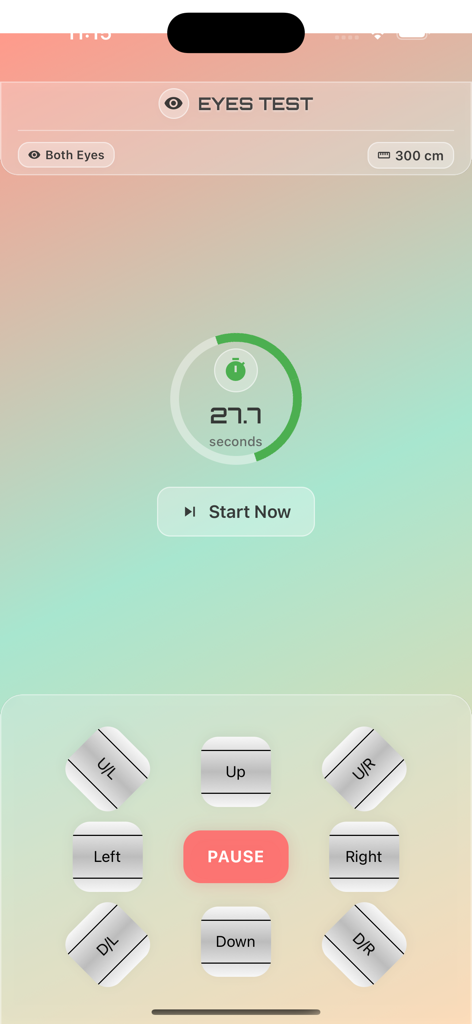
uSagI Eyes Protect app screen showing a visual acuity test with a timer and directional controls for the Landolt C-chart test
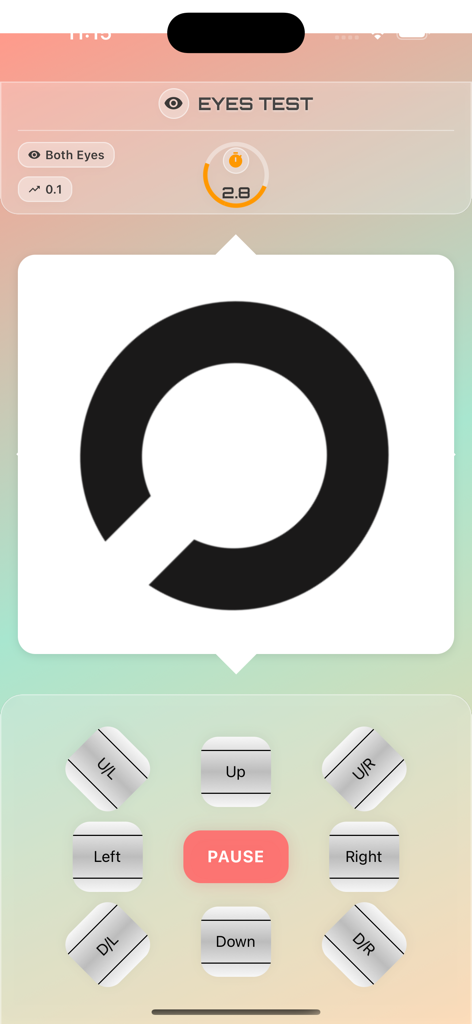
Landolt C visual acuity test interface in the uSagI Eyes Protect app showing directional control buttons and a timer.
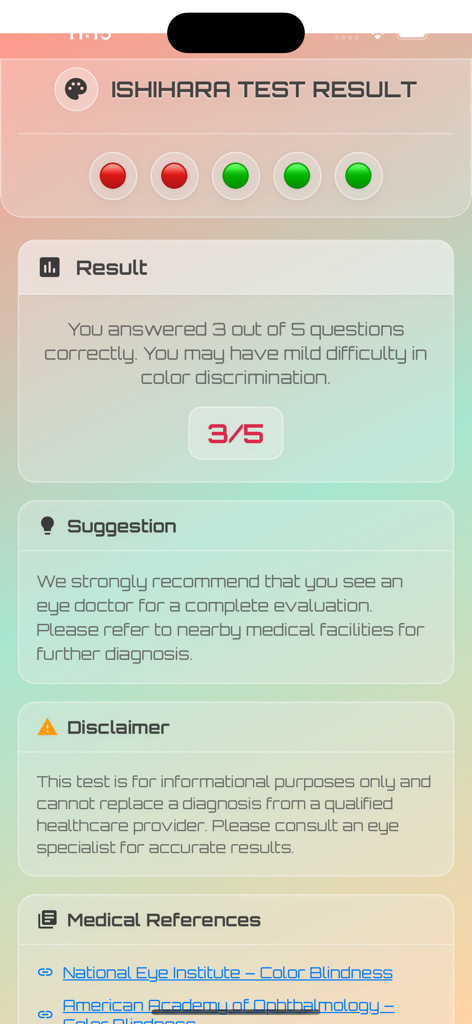
Ishihara color blindness test result screen showing a score and medical recommendations
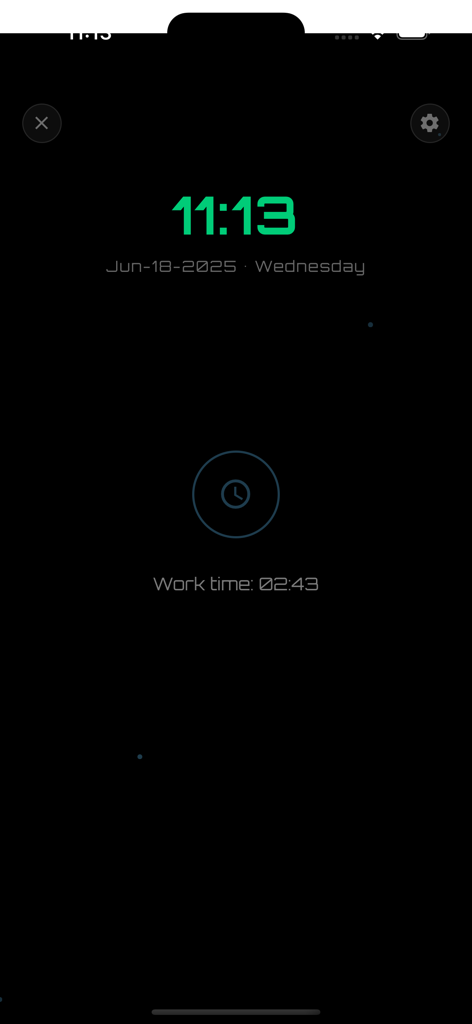
A dark screen interface from the uSagI Eyes Protect app showing a digital clock and work duration timer for eye health monitoring
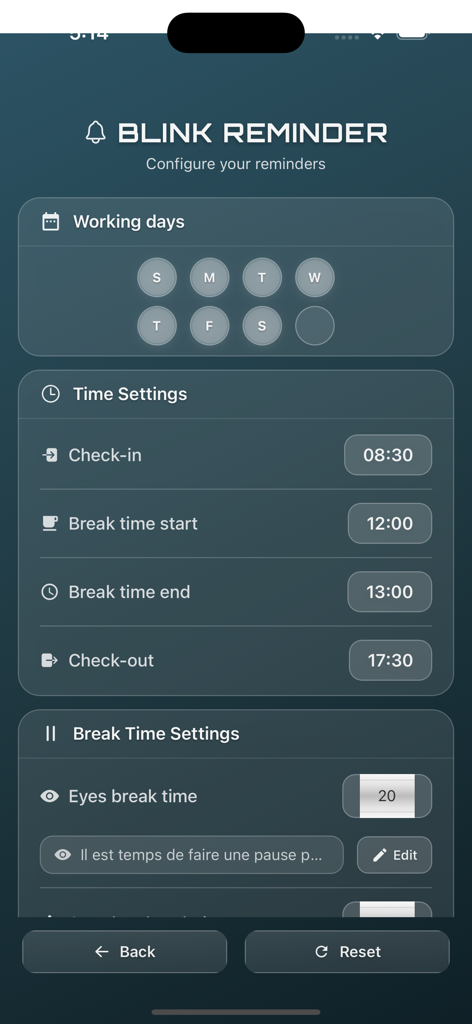
Blink reminder configuration screen showing work schedule and eye break time settings.
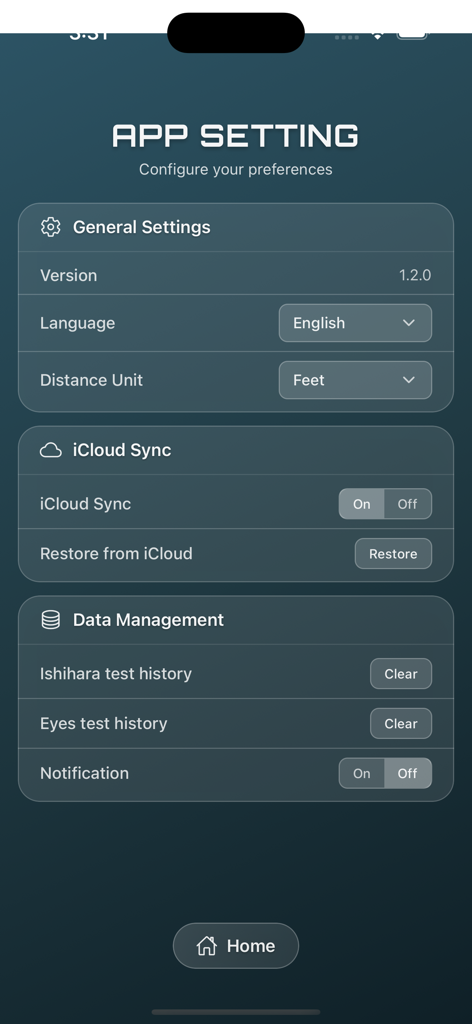
App settings interface for uSagI Eyes Protect featuring general configurations, iCloud sync options, and vision test data management.
Description
Download
More Like This
Top-ranked apps in the same category

Strava: Run, Bike, Walk
Strava Inc.

Flo Cycle & Period Tracker
FLO HEALTH UK LIMITED

Mi Fitness (Xiaomi Wear Lite)
Beijing Xiaomi Co., Ltd

AI Calorie Tracker by Yazio
YAZIO GmbH

Yuka - Food & Cosmetic Scanner
Yuca

MyFitnessPal: Calorie Counter
MyFitnessPal, Inc.

美柚 - 经期·备孕·怀孕·育儿&亲友版
Xiamen Meet You Co., Ltd.

HUAWEI Health
Huawei Software Technologies Co., Ltd.

Period Tracker Period Calendar
ABISHKKING LIMITED.
This page is not an official page of the app or its developer, but an independent editorial publication created for informational and commentary purposes. Unless expressly stated otherwise, neither the app nor its developer is affiliated with, endorsed by, sponsored by, authorized by, or otherwise officially connected with MWM, Apple, Google Play, the app publisher, or the app's developer, and nothing on this page implies that the app was developed using MWM's services. Any trademarks, logos, screenshots, and other content remain the property of their respective owners.