
This page is not an official page of the app or its developer, but an independent editorial publication created for informational and commentary purposes. Unless expressly stated otherwise, neither the app nor its developer is affiliated with, endorsed by, sponsored by, authorized by, or otherwise officially connected with MWM, Apple, Google Play, the app publisher, or the app's developer, and nothing on this page implies that the app was developed using MWM's services. Any trademarks, logos, screenshots, and other content remain the property of their respective owners.


VCS Workforce Management
The essential mobile companion for public safety and healthcare professionals. Punch in, manage leave, and claim extra duty assignments instantly from the field.
Downloads
4K+User Rating
Total Ratings
0Publisher
Category
BusinessLocales
-Latest Version
2.1.0Size
82.3 MBFirst Released
Feb 4, 2021Empowering Your Work-Life Balance
Designed for the demands of high-stakes industries, VCS puts total control over your schedule, earnings, and time reporting right in your pocket.
Total Schedule Visibility
Access your shifts and manage time-off requests in seconds, giving you more control over your personal time and family life.
Instant Overtime Access
Never miss a lucrative opportunity. Browse and claim extra duty assignments as soon as they are posted to maximize your income.
Frequently Asked Questions
Everything you need to know about VCS Workforce Management
What is the purpose of the VCS Workforce Management app?
The VCS Workforce Management app enables hosted clients to manage workforce functions. This includes punching in/out, viewing schedules, managing overtime, time off, extra duty assignments, browsing reports, and checking messages.
Can I request time off through the VCS Workforce Management app?
Yes, users can request time off using the VCS Workforce Management app. The app features a dedicated screen to specify dates, select reasons, and submit time off requests.
How do I view my schedule in the VCS Workforce Management app?
Yes, the VCS Workforce Management app displays your work schedule. Users can view their daily schedule and a calendar-based schedule showing shift details and specific assignments.
What are the login requirements for the VCS Workforce Management app?
To log into the VCS Workforce Management app, users require a Site Code, User Name, and Password. The app also provides an option to use biometrics for secure access.
What other functions does the VCS Workforce Management app support?
The VCS Workforce Management app offers several features, including bidding shifts, checking messages, requesting time off, viewing daily schedules, managing extra duties, open shifts, and overtime requests.
The following screenshots and description are sourced directly from the app's official store listing and are the property of the app developer.
App Store
Screenshots
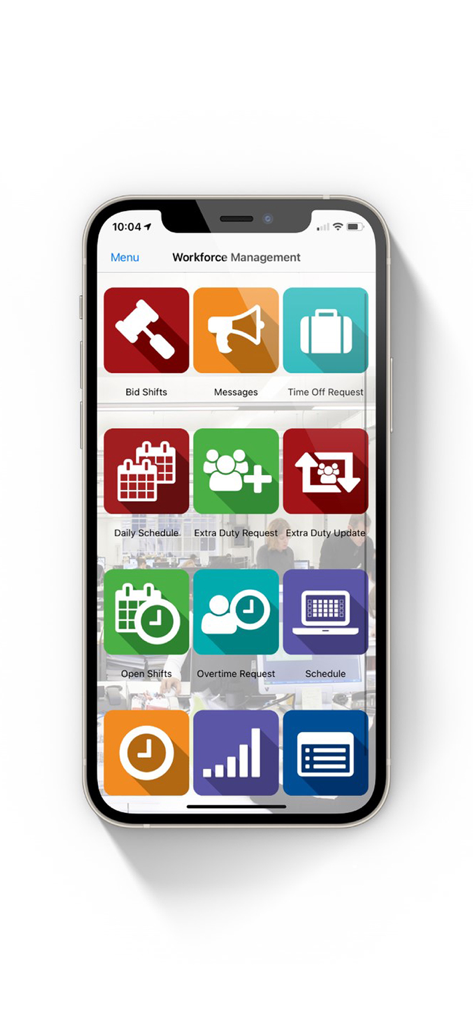
VCS Workforce Management app dashboard showing icons for shift bidding messages and time off requests
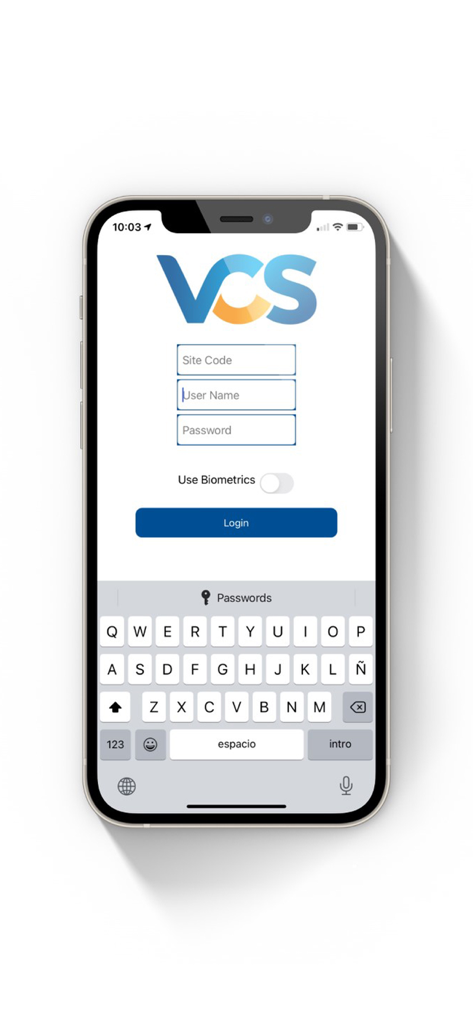
Login screen of the VCS Workforce Management app on an iPhone showing site code and username fields.
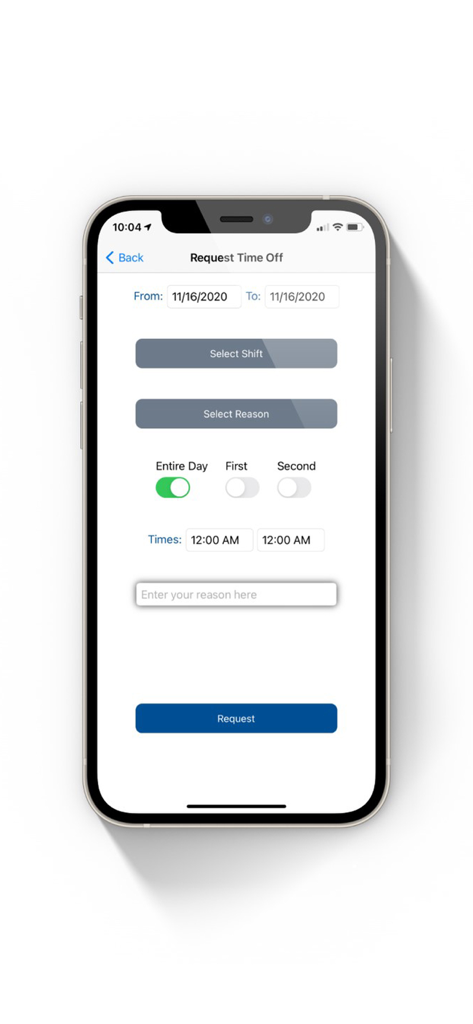
Request Time Off screen in the VCS Workforce Management app showing date and shift selection
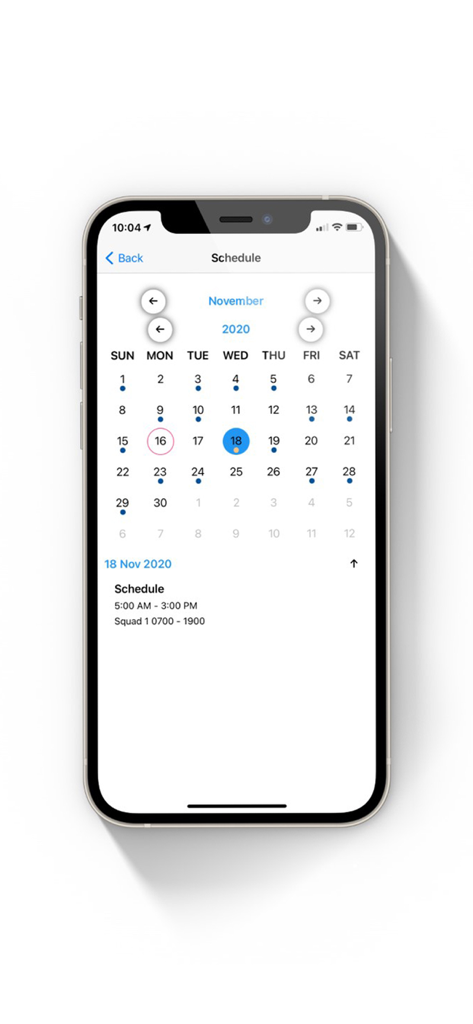
A mobile app interface showing a monthly schedule calendar with shift details for a selected day.
Description
Download
More Like This
Top-ranked apps in the same category

Microsoft Teams
Microsoft Corporation

Zoom Workplace
Zoom Communications, Inc.

WhatsApp Business
WhatsApp Inc.

Indeed Job Search
Indeed Inc.

LinkedIn: Network & Job Finder
LinkedIn Corporation

Adobe Acrobat Reader: Sign PDF
Adobe Inc.

DingDing - Redefine Work in AI
DingTalk Technology Co., Ltd.

WeCom-Work Communication&Tools
Tencent Technology (Shenzhen) Company Limited

BOSS直聘-招聘求职找工作神器
Beijing China Product Bo Farce Network Technology Co., Ltd.
This page is not an official page of the app or its developer, but an independent editorial publication created for informational and commentary purposes. Unless expressly stated otherwise, neither the app nor its developer is affiliated with, endorsed by, sponsored by, authorized by, or otherwise officially connected with MWM, Apple, Google Play, the app publisher, or the app's developer, and nothing on this page implies that the app was developed using MWM's services. Any trademarks, logos, screenshots, and other content remain the property of their respective owners.