
This page is not an official page of the app or its developer, but an independent editorial publication created for informational and commentary purposes. Unless expressly stated otherwise, neither the app nor its developer is affiliated with, endorsed by, sponsored by, authorized by, or otherwise officially connected with MWM, Apple, Google Play, the app publisher, or the app's developer, and nothing on this page implies that the app was developed using MWM's services. Any trademarks, logos, screenshots, and other content remain the property of their respective owners.

VEGA Tools
Empower your field operations with secure Bluetooth access, intuitive diagnostic visualization, and instant technical documentation—all designed for the precision required by industrial engineers.
Downloads
22K+User Rating
Total Ratings
100Publisher
Category
BusinessLocales
15Latest Version
7.4.2Size
213.0 MBFirst Released
Apr 10, 2012Industrial Precision in Your Pocket
Streamline your plant maintenance with wireless sensor control, instant documentation access, and high-accuracy diagnostic tools designed for the modern engineer.
Wireless Setup & Safety
Adjust sensors via Bluetooth from a safe distance, eliminating the risk of climbing tall tanks or entering hazardous zones for routine calibration.
Instant Asset Intelligence
Scan your device to instantly retrieve manuals, test certificates, and technical data, ensuring you have the right information right where you need it.
The following screenshots and description are sourced directly from the app's official store listing and are the property of the app developer.
App Store
Screenshots
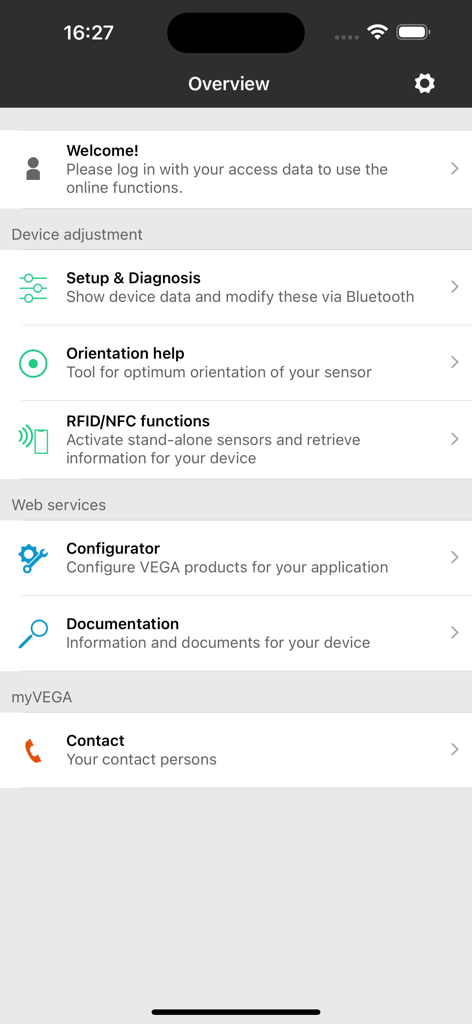
VEGA Tools app interface showing the main menu for industrial sensor setup diagnosis orientation help and documentation
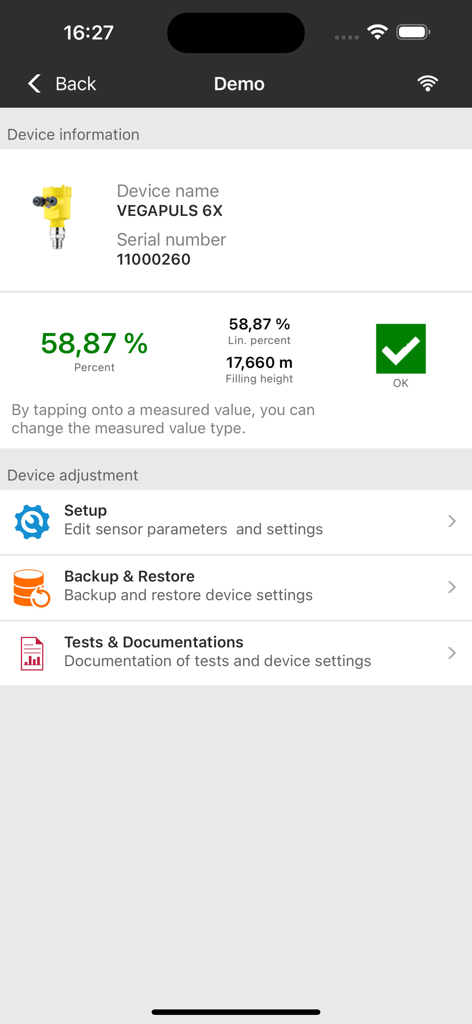
VEGA Tools app interface showing live measurement data and configuration settings for a VEGAPULS 6X radar sensor
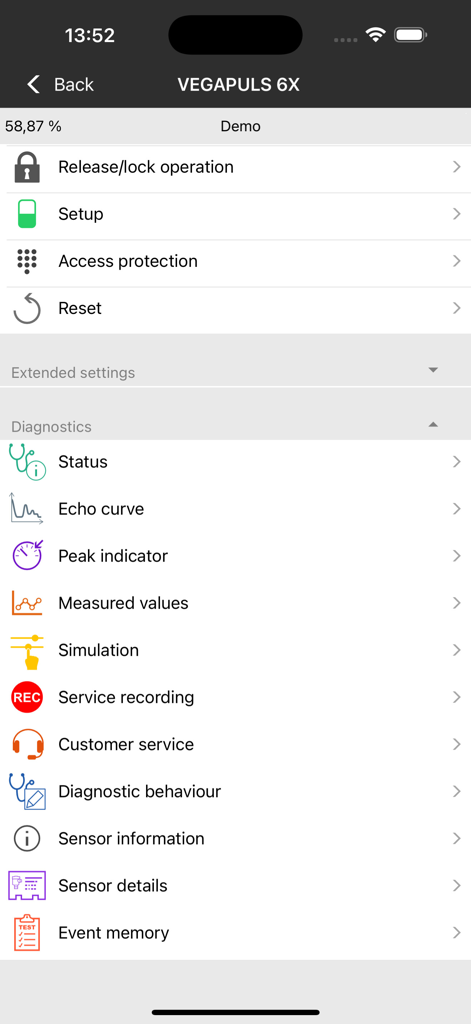
VEGA Tools app interface showing diagnostics and setup options for a VEGAPULS 6X sensor
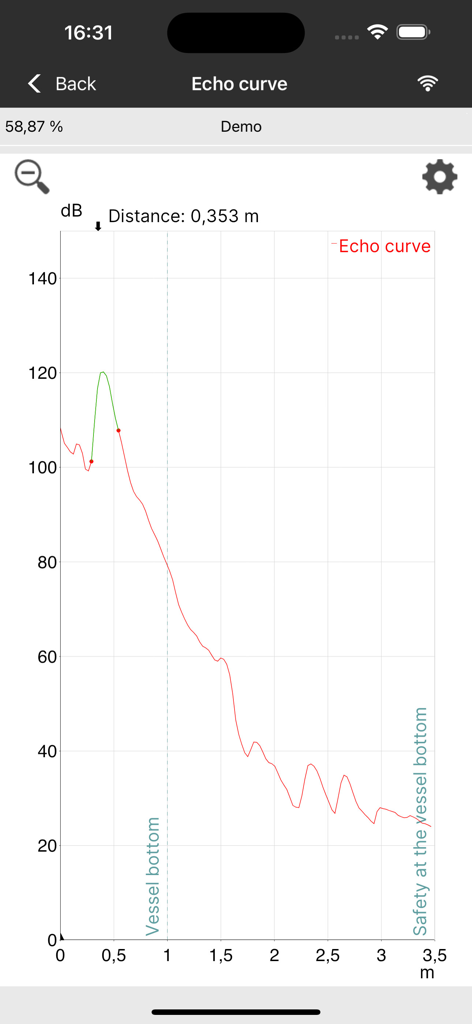
VEGA Tools app showing a radar echo curve graph for industrial sensor diagnostics
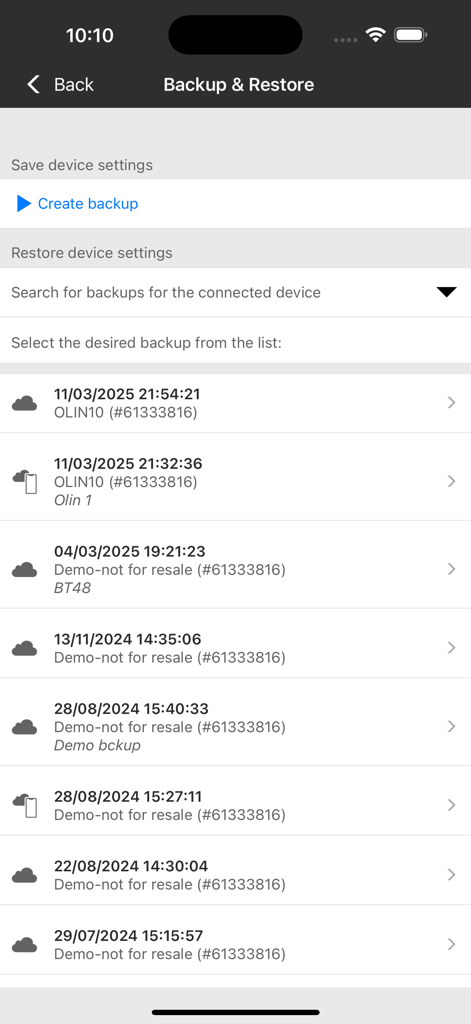
Interface of the VEGA Tools app showing the backup and restore screen with a list of saved sensor configurations
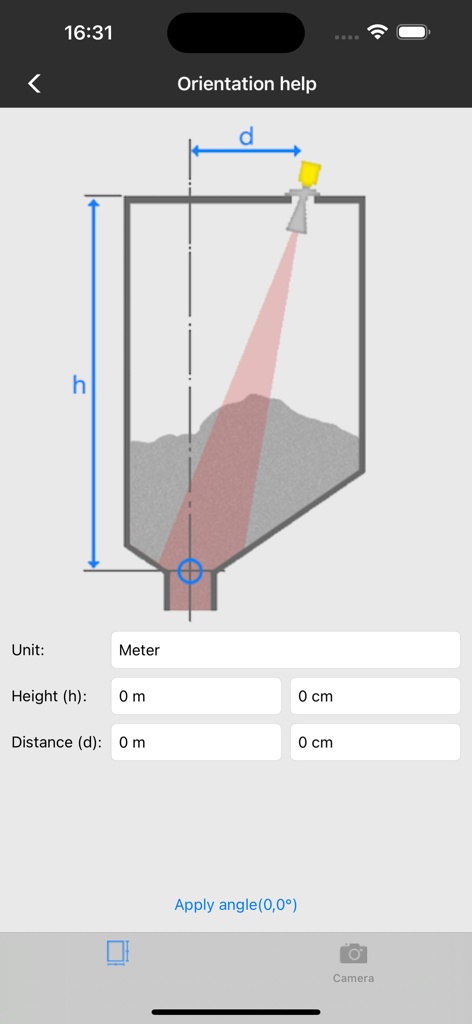
Orientation help screen showing a schematic diagram of a radar sensor aligned with a tank discharge opening
Description
Download
More Like This
Top-ranked apps in the same category

Microsoft Teams
Microsoft Corporation

Zoom Workplace
Zoom Communications, Inc.

WhatsApp Business
WhatsApp Inc.

Indeed Job Search
Indeed Inc.

LinkedIn: Network & Job Finder
LinkedIn Corporation

Adobe Acrobat Reader: Sign PDF
Adobe Inc.

WeCom-Work Communication&Tools
Tencent Technology (Shenzhen) Company Limited

BOSS直聘-招聘求职找工作神器
Beijing China Product Bo Farce Network Technology Co., Ltd.

DingDing - Redefine Work in AI
DingTalk Technology Co., Ltd.
This page is not an official page of the app or its developer, but an independent editorial publication created for informational and commentary purposes. Unless expressly stated otherwise, neither the app nor its developer is affiliated with, endorsed by, sponsored by, authorized by, or otherwise officially connected with MWM, Apple, Google Play, the app publisher, or the app's developer, and nothing on this page implies that the app was developed using MWM's services. Any trademarks, logos, screenshots, and other content remain the property of their respective owners.