
This page is not an official page of the app or its developer, but an independent editorial publication created for informational and commentary purposes. Unless expressly stated otherwise, neither the app nor its developer is affiliated with, endorsed by, sponsored by, authorized by, or otherwise officially connected with MWM, Apple, Google Play, the app publisher, or the app's developer, and nothing on this page implies that the app was developed using MWM's services. Any trademarks, logos, screenshots, and other content remain the property of their respective owners.


Vibe App
The discreet way to personalize your sound. Adjust your Vibe hearing aids directly from your smartphone to enjoy perfect volume and balance in every environment, from quiet conversations to lively dinners.
Downloads
12K+User Rating
Total Ratings
100Publisher
Category
MedicalLocales
31Latest Version
2.6.50Size
187.4 MBFirst Released
Oct 26, 2020Your Hearing, Your Way
The Vibe app gives you the independence to personalize your hearing experience instantly, ensuring you never miss a moment of the conversation.
Discreet Remote Control
Adjust your settings directly from your smartphone. Stay present in the moment while you fine-tune your audio without drawing any attention to your device.
Real-Time Sound Balance
Instantly adapt to any environment. Enhance speech clarity in noisy restaurants or optimize sound levels for a quiet evening at home with simple sliders.
The following screenshots and description are sourced directly from the app's official store listing and are the property of the app developer.
App Store
Screenshots
Vibe app splash screen showing the logo and terms and conditions acceptance checkbox.
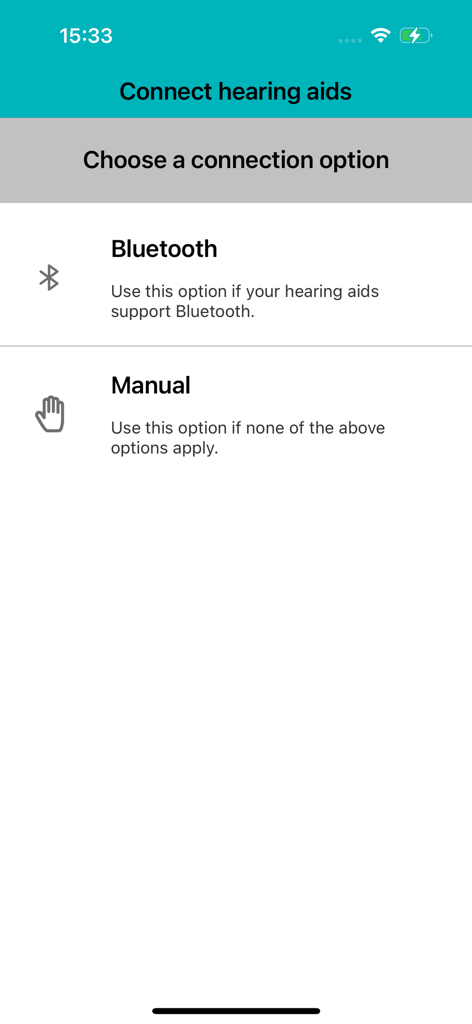
Vibe App screen to connect hearing aids via bluetooth or manual setup
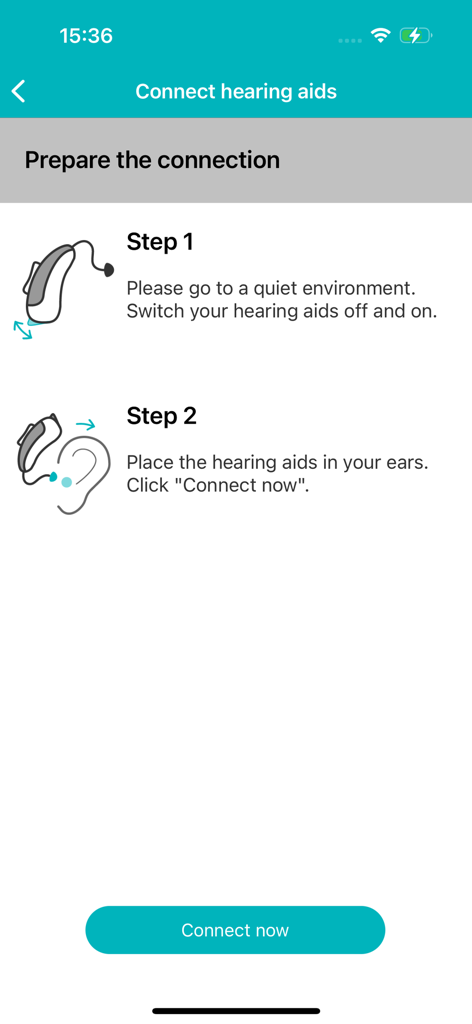
Step-by-step instructions for connecting hearing aids within the Vibe App interface
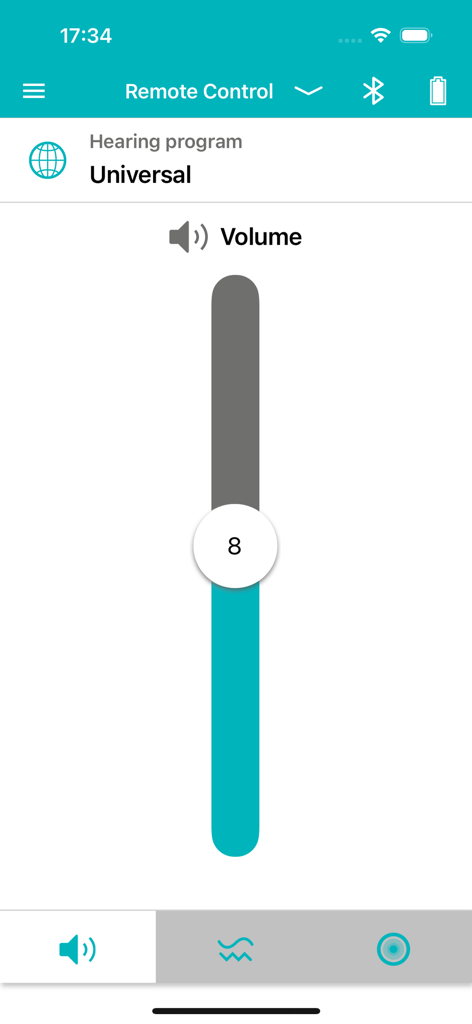
Vibe App remote control screen displaying a vertical volume slider and universal hearing program selection
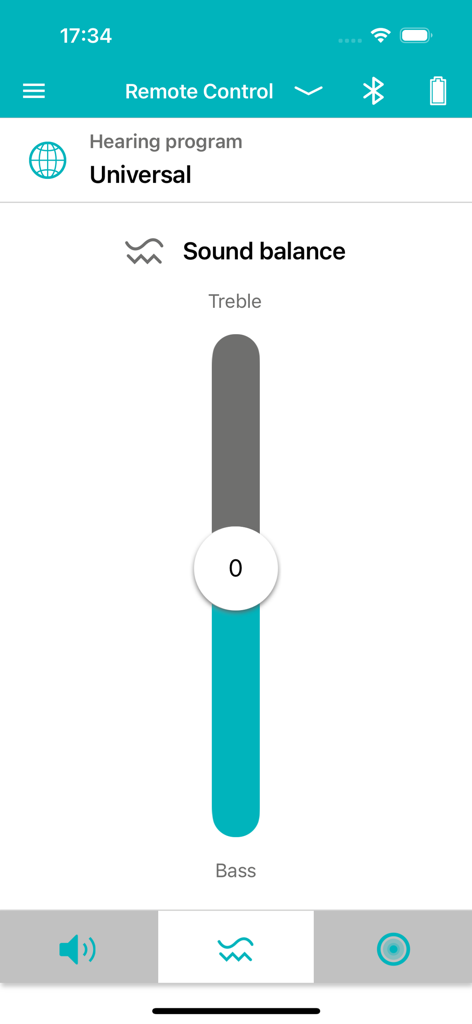
Interface of the Vibe App showing a vertical slider to adjust sound balance between treble and bass for hearing aids.
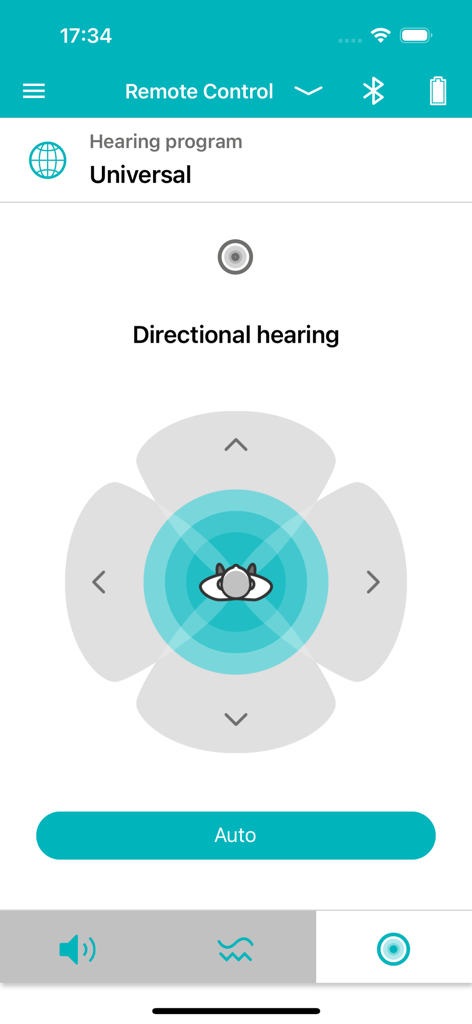
Vibe app interface for adjusting directional hearing focus
Description
Download
More Like This
Top-ranked apps in the same category

国家医保服务平台
National Healthcare Security Administration

MyChart
Epic Systems Corporation

Doctolib - Your health partner
Doctolib

Pregnancy + | Tracker App
Philips Digital UK Limited

CVS Health
CVS Pharmacy

江苏医保云
Jiangsu Healthcare Security Bureau

Meu SUS Digital
Servicos e Informacoes do Brasil

UnitedHealthcare
UNITED HEALTHCARE SERVICES, INC.

京东健康
BEIJING JINGDONG 360 DU E-COMMERCE LTD.
This page is not an official page of the app or its developer, but an independent editorial publication created for informational and commentary purposes. Unless expressly stated otherwise, neither the app nor its developer is affiliated with, endorsed by, sponsored by, authorized by, or otherwise officially connected with MWM, Apple, Google Play, the app publisher, or the app's developer, and nothing on this page implies that the app was developed using MWM's services. Any trademarks, logos, screenshots, and other content remain the property of their respective owners.