
This page is not an official page of the app or its developer, but an independent editorial publication created for informational and commentary purposes. Unless expressly stated otherwise, neither the app nor its developer is affiliated with, endorsed by, sponsored by, authorized by, or otherwise officially connected with MWM, Apple, Google Play, the app publisher, or the app's developer, and nothing on this page implies that the app was developed using MWM's services. Any trademarks, logos, screenshots, and other content remain the property of their respective owners.


VicEmergency
Bridge the distance with the official source for real-time emergency alerts. Monitor your family, home, and assets through hyper-local Watch Zones and authoritative government warnings delivered straight to your device.
Downloads
1M+User Rating
Total Ratings
2K+Publisher
Category
NewsLocales
1Latest Version
6.9.0Size
15.3 MBFirst Released
Mar 13, 2010Stay Connected. Stay Safe.
Whether you are at home in the US or traveling abroad, VicEmergency keeps you linked to official safety information from the State of Victoria.
Global Monitoring, Local Focus
Create custom watch zones for specific addresses to monitor your family's home or property from thousands of miles away.
Critical Real-Time Alerts
Never miss a warning. Receive official push notifications for fires, floods, and severe weather the moment they are issued.
Frequently Asked Questions
Everything you need to know about VicEmergency
What is the VicEmergency app?
The VicEmergency app is the official Victorian Government application providing emergency warnings and information for Victoria, Australia. Users can set up profiles and watch zones to receive alerts.
Does VicEmergency show live incident maps?
Yes, the VicEmergency app features a live incident map. This map displays current warnings, planned burns, and various other types of incidents across Victoria.
How do I receive official warnings with VicEmergency?
Users receive official warnings and information by setting up a user profile and watch zones within the VicEmergency app. These alerts are pushed directly to the user's phone.
Can VicEmergency use my current location for alerts?
Yes, the VicEmergency app integrates GPS to determine a user's current location. This functionality allows the app to display surrounding incidents and provide relevant alerts.
How do I enable notifications for the VicEmergency app on iOS?
To enable VicEmergency notifications on iOS, navigate to Settings, then Notifications, select the VicEmergency app, and ensure "Allow Notifications" is set to On. Adjust alert styles and lock screen options as recommended.
Does VicEmergency display Fire Danger Ratings?
Yes, the VicEmergency app displays forecast Fire Danger Ratings directly on the map. It also shows today's and tomorrow's Total Fire Ban status.
Does the VicEmergency app require an internet connection?
Yes, the VicEmergency app requires an internet connection on your device to receive warnings and information issued by Victorian emergency services.
Does VicEmergency need GPS to function?
Yes, to view your current location and surrounding incidents within the VicEmergency app, GPS must be switched on and location functionality enabled on your device.
What types of warnings does VicEmergency provide?
The VicEmergency app provides Emergency Warnings, Warnings, Advice, and general information as issued by Victoria's emergency services. It also includes community information messages.
Can I share emergency information from VicEmergency?
Yes, the VicEmergency app includes a feature that allows users to share incidents and warnings with friends and family directly from the application.
The following screenshots and description are sourced directly from the app's official store listing and are the property of the app developer.
App Store
Screenshots
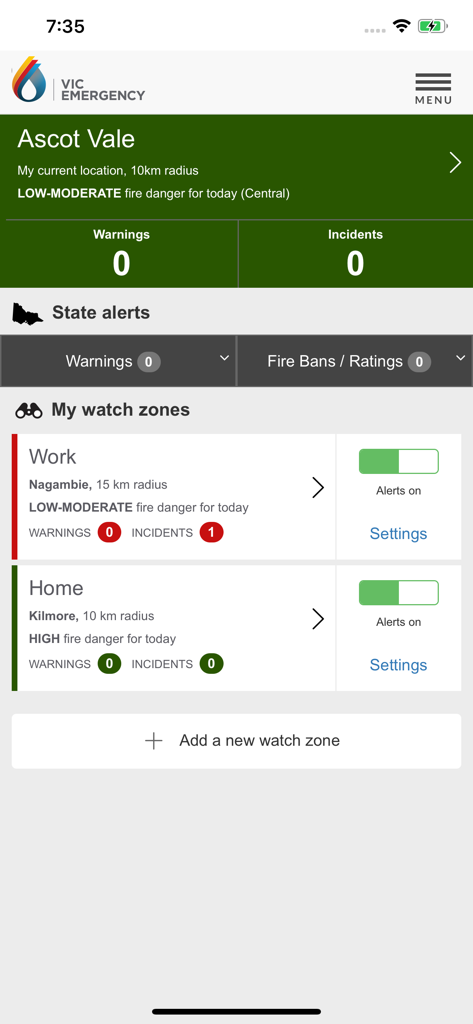
VicEmergency app dashboard showing personalized watch zones for work and home locations with real-time fire danger ratings
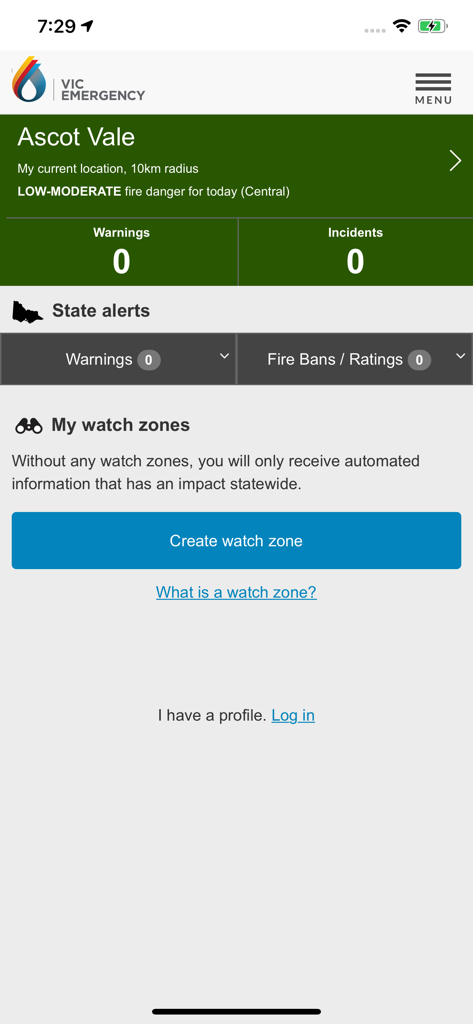
VicEmergency app home screen showing emergency alerts and watch zone settings for Ascot Vale
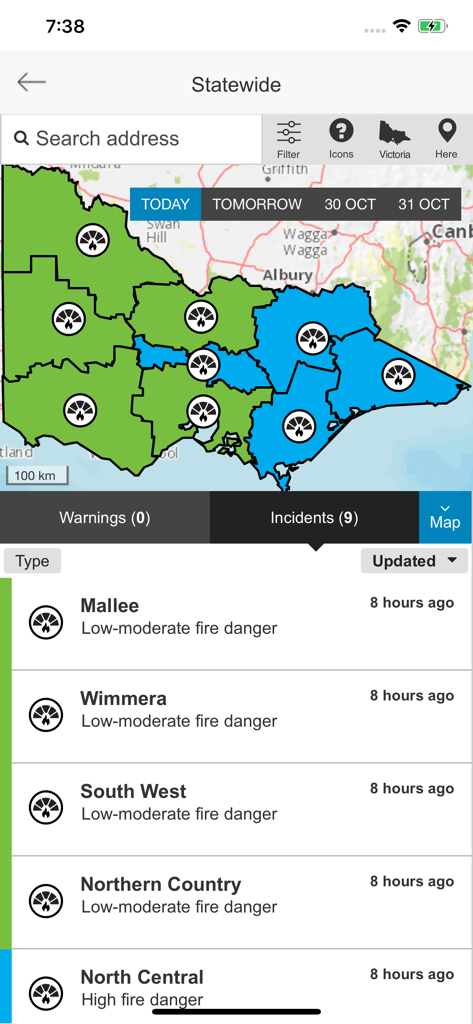
VicEmergency app showing a statewide map of Victoria with fire danger ratings for regions like Mallee and Wimmera
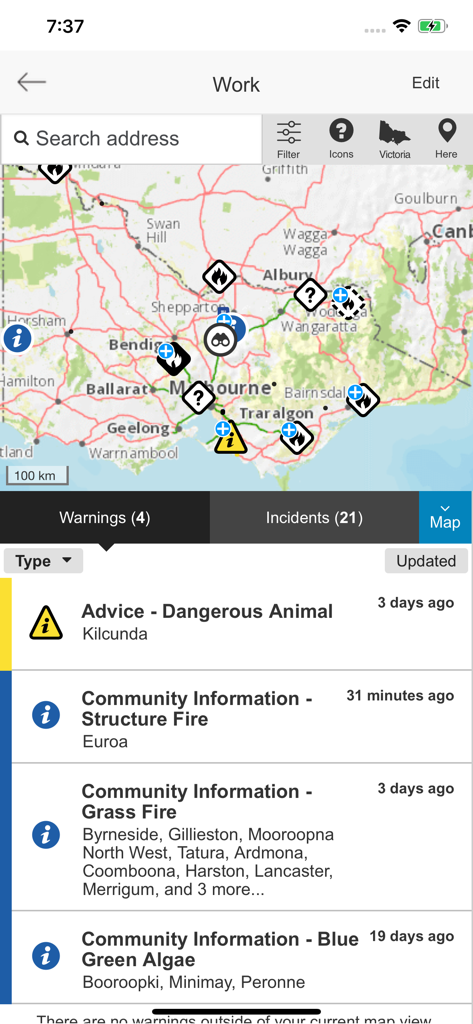
Interface of the VicEmergency app displaying a map with incident icons and a list of active emergency warnings.
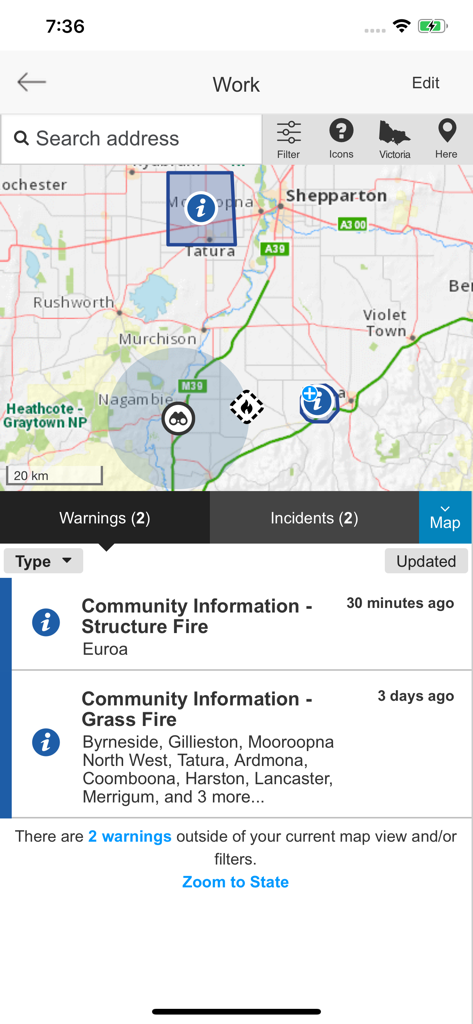
VicEmergency app interface showing an interactive map with emergency markers and a list of fire warnings below.
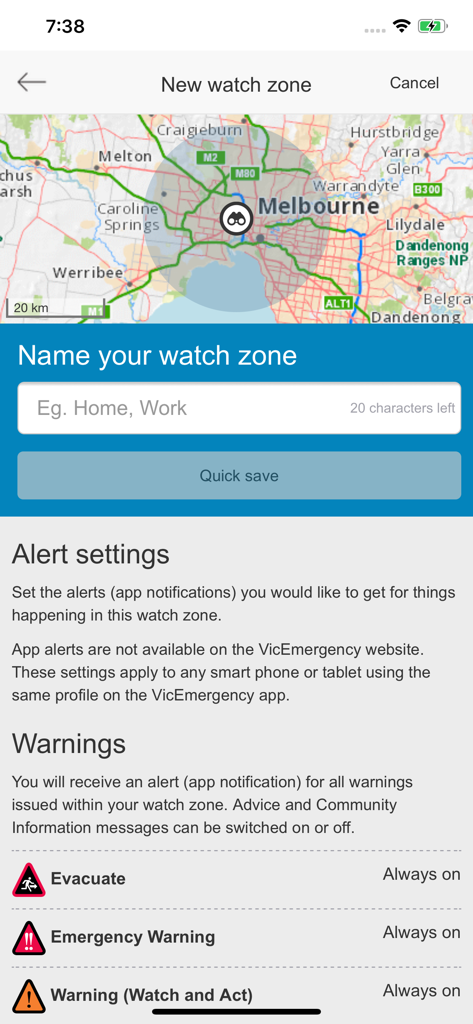
VicEmergency app screen for setting up a new watch zone with map and alert settings
Description
Download
More Like This
Apps with similar features and user experience

Politiloggen
Politiets IKT-tjenester

Food Recalls & Alerts
SmartAddress, Inc.

Повітряна тривога
AJAX SCIENTIFIC AND PRODUCTION ENTERPRISE LIMITED LIABILITY COMPANY

Alert SA
South Australian Fire and Emergency Commission

Tzofar - Red Alert
Hoshen Kadosh
Emergency: Severe Weather App
American Red Cross

myENV
National Environment Agency

lebensmittelwarnung.de
Bundesamt fuer Verbraucherschutz und Lebensmittelsicherheit (BVL)

Olay Var
IMPERIO YAZILIM BILISIM TEKNOLOJILERI ANONIM SIRKETI
This page is not an official page of the app or its developer, but an independent editorial publication created for informational and commentary purposes. Unless expressly stated otherwise, neither the app nor its developer is affiliated with, endorsed by, sponsored by, authorized by, or otherwise officially connected with MWM, Apple, Google Play, the app publisher, or the app's developer, and nothing on this page implies that the app was developed using MWM's services. Any trademarks, logos, screenshots, and other content remain the property of their respective owners.