
This page is not an official page of the app or its developer, but an independent editorial publication created for informational and commentary purposes. Unless expressly stated otherwise, neither the app nor its developer is affiliated with, endorsed by, sponsored by, authorized by, or otherwise officially connected with MWM, Apple, Google Play, the app publisher, or the app's developer, and nothing on this page implies that the app was developed using MWM's services. Any trademarks, logos, screenshots, and other content remain the property of their respective owners.


Video Editor & Maker -Cup Cute
Edit with frame-by-frame precision, convert any video format, and erase unwanted objects instantly. From audio extraction to smart compression, master your social media workflow without ever needing a computer.
Downloads
115K+User Rating
Total Ratings
1K+Publisher
Category
Graphics & DesignLocales
3Latest Version
4.3Size
93.8 MBFirst Released
Feb 25, 2021All-in-One Studio for the Modern Creator
Stop switching between apps. Convert any format, compress for any platform, and edit with professional precision right from your iPhone.
Universal Format Support
No more 'unsupported file' errors. Edit and convert MKV, AVI, and FLV files directly on your mobile device into social-ready MP4s.
Pro-Level Precision
Master your content with frame-by-frame editing, variable speed ramps, and smart tools to erase unwanted objects from your background.
The following screenshots and description are sourced directly from the app's official store listing and are the property of the app developer.
App Store
Screenshots
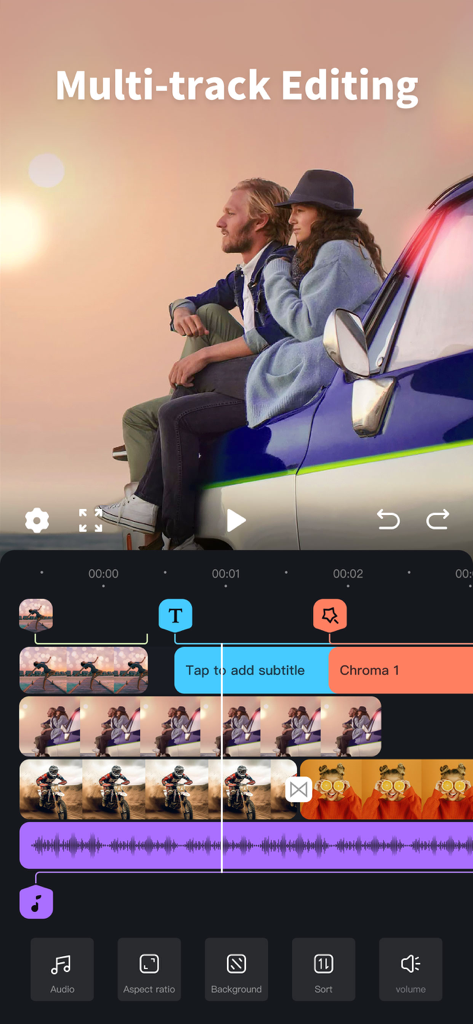
Multi-track video editing interface in the Cup Cute app showing a timeline with video and audio tracks
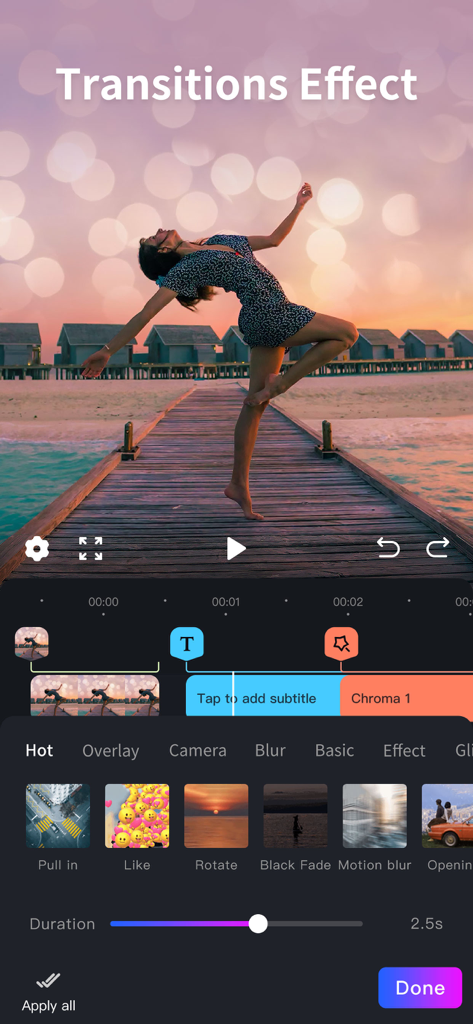
A mobile video editing interface showing a variety of transition effects like Pull in and Motion blur with a duration slider for a sunset video.
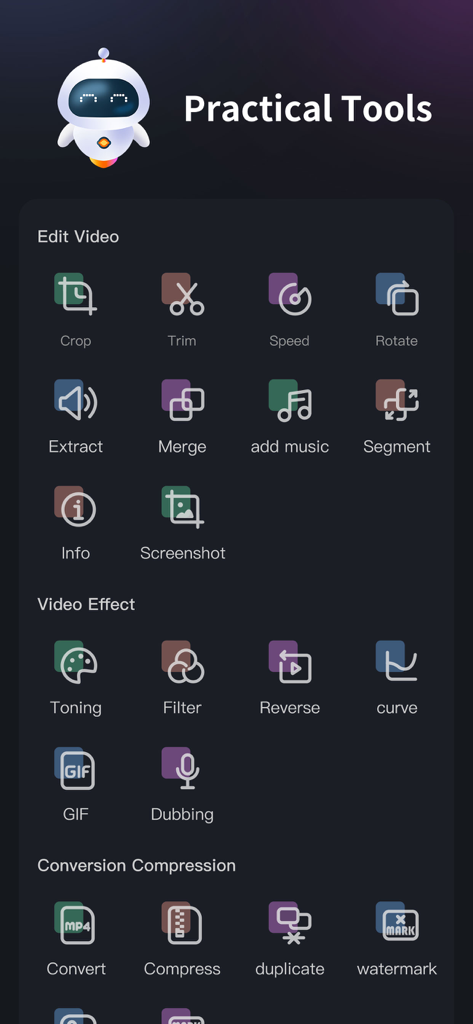
Dashboard of the Cup Cute video editor app showing editing effects and conversion tools
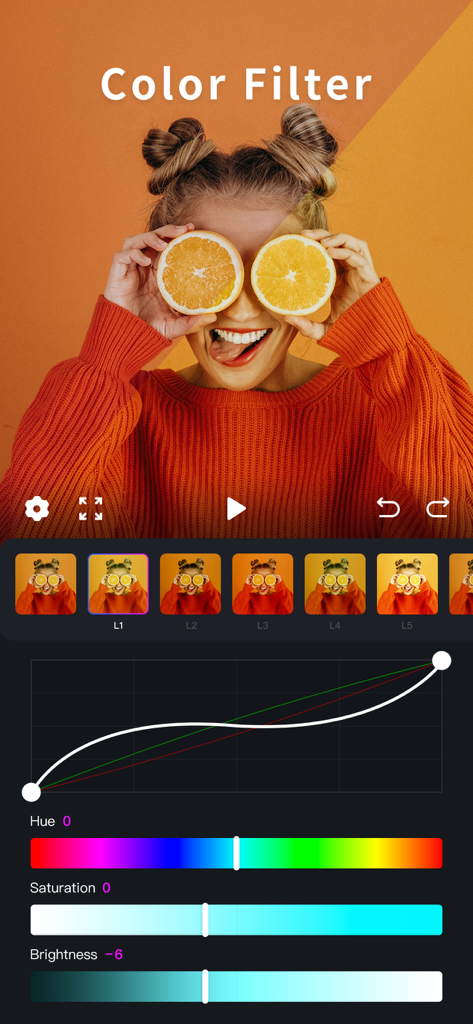
Interface of the Cup Cute app showing professional color filter and toning tools with adjustment sliders and curves
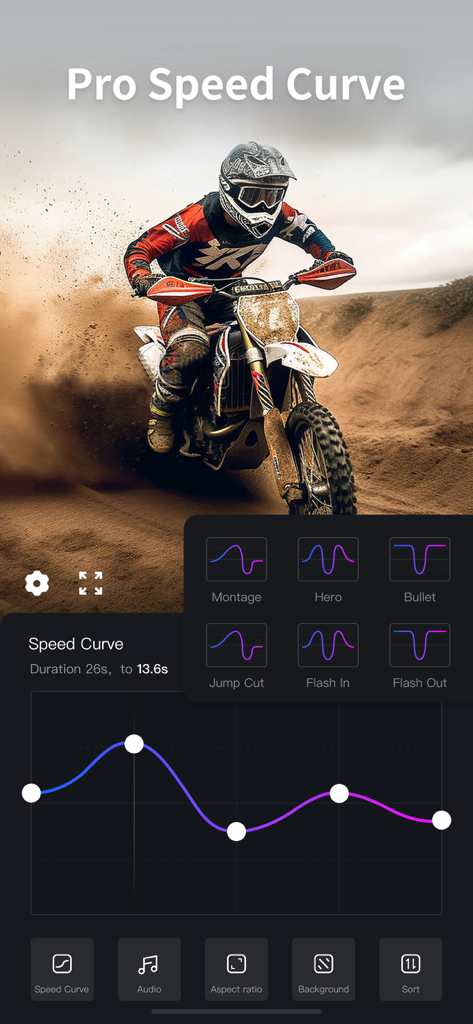
Pro speed curve editing interface in the Cup Cute video editor app showing speed ramping presets
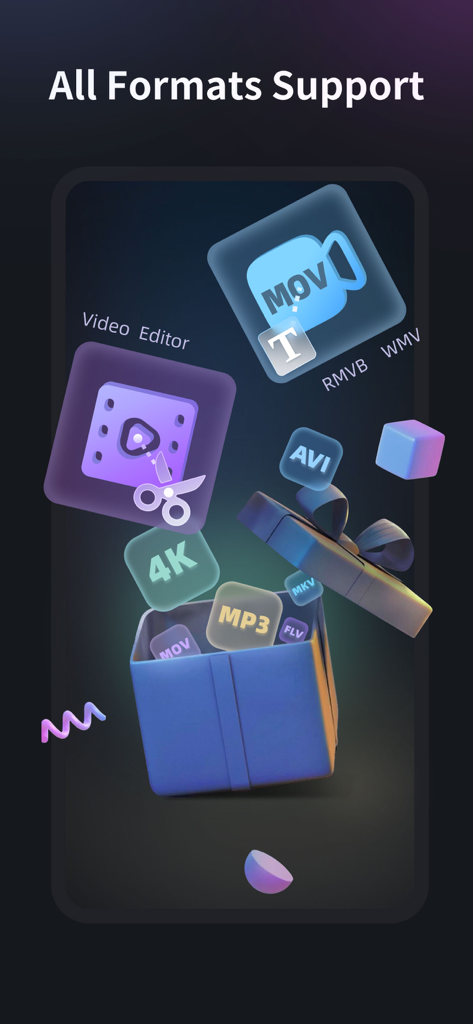
Graphic display showing the app support for multiple video and audio formats like MOV AVI and MP3
Description
Download
More Like This
Top-ranked apps in the same category

Kling AI: AI Image&Video Maker
LOHAS GAMES PTE. LTD.

iScreen - Widgets & Wallpaper
Xiamen ShenZhuo Information Technology Co., Ltd.

Dreamina AI: Image&Video Maker
BYTEDANCE PTE. LTD.

Home AI - AI Interior Design
HUBX YAZILIM HIZMETLERI ANONIM SIRKETI

ibis Paint X
ibis inc.

ThemeKit: Widget & Icon Themes
Woohoo Tech. Ltd.

Sketchbook®
Sketchbook, Inc.

Colorful Widget- Widget&Themes
Guangzhou ZHIFENG Information Technology Co.,Ltd.

ReRoom AI: Interior Design
GM UniverseApps Limited
This page is not an official page of the app or its developer, but an independent editorial publication created for informational and commentary purposes. Unless expressly stated otherwise, neither the app nor its developer is affiliated with, endorsed by, sponsored by, authorized by, or otherwise officially connected with MWM, Apple, Google Play, the app publisher, or the app's developer, and nothing on this page implies that the app was developed using MWM's services. Any trademarks, logos, screenshots, and other content remain the property of their respective owners.