
This page is not an official page of the app or its developer, but an independent editorial publication created for informational and commentary purposes. Unless expressly stated otherwise, neither the app nor its developer is affiliated with, endorsed by, sponsored by, authorized by, or otherwise officially connected with MWM, Apple, Google Play, the app publisher, or the app's developer, and nothing on this page implies that the app was developed using MWM's services. Any trademarks, logos, screenshots, and other content remain the property of their respective owners.


Vieno
Stack cute decorations and gorgeous frames with our easy layered overlay system to turn your everyday snapshots into aesthetic, share-worthy treasures.
Downloads
197K+User Rating
Total Ratings
1000Publisher
Category
Photo & VideoLocales
1Latest Version
1.1.1Size
49.9 MBFirst Released
Aug 18, 2025Elevate Your Everyday Aesthetic
Turn your daily snapshots into curated treasures with our intuitive, cozy editing space designed for your unique personality.
Stack the Magic
Our effortless layered system lets you mix and match borders, frames, and decorations for a one-of-a-kind look.
Pro Looks in Seconds
Nail that high-end, aesthetic vibe instantly with tools that make editing feel like creative playtime.
Frequently Asked Questions
Everything you need to know about Vieno
What is Vieno?
Vieno is a photo framing app that transforms everyday moments into share-worthy treasures. It provides a layered overlay system to mix, match, and stack frames, borders, and decorations.
How does the Vieno app allow users to create unique photo looks?
Vieno features a super-easy layered overlay system. Users mix, match, and stack gorgeous frames, borders, and cute decorations to create totally unique looks that reflect their personality.
What variety of frames does Vieno offer?
Vieno provides a handpicked frame collection with diverse styles. These range from sleek and simple to bold and playful, catering to various occasions such as birthdays, trips, family gatherings, and casual selfies.
Can users save and manage their edited photos in Vieno?
Yes, Vieno allows users to save edited photos. The app includes an "Easy Save" feature and a "Saved Photos" gallery for efficient management and storage of all framed creations.
How do users begin editing photos with the Vieno app?
Users can begin editing photos in Vieno by either selecting an existing image from their gallery or by taking a new photograph directly through the app's intuitive welcome interface.
Does Vieno ensure high-quality output for framed images?
Yes, Vieno ensures high-quality output. The app features and highlights "HD Quality" capabilities, guaranteeing that all framed photographs are saved and displayed in high resolution.
How many distinct frame options are available within Vieno?
Vieno provides a selection of 20 distinct frame options. This specific count is prominently displayed on the app's welcome screen, offering various styles for photo enhancement.
The following screenshots and description are sourced directly from the app's official store listing and are the property of the app developer.
App Store
Screenshots
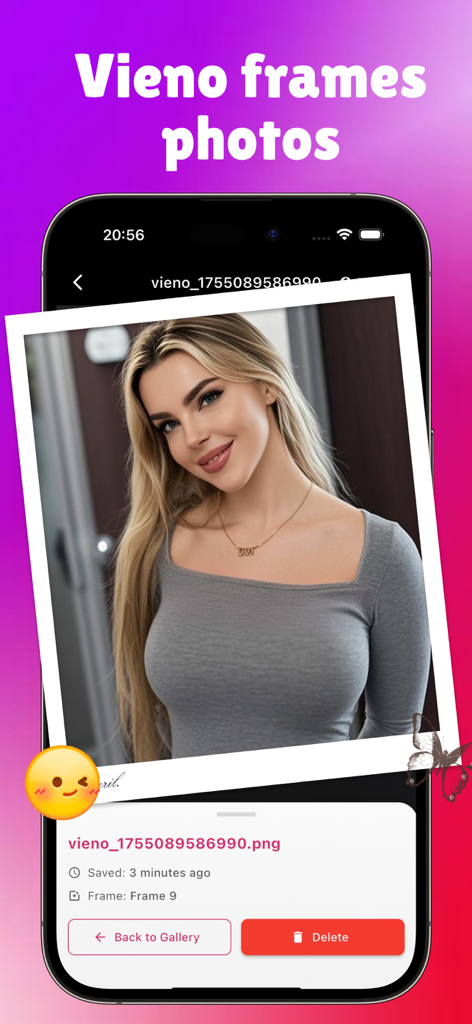
Vieno app interface showing a photo of a woman in a white Polaroid style frame with butterfly and emoji stickers
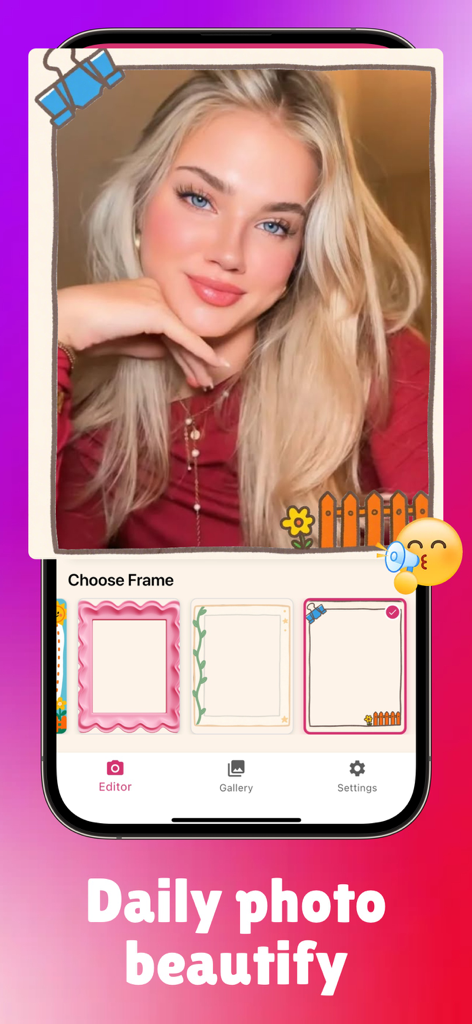
Mobile screen of Vieno app displaying a photo editor with aesthetic frames and cute decorations
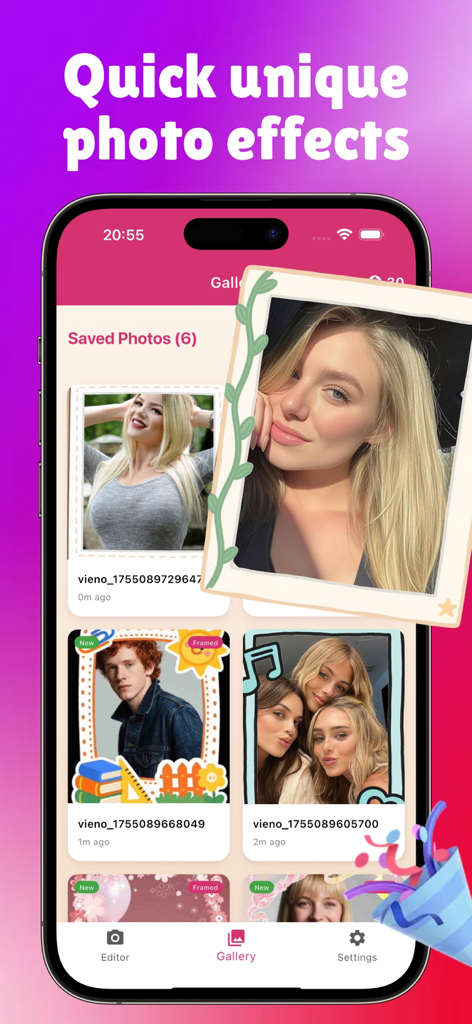
A mobile interface of the Vieno app showing a gallery of photos with unique digital frames and cute stickers.
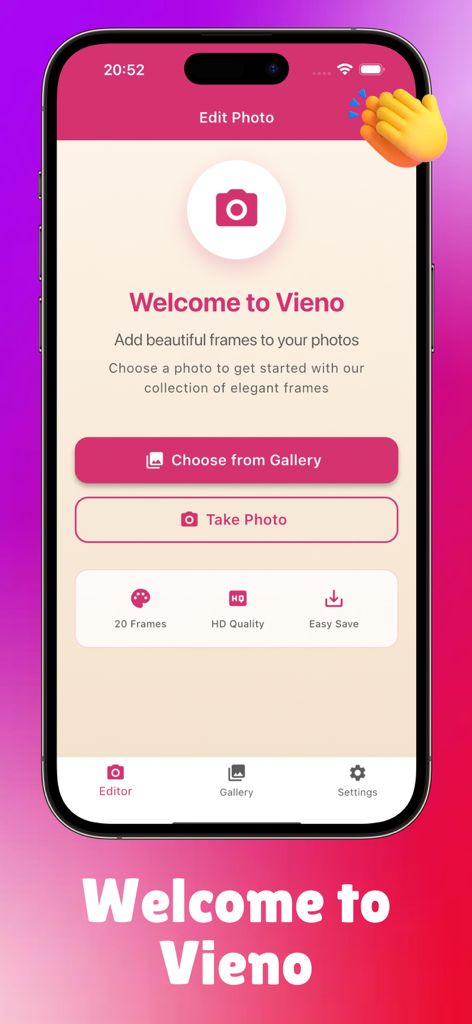
Vieno photo framing app welcome screen with a berry red theme and buttons to choose a photo or take a picture.
Description
Download
More Like This
Apps with similar features and user experience

Moshicam Photo Editor & Frames
GALLERY LABS INC
Share Aura
Aura Movement Technology, Inc.
Frame Watermark Camera
燕辉 王

Most: Aesthetic Story Editor
MOST STORY LLC, TOO

FanMaker: K-Pop Sign & Card
KALEIDOSCOPE Inc.

PIP Magic - Selfie Camera App
pixel force private limited

FloralWhisper: Lovely Language
VOLIO VIET NAM COMPANY LIMITED

Crafto App
Primetrace Technologies Private Ltd

Status Saver - Status Download
Vivek Vadhaiya
This page is not an official page of the app or its developer, but an independent editorial publication created for informational and commentary purposes. Unless expressly stated otherwise, neither the app nor its developer is affiliated with, endorsed by, sponsored by, authorized by, or otherwise officially connected with MWM, Apple, Google Play, the app publisher, or the app's developer, and nothing on this page implies that the app was developed using MWM's services. Any trademarks, logos, screenshots, and other content remain the property of their respective owners.