Vittle Pro Video Whiteboard
Download on App Store

This page is not an official page of the app or its developer, but an independent editorial publication created for informational and commentary purposes. Unless expressly stated otherwise, neither the app nor its developer is affiliated with, endorsed by, sponsored by, authorized by, or otherwise officially connected with MWM, Apple, Google Play, the app publisher, or the app's developer, and nothing on this page implies that the app was developed using MWM's services. Any trademarks, logos, screenshots, and other content remain the property of their respective owners.


Logo of Vittle Pro Video Whiteboard
Download on App Store

Vittle Pro Video Whiteboard

Transform PDFs and photos into engaging video screencasts instantly. Narrate, annotate, and share high-impact 1080p content with no rendering time—perfect for educators, trainers, and visual thinkers.

Key Figures

Downloads

113K+

User Rating

4.8/5

Total Ratings

1K+

Publisher

Qrayon, LLC

Category

Business

Locales

1

Latest Version

6.5

Size

20.3 MB

First Released

May 9, 2013
Features

Master Visual Communication with Ease

Turn your iPad into a professional recording studio. Record, annotate, and share high-quality video screencasts in seconds, not hours.

Zero Rendering Time

Stop waiting for encoding. Your 1080p HD videos are processed in real-time and ready to share the moment you finish speaking.

Fluid Annotation Engine

Sketch, write, and move elements with our proprietary Inkflow Engine for a natural, lag-free whiteboard experience.

The following screenshots and description are sourced directly from the app's official store listing and are the property of the app developer.

App Store

Screenshots
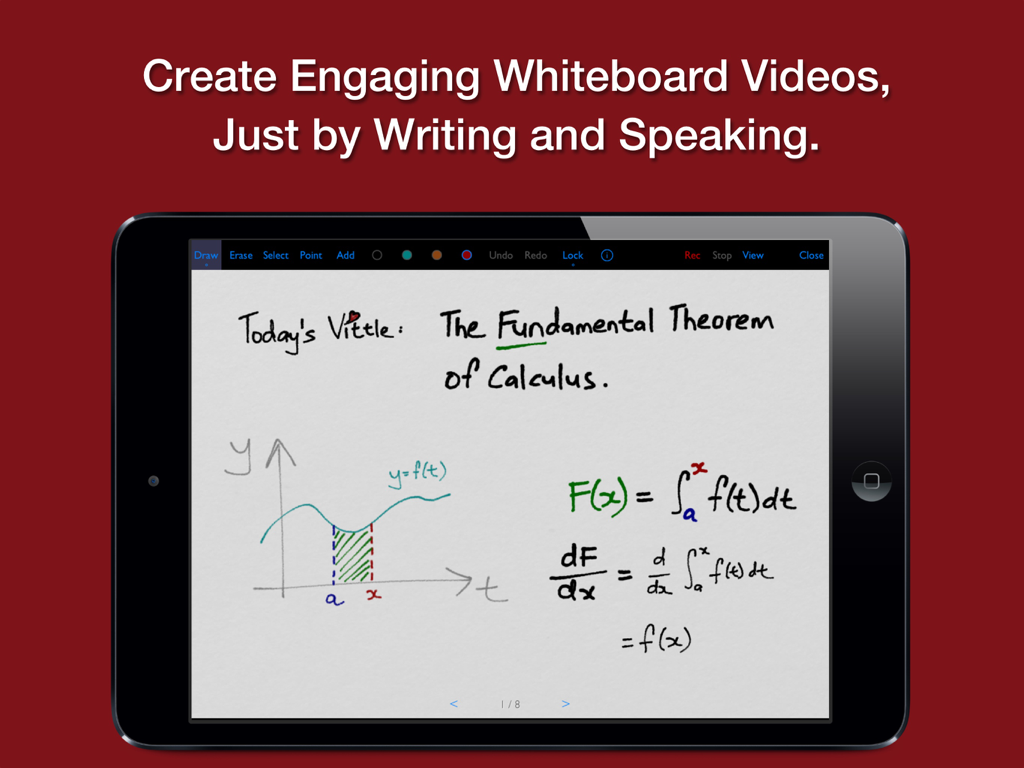
Vittle Pro Video Whiteboard - iPad screen showing Vittle Pro app with a hand-drawn calculus lesson on a digital whiteboard
iPad screen showing Vittle Pro app with a hand-drawn calculus lesson on a digital whiteboard

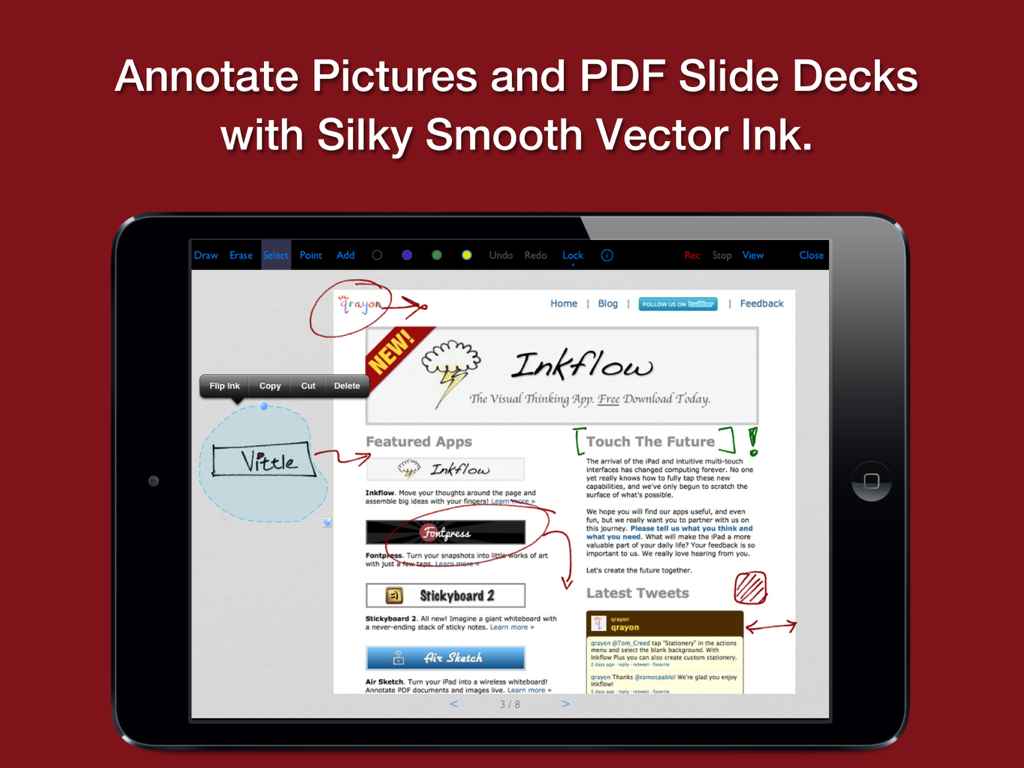
Vittle Pro Video Whiteboard - An iPad screen displaying the Vittle Pro app being used to annotate a PDF document with smooth digital ink
An iPad screen displaying the Vittle Pro app being used to annotate a PDF document with smooth digital ink

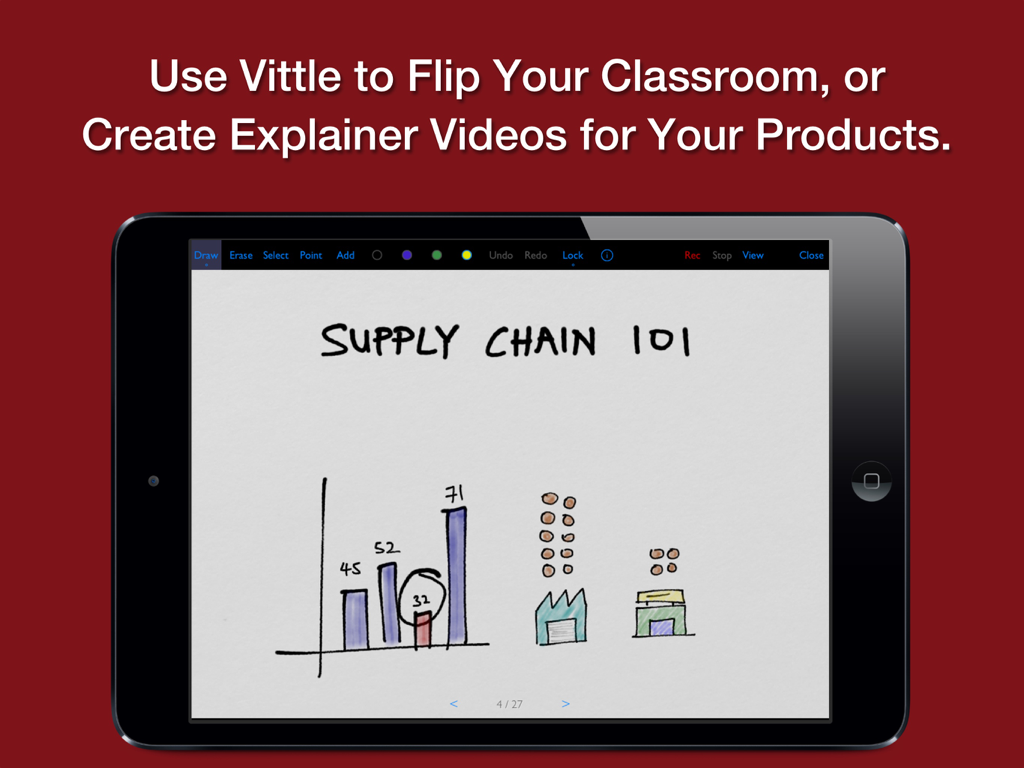
Vittle Pro Video Whiteboard - An iPad displaying a hand-drawn supply chain lesson within the Vittle Pro app interface
An iPad displaying a hand-drawn supply chain lesson within the Vittle Pro app interface

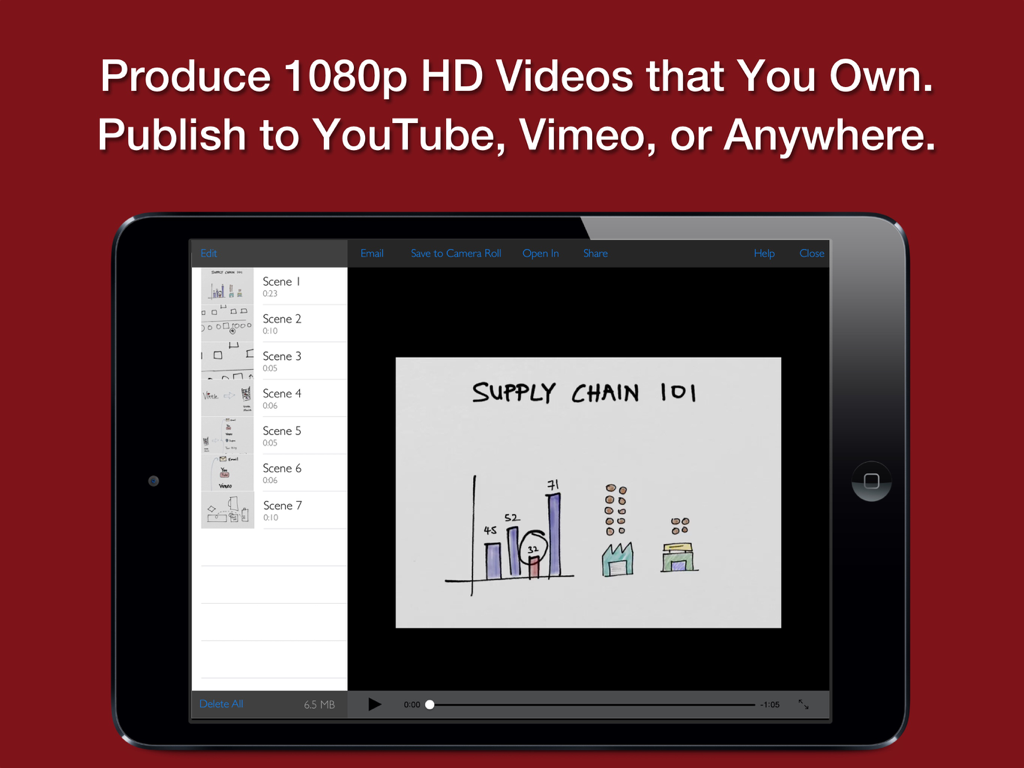
Vittle Pro Video Whiteboard - iPad screen showing the Vittle Pro app with a hand-drawn supply chain presentation and video scene list
iPad screen showing the Vittle Pro app with a hand-drawn supply chain presentation and video scene list

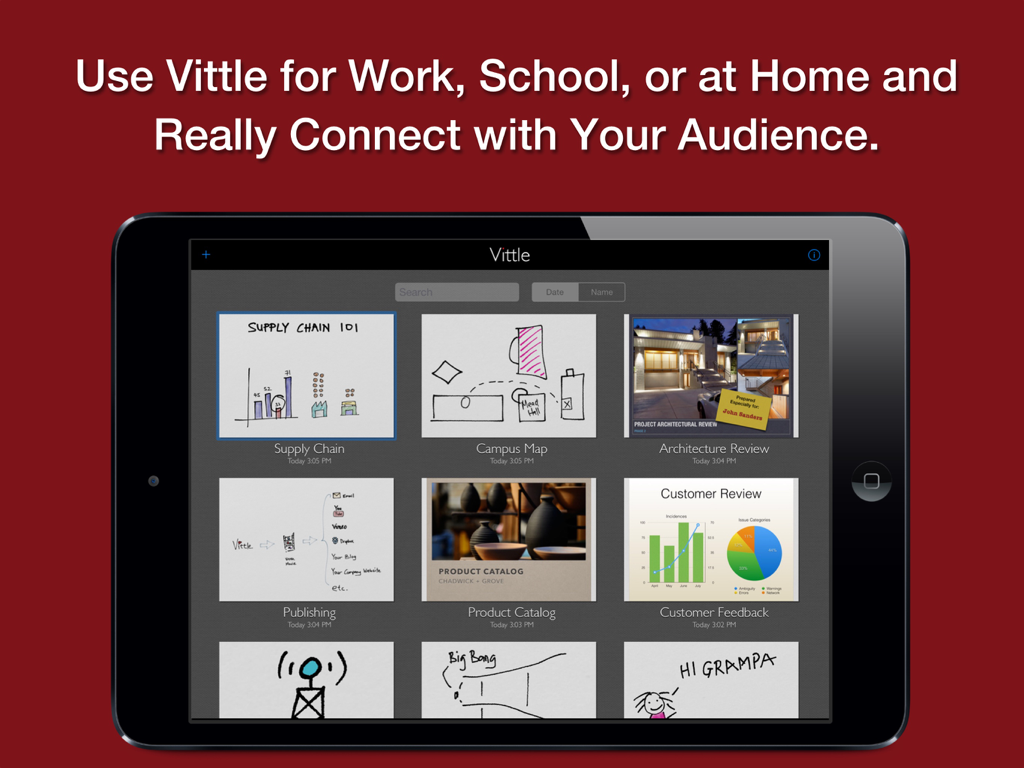
Vittle Pro Video Whiteboard - iPad screen displaying the Vittle Pro app project gallery with various educational and professional video thumbnails

iPad screen displaying the Vittle Pro app project gallery with various educational and professional video thumbnails

Description

Create Video Screencasts from your Slides and Photos. Vittle lets you easily narrate and annotate your photos and PDF slide decks to create highly engaging videos. CREATE VIDEO SCREENCASTS, JUST BY WRITING AND SPEAKING Import a PDF from Keynote, PowerPoint, or elsewhere into Vittle. Drop in photos from your camera roll. Hit record, and start talking. It's that easy. Vittle works like a magic whiteboard that records what you write and say: - Annotate images and sketch using the ultra-smooth ink of our proprietary Inkflow Engine, - Resize and move anything around the page, - Zoom in to focus on key points, - Describe even complex topics in a clear and engaging way. - Record quick memos or entire lectures - hours and hours if you like, - Use any color you want with the fully customizable color palette, - Import PDFs of your slide decks, - Use sophisticated storytelling techniques with the Camera Lock tool, - And more. POST VIDEOS TO YOUTUBE, SHARE THEM WITH ANYONE Use Vittle to flip your classroom, or create engaging explainer videos for your products. Quickly annotate slides and share a video recording with your colleagues. Get your point across exactly and in an impactful way. Collaborate across time and space with any number of people. Create personalized videos for your family and friends. Narrate your adventures with your photos. Stay in touch no matter where you are. VIDEO FILES THAT YOU OWN AND CONTROL Vittle produces video files that you own. They can be easily shared on Facebook, YouTube, Vimeo, or elsewhere. You can also email videos directly, or securely post them to your company server. No third party service is needed. NO WAITING There's no lengthy encoding step or extra compressors to buy. Videos are ready the moment you stop recording, even on older devices. PRO FEATURES FOR PRO EDUCATORS Additional features in Vittle Pro include: + Import PDF slide decks and documents from Keynote, PowerPoint, and more. + Type text with multiple fonts. + 1080P HD (vs. 720P) Widescreen videos. + Adjust video speed 1.0 - 2.0x. + Camera lock and smooth pan. + Custom page background colors. + Color-Select (separate ink by color). + Flip selected ink. + Export to PDF and JPEG. + And more! THE FUTURE OF CREATIVITY We strongly believe that the iPad is a powerful creativity device. Vittle is a new kind of tool that's designed specifically with the iPad in mind. We can't wait to see what you'll do with it!

Download

Download on App Store
Recommendations

More Like This

Apps with similar features and user experience

This page is not an official page of the app or its developer, but an independent editorial publication created for informational and commentary purposes. Unless expressly stated otherwise, neither the app nor its developer is affiliated with, endorsed by, sponsored by, authorized by, or otherwise officially connected with MWM, Apple, Google Play, the app publisher, or the app's developer, and nothing on this page implies that the app was developed using MWM's services. Any trademarks, logos, screenshots, and other content remain the property of their respective owners.