
This page is not an official page of the app or its developer, but an independent editorial publication created for informational and commentary purposes. Unless expressly stated otherwise, neither the app nor its developer is affiliated with, endorsed by, sponsored by, authorized by, or otherwise officially connected with MWM, Apple, Google Play, the app publisher, or the app's developer, and nothing on this page implies that the app was developed using MWM's services. Any trademarks, logos, screenshots, and other content remain the property of their respective owners.


Loom: Screen Recorder
Skip the meeting and stop the long email chains. Record your screen or camera to share feedback, demos, and ideas instantly with a simple link.
Downloads
3M+User Rating
Total Ratings
28K+Publisher
Category
BusinessLocales
1Latest Version
703.0.0Size
33.2 MBFirst Released
Dec 9, 2019Stop Meeting, Start Doing
Reclaim your calendar and your sanity. Loom lets you communicate with clarity and personality using quick, asynchronous videos recorded right from your iPhone or iPad.
Record in Seconds
Capture your screen, camera, and voice with one tap. It is 6x faster than typing an email and eliminates the need for another 'quick sync' meeting.
Instant Link Sharing
Forget waiting for uploads or file exports. Your video is saved to the cloud instantly—just grab the link and drop it into Slack, Jira, or HubSpot.
Frequently Asked Questions
Everything you need to know about Loom: Screen Recorder
What is Loom for iOS?
Loom for iOS is a mobile screen recorder that allows users to record their screen or camera with one tap. It simplifies sharing content instantly via a link and facilitates asynchronous video communication.
Can I record my screen and camera simultaneously with Loom for iOS?
Yes, Loom for iOS allows users to record their screen, camera, microphone, and internal audio. This functionality enables comprehensive video content creation for various purposes.
How do I share videos recorded with Loom for iOS?
Loom for iOS automatically saves videos to the cloud and provides an instant shareable link. Users can copy this link or use additional sharing options.
Does Loom for iOS support team collaboration features?
Yes, Loom for iOS supports team collaboration. Users can add time-stamped comments and emoji reactions to videos, making it simple to stay in the loop with asynchronous video.
Can I manage who can view my videos on Loom for iOS?
Yes, Loom for iOS offers security and access controls. Users can choose who can see their videos, ensuring privacy for their shared content.
Does Loom for iOS provide notifications for video activity?
Yes, Loom for iOS notifies users when someone views, reacts, or comments on their videos. This keeps users informed about engagement with their shared content.
Can I edit Loom videos directly on my iOS device?
Users can edit and trim their videos using the Loom web app. While recordings can be managed and downloaded on the iOS device, editing functions are external.
What prominent companies use Loom?
Over 14 million people across 200,000 companies use Loom, including HubSpot, Atlassian, and Netflix. It is the screen recording and collaboration tool of choice for top companies.
Where are Loom videos saved?
Loom for iOS automatically saves videos to the cloud. Users can also download recordings directly to their device's camera roll for offline access or backup.
Does Loom for iOS allow adjusting video playback speed?
Yes, Loom for iOS allows users to adjust the video playback speed. This feature provides flexibility for viewers to consume content at their preferred pace.
The following screenshots and description are sourced directly from the app's official store listing and are the property of the app developer.
App Store
Screenshots
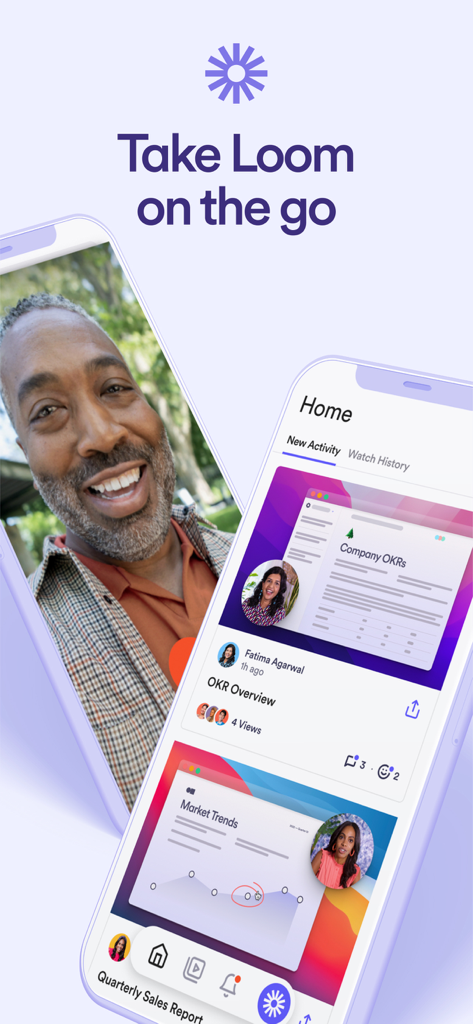
Two iPhones displaying the Loom app interface for mobile video recording and professional communication
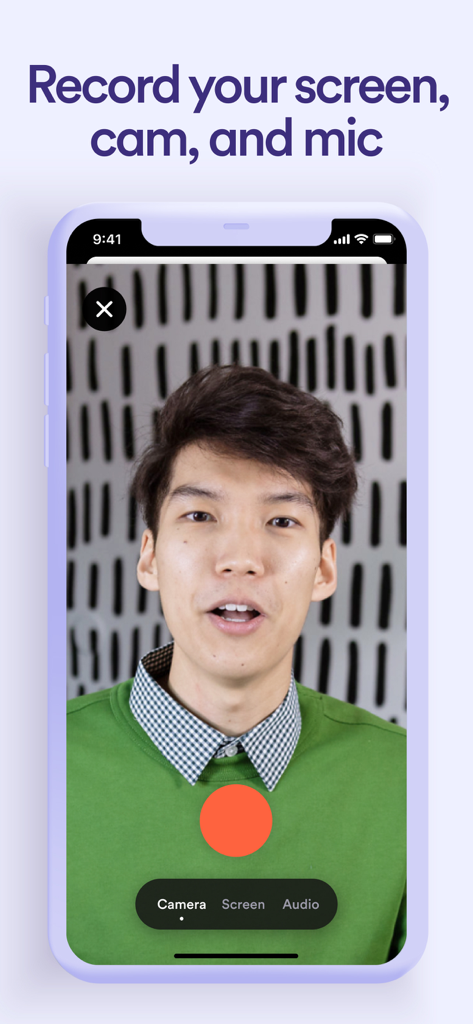
A man recording a video message on the Loom app with options to capture screen cam and mic
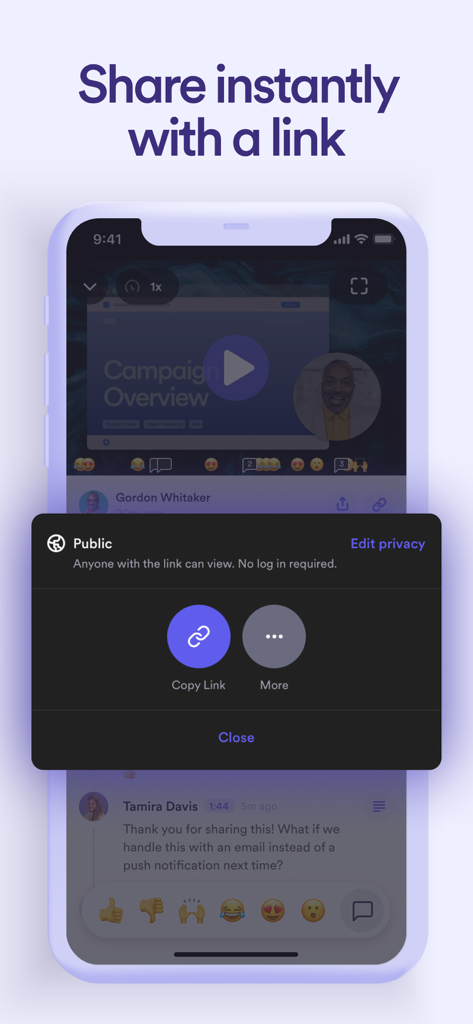
Loom mobile app interface showing the share video link menu with a public access setting.
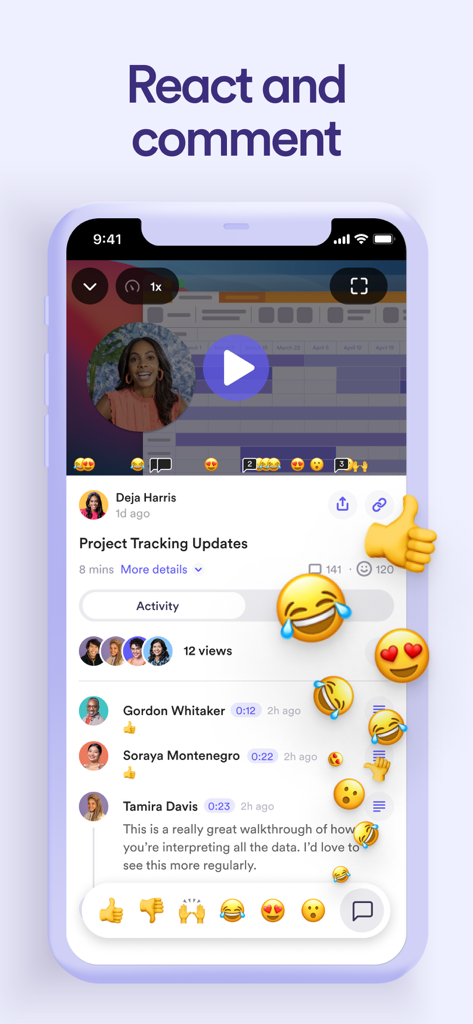
A smartphone interface showing a Loom video recording with floating emoji reactions and a comment section for team collaboration.
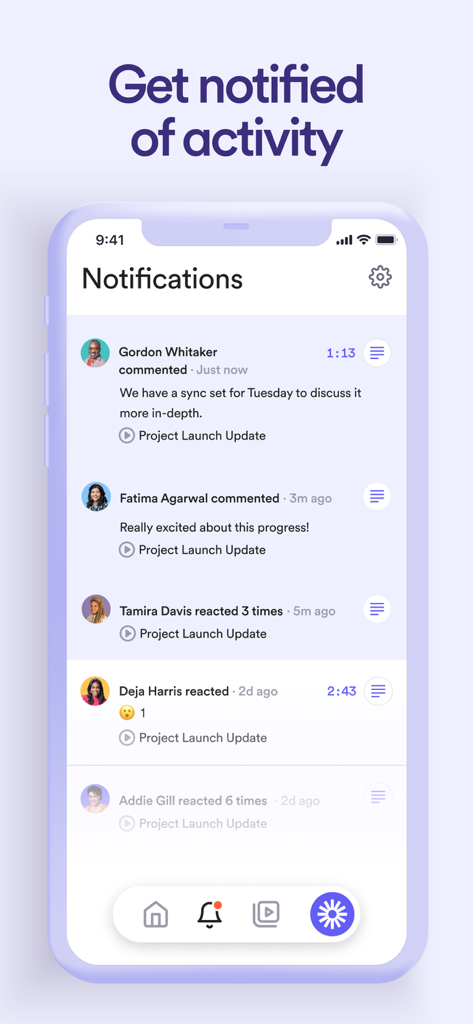
Loom mobile app notifications interface showing recent comments and emoji reactions on a project video
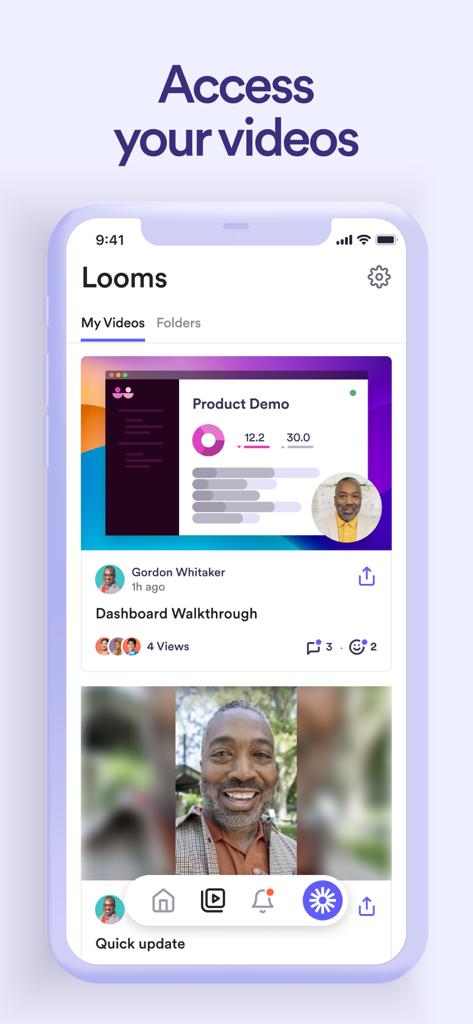
The Loom iOS app interface displaying a list of recorded videos including a dashboard walkthrough and quick update.
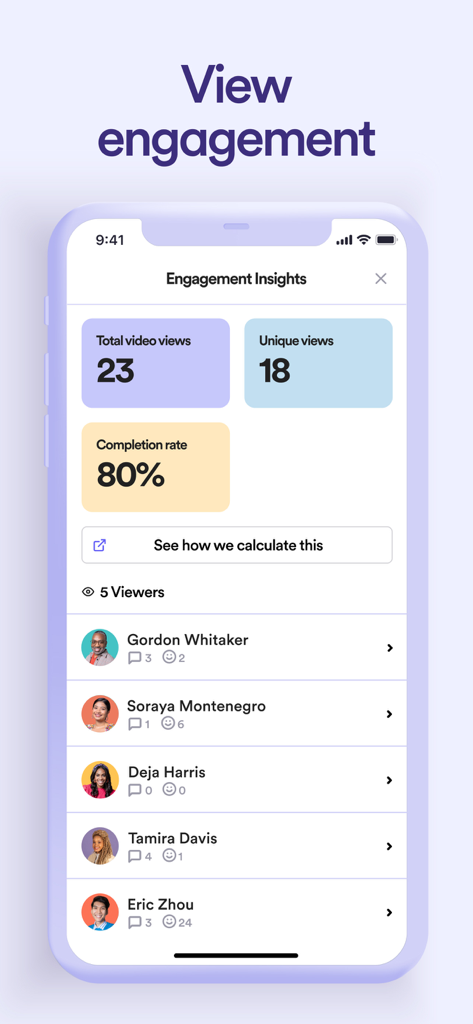
Loom mobile app interface displaying video engagement metrics including total views completion rate and a detailed list of viewers with reactions

Loom app screen with the slogan Show it Say it Send it on a purple background with the company logo
Description
Download
More Like This
Apps with similar features and user experience

This page is not an official page of the app or its developer, but an independent editorial publication created for informational and commentary purposes. Unless expressly stated otherwise, neither the app nor its developer is affiliated with, endorsed by, sponsored by, authorized by, or otherwise officially connected with MWM, Apple, Google Play, the app publisher, or the app's developer, and nothing on this page implies that the app was developed using MWM's services. Any trademarks, logos, screenshots, and other content remain the property of their respective owners.