Vocal Remover, Audio Extractor
Download on App Store

This page is not an official page of the app or its developer, but an independent editorial publication created for informational and commentary purposes. Unless expressly stated otherwise, neither the app nor its developer is affiliated with, endorsed by, sponsored by, authorized by, or otherwise officially connected with MWM, Apple, Google Play, the app publisher, or the app's developer, and nothing on this page implies that the app was developed using MWM's services. Any trademarks, logos, screenshots, and other content remain the property of their respective owners.


Logo of Vocal Remover, Audio Extractor
Download on App Store

Vocal Remover, Audio Extractor

Isolate vocals, extract instruments, and convert video to audio in seconds. The ultimate all-in-one toolkit for TikTokers, musicians, and creators to master their sound with pro-level AI.

Key Figures

Downloads

6K+

User Rating

4.3/5

Total Ratings

0

Publisher

Serhii Yehorov

Category

Music

Locales

14

Latest Version

3.1.1

Size

61.8 MB

First Released

Mar 15, 2023
Features

Pro-Grade Audio Tools for the Creator Era

Unleash your creativity with AI-powered vocal removal, lightning-fast conversion, and precision editing designed for the mobile-first generation.

AI Vocal & Stem Removal

Isolate vocals, drums, or bass with one tap. Perfect for creating custom karaoke tracks, practice loops, or professional remixes on the fly.

Instant Video Extraction

Convert any video clip into a high-fidelity MP3. The ultimate tool for capturing trending sounds and voiceovers for your social media content.

The following screenshots and description are sourced directly from the app's official store listing and are the property of the app developer.

App Store

Screenshots
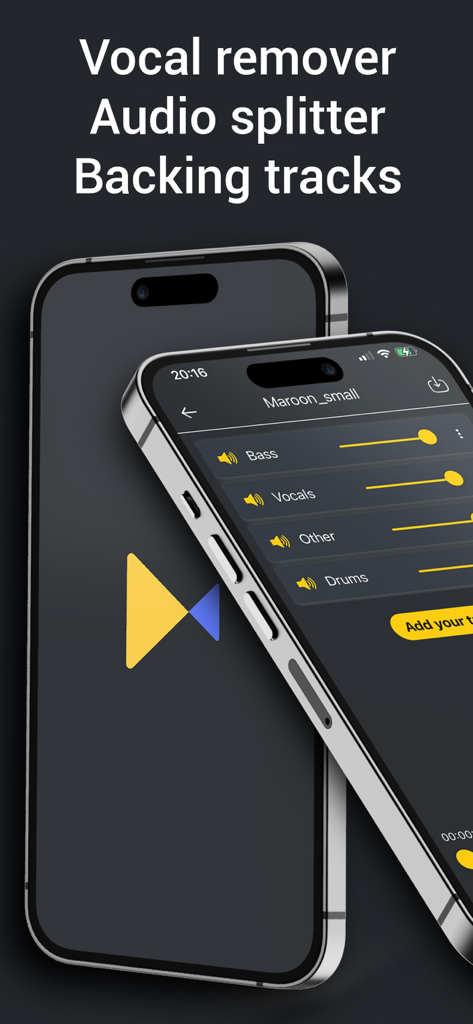
Vocal Remover, Audio Extractor - Smartphone screen displaying the Revoicers app interface with sliders to isolate vocals bass and drums from a song
Smartphone screen displaying the Revoicers app interface with sliders to isolate vocals bass and drums from a song

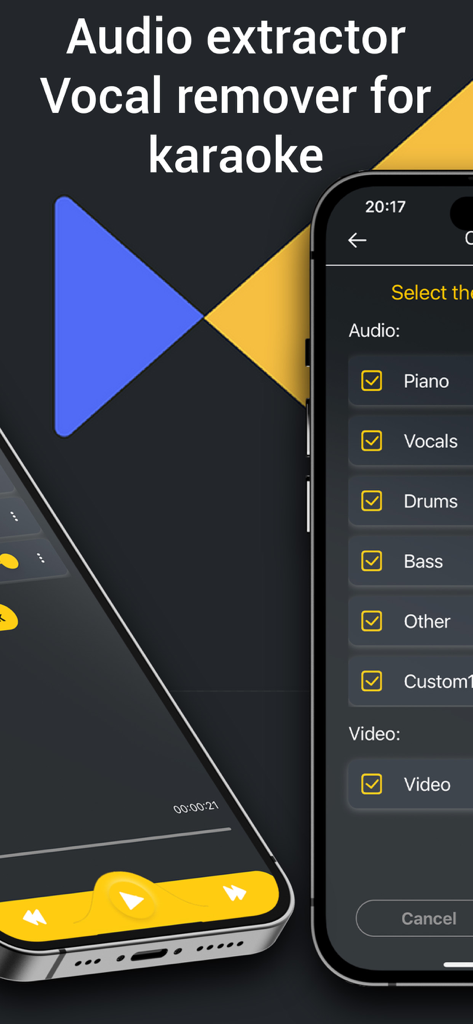
Vocal Remover, Audio Extractor - Mobile app screen showing a menu to isolate piano vocals drums and bass from an audio track for karaoke
Mobile app screen showing a menu to isolate piano vocals drums and bass from an audio track for karaoke

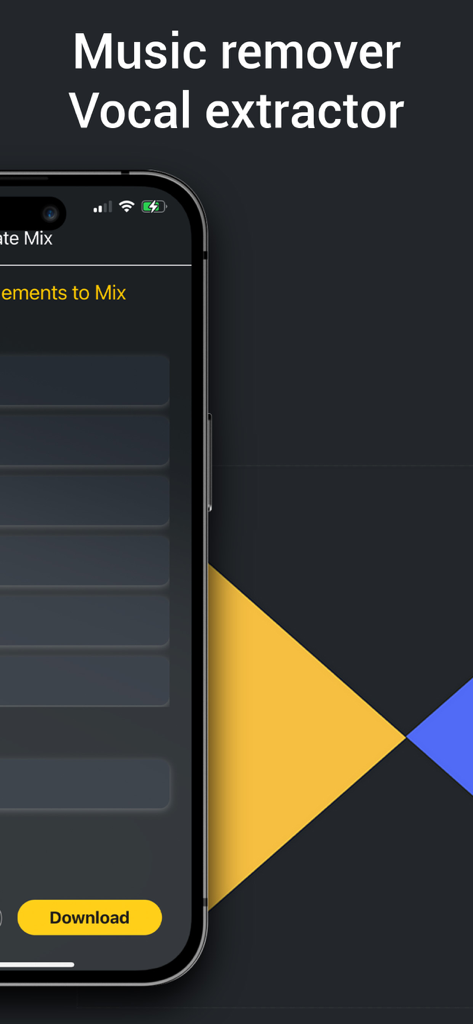
Vocal Remover, Audio Extractor - Revoicers app interface for music removal and vocal extraction on a smartphone
Revoicers app interface for music removal and vocal extraction on a smartphone

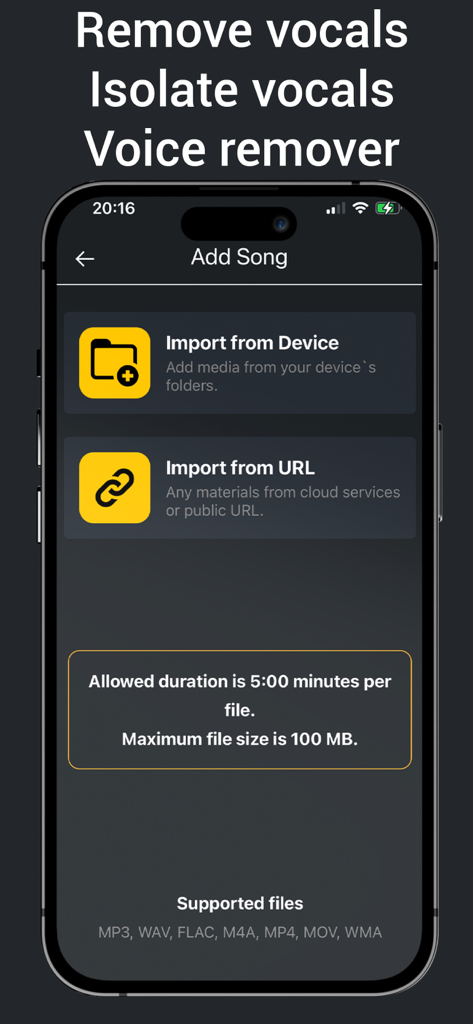
Vocal Remover, Audio Extractor - Mobile interface of the Revoicers app showing options to import songs from device or URL for vocal removal.
Mobile interface of the Revoicers app showing options to import songs from device or URL for vocal removal.

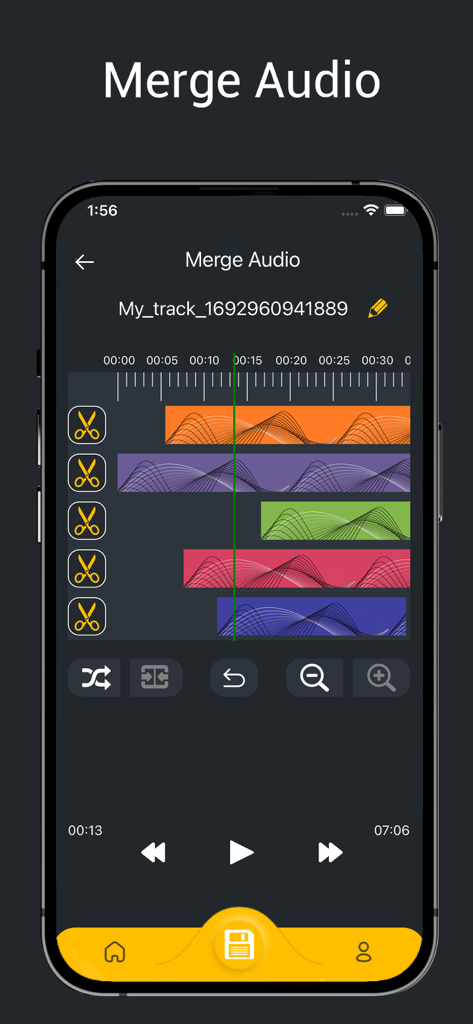
Vocal Remover, Audio Extractor - A smartphone screen displaying a multi track audio editor for merging music tracks with colorful waveforms
A smartphone screen displaying a multi track audio editor for merging music tracks with colorful waveforms

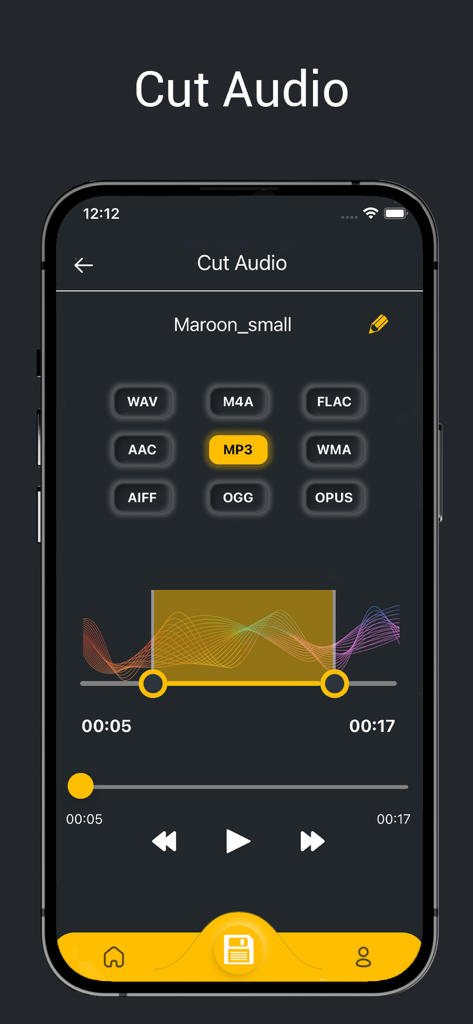
Vocal Remover, Audio Extractor - Mobile app interface showing the Cut Audio feature with a waveform trimmer and various format options like MP3 and WAV.
Mobile app interface showing the Cut Audio feature with a waveform trimmer and various format options like MP3 and WAV.

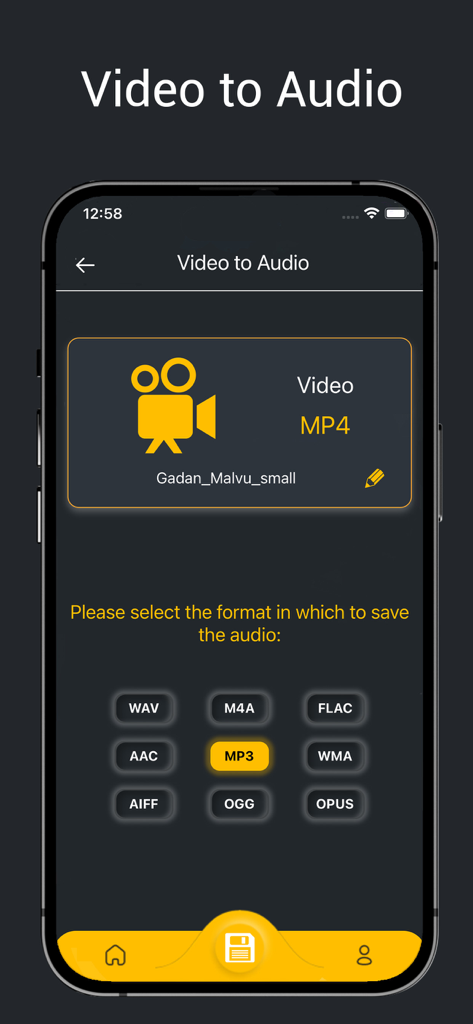
Vocal Remover, Audio Extractor - Mobile app interface for extracting audio from video files into formats like MP3 and WAV
Mobile app interface for extracting audio from video files into formats like MP3 and WAV

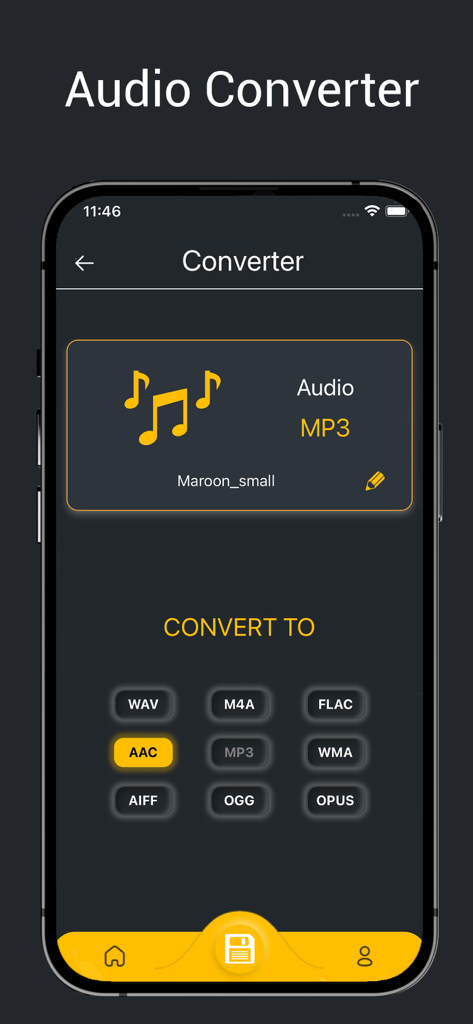
Vocal Remover, Audio Extractor - Mobile app screen for converting audio files into multiple formats like AAC and WAV

Mobile app screen for converting audio files into multiple formats like AAC and WAV

Description

Do you need application for trim audio, convert audio, convert video to mp3, vocal remover, music remover, audio extractor, mp3 converter, merge audio files and etc? We can help you with this. All these features in one application. Revoicers is a cutting-edge mobile application that empowers you to take control of your music and video experience like never before. With its powerful AI-driven technology, this app allows you to remove vocals and instruments from any song or video effortlessly. Key Features that Will Delight You: - Vocal Remover: Unleash your creativity with Revoicers' advanced vocal remover. Say goodbye to vocals and remove vocals to immerse yourself in the pure instrumentals of your favorite tracks. - Audio Extractor: Extract piano sound for practicing piano and singing! - Remove vocals, practice singing with backing track! - Remove drums, remove bass, remix guitar and other tracks! - Easily create songs or mix audio tracks! - Create song for karaoke or convert song to karaoke! Convert video to audio: - Convert Audio: Revoicers acts as a versatile audio converter, allowing you to convert audio files to different formats effortlessly. - MP3 Converter: Convert audio files to the universally compatible MP3 format with ease. Revoicers supports various audio formats, ensuring smooth playback on any device. For example, you can easily convert MP3 to WAV - Video to MP3 Converter. Do you want to convert MP4 to MP3? Convert your favorite video clips into MP3 audio tracks effortlessly using Revoicers' MP4 to MP3 conversion. Easily to cut audio and trim music: - Trim Audio: Precision audio editing made simple. Trim and cut audio files using Revoicers to keep only what you need and create your personalized audio clips. - MP3 Cutter: Refine your MP3 files by cutting out unwanted segments with Revoicers' intuitive MP3 cutter. - MP3 Trimmer: Easily trim your MP3 files and create personalized audio clips with Revoicers' intuitive MP3 trimmer. Revoicers takes your audio experience to the next level with its powerful features. Whether you're an aspiring musician, content creator, or an audio enthusiast, this app is your gateway to limitless possibilities. Use the vocal remover to dive into pure instrumentals, or the music remover to customize your audio mix. Extract audio from videos effortlessly with the audio extractor and convert audio files to various formats using the MP3 converter. Trim and cut audio files with precision using the mp3 cutter and mp3 trimmer. Convert video to MP3 with the video to mp3 converter and enjoy your favorite soundtracks independently. Revolutionize your audio world now. -In addition, you can merge or join mp3 or any audio files together in one file. Upgrade to Premium and unlock a world of possibilities! Here's what awaits you: 1) Karaoke Creation and Recording: Unleash your creativity on center stage. Record your own tracks, bringing your musical vision to life and showcasing your unique talent to the world. 2) Ad-Free Experience: Say goodbye to interruptions and distractions. 3) Expanded Instrumentation: Dive deeper into your compositions with our expanded instrument selection. With access to five instruments, you'll have a broader palette to craft rich, layered melodies that truly resonate with your audience. 4) Extended File Duration: Premium users benefit from increased file duration, allowing you to compose and share tracks with greater complexity and depth. 5) Amplified File Size: With an increased file size, you can incorporate more intricate arrangements, detailed soundscapes, and expressive performances, making your compositions truly stand out. 6) Merge audio files maximum 5 files Free: 1) Vocals, drums, and bass instrument isolation 2) Standard processing queue 3) 3 minute duration (per file) 4) 50 MB file size (per file) 5) Merge audio files maximum 2 files For Terms and Conditions, Privacy Terms https://revoicers.com/terms/ https://revoicers.com/privacy/

Download

Download on App Store

This page is not an official page of the app or its developer, but an independent editorial publication created for informational and commentary purposes. Unless expressly stated otherwise, neither the app nor its developer is affiliated with, endorsed by, sponsored by, authorized by, or otherwise officially connected with MWM, Apple, Google Play, the app publisher, or the app's developer, and nothing on this page implies that the app was developed using MWM's services. Any trademarks, logos, screenshots, and other content remain the property of their respective owners.







