
This page is not an official page of the app or its developer, but an independent editorial publication created for informational and commentary purposes. Unless expressly stated otherwise, neither the app nor its developer is affiliated with, endorsed by, sponsored by, authorized by, or otherwise officially connected with MWM, Apple, Google Play, the app publisher, or the app's developer, and nothing on this page implies that the app was developed using MWM's services. Any trademarks, logos, screenshots, and other content remain the property of their respective owners.

Voice Recorder with Timecodes
Stop wasting time searching through hours of audio. Turn meetings and lectures into interactive maps with instant bookmarks, notes, and photos tied to the exact second they happened.
Downloads
3K+User Rating
Total Ratings
0Publisher
Category
BusinessLocales
2Latest Version
3.0.2Size
7.9 MBFirst Released
Feb 8, 2020Turn Every Recording into a Visual Map
Stop digging through hours of audio. Annotate meetings and lectures in real-time with bookmarks, notes, and photos to find exactly what you need in seconds.
Instant Timestamp Navigation
Forget manual scrubbing. Drop bookmarks and comments while recording, then tap any timecode later to jump straight to that specific moment.
Snap and Sync Visuals
Capture photos of slides or whiteboards directly within the app. Each image is automatically anchored to the audio timeline for perfect context.
The following screenshots and description are sourced directly from the app's official store listing and are the property of the app developer.
App Store
Screenshots
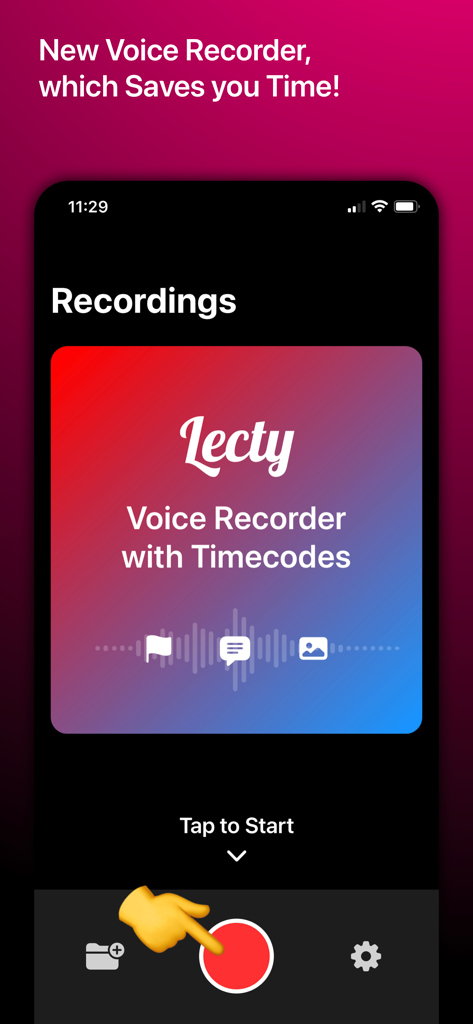
The home screen of the Lecty voice recorder app showing a large red record button and icons for adding timecodes, bookmarks, and photos.
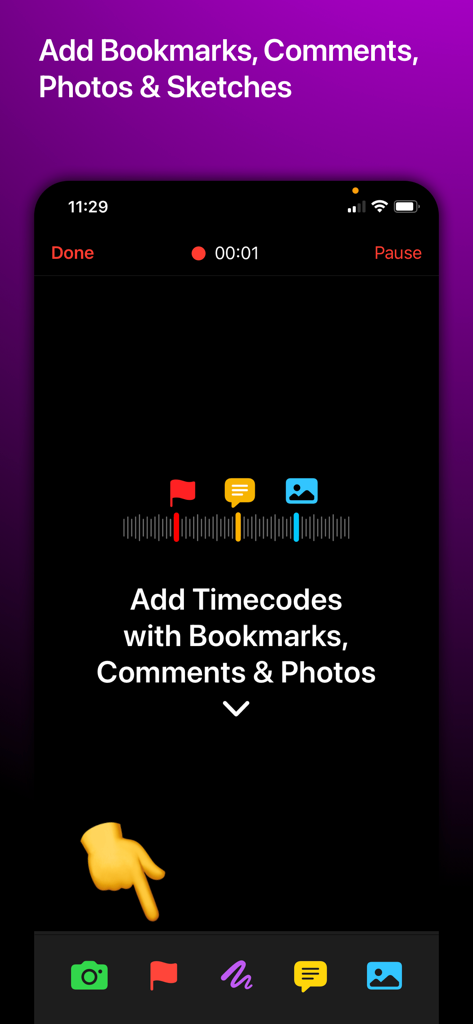
Mobile app interface for adding bookmarks comments and photos as timecodes to a voice recording
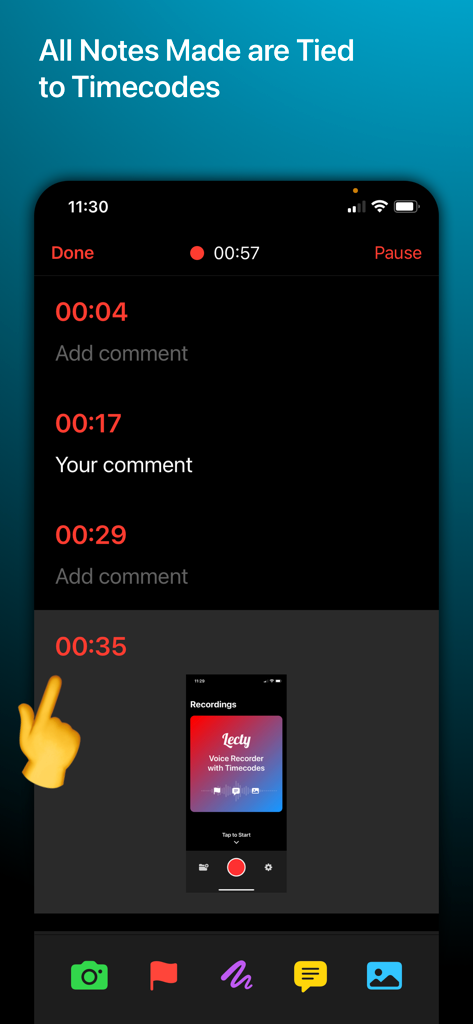
Smartphone screen showing the Lecty app interface with notes and photos linked to audio recording timecodes.
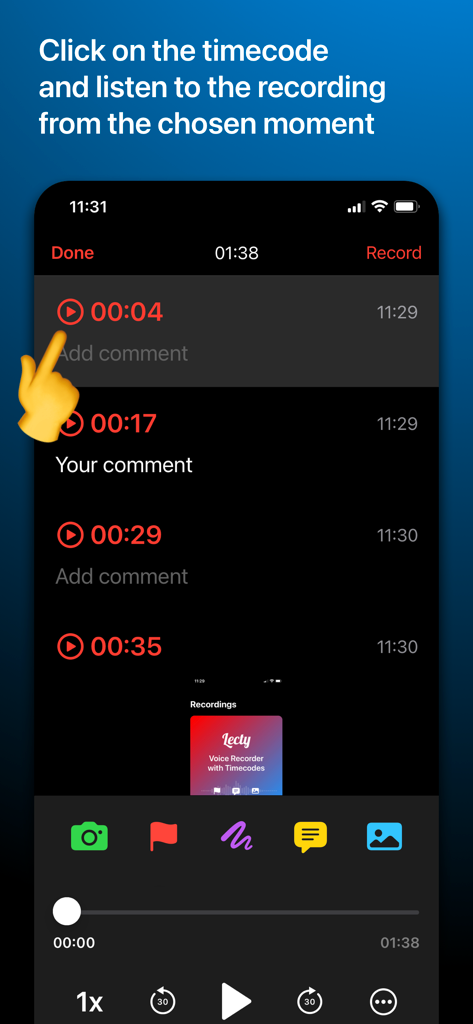
A screenshot of the Lecty app interface demonstrating how to click a specific timecode to instantly play a voice recording from that moment.
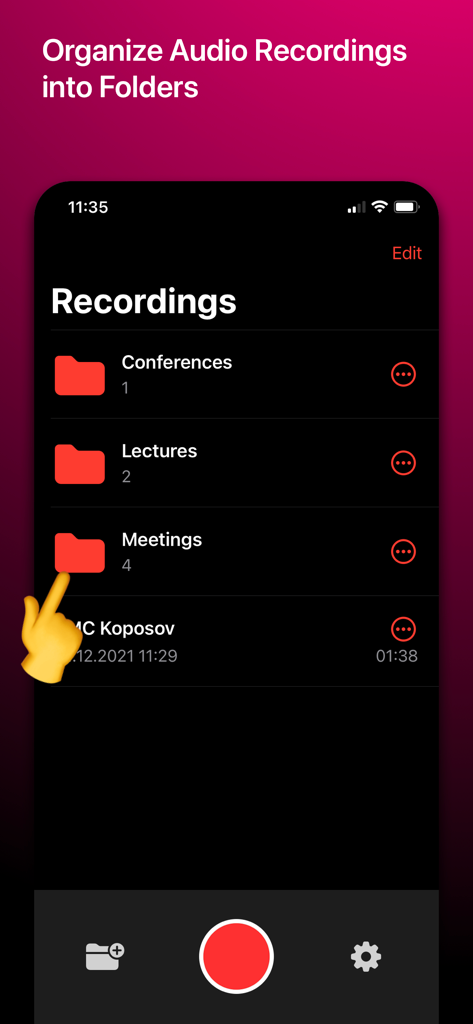
A screenshot of the Lecty app interface showing voice recordings organized into folders such as Conferences, Lectures, and Meetings.
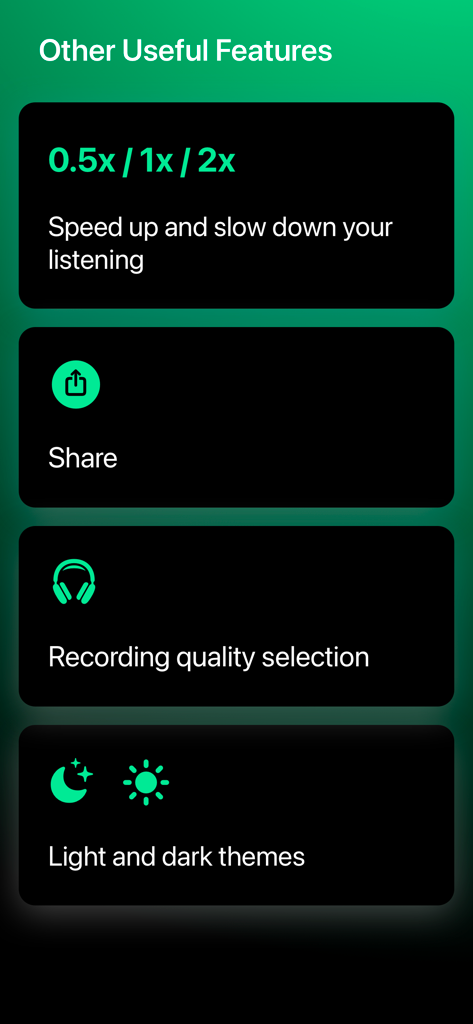
A list of additional features for the Lecty app including playback speed control sharing options recording quality and theme settings
Description
Download
More Like This
Top-ranked apps in the same category

Microsoft Teams
Microsoft Corporation

Zoom Workplace
Zoom Communications, Inc.

WhatsApp Business
WhatsApp Inc.

Indeed Job Search
Indeed Inc.

LinkedIn: Network & Job Finder
LinkedIn Corporation

Adobe Acrobat Reader: Sign PDF
Adobe Inc.

DingDing - Redefine Work in AI
DingTalk Technology Co., Ltd.

WeCom-Work Communication&Tools
Tencent Technology (Shenzhen) Company Limited

BOSS直聘-招聘求职找工作神器
Beijing China Product Bo Farce Network Technology Co., Ltd.
This page is not an official page of the app or its developer, but an independent editorial publication created for informational and commentary purposes. Unless expressly stated otherwise, neither the app nor its developer is affiliated with, endorsed by, sponsored by, authorized by, or otherwise officially connected with MWM, Apple, Google Play, the app publisher, or the app's developer, and nothing on this page implies that the app was developed using MWM's services. Any trademarks, logos, screenshots, and other content remain the property of their respective owners.