
This page is not an official page of the app or its developer, but an independent editorial publication created for informational and commentary purposes. Unless expressly stated otherwise, neither the app nor its developer is affiliated with, endorsed by, sponsored by, authorized by, or otherwise officially connected with MWM, Apple, Google Play, the app publisher, or the app's developer, and nothing on this page implies that the app was developed using MWM's services. Any trademarks, logos, screenshots, and other content remain the property of their respective owners.


WAM - Recover Deleted Messages
Instantly recover lost texts, photos, and voice notes. From restoring deleted memories to messaging unsaved contacts, WAM gives you total control over your chat history and social media status.
Downloads
30K+User Rating
Total Ratings
100Publisher
Category
Social NetworkingLocales
19Latest Version
1.1Size
54.8 MBFirst Released
Jun 19, 2025Master Your Messaging Experience
Powerful tools designed to give you total control over your chats, media, and social presence. Stop wondering what you missed and start managing your digital life like a pro.
Uncover Every Deleted Message
Instantly restore deleted texts, images, and voice notes. No more mystery—stay in the loop even when others change their minds or delete content.
Pro Video Splitting for Stories
Post long-form videos to your WhatsApp Status or Instagram Stories without limits. We automatically split your clips into perfect, ready-to-post segments.
Frequently Asked Questions
Everything you need to know about WAM - Recover Deleted Messages
How does WAM recover deleted messages?
WAM recovers deleted messages and media by monitoring your device's WhatsApp notifications via backup and recovery. It accesses messages from the notification history if they are deleted after being received.
Can WAM recover deleted WhatsApp Business chats?
Yes, WAM can recover deleted WhatsApp Business chats. The app offers features to undelete WhatsApp Business chats and restore deleted text messages using SMS backup.
Does WAM provide cloud backup for messages?
Yes, WAM provides secure cloud backup for your messages. It automatically backs up your WhatsApp and SMS messages with end-to-end encryption to ensure privacy and recoverability.
Can WAM send messages to unsaved contacts?
Yes, WAM allows users to send instant messages to any WhatsApp or Messenger user, including unsaved or unknown contacts, directly through its 'Instant SMS Messaging' feature.
What types of media can WAM recover?
WAM can recover various media files including images, videos, and voice notes. It also recovers text messages, ensuring comprehensive data restoration from chats.
Can WAM split long videos for social media status updates?
Yes, WAM includes a feature to split long videos. Users can import and split videos of any duration into high-quality clips for effortless sharing on WhatsApp Status, Instagram, and Facebook Stories.
Does WAM offer chat protection or locking features?
Yes, WAM offers a chat lock feature to protect your backup chats. This allows users to secure their conversations with a password, enhancing privacy for stored data.
Does WAM access a user's WhatsApp account directly?
No, WAM does not have direct access to your WhatsApp account or its servers. It operates by monitoring device notifications for message and media recovery, ensuring data privacy.
Can WAM convert videos to audio files?
Yes, WAM provides a 'Video to Audio Convert' feature. Users can easily convert video files into audio formats such as MP3, WAV, FLAC, AIFF, and CAF directly within the application.
Can WAM export chat and media files?
Yes, WAM allows users to export their chats and media files. This feature ensures that conversations and associated media can be saved or moved outside the application for better management.
The following screenshots and description are sourced directly from the app's official store listing and are the property of the app developer.
App Store
Screenshots
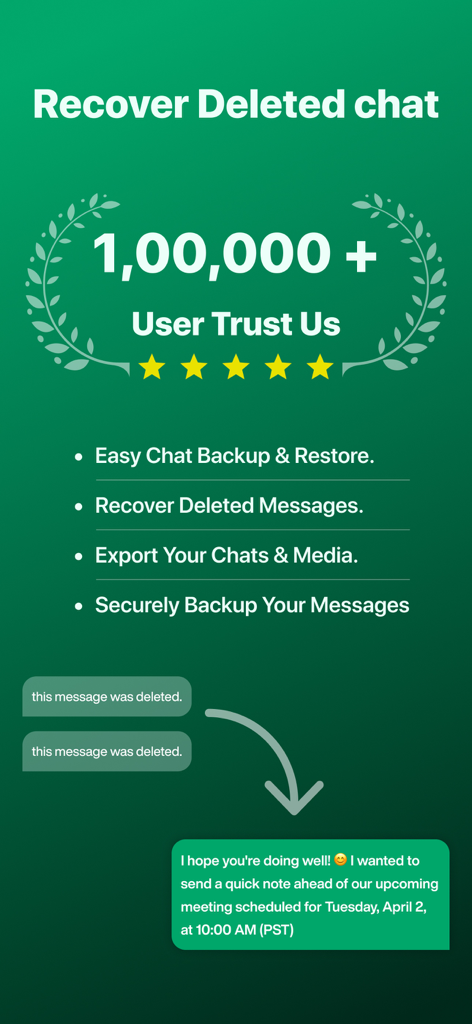
App screen showing features for recovering deleted messages and securing chat backups with over 100000 trusted users
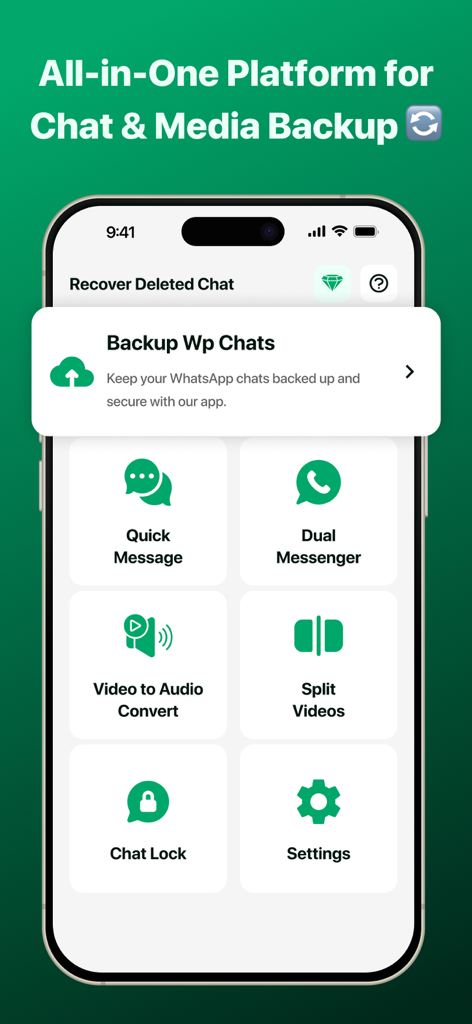
WAM app main interface showing chat and media backup tools with messaging utilities
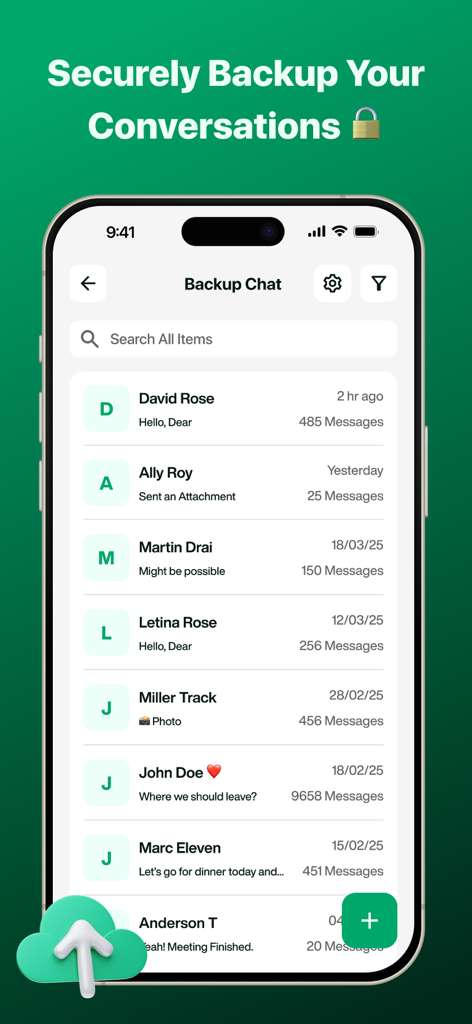
WAM app interface showing a list of securely backed up chat conversations with contact names and message counts
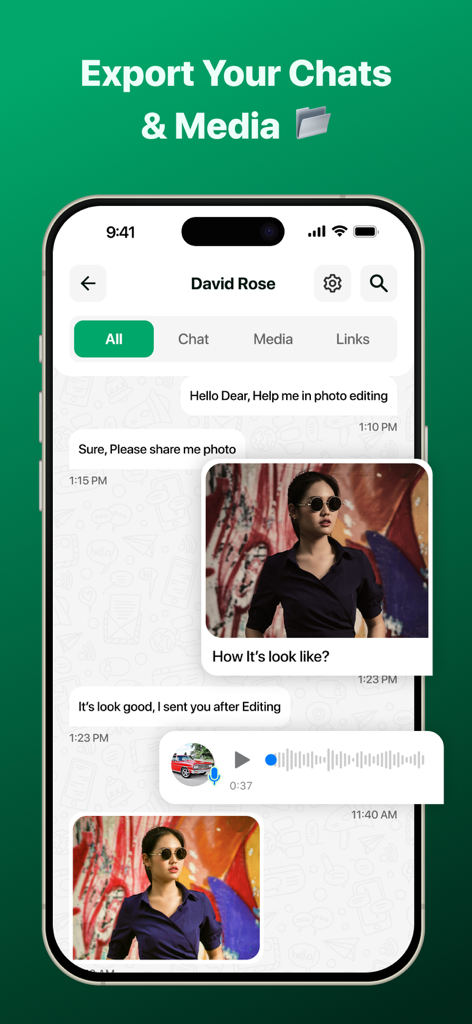
WAM app interface showing the export chats and media feature with recovered messages, photos, and voice notes.
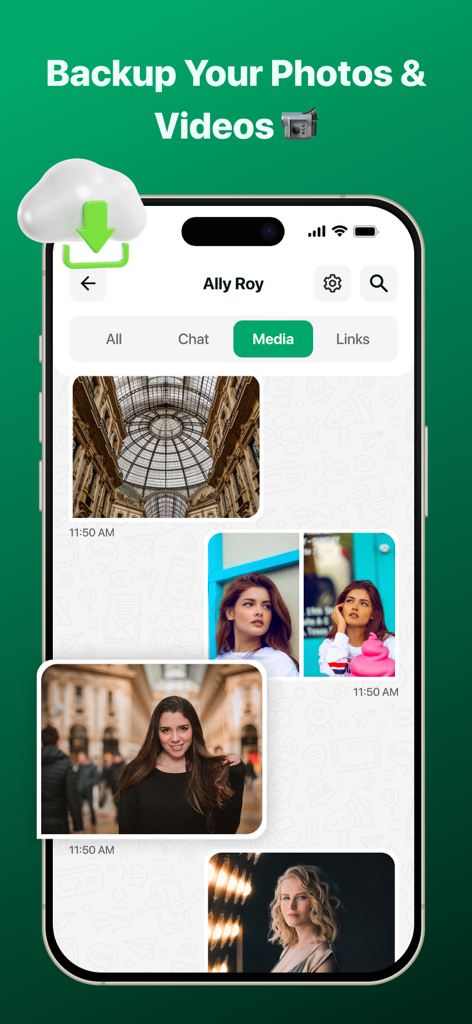
Smartphone screen showing the photo and video backup gallery in the WAM app with a cloud recovery icon
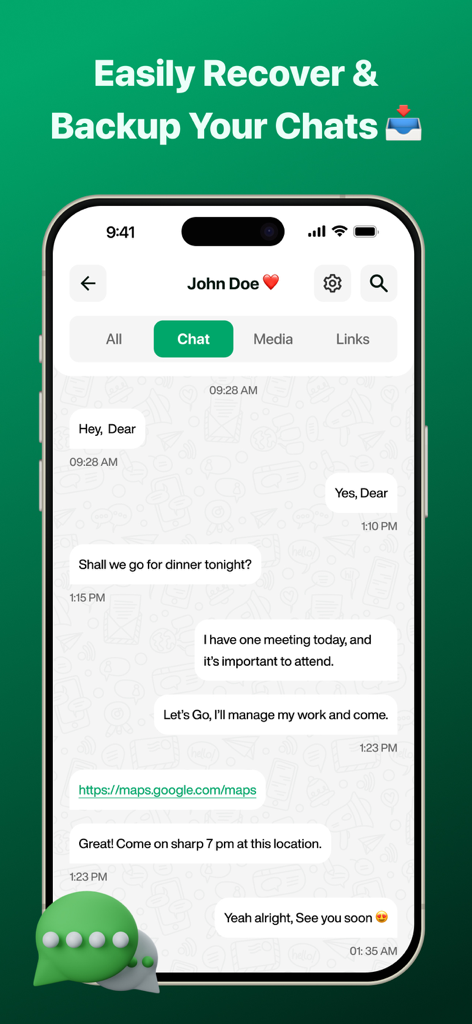
Screenshot of WAM app showing a chat interface with recovered messages and backup options
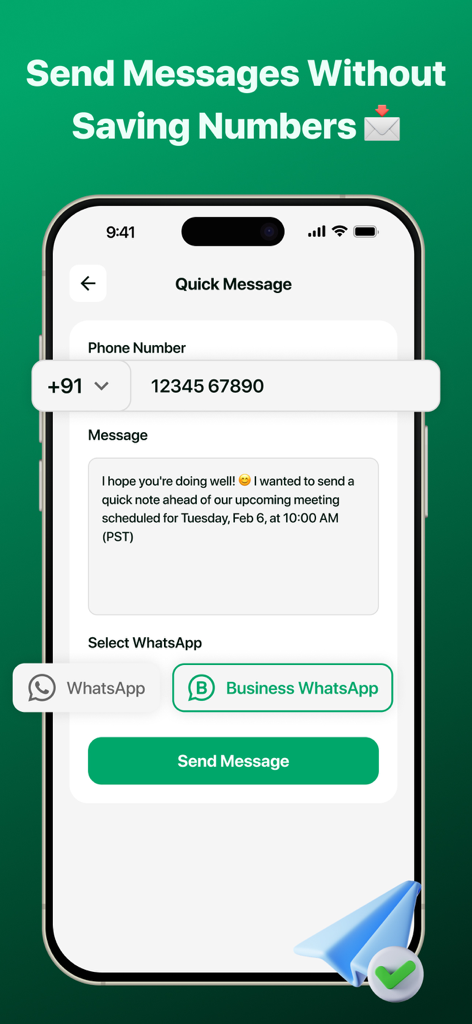
Interface of WAM app showing the feature to send messages to unsaved phone numbers on WhatsApp
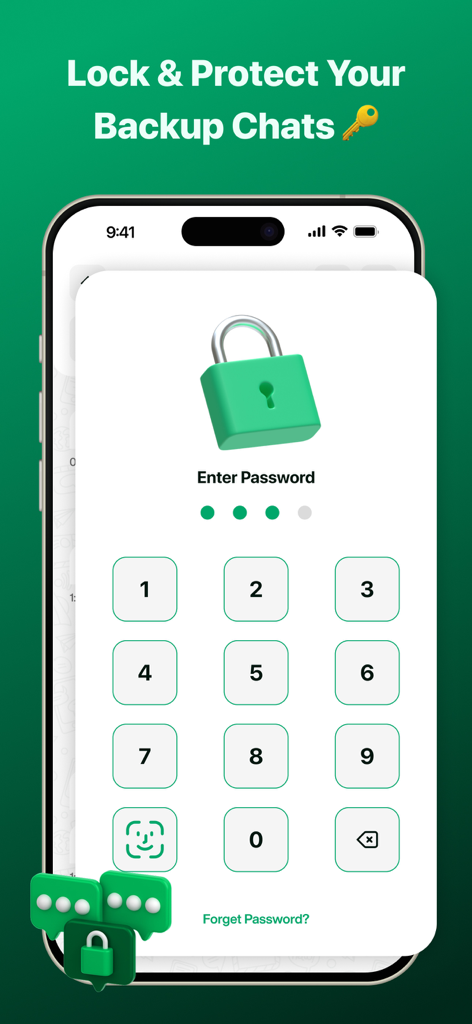
Mobile app interface showing a secure passcode entry screen to protect backup chat history with a green padlock icon
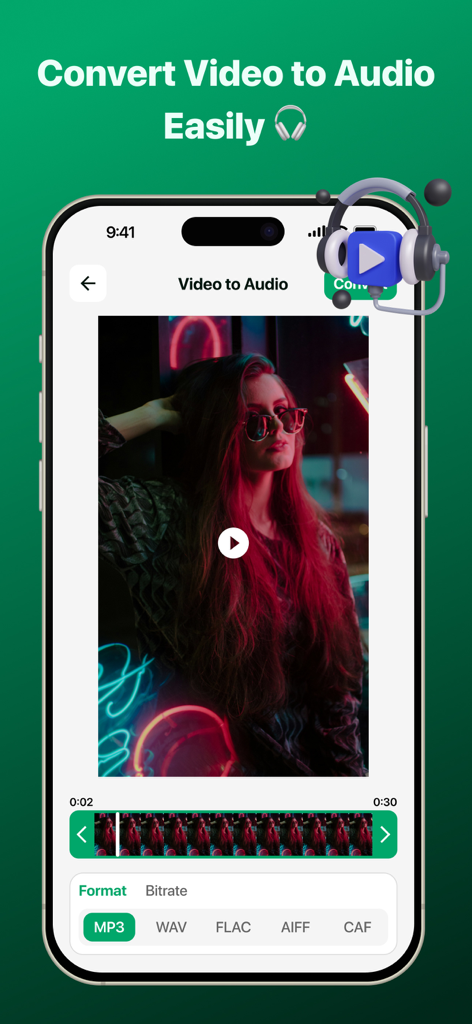
A smartphone screen showing the video to audio conversion feature of the WAM app with options for MP3 and WAV formats.
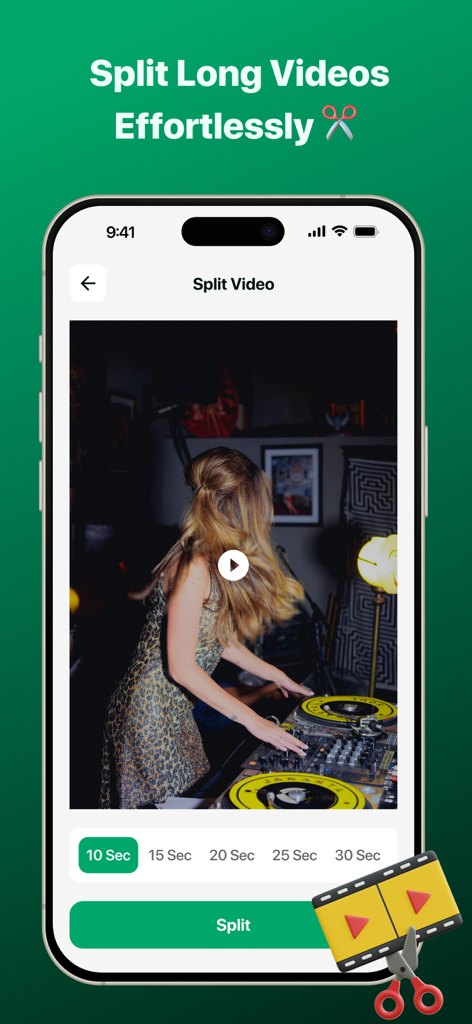
Interface of the WAM app showing the video splitter tool for cutting long videos into shorter segments for social media status
Description
Download
More Like This
Top-ranked apps in the same category

Threads
Instagram, Inc.

Telegram Messenger
Telegram FZ-LLC

WhatsApp Messenger
WhatsApp Inc.

Meta Platforms, Inc.

Discord - Talk, Play, Hang Out
Discord Inc.

Messenger
Meta Platforms, Inc.

Google Meet
Google LLC

rednote
Xingin Information Technology (Shanghai) Co., Ltd

Tencent Technology (Shenzhen) Company Limited
This page is not an official page of the app or its developer, but an independent editorial publication created for informational and commentary purposes. Unless expressly stated otherwise, neither the app nor its developer is affiliated with, endorsed by, sponsored by, authorized by, or otherwise officially connected with MWM, Apple, Google Play, the app publisher, or the app's developer, and nothing on this page implies that the app was developed using MWM's services. Any trademarks, logos, screenshots, and other content remain the property of their respective owners.