
This page is not an official page of the app or its developer, but an independent editorial publication created for informational and commentary purposes. Unless expressly stated otherwise, neither the app nor its developer is affiliated with, endorsed by, sponsored by, authorized by, or otherwise officially connected with MWM, Apple, Google Play, the app publisher, or the app's developer, and nothing on this page implies that the app was developed using MWM's services. Any trademarks, logos, screenshots, and other content remain the property of their respective owners.


Watch Reader - txt file
The ultimate e-reader for Apple Watch. Effortlessly sync TXT and ePub files, enjoy Text-to-Speech, and customize every detail for a discreet, distraction-free reading experience anywhere.
Downloads
21K+User Rating
Total Ratings
0Publisher
Category
BooksLocales
3Latest Version
1.25Size
63.6 MBFirst Released
Apr 6, 2023Read Without Limits, Right from Your Wrist
Experience the ultimate minimalist reader designed for Apple Watch power users. Turn every commute, workout, or break into a productive reading session with total customization and phone-free access.
Seamless Cloud Syncing
Import your TXT and ePub files effortlessly from iCloud, SMB, or NAS. Your personal digital library is always synced and ready for offline reading without reaching for your phone.
Pro-Level Customization
Fine-tune your experience with custom fonts, line spacing, and themes. Upload your own .otf files for a reading interface that is perfectly optimized for your watch screen.
The following screenshots and description are sourced directly from the app's official store listing and are the property of the app developer.
App Store
Screenshots
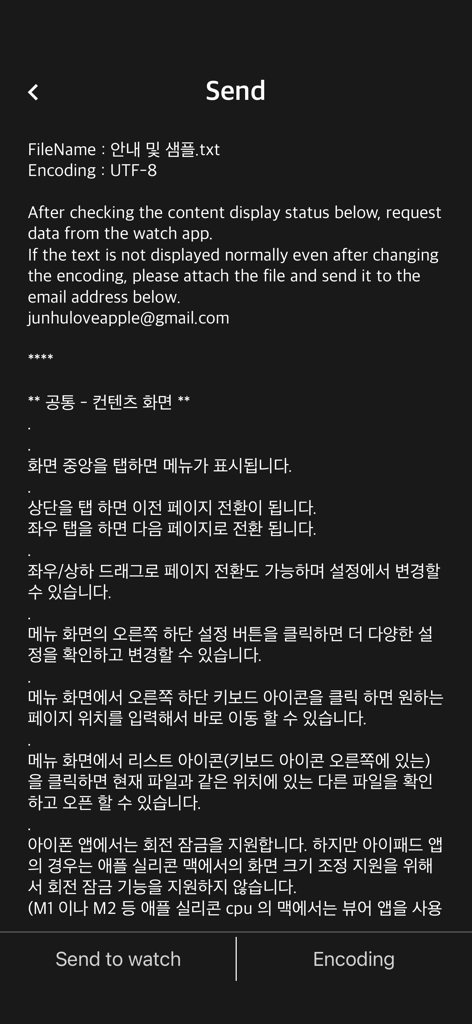
Interface of the Watch Reader iPhone app showing the screen to send text files to an Apple Watch.
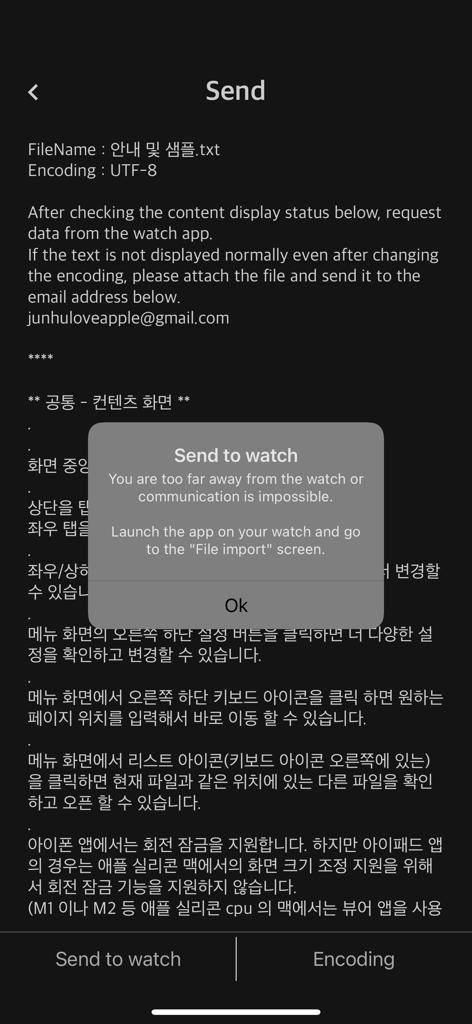
iPhone screen showing a popup with instructions to launch the Watch Reader app on the Apple Watch to import files.
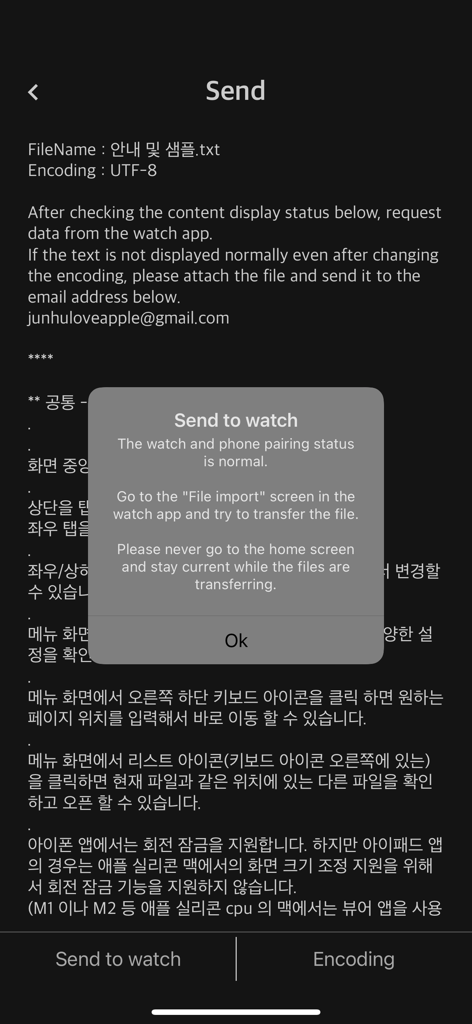
A screenshot of the Watch Reader iPhone app showing a popup notification for sending a text file to an Apple Watch
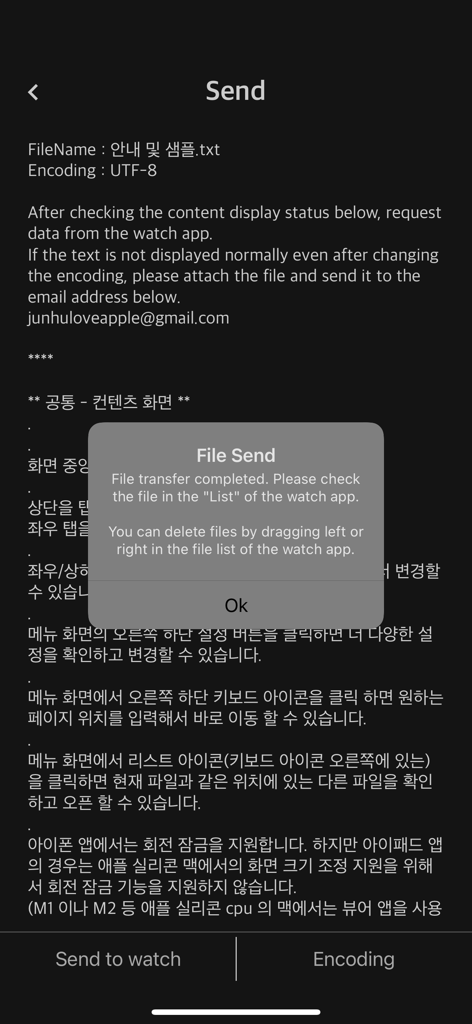
iPhone screen showing a successful file transfer confirmation from the Watch Reader app to an Apple Watch.
Description
Download
More Like This
Top-ranked apps in the same category

Amazon Kindle
AMZN Mobile LLC

Audible: Audiobooks & Podcasts
Audible, Inc.

七猫小说-看小说电子书的阅读神器
Shanghai Seven-Cat Culture Media Co.,Ltd.

QQ阅读
Shenzhen Tencent Computer Systems Company Limited

Wattpad - Read & Write Stories
Wattpad Corp

Libby, the library app
OverDrive, Inc.

微信读书
Tencent Technology (Shenzhen) Company Limited

起点读书-看小说听书的阅读神器
Shanghai Xuan Ting Entertainment Information & technology CO.,LTD

Goodreads: Book Reviews
Goodreads, Inc
This page is not an official page of the app or its developer, but an independent editorial publication created for informational and commentary purposes. Unless expressly stated otherwise, neither the app nor its developer is affiliated with, endorsed by, sponsored by, authorized by, or otherwise officially connected with MWM, Apple, Google Play, the app publisher, or the app's developer, and nothing on this page implies that the app was developed using MWM's services. Any trademarks, logos, screenshots, and other content remain the property of their respective owners.