
This page is not an official page of the app or its developer, but an independent editorial publication created for informational and commentary purposes. Unless expressly stated otherwise, neither the app nor its developer is affiliated with, endorsed by, sponsored by, authorized by, or otherwise officially connected with MWM, Apple, Google Play, the app publisher, or the app's developer, and nothing on this page implies that the app was developed using MWM's services. Any trademarks, logos, screenshots, and other content remain the property of their respective owners.

Weather Clock Widget
Master your schedule with the most elegant visual weather experience. Get precise, hour-by-hour updates beautifully integrated into your Home Screen and Apple Watch—so you’re always prepared, rain or shine.
Downloads
782K+User Rating
Total Ratings
11K+Publisher
Category
WeatherLocales
8Latest Version
3.3Size
173.4 MBFirst Released
Nov 25, 2014Master Your Day with Visual Weather Intelligence
Experience the perfect fusion of time and forecast. Our elegant widgets transform your Home Screen into a powerful, personalized planning hub.
Intuitive Weather Clock
Visualize your hour-by-hour forecast directly on a clock face to see exactly when the sun will shine or rain will fall at a glance.
Seamless Apple Integration
Stay informed across your entire ecosystem with custom Apple Watch complications, Siri support, and interactive Lock Screen widgets.
Frequently Asked Questions
Everything you need to know about Weather Clock Widget
Is Weather Clock Widget a free application?
Yes, Weather Clock Widget is free. It provides a unique live animated weather clock widget for your Home Screen.
What are the main features of the Weather Clock Widget app?
Weather Clock Widget offers a live animated clock with hour-by-hour weather forecast, iMessage app, Apple Watch support, multiple themes, Siri integration, and various weather data types.
Does Weather Clock Widget support Apple Watch devices?
Yes, Weather Clock Widget provides an Apple Watch app and complications. Users can personalize their Apple Watch with this elegant weather widget.
What specific weather information does Weather Clock Widget display?
Weather Clock Widget provides nine types of data including air temperature, 'feels like' temperature, humidity, precipitation, dew point, chance of precipitations, wind, geomagnetic activity, and UV index.
Can I use Siri with the Weather Clock Widget app?
Yes, Weather Clock Widget supports Siri. Users can use Siri to show the Weather Clock widget with the most accurate hour-by-hour weather forecast directly.
How can I customize the appearance of Weather Clock Widget?
Weather Clock Widget allows personalization with multiple icon sets, visual themes, and a night mode. Users can enjoy 7 new themes and schedule theme switching.
The following screenshots and description are sourced directly from the app's official store listing and are the property of the app developer.
App Store
Screenshots
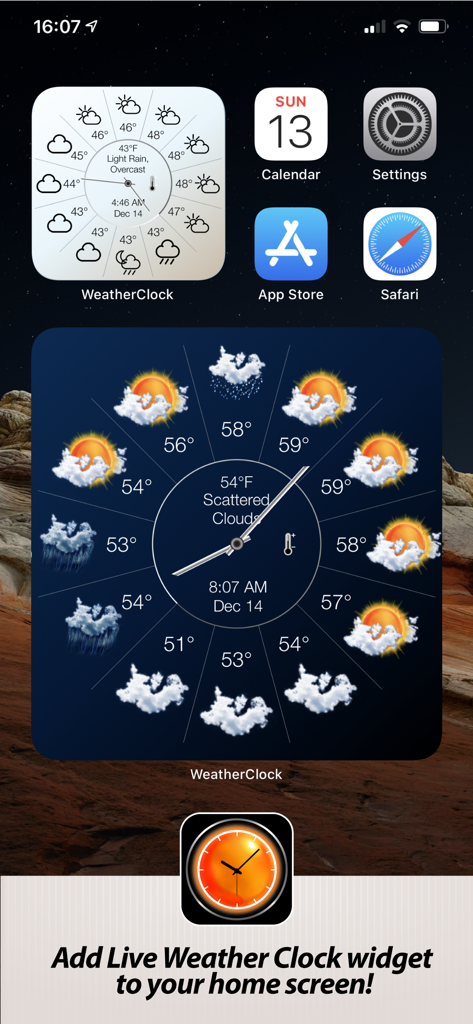
Weather Clock Widget showing hourly weather forecast on an iPhone home screen
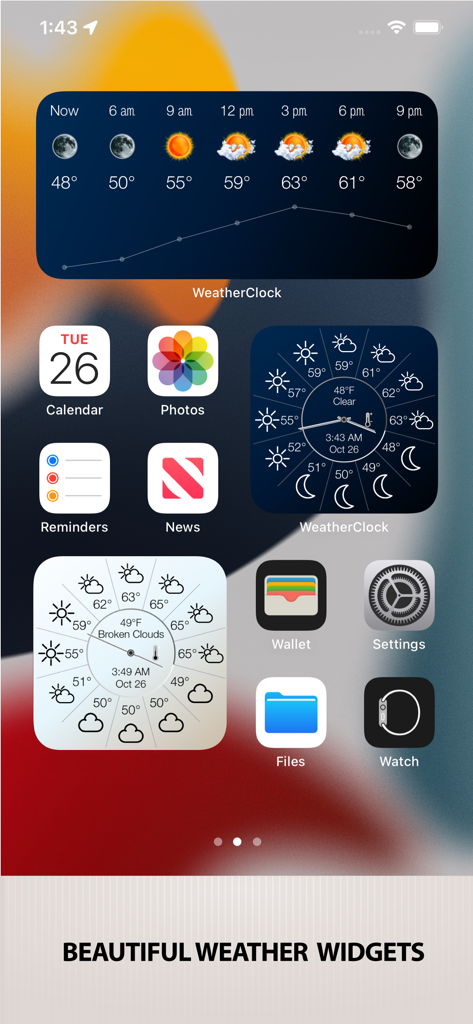
iPhone home screen with elegant weather clock widgets showing hourly forecasts
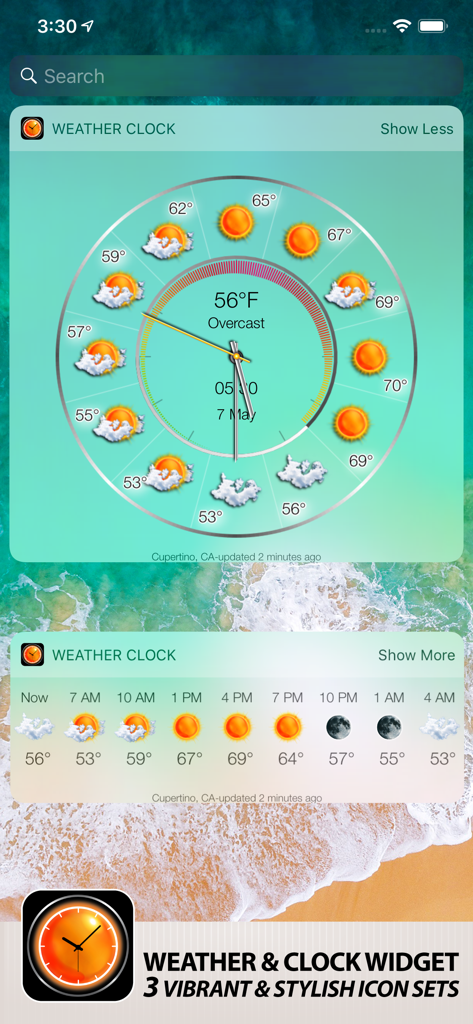
Weather Clock Widget showing hourly forecast with circular analog clock and horizontal list on iPhone
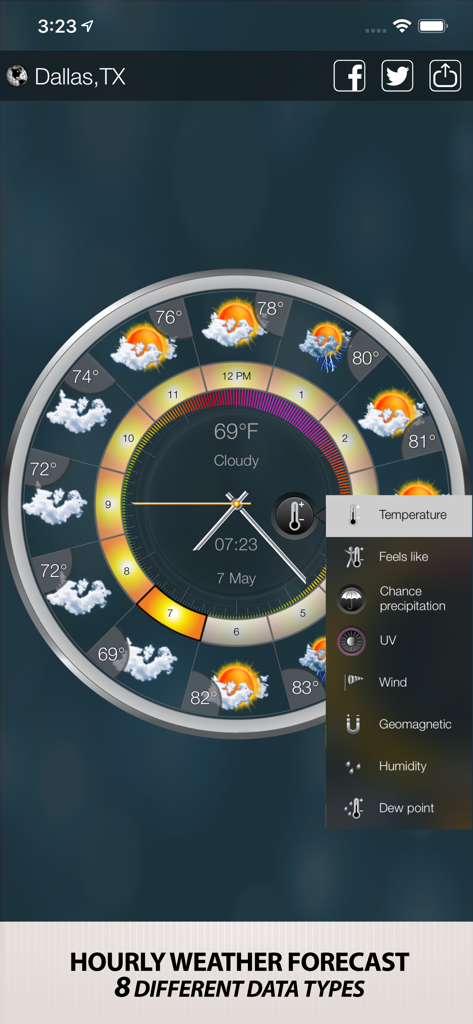
Weather clock widget showing hourly forecast and eight different weather data types on a circular dial
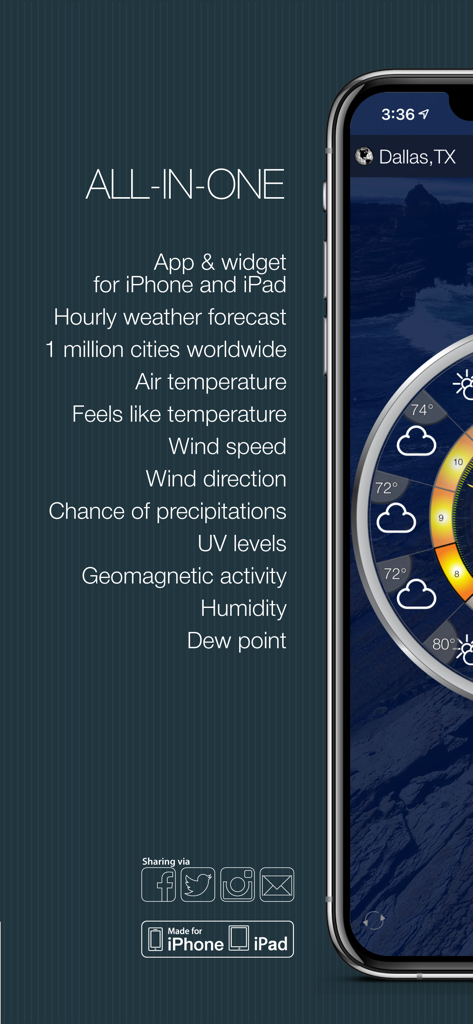
Weather Clock Widget app screen showing a list of features including hourly forecast and UV levels on an iPhone
Description
Download
More Like This
Apps with similar features and user experience
Weather Kitty: Weather + Radar
Weather Creative Inc.
Panda Weather
HIGHONE GAMES LIMITED

Weather: USA
Saevio Apps SRL

Awesome Weather YoWindow
Pavel Repkin
14 Day Weather Forecast
Voros Innovation & Business Services Pty Ltd
Living Weather HD Live
Voros Innovation & Business Services Pty Ltd

YoWindow Weather
Pavel Repkin
Weather for iPad!
Alexandre Morcos

Living Weather HD Live +
Voros Innovation & Business Services Pty Ltd
This page is not an official page of the app or its developer, but an independent editorial publication created for informational and commentary purposes. Unless expressly stated otherwise, neither the app nor its developer is affiliated with, endorsed by, sponsored by, authorized by, or otherwise officially connected with MWM, Apple, Google Play, the app publisher, or the app's developer, and nothing on this page implies that the app was developed using MWM's services. Any trademarks, logos, screenshots, and other content remain the property of their respective owners.