
This page is not an official page of the app or its developer, but an independent editorial publication created for informational and commentary purposes. Unless expressly stated otherwise, neither the app nor its developer is affiliated with, endorsed by, sponsored by, authorized by, or otherwise officially connected with MWM, Apple, Google Play, the app publisher, or the app's developer, and nothing on this page implies that the app was developed using MWM's services. Any trademarks, logos, screenshots, and other content remain the property of their respective owners.


WebChat For WApp Messenger
Seamlessly manage separate personal and work accounts on one device. Access your chats on iPad, send instant messages without saving contacts, and streamline your workflow with quick replies and smart reminders.
Downloads
37K+User Rating
Total Ratings
0Publisher
Category
Social NetworkingLocales
18Latest Version
2.0Size
23.4 MBFirst Released
Jan 14, 2021Master Your Workflow on Every Device
Bridge the gap between personal communication and professional productivity with the ultimate WhatsApp utility suite for iPhone and iPad.
Dual Account & iPad Access
Effortlessly manage two WhatsApp accounts on a single iPhone or unlock full messaging capabilities on your iPad. Stay connected across all your devices without the friction.
Direct 'ClickToChat' Messaging
Send messages instantly to any number without saving it to your contact list. Keep your personal phonebook clutter-free and professional for one-time business inquiries.
The following screenshots and description are sourced directly from the app's official store listing and are the property of the app developer.
App Store
Screenshots
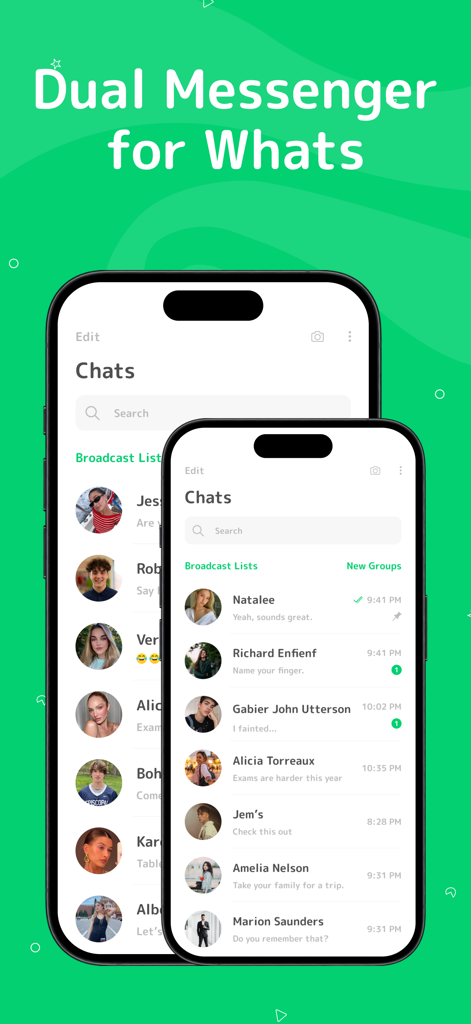
Two iPhones displaying the chat interface of the Dual Messenger for WhatsApp app with various contact profiles
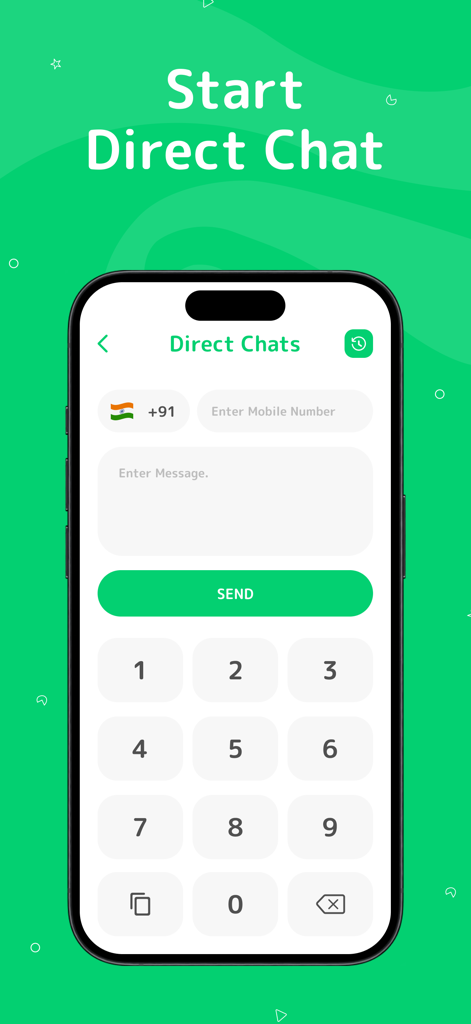
Interface for sending direct WhatsApp messages to unsaved contacts
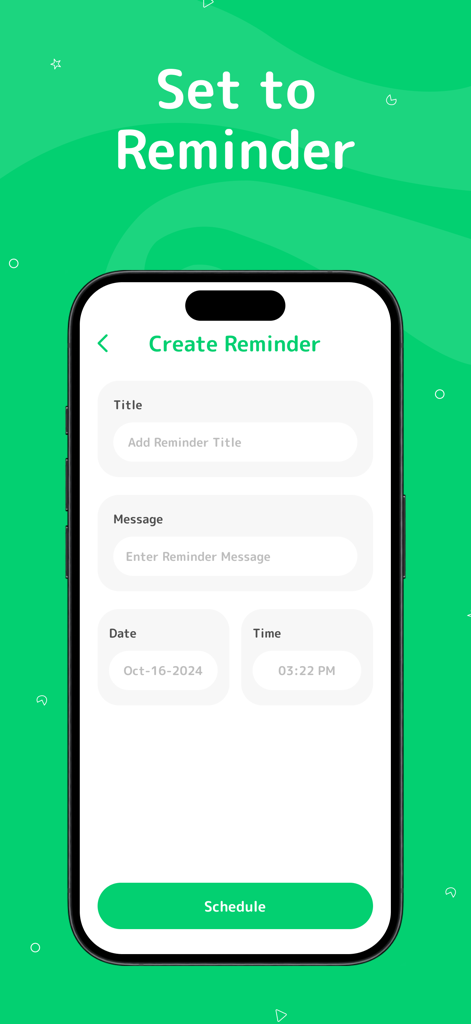
Smartphone screen showing the create reminder and message scheduling interface.
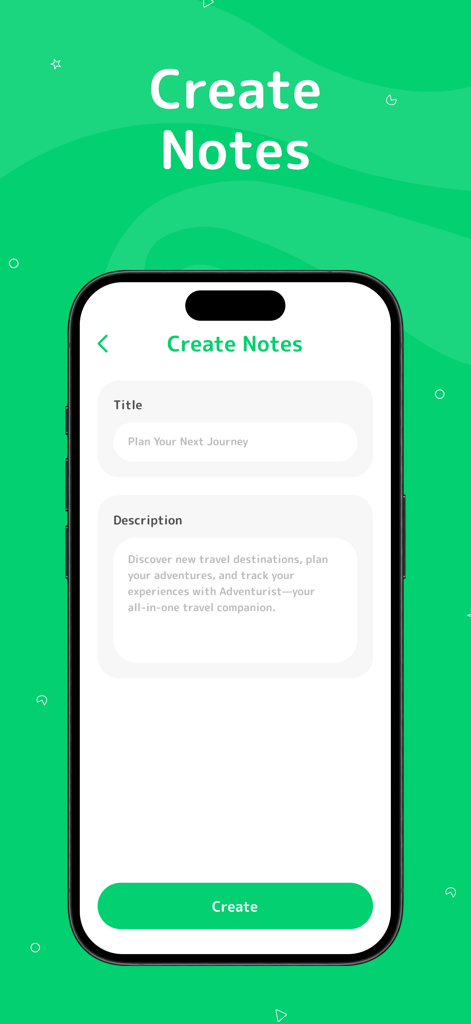
A mobile interface for the Create Notes feature showing fields for title and description on a green background.
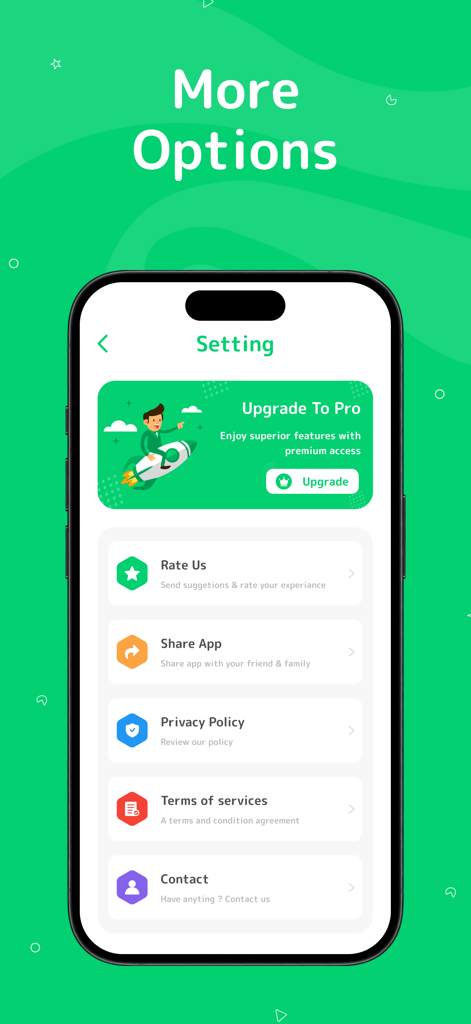
Settings screen of WebChat for WApp Messenger showing an upgrade to pro banner and general menu options like rate us and privacy policy.
Description
Download
More Like This
Top-ranked apps in the same category

Threads
Instagram, Inc.

Telegram Messenger
Telegram FZ-LLC

WhatsApp Messenger
WhatsApp Inc.

Meta Platforms, Inc.

Discord - Talk, Play, Hang Out
Discord Inc.

Messenger
Meta Platforms, Inc.

Google Meet
Google LLC

rednote
Xingin Information Technology (Shanghai) Co., Ltd

Tencent Technology (Shenzhen) Company Limited
This page is not an official page of the app or its developer, but an independent editorial publication created for informational and commentary purposes. Unless expressly stated otherwise, neither the app nor its developer is affiliated with, endorsed by, sponsored by, authorized by, or otherwise officially connected with MWM, Apple, Google Play, the app publisher, or the app's developer, and nothing on this page implies that the app was developed using MWM's services. Any trademarks, logos, screenshots, and other content remain the property of their respective owners.