
This page is not an official page of the app or its developer, but an independent editorial publication created for informational and commentary purposes. Unless expressly stated otherwise, neither the app nor its developer is affiliated with, endorsed by, sponsored by, authorized by, or otherwise officially connected with MWM, Apple, Google Play, the app publisher, or the app's developer, and nothing on this page implies that the app was developed using MWM's services. Any trademarks, logos, screenshots, and other content remain the property of their respective owners.

WeDraw: Trace & Create
Master proportions and refine your art skills with augmented reality overlays and side-by-side references. No ads, no sign-ups, and no distractions—just a minimalist tool designed for creators to bridge the gap between imagination and the page.
Downloads
400User Rating
Total Ratings
0Publisher
Category
Graphics & DesignLocales
1Latest Version
1.1Size
157.3 MBFirst Released
Jul 28, 2025Master Your Craft with Precision
From absolute beginners to digital nomads, WeDraw provides the perfect bridge between inspiration and a finished masterpiece through smart AR technology and a distraction-free workspace.
Smart AR Tracing
Project any reference directly onto your paper or canvas using Augmented Reality to capture perfect proportions and build muscle memory with ease.
Pure Creative Focus
Ditch the subscriptions and account setups. Enjoy a minimalist, ad-free interface designed to keep your art—and nothing else—in the spotlight.
The following screenshots and description are sourced directly from the app's official store listing and are the property of the app developer.
App Store
Screenshots
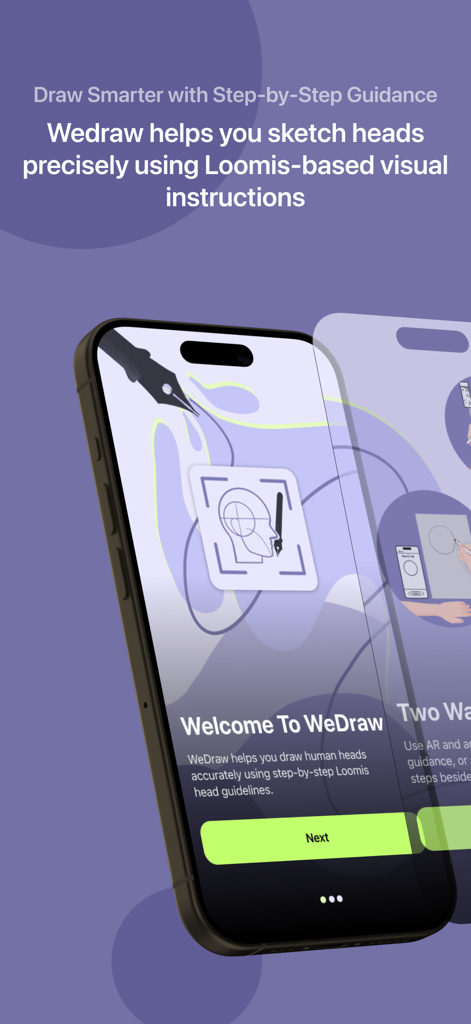
WeDraw app onboarding screen showcasing step-by-step Loomis method guidance for sketching human heads.
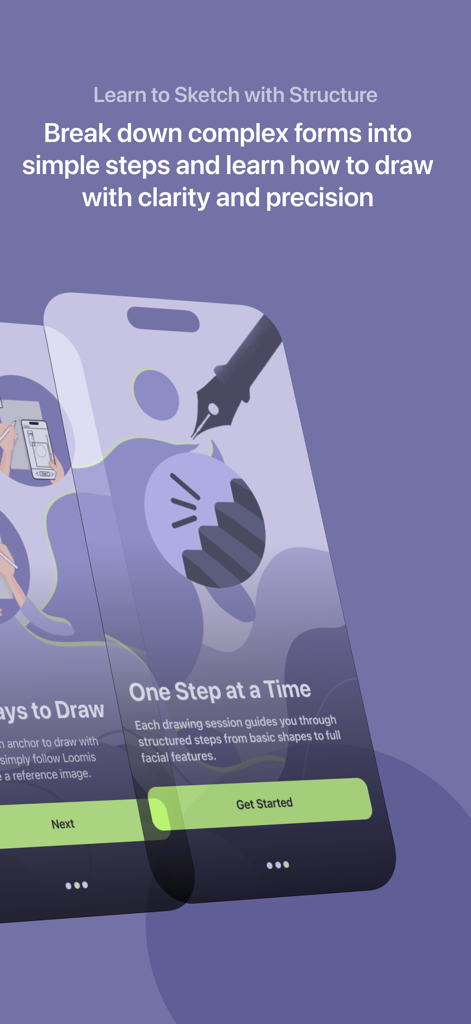
WeDraw app interface showing a guide to learning sketch structure with simple steps
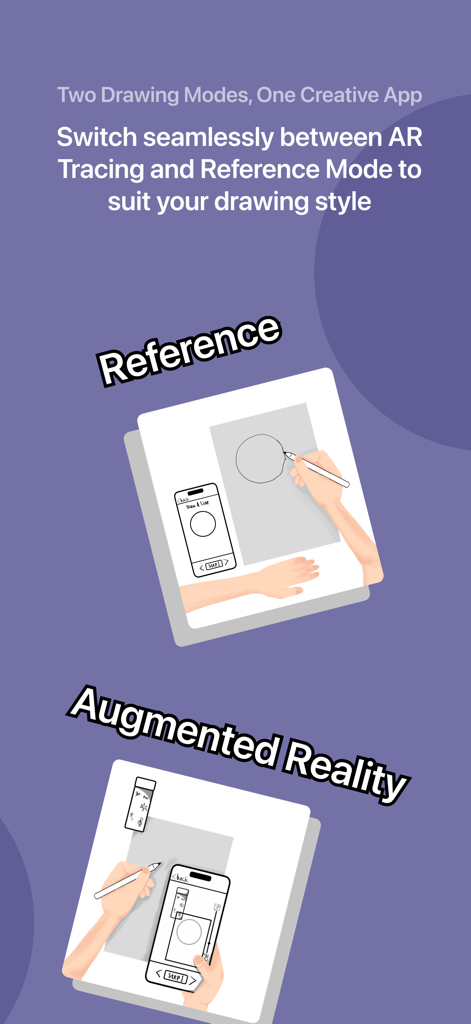
Infographic showing WeDraw app features with Reference and Augmented Reality drawing modes
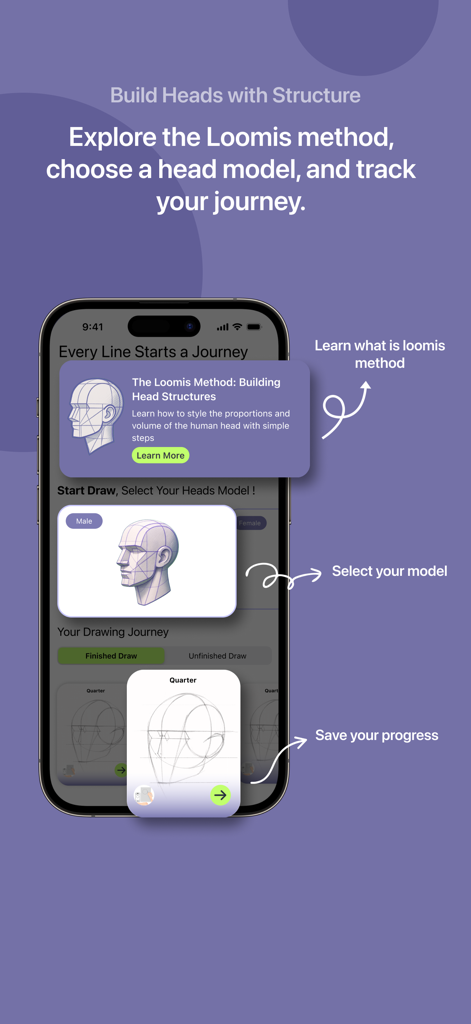
Interface of WeDraw app explaining the Loomis method for drawing human head proportions with 3D models.
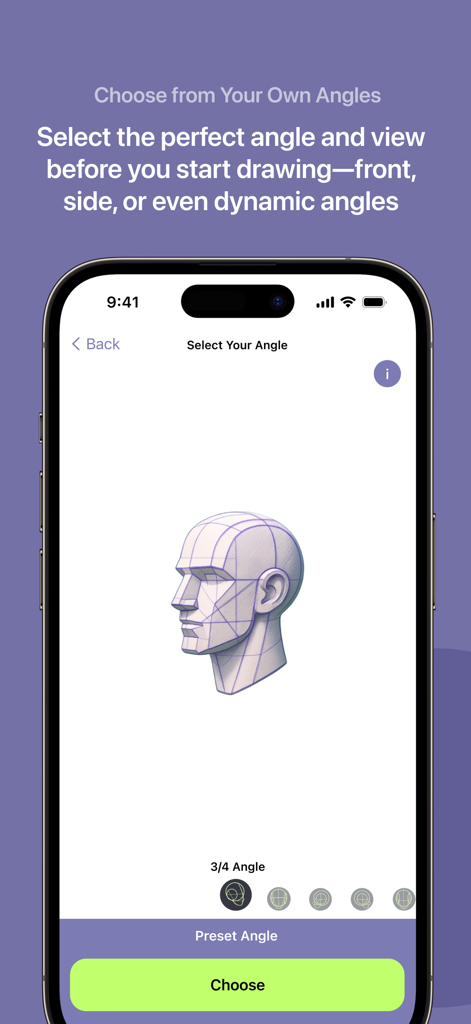
WeDraw app interface showing a 3D head model reference at a three quarter angle for tracing and sketching
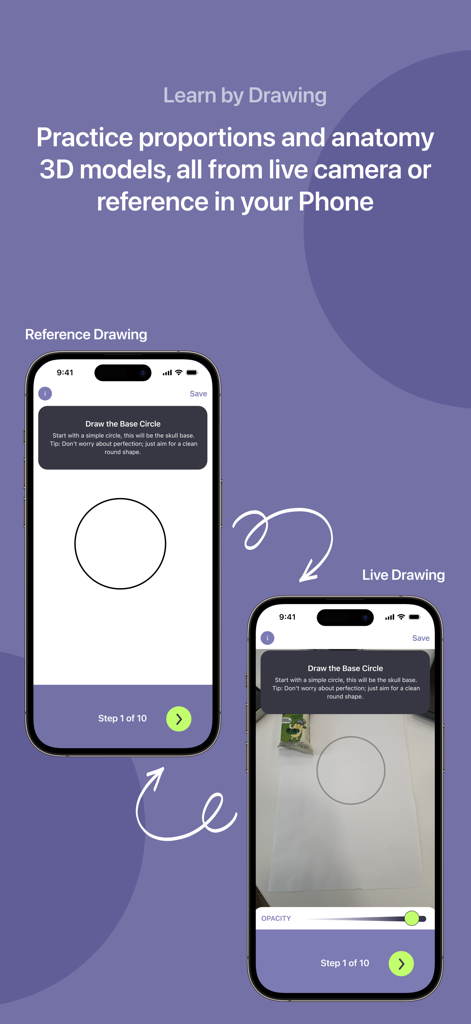
Comparison of reference drawing and live AR tracing modes in the WeDraw app
Description
Download
More Like This
Top-ranked apps in the same category

Kling AI: AI Image&Video Maker
LOHAS GAMES PTE. LTD.

iScreen - Widgets & Wallpaper
Xiamen ShenZhuo Information Technology Co., Ltd.

Dreamina AI: Image&Video Maker
BYTEDANCE PTE. LTD.

Home AI - AI Interior Design
HUBX YAZILIM HIZMETLERI ANONIM SIRKETI

ibis Paint X
ibis inc.

ThemeKit: Widget & Icon Themes
Woohoo Tech. Ltd.

Sketchbook®
Sketchbook, Inc.

Colorful Widget- Widget&Themes
Guangzhou ZHIFENG Information Technology Co.,Ltd.

ReRoom AI: Interior Design
GM UniverseApps Limited
This page is not an official page of the app or its developer, but an independent editorial publication created for informational and commentary purposes. Unless expressly stated otherwise, neither the app nor its developer is affiliated with, endorsed by, sponsored by, authorized by, or otherwise officially connected with MWM, Apple, Google Play, the app publisher, or the app's developer, and nothing on this page implies that the app was developed using MWM's services. Any trademarks, logos, screenshots, and other content remain the property of their respective owners.